How Do I Install the Rachio 3 Flow Meter?
- Meter installed against the flow arrow
- Pulse wires on the wrong terminals or loose
- Flow monitoring not enabled in the app
Problem Description
You are installing the Rachio 3 wired or wireless flow meter so the controller can monitor flow and catch leaks, but it reads zero, is not detected, or never fires leak alerts. Most flow-meter install issues are the meter plumbed against the flow arrow, the pulse wires not landed correctly, or flow monitoring not enabled in the Rachio app afterward.
Why This Happens in Real Homes
A Rachio flow meter only works if it is plumbed in the right direction with a straight run of pipe, its pulse wires landed correctly, and flow monitoring then enabled in the app. In real installs the meter mounted backwards against the arrow, or flow monitoring never switched on, is why it reads zero.
Install with the arrow following the flow, wire the pulses correctly, and enable flow monitoring before testing.
Symptoms
- Flow meter reads zero after install
- Controller does not detect the flow meter
- Leak alerts never fire
- Flow readings erratic
- Meter not listed in the app
- Wired pulse signal not seen
- Wireless meter not pairing
- Readings appear backwards
Recognize these? Here's what usually causes it.
Common Causes
- Meter installed against the flow arrow
- Pulse wires on the wrong terminals or loose
- Flow monitoring not enabled in the app
- Wireless meter out of range or unpaired
- Meter too close to a fitting (needs straight pipe)
- Corroded or nicked pulse wiring
- Wrong meter size for the pipe
- Air in the line skewing early readings
Most fixes happen in the first 3 steps.
Never work on irrigation wiring while the controller is powered on. Turn off power before touching any zone or common wires. Be aware of local watering restrictions and regulations in your area. Overwatering can damage your landscape and foundation. Smart controllers help comply with water conservation requirements.
Tools & Requirements
These tools will help you complete this fix.
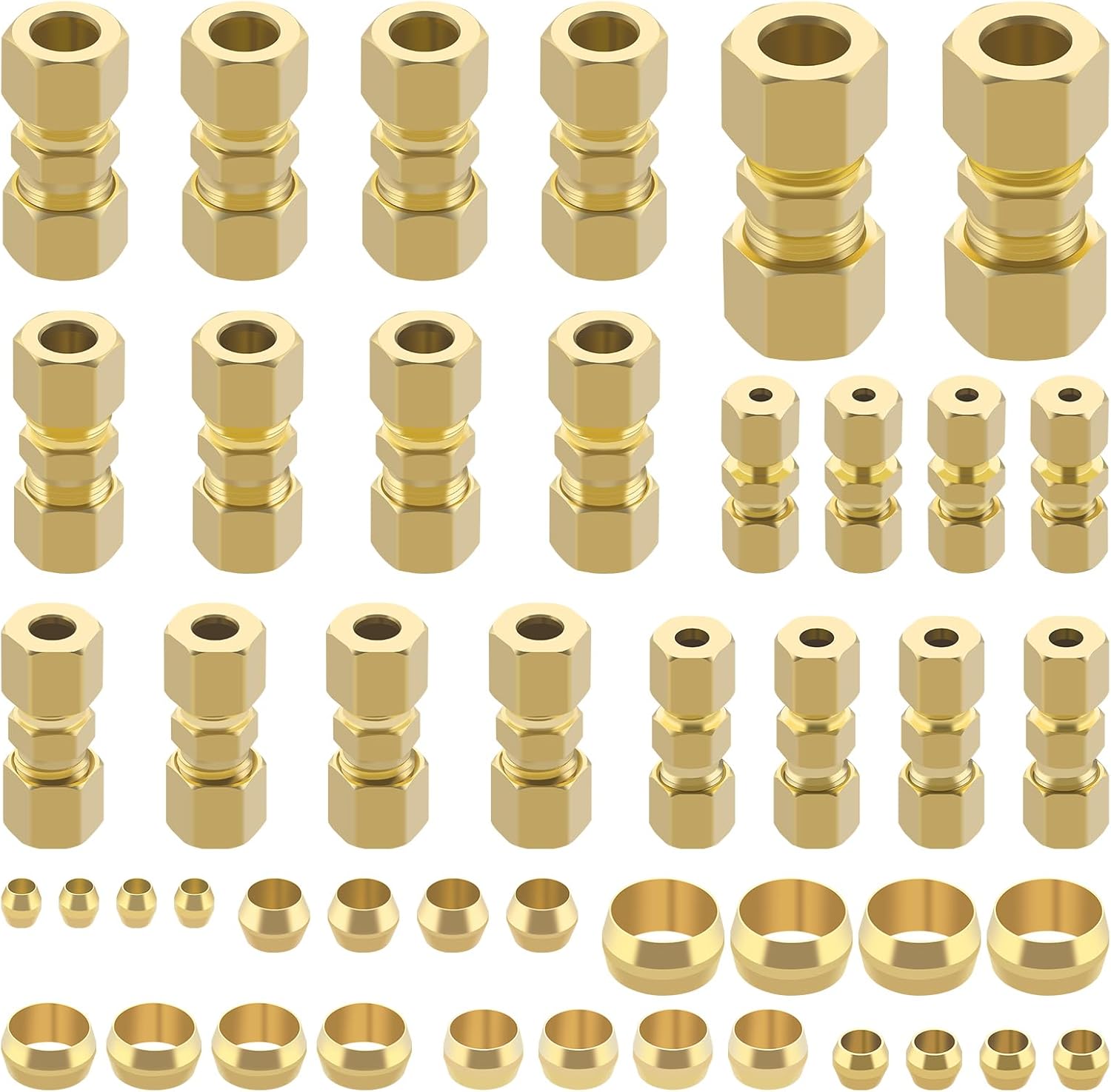
Pipe fittings
46pcs Brass Compression Tube Pipe Fittings Assortmen...

Plumbers tape
VOTMELL 8 Rolls 1/2 Inch(W) X 520 Inches(L) Teflon P...
As an Amazon Associate we earn from qualifying purchases.
Step-by-Step Solution
Choose the correct flow meter size
The Rachio Wireless Flow Meter (model WFM) attaches to your main irrigation supply line. It is available for 3/4-inch and 1-inch pipe. Measure your irrigation pipe diameter before purchasing. The flow meter monitors water usage per zone and detects leaks by comparing actual flow to expected flow. It installs inline on the pipe — requiring you to cut the pipe and add the meter with fittings.
Needed for this step
46pcs Brass Compression Tube Pipe Fittings Asso...
This helps complete the fix you are currently reading.
$29.99Install the flow meter on the irrigation supply line
Shut off the water supply to the irrigation system. Cut the pipe where you want to install the meter — ideally after the backflow preventer and before the valve manifold. Install the flow meter using the included fittings (push-fit for PVC, or thread adapters). The flow arrow on the meter must point in the direction of water flow (toward the valves). Glue or tighten fittings. Turn the water back on and check for leaks at all connections.
Pair with the Rachio 3 controller
In the Rachio app, go to More > Flow Meter > Add Flow Meter. Press the pairing button on the flow meter. The meter communicates wirelessly with the Rachio 3 controller. After pairing, the app shows water flow data. The meter measures gallons per zone and total system usage. It reports in real time during watering sessions.
Calibrate and set flow thresholds
Run each zone for a few minutes so the Rachio system learns the normal flow rate per zone. After learning, the system sets expected flow ranges. In the app, you can adjust the leak detection sensitivity — how much deviation from expected flow triggers a leak alert. Tighter sensitivity catches smaller leaks but may cause false alarms from normal pressure fluctuations. Start at the default setting and adjust if you get too many false alerts.
Set up leak detection alerts
In the Rachio app, enable flow alerts. The system notifies you when: unexpected flow is detected while no zone is running (possible main line leak or stuck valve), flow during a zone run exceeds the expected range by a set percentage (broken head or line break), or no flow is detected during a scheduled zone run (closed valve or pump failure). You can also set the system to automatically shut off if a leak is detected — this prevents water waste and damage.
Quick Solutions
Still having issues? This is usually the deeper cause below.
If this comes back after following these steps, check whether a recent app or firmware update reset a default setting — the fix works, but the setting gets reverted silently.
["Detects leaks and stuck valves", "Tracks water usage per zone", "Alerts for unusual flow"]
This issue almost always looks more complex than it is — the majority of cases trace back to a single setting, a stale credential, or a default that shipped wrong.
- Meter installed against the flow arrow
- Pulse wires on the wrong terminals or loose
- Flow monitoring not enabled in the app
- Wireless meter out of range or unpaired
- Meter too close to a fitting (needs straight pipe)
Before you go — try one of these (they fix most cases).
Official Manufacturer Manual
Rachio provides official product documentation through their online manual rather than downloadable PDF. Access setup guides, troubleshooting steps, and product specifications for your Rachio 3.
Source: support.rachio.com
Need More Help? Rachio Support
Note: The contact information below connects you directly to Rachio's official customer support team, not Trunetto. They can help with warranty claims, device replacements, and advanced technical issues.
How Does Rachio Compare?
Before replacing your Rachio device, see how it stacks up against alternatives in our full comparison guides.
Accessories owners commonly pair with Rachio 3.
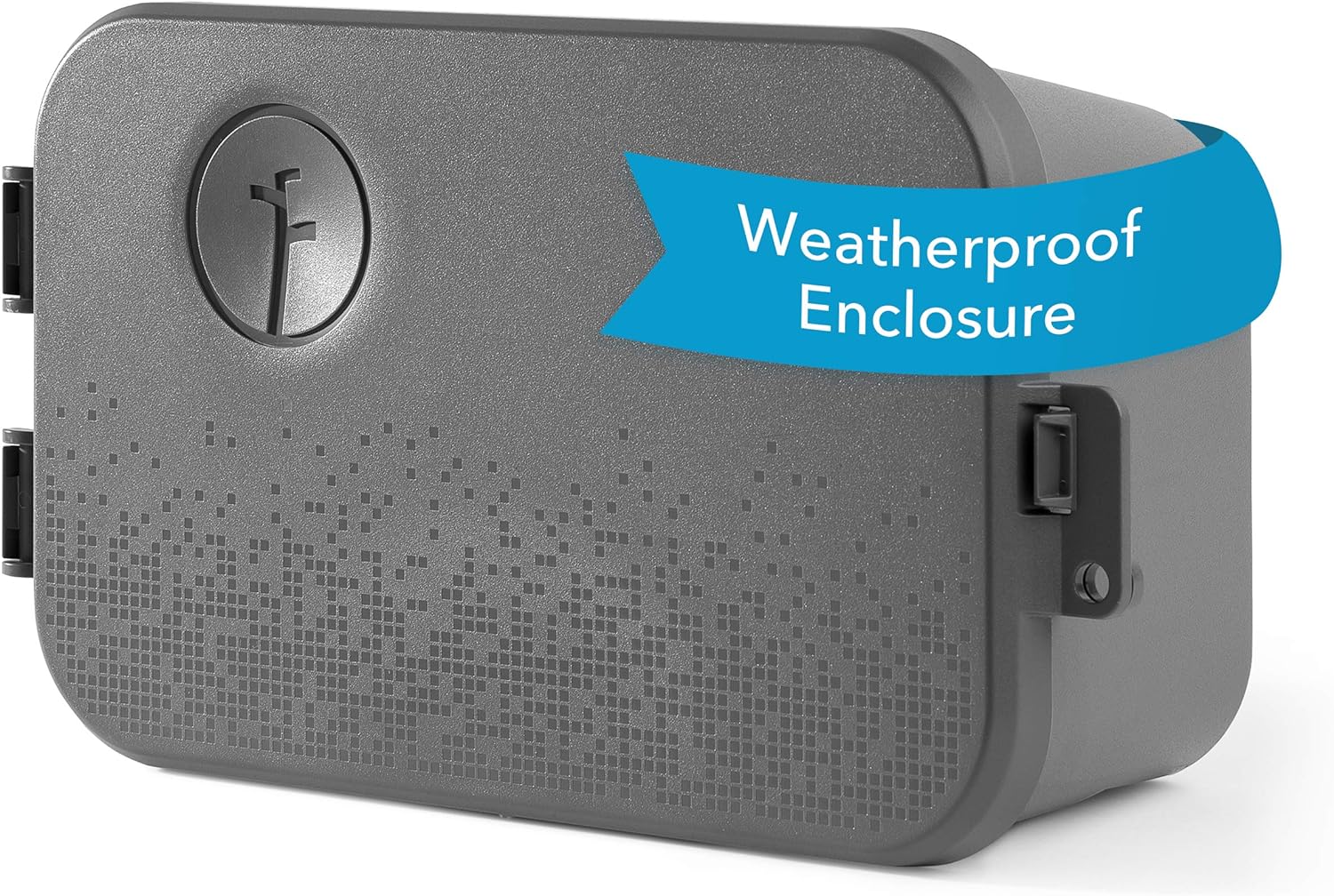
Rachio Smart Sprinkler Controller Weatherproof Outdoor En...

Rachio 3 Smart Bundle: 8 Zone Controller with Outdoor Enc...

Rachio 3 Smart Bundle: Includes Rachio 3rd Generation-16 ...
As an Amazon Associate we earn from qualifying purchases.