How Do I Adjust Seasonal Shift on My Rachio 3?
- Seasonal Shift turned off for the schedule
- Adjustment curve set too flat
- Confusing Seasonal Shift with Weather Intelligence rain skips
Problem Description
You want to adjust Seasonal Shift on your Rachio 3 so watering scales up in summer heat and down in cooler months, or your run times are changing on their own and you are not sure why. Seasonal Shift automatically adjusts schedule run times by month, and the usual confusion is where the setting lives, how it differs from Weather Intelligence, and why minutes change month to month.
Why This Happens in Real Homes
Seasonal Shift scales your Rachio run times up and down by month, so a lawn that gets too little water in July or too much in October usually has it off or set too flat, not a schedule bug. In real yards people confuse it with Weather Intelligence rain skips.
Turn Seasonal Shift on for the schedule and set the monthly curve to match your climate.
Symptoms
- Watering does not scale with the season
- Run times change unexpectedly
- Cannot find the Seasonal Shift setting
- Summer watering too low
- Winter watering too high
- Seasonal Shift seems ignored
- Appears to conflict with Weather Intelligence
- Schedule minutes differ from what was set
Recognize these? Here's what usually causes it.
Common Causes
- Seasonal Shift turned off for the schedule
- Adjustment curve set too flat
- Confusing Seasonal Shift with Weather Intelligence rain skips
- Schedule type that does not support it
- Monthly percentages left at default
- Applied to the wrong schedule
- Normal monthly changes misread as a bug
- Climate data driving the shift
Most fixes happen in the first 3 steps.
Never work on irrigation wiring while the controller is powered on. Turn off power before touching any zone or common wires. Be aware of local watering restrictions and regulations in your area. Overwatering can damage your landscape and foundation. Smart controllers help comply with water conservation requirements.
Tools & Requirements
Step-by-Step Solution
Enable Weather Intelligence Plus
The Rachio 3 controller uses Weather Intelligence Plus to automatically adjust watering based on local weather data. In the Rachio app, go to More > Weather Intelligence > enable all features: Rain Skip, Wind Skip, Freeze Skip, Saturation Skip, and Seasonal Shift. These features work together to optimize watering year-round without manual schedule changes.
Configure Seasonal Shift
Seasonal Shift automatically adjusts watering duration based on the time of year and local evapotranspiration rates. In summer, when evaporation is high, the system waters longer. In spring and fall, it waters less. In winter, it may skip entirely. The Rachio app shows the current Seasonal Shift percentage (e.g., 120% in July, 60% in October). You do not need to manually adjust schedules for seasons — the controller handles it.
Set zone-level adjustments
Each zone can have its own watering characteristics. In the Rachio app, go to Zones > tap a zone. Set: plant type (cool-season grass, warm-season grass, shrubs, trees, annuals), soil type (clay, loam, sand), slope (flat, moderate, steep), sun exposure (full sun, partial shade, full shade), and nozzle type (fixed spray, rotor, drip). These settings determine how much water the zone needs and how Seasonal Shift adjusts the duration.
Monitor actual versus recommended watering
The Rachio app dashboard shows how much water each zone actually received versus how much the Weather Intelligence algorithm recommends. If a zone consistently runs longer than recommended: check for a mismatch in zone settings (wrong plant type or soil type). If a zone is underwatered (brown spots): increase the zone's root depth setting or change the soil type to one that retains less water (e.g., sand instead of clay).
Override Seasonal Shift when needed
If Seasonal Shift reduces watering too much (new sod or seeds need extra water regardless of season): you can override individual zones. In the zone settings, set a manual 'water adjustment' percentage that adds to the Seasonal Shift calculation. A 20% increase means the zone always gets 20% more than what Seasonal Shift calculates. Remove the override after the new lawn establishes. You can also run manual 'Quick Run' sessions for extra watering without affecting the schedule.
Quick Solutions
Still having issues? This is usually the deeper cause below.
If this comes back after following these steps, check whether a recent app or firmware update reset a default setting — the fix works, but the setting gets reverted silently.
["Summer needs 100-120%", "Fall needs 50-75%", "Auto seasonal shift uses weather data"]
This issue almost always looks more complex than it is — the majority of cases trace back to a single setting, a stale credential, or a default that shipped wrong.
- Seasonal Shift turned off for the schedule
- Adjustment curve set too flat
- Confusing Seasonal Shift with Weather Intelligence rain skips
- Schedule type that does not support it
- Monthly percentages left at default
Before you go — try one of these (they fix most cases).
Official Manufacturer Manual
Rachio provides official product documentation through their online manual rather than downloadable PDF. Access setup guides, troubleshooting steps, and product specifications for your Rachio 3.
Source: support.rachio.com
Need More Help? Rachio Support
Note: The contact information below connects you directly to Rachio's official customer support team, not Trunetto. They can help with warranty claims, device replacements, and advanced technical issues.
How Does Rachio Compare?
Before replacing your Rachio device, see how it stacks up against alternatives in our full comparison guides.
Accessories owners commonly pair with Rachio 3.
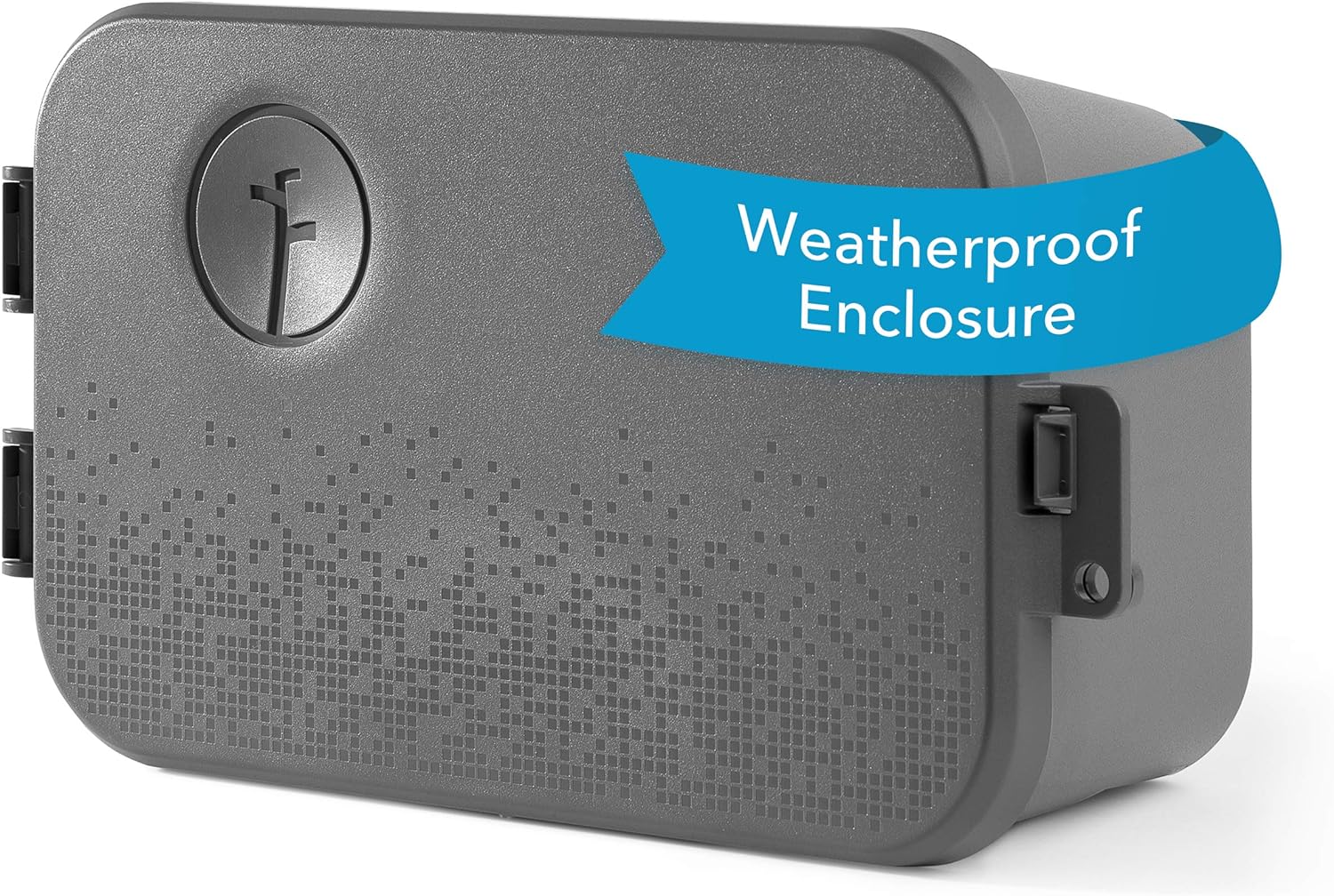
Rachio Smart Sprinkler Controller Weatherproof Outdoor En...

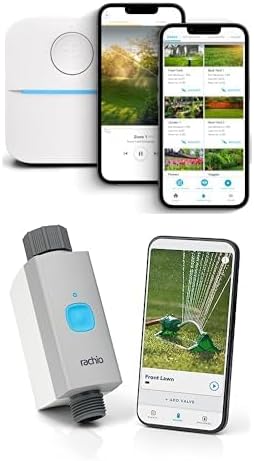
Rachio 3 Smart Bundle: 8 Zone Controller with Outdoor Enc...

Rachio 3 Smart Bundle: Includes Rachio 3rd Generation-16 ...
As an Amazon Associate we earn from qualifying purchases.