How Do I Set Up Weather Intelligence Plus on My Rachio 3?
- Weather Intelligence Plus not enabled on the schedule
- A distant or wrong weather station selected
- No personal weather station chosen when available
Problem Description
You are setting up Weather Intelligence Plus on your Rachio 3 so it uses local weather to skip watering for rain, freeze, wind, or saturation, but it is not skipping when it should or is skipping too often. Most setup issues are the wrong or distant weather station selected, the feature not enabled per schedule, or skip thresholds left at defaults.
Why This Happens in Real Homes
Weather Intelligence Plus is only as good as the weather station it reads and the thresholds you set, so poor skip behavior is almost always a distant station or default thresholds, not a fault. In real yards the nearest station sits in a different microclimate.
Pick the closest accurate station or a personal weather station, and tune the rain, freeze, and wind thresholds to your yard.
Symptoms
- Weather skips not happening
- Skips happening too often
- Wrong weather station used
- Feature not visible in the app
- Rain skips when it did not rain
- No freeze protection
- Constant wind skips
- Saturation skip never triggers
Recognize these? Here's what usually causes it.
Common Causes
- Weather Intelligence Plus not enabled on the schedule
- A distant or wrong weather station selected
- No personal weather station chosen when available
- Skip thresholds left at defaults
- Confusion over the feature tier
- Station data lagging local conditions
- Soil settings affecting the saturation skip
- Schedule type not using it
Most fixes happen in the first 3 steps.
Never work on irrigation wiring while the controller is powered on. Turn off power before touching any zone or common wires. Be aware of local watering restrictions and regulations in your area. Overwatering can damage your landscape and foundation. Smart controllers help comply with water conservation requirements.
Tools & Requirements
Step-by-Step Solution
Confirm location and weather station mapping
Set accurate property location and verify selected weather source in Rachio settings. Incorrect location data causes poor Weather Intelligence behavior.
Enable Weather Intelligence Plus features
Turn on rain skip, wind skip, and freeze skip options intentionally for your climate. Partial configuration reduces expected automation benefit.
Review zone soil and nozzle parameters
Make sure each zone has correct soil type, slope, and sprinkler head settings. Weather calculations depend on accurate zone characteristics.
Set practical skip thresholds
Tune rain/wind/freeze thresholds to local conditions and plant needs. Overly strict settings can skip too often; loose settings can overwater.
Monitor skip decisions for two weeks
Review controller logs and adjust thresholds based on real outcomes. Short feedback cycles improve schedule precision without manual overrides.
Quick Solutions
Still having issues? This is usually the deeper cause below.
If this comes back after following these steps, check whether a recent app or firmware update reset a default setting — the fix works, but the setting gets reverted silently.
["Uses hyperlocal weather data", "Skips watering before rain", "Adjusts for temperature and wind"]
This issue almost always looks more complex than it is — the majority of cases trace back to a single setting, a stale credential, or a default that shipped wrong.
- Weather Intelligence Plus not enabled on the schedule
- A distant or wrong weather station selected
- No personal weather station chosen when available
- Skip thresholds left at defaults
- Confusion over the feature tier
Before you go — try one of these (they fix most cases).
Official Manufacturer Manual
Rachio provides official product documentation through their online manual rather than downloadable PDF. Access setup guides, troubleshooting steps, and product specifications for your Rachio 3.
Source: support.rachio.com
Need More Help? Rachio Support
Note: The contact information below connects you directly to Rachio's official customer support team, not Trunetto. They can help with warranty claims, device replacements, and advanced technical issues.
How Does Rachio Compare?
Before replacing your Rachio device, see how it stacks up against alternatives in our full comparison guides.
Accessories owners commonly pair with Rachio 3.
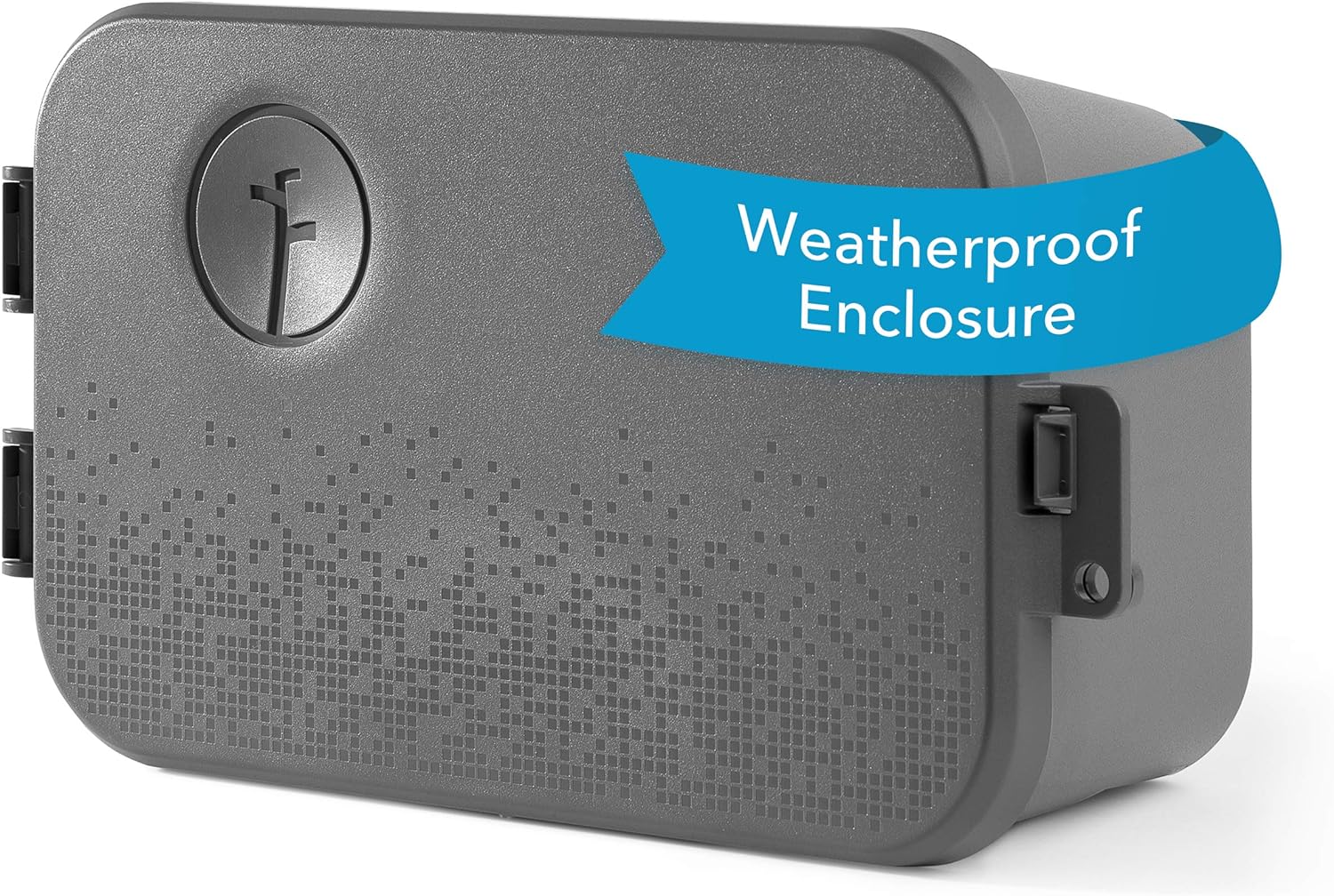
Rachio Smart Sprinkler Controller Weatherproof Outdoor En...

Rachio 3 Smart Bundle: 8 Zone Controller with Outdoor Enc...

Rachio 3 Smart Bundle: Includes Rachio 3rd Generation-16 ...
As an Amazon Associate we earn from qualifying purchases.