Why Is My Rachio Zone Valve Making Clicking Noise But Not Opening
- Valve diaphragm stuck or damaged
- Debris blocking valve internal ports
- Solenoid plunger corroded or stuck
Problem Description
Your Rachio controller activates a zone and you hear clicking from the valve solenoid, but no water comes out.
Why This Happens in Real Homes
Clicking from the solenoid with no water means the valve is getting power but not opening mechanically, so it is a valve problem, not wiring. In real yards a diaphragm stuck with debris or mineral buildup, or a corroded plunger, is the cause. Clean the valve diaphragm and ports and free or replace the solenoid plunger before replacing the valve.
Symptoms
- Clicking sound from valve when zone runs
- No water flow to any heads on zone
- Other zones work normally
- Valve vibrates but water does not flow
- Zone shows as running in app
Recognize these? Here's what usually causes it.
Common Causes
- Valve diaphragm stuck or damaged
- Debris blocking valve internal ports
- Solenoid plunger corroded or stuck
- Water pressure too low to open valve
- Valve bleed port clogged
Most fixes happen in the first 3 steps.
Always turn off the main water supply before disassembling a valve.
Tools & Requirements
These tools will help you complete this fix.
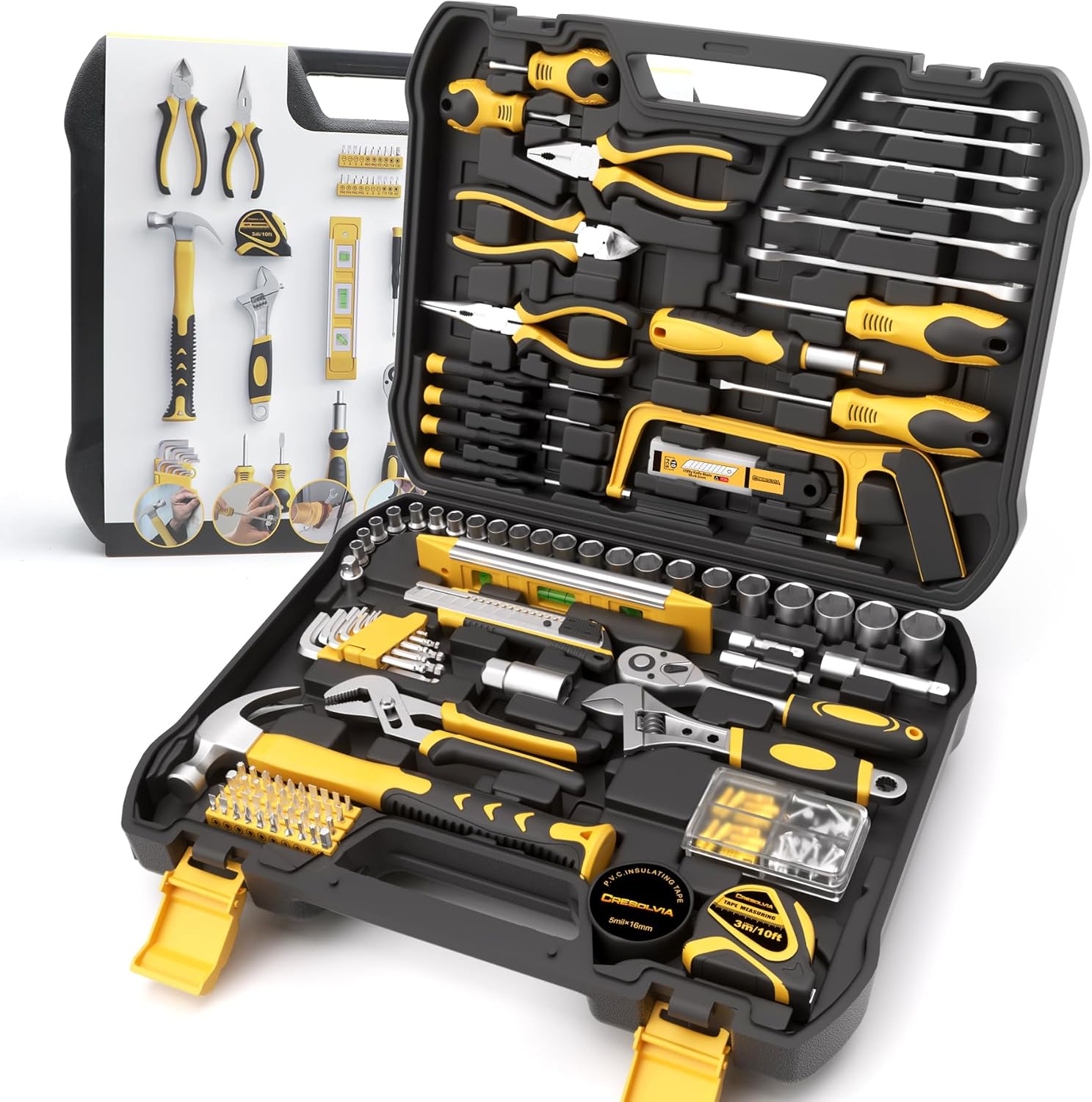
Adjustable wrench
199 Piece Tool Kit for Home,General Household/Auto R...

Flathead screwdriver
Klein Tools 85076 Screwdriver Set, Made in USA, Slot...
As an Amazon Associate we earn from qualifying purchases.
Step-by-Step Solution
Locate and Access the Valve
Find the valve box for the affected zone. Remove the cover and identify the specific valve.
Test Manual Valve Operation
Most irrigation valves have a manual bleed screw. Turn it counter-clockwise to test if water flows manually.
Inspect and Clean the Solenoid
Turn off water supply. Unscrew the solenoid and check for corrosion or debris.
Check the Diaphragm
Remove the valve bonnet and inspect the diaphragm for tears or warping.
Reassemble and Test
Reinstall components, restore water pressure, and run a manual test from the app.
Quick Solutions
Still having issues? This is usually the deeper cause below.
If this comes back after following these steps, check whether a recent app or firmware update reset a default setting — the fix works, but the setting gets reverted silently.
Keep a spare valve diaphragm and solenoid on hand for quick repairs.
This issue almost always looks more complex than it is — the majority of cases trace back to a single setting, a stale credential, or a default that shipped wrong.
- Valve diaphragm stuck or damaged
- Debris blocking valve internal ports
- Solenoid plunger corroded or stuck
- Water pressure too low to open valve
- Valve bleed port clogged
Before you go — try one of these (they fix most cases).
Official Manufacturer Manual
Rachio provides official product documentation through their online manual rather than downloadable PDF. Access setup guides, troubleshooting steps, and product specifications for your Rachio Smart Sprinkler Controller.
Source: rachio.com
Need More Help? Rachio Support
Note: The contact information below connects you directly to Rachio's official customer support team, not Trunetto. They can help with warranty claims, device replacements, and advanced technical issues.
How Does Rachio Compare?
Before replacing your Rachio device, see how it stacks up against alternatives in our full comparison guides.