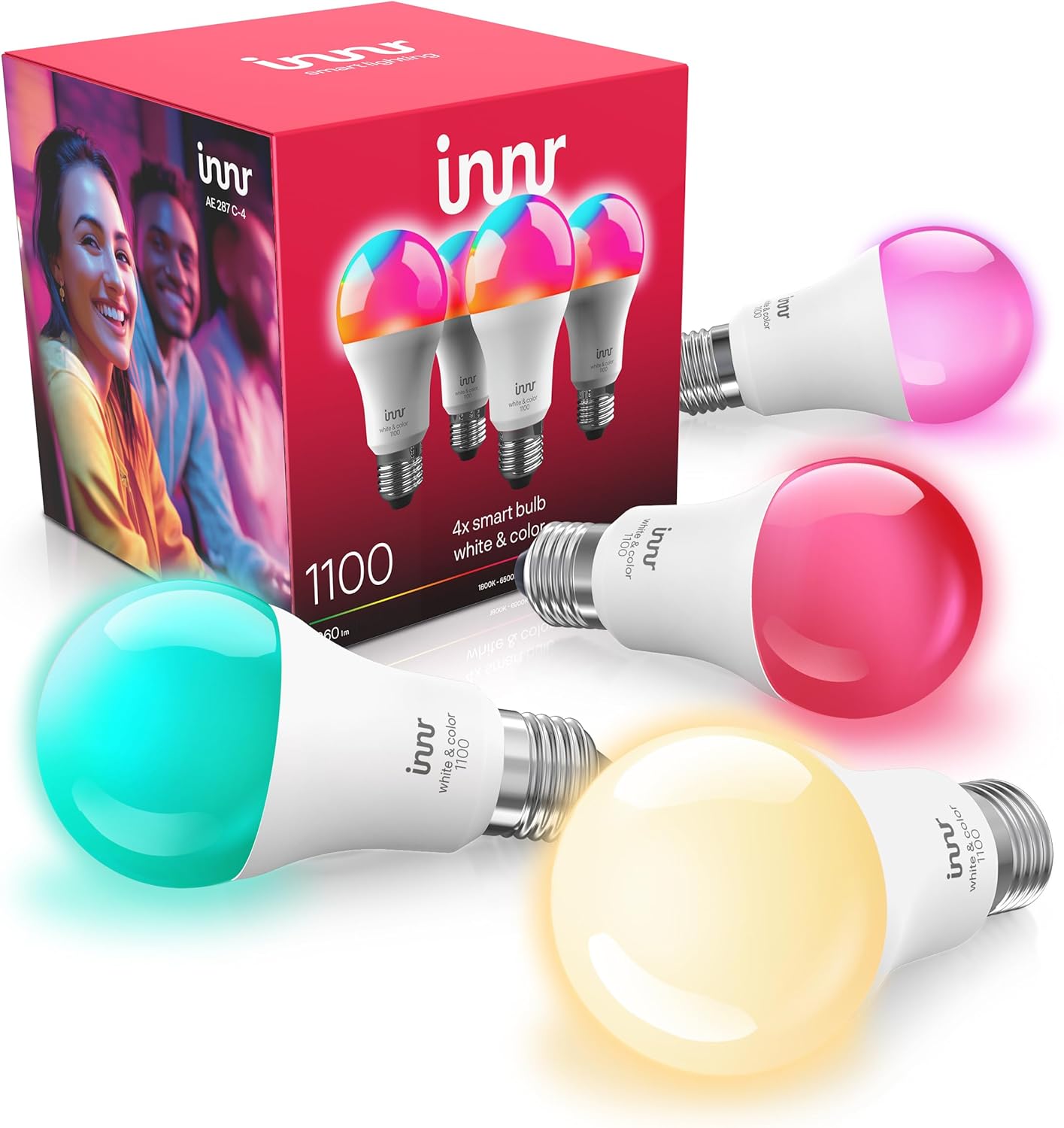
Innr Bulb Flickering? Don't Use It on a Wall Dimmer
- Bulb installed on a wall dimmer (not supported)
- Dimmer chopping the AC waveform the bulb needs
- Leakage current from a dimmer making it glow when off
Problem Description
Your Innr bulb flickers, strobes, or behaves erratically, and its wireless control is unreliable. The most common cause is a wall dimmer: Innr smart bulbs are not compatible with dimmer switches, because they dim themselves over Zigbee and the electronic dimming from a wall dimmer disrupts both the light and the Zigbee signal.
Why This Happens in Real Homes
Flickering Innr bulbs are almost always a dimmer problem, and it is a fundamental incompatibility, not a defect. An Innr bulb is a full smart bulb that dims itself electronically over Zigbee, so it needs clean, constant mains power. A wall dimmer works by chopping up the AC waveform, and feeding that to a smart bulb makes it flicker, strobe, buzz, and even glow faintly when off from leakage current, and worse, it can disrupt the bulb's Zigbee radio so its wireless control and nearby devices get flaky. The confirmation test is easy: set the dimmer to full and the flicker usually stops. The real fix is to replace the wall dimmer with a plain on/off switch (or a non-dimming smart switch) and do all your dimming in the hub app or with a Zigbee dimmer accessory. This is the single most important wiring rule for Innr and Hue-style Zigbee bulbs, and following it fixes both the flicker and the mesh instability that comes with it.
Symptoms
- Bulb flickers or strobes
- Bulb glows or pulses when supposedly off
- Wireless control is erratic or drops
- Flicker worse at lower dimmer settings
- Buzzing along with the flicker
- Bulb behaves fine on a lamp but flickers in a fixture
- Flicker started after installing in a dimmer circuit
- Group control unreliable for bulbs on a dimmer
Recognize these? Here's what usually causes it.
Common Causes
- Bulb installed on a wall dimmer (not supported)
- Dimmer chopping the AC waveform the bulb needs
- Leakage current from a dimmer making it glow when off
- Dimmer disrupting the Zigbee radio in the bulb
- Incompatible electronic switch on the circuit
- Loose bulb or fixture connection
- Multiple bulbs on one struggling dimmer circuit
- Old firmware amplifying the issue
Most fixes happen in the first 3 steps.
Replacing a dimmer with an on/off switch involves house wiring; if you are not comfortable, have an electrician do it. Never try to fix flicker by adjusting the dimmer; the incompatibility is fundamental.
Tools & Requirements
Step-by-Step Solution
Check for a Wall Dimmer
Look at the switch that powers the bulb. If it is a dimmer (a slider, dial, or a dimmable smart switch), that is almost certainly the cause. Innr bulbs are full smart bulbs that dim themselves over Zigbee, and a wall dimmer feeds them a chopped-up AC waveform they are not designed to run on, which shows as flicker.
Set the Dimmer to Full as a Test
If you cannot change the switch right away, turn the dimmer all the way up to 100 percent. If the flicker stops or improves at full, you have confirmed the dimmer is the problem. Do not use the dimmer to dim the bulb; dim it in the app instead.
Replace the Dimmer With an On/Off Switch
The proper fix is to swap the wall dimmer for a standard on/off switch (or a non-dimming smart switch that sends full power). This gives the bulb clean, constant power, and you dim through your hub app or a smart button instead.
Dim in the App, Not at the Wall
With a smart bulb, all dimming should happen wirelessly, in the Hue or SmartThings app, a scene, or a Zigbee dimmer accessory like a Hue Dimmer switch. That is how Innr bulbs are meant to be controlled, and it is flicker-free.
Rule Out Off-State Glow
If the bulb faintly glows or pulses when it should be off, that is leakage current from a dimmer or an illuminated switch trickling power through the bulb. Removing the dimmer or the illuminated switch stops it.
Check the Bulb and Fixture
A bulb loose in the socket or a poor fixture connection can also flicker. With the power off, seat the bulb firmly and make sure the fixture contacts are clean, especially for GU10 pin-base bulbs.
Protect Your Zigbee Mesh
A dimmer does not just flicker the bulb; it can disrupt the bulb's Zigbee radio and make its wireless control and even nearby devices unreliable. Getting Innr bulbs off dimmers improves both the light and the mesh.
Update Firmware
After the bulb is on a proper on/off circuit, update its firmware through the hub, which can improve dimming smoothness and stability at low levels.
Quick Solutions
Still having issues? This is usually the deeper cause below.
If flickering only happens on dimming, the issue is almost always the dimmer's minimum-load setting, not the bulb — it's drawing less current than the dimmer expects.
Rule of thumb: smart bulbs and wall dimmers do not mix. Put Innr bulbs on plain on/off switches and do all your dimming in the app or with a Zigbee dimmer accessory.
LED flicker with smart dimmers is the #1 unfixed complaint — most people swap the bulb when the dimmer's low-end trim is the actual problem.
- Bulb installed on a wall dimmer (not supported)
- Dimmer chopping the AC waveform the bulb needs
- Leakage current from a dimmer making it glow
- Dimmer disrupting the Zigbee radio in the bulb
- Incompatible electronic switch on the circuit
Before you go — try one of these (they fix most cases).
Most popular upgrades chosen by Innr Smart Bulb owners.

innr Zigbee A19 Smart Bulb, Works with Hue*, Alexa, Smart...
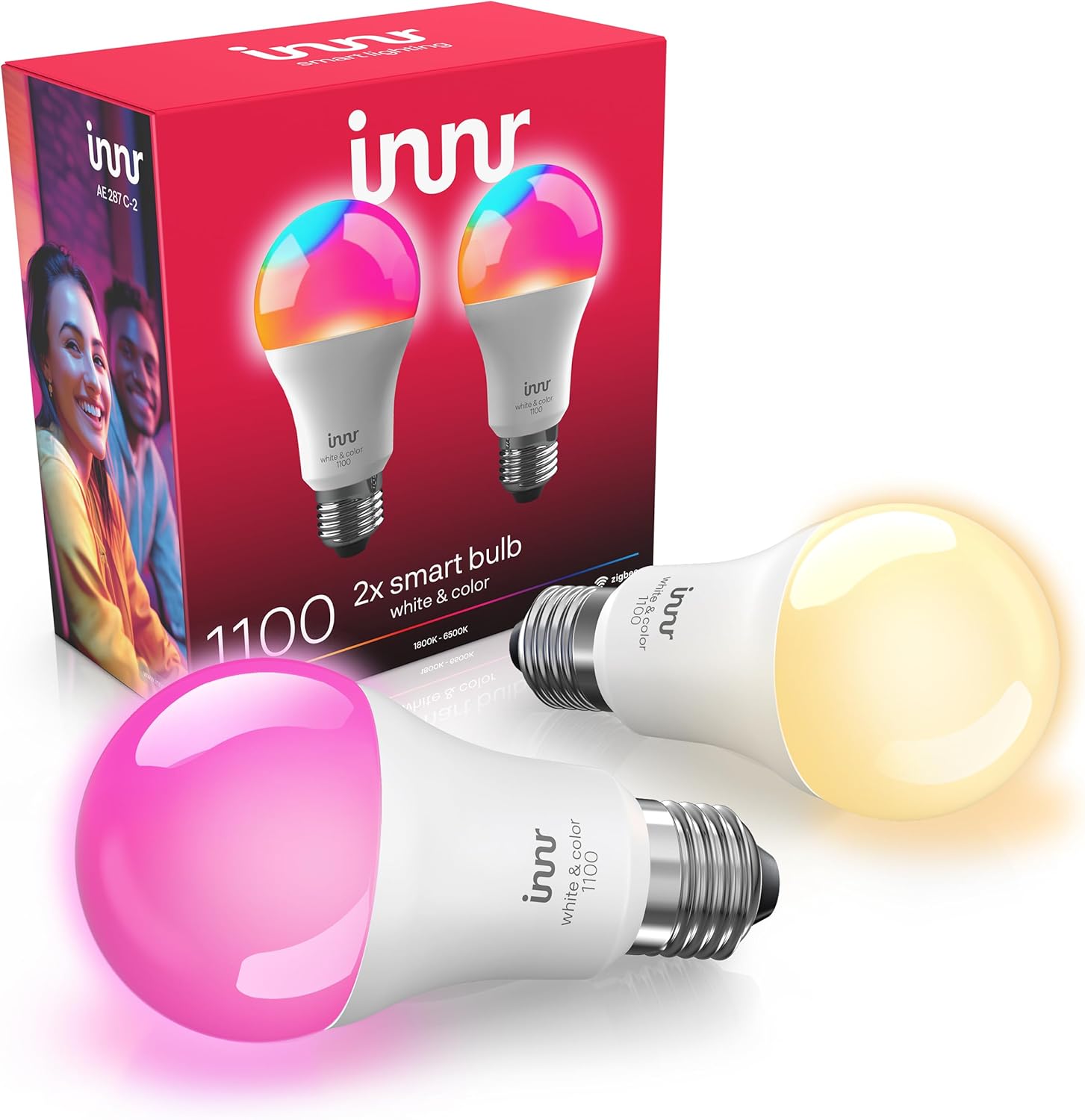
innr Zigbee A19 Smart Bulb, Works with Hue*, Alexa, Smart...

innr Zigbee A19 Smart Bulb, Works with Hue*, Alexa, Smart...
As an Amazon Associate we earn from qualifying purchases.
Official Manufacturer Manual
Innr provides official product documentation through their online manual rather than downloadable PDF. Access setup guides, troubleshooting steps, and product specifications for your Innr Smart Bulb.
Source: innr.com
Need More Help? Innr Support
Note: The contact information below connects you directly to Innr's official customer support team, not Trunetto. They can help with warranty claims, device replacements, and advanced technical issues.