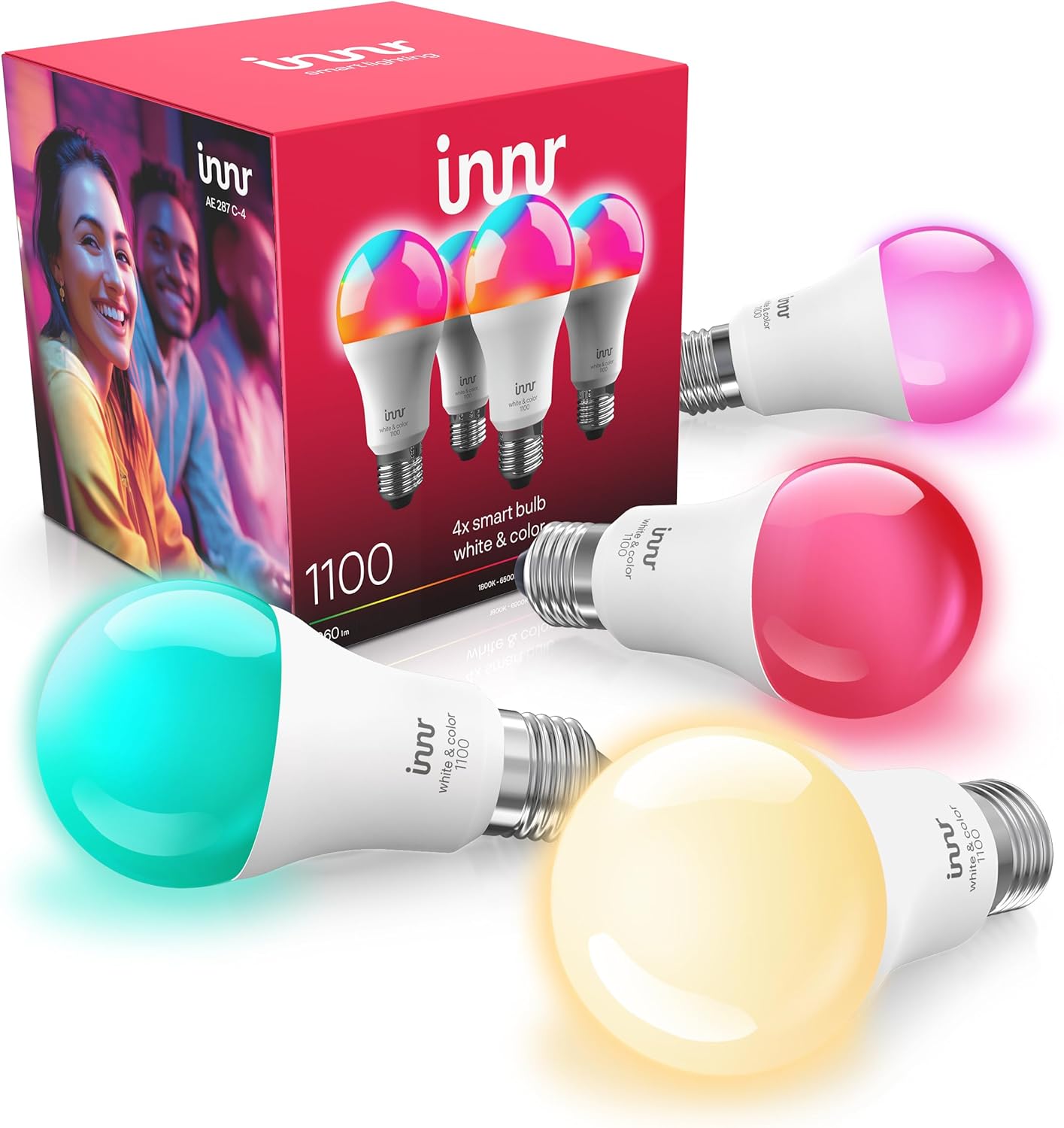
Innr Bulb Won't Turn On at All? Dead Bulb Checklist
- Wall switch or lamp switch turned off
- Socket or fixture has no power (breaker/GFCI)
- Bulb dropped off the hub (unreachable)
Problem Description
Your Innr bulb will not light up at all, from the app or otherwise. Before assuming the bulb is dead, rule out the simple things: the wall switch is off, the socket has no power, the bulb dropped off the hub, or a dimmer is on the circuit. A genuinely dead bulb is the last conclusion, not the first.
Why This Happens in Real Homes
When an Innr bulb will not light at all, the bulb itself is the least likely cause, so work the simple things first. Start with power: the wall switch may be off (leave switches on for smart bulbs), and the socket may be dead from a tripped breaker, a GFCI, or a switched outlet, which you confirm by testing a plain bulb in the same socket. The fastest single test is to move the Innr bulb to a known-good lamp on a plain switch; if it lights there, the original fixture, switch, or a dimmer is the problem, and if it stays dark there too, the bulb is genuinely suspect. Dimmers are a frequent culprit, since Innr bulbs cannot run on chopped dimmer power. After that, reseat the bulb and check the socket contact, and if it has power but will not respond, reset it with the six-cycle toggle and re-pair. Only when the switch, socket, lamp test, dimmer, seating, and reset all check out is the bulb actually dead.
Symptoms
- Bulb does not light from the app or switch
- Bulb is completely dark
- Other bulbs work but this one does not
- Bulb stopped lighting after a while
- No response and no glow
- Bulb dark in one fixture but works in another
- Will not light even right next to the hub
- Went dead after a power event
Recognize these? Here's what usually causes it.
Common Causes
- Wall switch or lamp switch turned off
- Socket or fixture has no power (breaker/GFCI)
- Bulb dropped off the hub (unreachable)
- Wall dimmer on the circuit preventing operation
- Bulb not fully seated in the socket
- Fixture socket contact corroded or bent
- Bulb needs a reset and re-pair
- Bulb genuinely failed (rare)
Most fixes happen in the first 3 steps.
Turn off power before handling bulbs or touching socket contacts. Let the bulb and fixture cool first. Do not run the bulb on a dimmer.
Tools & Requirements
Step-by-Step Solution
Check the Wall Switch
The most common cause is the simplest: the wall switch (or lamp switch) is off, so the bulb has no power. Turn it on. With smart bulbs, leave the switch on permanently and control the bulb through the app, so it is never accidentally cut off.
Confirm the Socket Has Power
Test the socket by screwing in a plain bulb, or move the Innr bulb to a socket you know works. If the plain bulb does not light either, the problem is the circuit, a tripped breaker or GFCI, or a switched outlet, not the Innr bulb. Reset the breaker or GFCI and retest.
Try the Bulb in a Known-Good Lamp
Put the Innr bulb in a simple lamp on a working outlet, on a plain on/off switch. If it lights there, the original fixture or its switch/dimmer is the issue. If it stays dark in a known-good lamp too, the bulb itself is suspect.
Rule Out a Dimmer
A wall dimmer can leave an Innr bulb dark or barely glowing, since the bulb cannot run on chopped dimmer power. If the fixture is on a dimmer, that may be why it will not light; move the bulb to a plain switch to confirm.
Seat the Bulb and Check the Socket
With the power off, screw the bulb in firmly, GU10 bulbs need a full twist-lock. Look at the socket's center contact; if it is flattened or corroded, gently lift or clean it (power off) so it touches the bulb base.
Check If It Dropped Off the Hub
If the bulb has power but will not respond, it may have gone unreachable on the Zigbee network. It should still turn on with power, but if it is stuck, reset it with the six-cycle power toggle and re-add it to the hub.
Reset and Re-Pair
A bulb that has power and a good socket but will not respond gets a clean reset: toggle power six times ending on until it flashes three times, then add it back to the hub. This revives many bulbs that seemed dead.
Conclude a Failed Bulb Last
Only after the switch, socket power, a known-good lamp, the dimmer, seating, and a reset all check out should you conclude the bulb has failed. At that point, if it is within warranty, contact Innr for a replacement.
Quick Solutions
Still having issues? This is usually the deeper cause below.
If flickering only happens on dimming, the issue is almost always the dimmer's minimum-load setting, not the bulb — it's drawing less current than the dimmer expects.
Test a suspect bulb in a plain lamp on a known-good outlet. That one move separates a dead bulb from a dead socket, switch, or dimmer faster than anything else.
App battery indicators run 15–20% behind actual charge levels — by the time the low warning appears, the device has been struggling for days.
- Wall switch or lamp switch turned off
- Socket or fixture has no power (breaker/GFCI)
- Bulb dropped off the hub (unreachable)
- Wall dimmer on the circuit preventing operation
- Bulb not fully seated in the socket
Before you go — try one of these (they fix most cases).
Most popular upgrades chosen by Innr Smart Bulb owners.

innr Zigbee A19 Smart Bulb, Works with Hue*, Alexa, Smart...
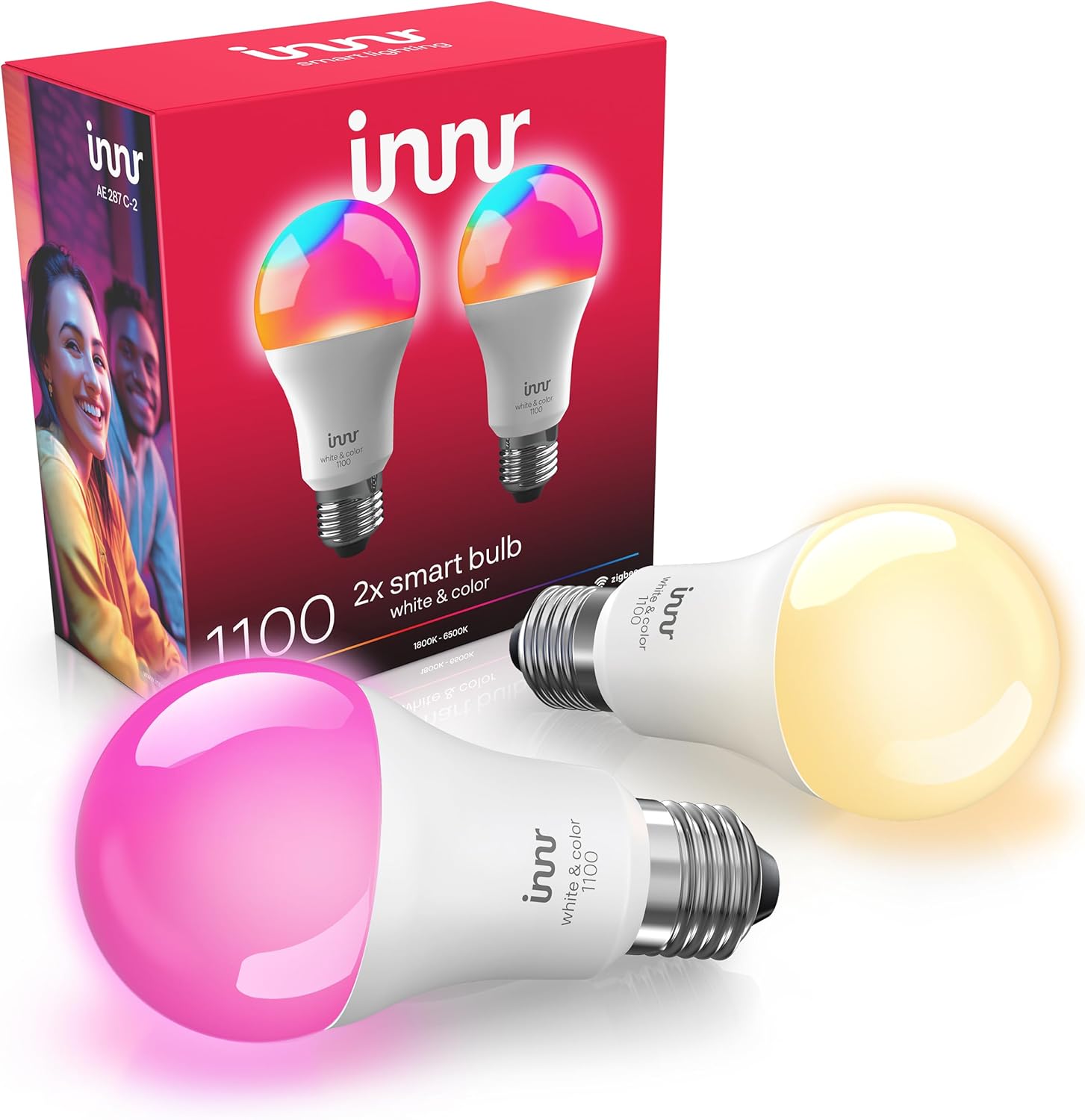
innr Zigbee A19 Smart Bulb, Works with Hue*, Alexa, Smart...

innr Zigbee A19 Smart Bulb, Works with Hue*, Alexa, Smart...
As an Amazon Associate we earn from qualifying purchases.
Official Manufacturer Manual
Innr provides official product documentation through their online manual rather than downloadable PDF. Access setup guides, troubleshooting steps, and product specifications for your Innr Smart Bulb.
Source: innr.com
Need More Help? Innr Support
Note: The contact information below connects you directly to Innr's official customer support team, not Trunetto. They can help with warranty claims, device replacements, and advanced technical issues.