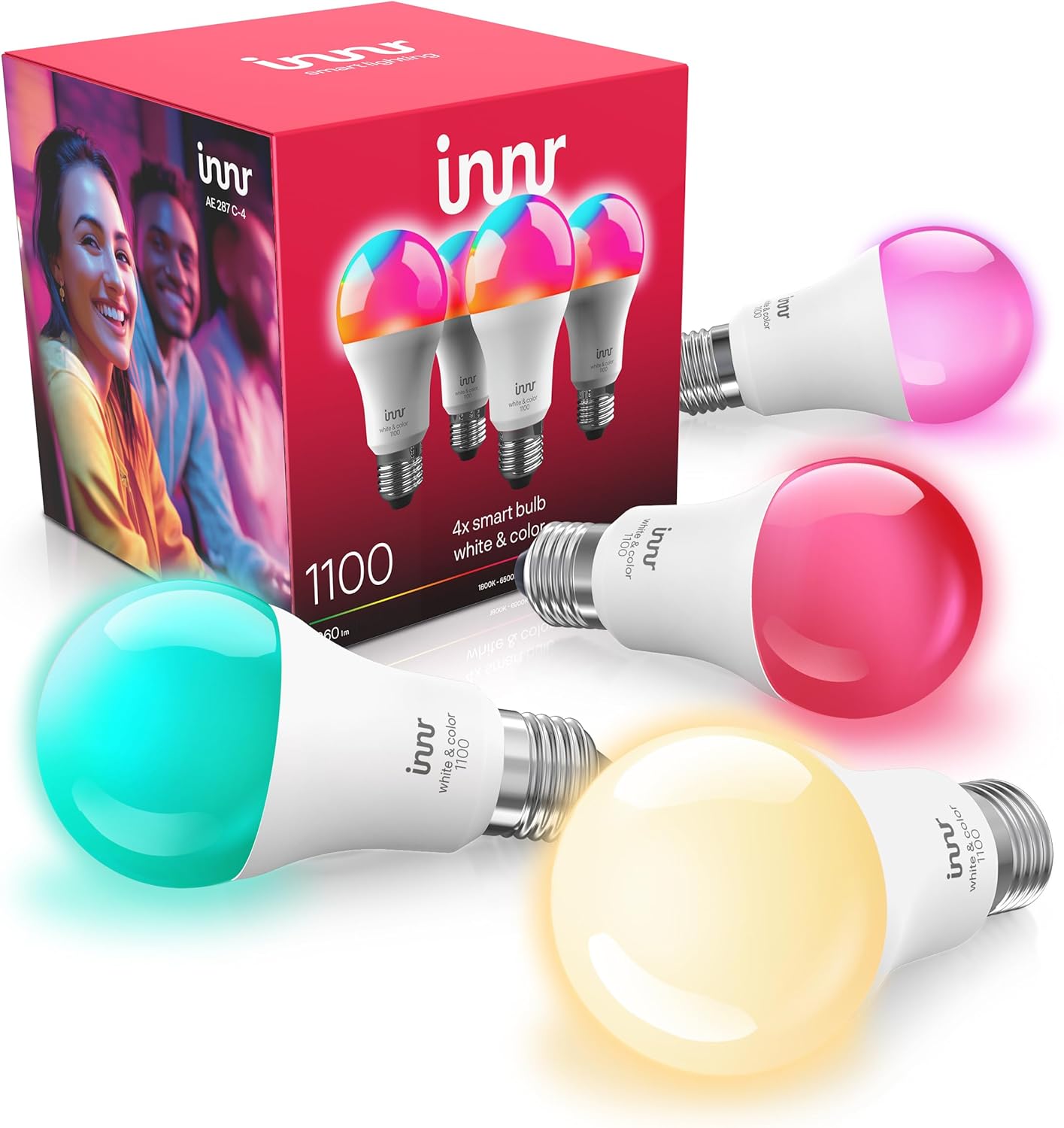
Innr Bulbs Out of Sync in a Group?
- A bulb missed the group command on a weak connection
- Weak mesh so distant bulbs drop the broadcast
- Mixed bulb models with different color/dimming ranges
Problem Description
Your Innr bulbs in the same group do not match: some are on and some off, or they show different colors or brightness after one command. This usually means one or more bulbs missed the group command because of a weak Zigbee mesh, mixed bulb models, or a scene conflict, rather than a broken bulb.
Why This Happens in Real Homes
When Innr bulbs in one group do not match, the usual reason is that a bulb missed the group command, and that is a signal problem more than a bulb problem. Group commands go out over the Zigbee mesh, and a bulb at the edge, far or behind walls, can drop the broadcast while its neighbors receive it, which is why the straggler is so often the most distant bulb. Re-sending the command usually catches it up, confirming it was a miss, and the durable fix is to add a mains-powered repeater near those bulbs so every member reliably hears the command. Two other causes look like sync problems but are not: mixing bulb models means different color gamuts and dimming curves, so the same command renders a little differently, and a scene may deliberately set bulbs to different values. Group identical models for an even look, review your scenes, resolve any unreachable member, and move the Zigbee channel off a busy WiFi channel to stop intermittent misses.
Symptoms
- Bulbs in a group show different states
- Some bulbs miss the group on/off command
- Colors or brightness differ across the group
- One bulb lags behind the others
- Group looks right sometimes, wrong other times
- Far bulbs in the group fall out of sync
- Group flashes then settles unevenly
- Scene applies to some bulbs but not all
Recognize these? Here's what usually causes it.
Common Causes
- A bulb missed the group command on a weak connection
- Weak mesh so distant bulbs drop the broadcast
- Mixed bulb models with different color/dimming ranges
- A scene or automation setting some bulbs differently
- One bulb unreachable at the moment of the command
- Zigbee channel overlapping busy WiFi
- Group command sent faster than the mesh can relay
- Firmware mismatch across the bulbs
Most fixes happen in the first 3 steps.
Expect small color and brightness differences when mixing bulb models in one group; that is normal, not a fault. Group identical models for a perfectly even look.
Tools & Requirements
Step-by-Step Solution
Identify Which Bulb Is Off
Note which bulb in the group is out of step, and where it is. If it is the farthest or most obstructed one, it likely missed the command because its Zigbee connection is weak, which points to a mesh fix rather than a bulb fault.
Re-Send the Command
Tap the group off then on again, or re-apply the scene. If the stragglers catch up on a second try, they simply missed the first broadcast, and the underlying issue is signal reliability to those bulbs.
Strengthen the Mesh
Bulbs miss group commands when the mesh is weak. Add a mains-powered Zigbee repeater (a plug or an always-on bulb) near the bulbs that fall out of sync, so the command reliably reaches every member of the group.
Group Matching Models
Different Innr models (and mixing Innr with other brands) have different color gamuts and dimming curves, so the same command renders slightly differently. For an even look, group bulbs of the same model, and expect small differences when you mix models.
Check Scenes and Automations
A scene or automation can deliberately set individual bulbs to different colors or levels, which looks like a sync problem but is by design. Review the scene applied to the group and confirm it sets all bulbs the way you intend.
Fix Any Unreachable Member
If one bulb is unreachable at the moment the group command fires, it will not update. Resolve that bulb's connectivity (power, mesh, re-pair) so it is reliably online, then the group stays in sync.
Move the Zigbee Channel
A congested Zigbee channel overlapping your WiFi causes intermittent missed commands across a group. Shift the hub's Zigbee channel off your WiFi channel and let the mesh settle.
Rebuild the Group
If a group stays stubbornly inconsistent after firmware updates and mesh fixes, remove and recreate it in the app. A fresh group can clear odd state that accumulated in the old one.
Quick Solutions
Still having issues? This is usually the deeper cause below.
If pairing fails after multiple attempts, the device may still be registered to a previous account — factory-reset it before trying to add it to a new one.
Out-of-sync groups are usually a signal problem: the far bulb missed the broadcast. A repeater near the stragglers fixes it more reliably than fiddling with the group settings.
Pairing failures almost always come down to distance during the initial handshake — manufacturers seriously understate how close you actually need to be.
- A bulb missed the group command on a weak
- Weak mesh so distant bulbs drop the broadcast
- Mixed bulb models with different color/dimming ranges
- A scene or automation setting some bulbs differently
- One bulb unreachable at the moment of the command
Before you go — try one of these (they fix most cases).
Most popular upgrades chosen by Innr Smart Bulb owners.

innr Zigbee A19 Smart Bulb, Works with Hue*, Alexa, Smart...
innr Zigbee A19 Smart Bulb, Works with Hue*, Alexa, Smart...

innr Zigbee A19 Smart Bulb, Works with Hue*, Alexa, Smart...
As an Amazon Associate we earn from qualifying purchases.
Official Manufacturer Manual
Innr provides official product documentation through their online manual rather than downloadable PDF. Access setup guides, troubleshooting steps, and product specifications for your Innr Smart Bulb.
Source: innr.com
Need More Help? Innr Support
Note: The contact information below connects you directly to Innr's official customer support team, not Trunetto. They can help with warranty claims, device replacements, and advanced technical issues.