Innr Outdoor Lights Not Working? Power and Zigbee Fixes
- Power supply unplugged or the outlet tripped (GFCI/breaker)
- Too many lights on one run, overloading the supply
- Loose or unsealed connector in the daisy chain
Problem Description
Your Innr outdoor lights will not turn on, only some light up, or they keep dropping off the hub. Outdoor Innr systems run from a single power supply in a daisy chain and control over Zigbee, so problems come from the power supply and connectors, the outdoor Zigbee signal, cold or wet weather, or a tripped outlet.
Why This Happens in Real Homes
Innr outdoor lighting runs from a single power supply in a daisy chain and controls over Zigbee, so when it fails, the causes split into power and signal. Start at the outlet, because outdoor outlets are GFCI-protected and a tripped GFCI takes out the whole run, so reset it and check the breaker before suspecting a light. Then the load: every light draws from that one supply, and too many lights or too long a cable overloads it, leaving only the first few lit, so stay within the rated maximum and split big layouts across two supplies. A single loose or water-intruded connector kills everything past it, so reseat and reseal each joint, especially after rain or a freeze. On the Zigbee side, exterior walls block the signal and outdoor devices sit at the edge of range, so a mains-powered repeater near a window or garage toward the run keeps them connected, and moving the hub's Zigbee channel off your WiFi channel steadies them.
Symptoms
- Outdoor lights will not turn on at all
- Only some lights in the chain work
- Lights drop off the hub outdoors
- Lights dim toward the end of the run
- Lights work in mild weather but not in the cold
- Controller/power supply shows no output
- Schedule does not run the outdoor lights
- Lights flicker after rain
Recognize these? Here's what usually causes it.
Common Causes
- Power supply unplugged or the outlet tripped (GFCI/breaker)
- Too many lights on one run, overloading the supply
- Loose or unsealed connector in the daisy chain
- Outdoor distance weakening the Zigbee signal
- No mains repeater between the hub and the outdoor run
- Voltage drop dimming the far end of the chain
- Cold affecting a marginal connection
- Moisture ingress at a connector
Most fixes happen in the first 3 steps.
Use only weather-rated Innr outdoor components and keep all connectors sealed. Do not exceed the power supply's rated load; overloading can overheat it. Electrical work at the outlet should meet local code.
Tools & Requirements
Step-by-Step Solution
Check the Power Supply and Outlet
Outdoor Innr lights run from one power supply plugged into an outdoor outlet. Confirm the supply is plugged in and the outlet has power, outdoor outlets are usually GFCI-protected, so press the GFCI RESET button (on the outlet or the first indoor outlet on that circuit) and check the breaker. No power here means nothing downstream lights.
Confirm You Are Within the Load Limit
Every light in the daisy chain draws from that single supply. Adding too many lights or too much cable overloads it, so nothing (or only the first few) lights up. Count your lights and cable length against the supply's rated maximum, and split into two runs or add a second supply if you are over.
Re-Seat and Seal Every Connector
The lights connect end to end with weatherproof connectors, and a single loose or water-intruded joint kills everything past it. Work along the chain, unplug and firmly reseat each connector until it clicks, and make sure the seals are intact, especially after rain or winter.
Extend Zigbee Outdoors
The controller joins your hub over Zigbee, and exterior walls block the signal, so outdoor lights often drop off. Add a mains-powered Zigbee repeater, an Innr bulb or plug, near a window, porch, or garage facing the run, to carry the mesh outside to the lights.
Move the Zigbee Channel
Outdoor devices at the edge of range are especially sensitive to interference. Move the hub's Zigbee channel away from your 2.4GHz WiFi channel so the outdoor lights hold a steadier connection.
Fix a Dim Far End
If the lights are bright near the supply and dim at the end, that is voltage drop from too long a run. Shorten the chain, rebalance the layout, or add a second power supply so every light gets full voltage.
Account for Cold and Wet
Cold can expose a marginal connector, and moisture can bridge contacts and cause flicker. After a freeze or heavy rain, reseat and dry connectors, and confirm they are the weather-rated outdoor type.
Re-Pair if Needed
Once power and mesh are solid, if the controller is still offline, reset it per its instructions and re-add it to the hub near the bridge, then confirm it stays connected outdoors.
Quick Solutions
Still having issues? This is usually the deeper cause below.
If drain continues after replacing batteries, check the event history — a stuck-open sensor or rapid polling loop burns through batteries in days.
Outdoor outlets are GFCI-protected, so a tripped GFCI is the number-one reason a whole outdoor run goes dark. Reset it before assuming a light or the supply failed.
Mesh devices that drop repeatedly are almost always missing a repeater between hub and endpoint — initial pairing works because you held the devices close.
- Power supply unplugged or the outlet tripped (GFCI/breaker)
- Too many lights on one run, overloading the supply
- Loose or unsealed connector in the daisy chain
- Outdoor distance weakening the Zigbee signal
- No mains repeater between the hub and the outdoor
Before you go — try one of these (they fix most cases).
Most popular upgrades chosen by Innr Outdoor Lighting owners.

innr Zigbee A19 Smart Bulb, Works with Hue*, Alexa, Smart...
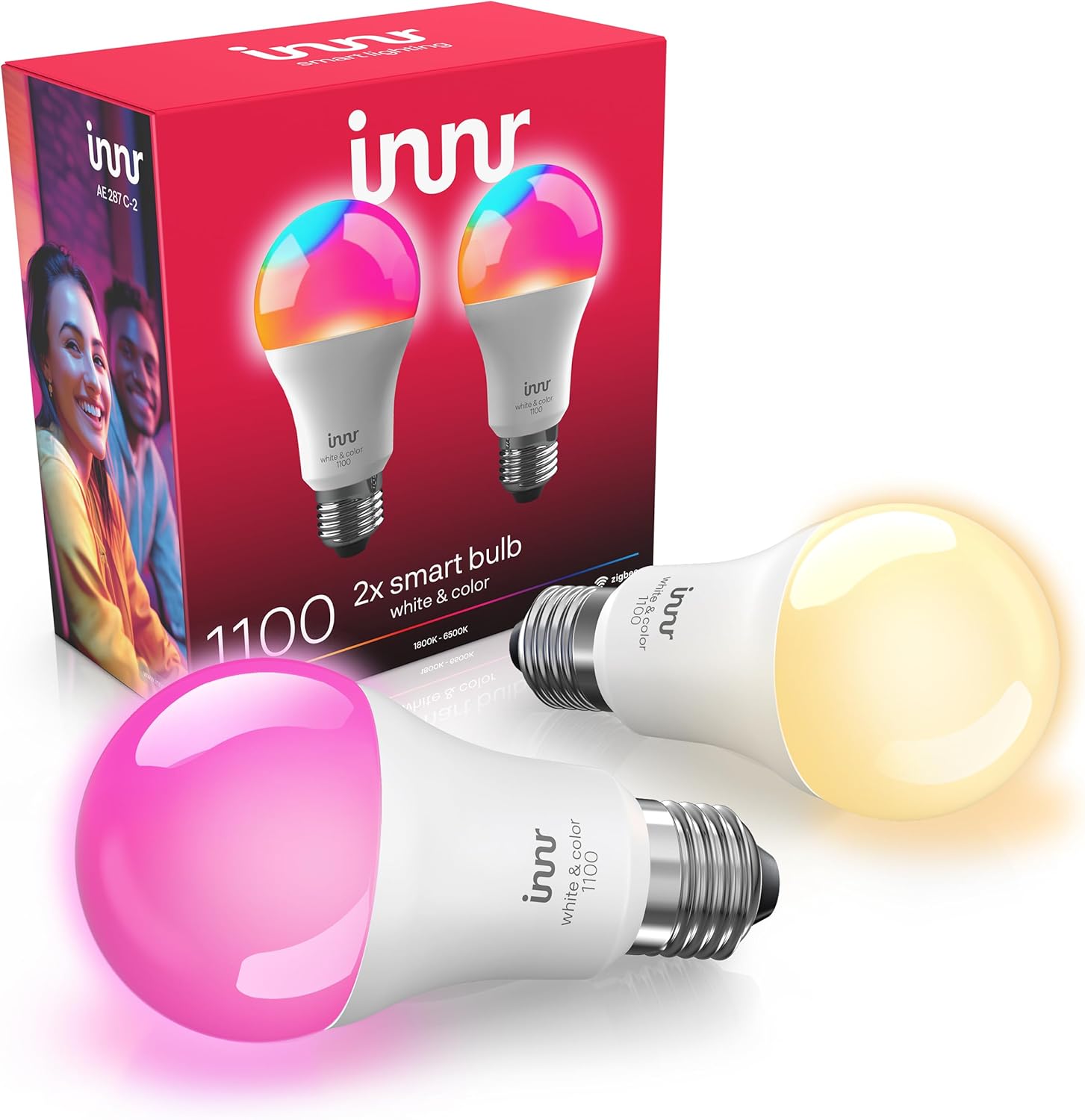
innr Zigbee A19 Smart Bulb, Works with Hue*, Alexa, Smart...

innr Smart Light Bulbs, A19 Zigbee, Works with Philips Hu...
As an Amazon Associate we earn from qualifying purchases.
Official Manufacturer Manual
Innr provides official product documentation through their online manual rather than downloadable PDF. Access setup guides, troubleshooting steps, and product specifications for your Innr Outdoor Lighting.
Source: innr.com
Need More Help? Innr Support
Note: The contact information below connects you directly to Innr's official customer support team, not Trunetto. They can help with warranty claims, device replacements, and advanced technical issues.