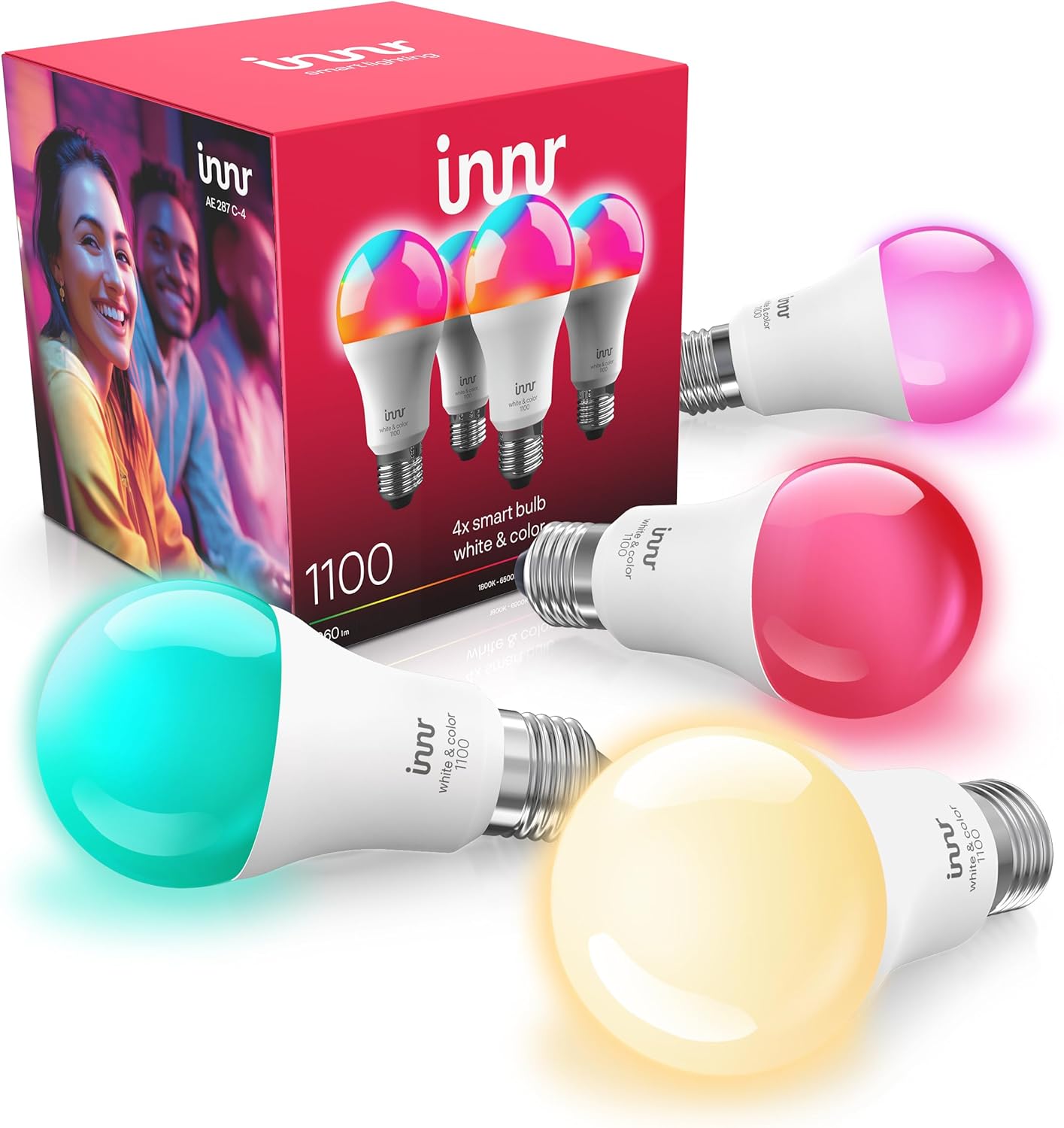
How to Pair Innr Bulbs to an Echo with Built-in Zigbee
- Echo model does not have a built-in Zigbee hub
- Bulb not reset into pairing mode before discovery
- Bulb too far from the Echo Zigbee hub
Problem Description
You want to control Innr bulbs with Alexa using an Echo that has a built-in Zigbee hub, without a separate bridge. Certain Echo models act as a Zigbee hub, so you reset the Innr bulb and let Alexa discover it directly. The Echo's Zigbee hub is basic, though, so features like full color may be limited compared with a Hue Bridge.
Why This Happens in Real Homes
Some Amazon Echo models, the 4th-gen sphere, the older Echo Plus, and certain Echo Show units, include a built-in Zigbee hub, which lets you pair Innr bulbs to Alexa directly without a Hue Bridge. The process is simple: confirm your Echo actually has Zigbee (a plain Dot does not), reset the bulb with the six-cycle power toggle so it enters pairing mode, bring it near the Echo, and say Alexa, discover devices. The catch worth knowing up front is that the Echo's Zigbee hub is basic: you reliably get on/off, dimming, and usually white-temperature control, but full RGB color and advanced features are often limited or missing compared with what a Hue Bridge exposes. So if you only need simple control, the Echo hub is a tidy, bridge-free option, but if color and rich scenes matter, pair the Innr bulbs to a Hue Bridge and link Hue to Alexa for both full features and voice control. Either way, keep the wall switch on and add repeaters for bulbs far from the Echo.
Symptoms
- Alexa will not find the Innr bulb
- Not sure if your Echo has a Zigbee hub
- Bulb pairs but color or features are limited
- Discovery finds nothing
- Bulb pairs then goes unreachable to Alexa
- Works on Hue but you want Echo-only
- Only on/off and dimming work, no color
- Bulb far from the Echo will not pair
Recognize these? Here's what usually causes it.
Common Causes
- Echo model does not have a built-in Zigbee hub
- Bulb not reset into pairing mode before discovery
- Bulb too far from the Echo Zigbee hub
- Echo Zigbee hub exposes only basic controls
- Bulb still bound to a previous hub
- Weak mesh with no repeaters for the Echo hub
- Bulb firmware out of date
- Wall switch cut power to the bulb
Most fixes happen in the first 3 steps.
Only specific Echo models have a Zigbee hub; a Dot does not. Confirm yours before buying bulbs expecting hub-free pairing.
Tools & Requirements
Step-by-Step Solution
Confirm Your Echo Has Zigbee
Only some Echo models include a Zigbee hub, notably the 4th-generation Echo (the sphere), the older Echo Plus, and certain Echo Show models. A standard Echo Dot does not. Check your model's specs, because without a built-in Zigbee hub you cannot pair Innr bulbs directly to the Echo and would need a Hue Bridge.
Reset the Bulb
Put the Innr bulb into pairing mode by toggling its power off and on six times, about a second each, ending on, until it flashes three times. Do this at a plain switch, not a dimmer. A bulb bound to a previous hub must be reset this way first.
Pair Near the Echo
Zigbee pairing is short-range, so bring the bulb (in a lamp) near the Echo for the first join, then move it to its fixture afterward where the mesh carries it.
Run Discovery
Say Alexa, discover devices, or in the Alexa app tap Devices, the plus, Add Device, and choose Light and then the option to search for Zigbee/Amazon-connected devices. Alexa scans its built-in Zigbee hub and should find the bulb in pairing mode.
Expect Basic Controls
The Echo's Zigbee hub is functional but basic. You will get on/off and dimming, and usually white-temperature control, but full RGB color and advanced features may be limited or missing compared with a Hue Bridge. This is a hub limitation, not a bulb fault.
Use Hue for Full Features
If color and rich features matter, pair the Innr bulbs to a Philips Hue Bridge instead and then link Hue to Alexa. You still control them by voice, but with the full capability the Hue Bridge exposes.
Extend the Echo's Range
The Echo's Zigbee hub has modest range. For bulbs far from the Echo, add mains-powered Zigbee repeaters (Innr bulbs or plugs already joined) to relay the signal, or place the Echo more centrally.
Keep Power On
As with any smart bulb, leave the wall switch on so the bulb stays powered and on the Echo's Zigbee network. A flipped switch makes it unreachable to Alexa.
Quick Solutions
Still having issues? This is usually the deeper cause below.
If pairing fails after multiple attempts, the device may still be registered to a previous account — factory-reset it before trying to add it to a new one.
If you want full color and reliable features, pair Innr bulbs to a Hue Bridge and link Hue to Alexa, rather than to the Echo's basic Zigbee hub. Voice control works either way.
Pairing failures almost always come down to distance during the initial handshake — manufacturers seriously understate how close you actually need to be.
- Echo model does not have a built-in Zigbee hub
- Bulb not reset into pairing mode before discovery
- Bulb too far from the Echo Zigbee hub
- Echo Zigbee hub exposes only basic controls
- Bulb still bound to a previous hub
Before you go — try one of these (they fix most cases).
Most popular upgrades chosen by Innr Smart Bulb owners.

innr Zigbee A19 Smart Bulb, Works with Hue*, Alexa, Smart...
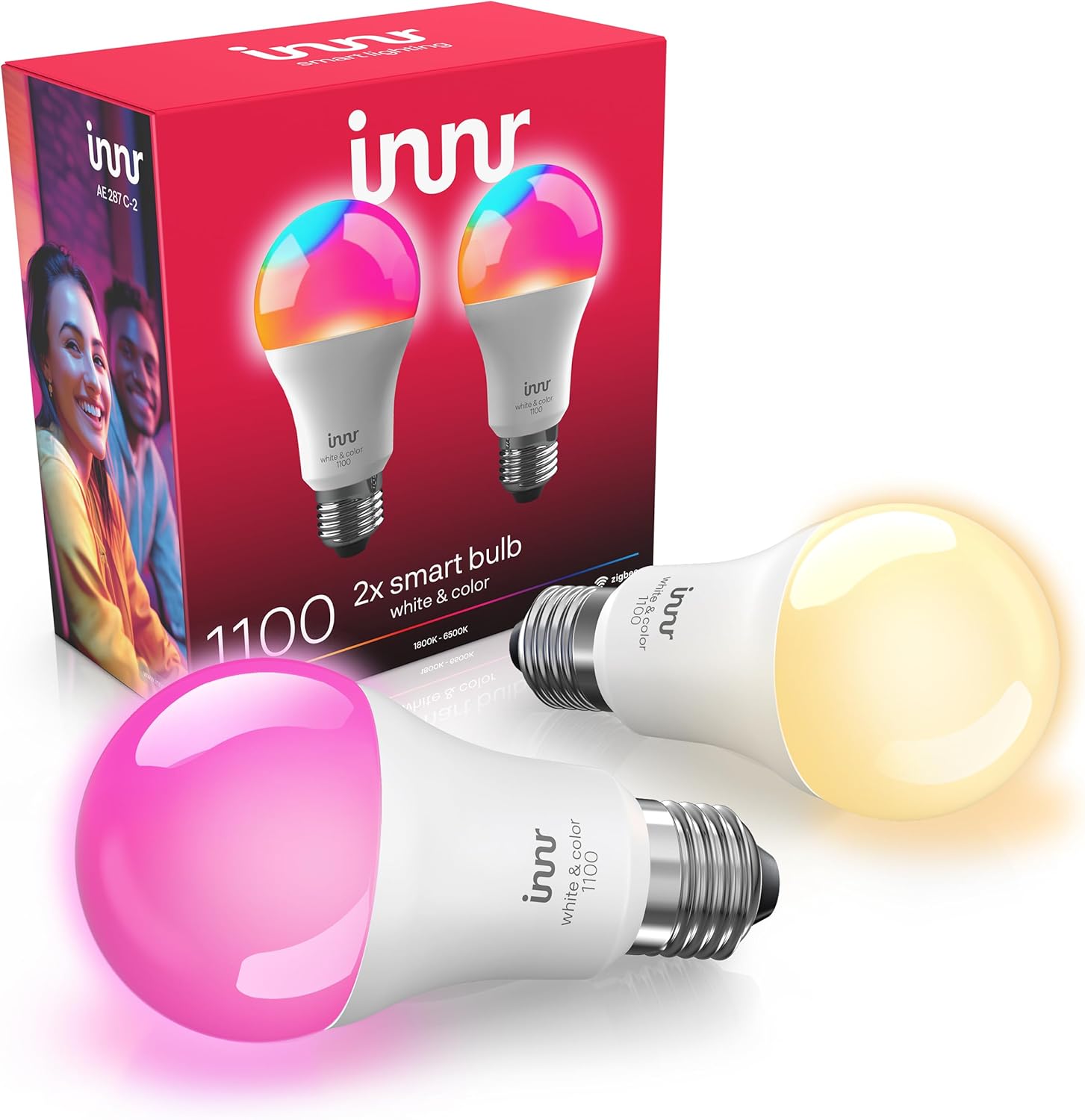
innr Zigbee A19 Smart Bulb, Works with Hue*, Alexa, Smart...

innr Zigbee A19 Smart Bulb, Works with Hue*, Alexa, Smart...
As an Amazon Associate we earn from qualifying purchases.
Official Manufacturer Manual
Innr provides official product documentation through their online manual rather than downloadable PDF. Access setup guides, troubleshooting steps, and product specifications for your Innr Smart Bulb.
Source: innr.com
Need More Help? Innr Support
Note: The contact information below connects you directly to Innr's official customer support team, not Trunetto. They can help with warranty claims, device replacements, and advanced technical issues.