

Why Won't My LIFX Beam Power Connector Work?
- Barrel connector loose or not fully seated in the controller
- Damaged or kinked power cable
- Wrong or underpowered adapter for the number of segments
Problem Description
Your LIFX Beam lights do not turn on because of a power connector issue. The power adapter may not be providing sufficient wattage, the barrel connector may be loose or damaged, or the connection between the adapter and the controller is not seated properly.
Why This Happens in Real Homes
When a LIFX Beam won't light, the power path is the first thing to check, and it's usually mechanical: the barrel connector between the adapter and the controller isn't fully seated, or the cable has been kinked or pinched during mounting. Reseat the connector until it's snug and inspect the cable end to end - a nudge that makes the lights flicker points straight at a loose or damaged connection rather than a WiFi or firmware problem.
The other half of power issues is load. Each adapter is rated for a certain number of segments, and if you've added beams or corner pieces beyond that, the supply can't drive them all - the symptom is often the far end going dim or dark while the beams nearest the controller stay bright, which is classic voltage drop. The fixes are to use the correct LIFX adapter for your segment count, keep the run within the controller's limits (8 straight plus 2 corners), and if a large layout still starves at the end, split it across a second controller and adapter. Always use the genuine LIFX supply; a third-party adapter at the wrong voltage can under-drive or damage the beams.
Symptoms
- Beams won't turn on at all
- Only the beams nearest the controller light
- Far beams dim or flicker
- Light cuts out when the cable is nudged
- Controller shows no power indicator
- Beams work then die after adding segments
- Intermittent power drops during animations
- Nothing lights after moving the setup
Recognize these? Here's what usually causes it.
Common Causes
- Barrel connector loose or not fully seated in the controller
- Damaged or kinked power cable
- Wrong or underpowered adapter for the number of segments
- Total segment count exceeding the adapter's wattage
- Voltage drop across a long run dimming the far end
- Adapter plugged into a switched outlet that's off
- Power port on the controller worn or damaged
- Third-party adapter that doesn't match LIFX voltage
Most fixes happen in the first 3 steps.
Do not attempt to open or modify the light hardware. Smart lights contain electronic components that can be damaged by moisture or physical tampering. Always power off at the wall switch before removing or repositioning a smart light.
Tools & Requirements
Step-by-Step Solution
Check the power adapter output rating
The LIFX Beam uses a specific 30V DC power adapter. If you are using a third-party or replacement adapter, verify the voltage and amperage match the original — using the wrong adapter can cause no power, dim output, or damage. The original adapter rating is printed on its label. Only use the adapter that came with the beam kit or an official LIFX replacement.
Inspect the barrel connector for damage
The power connector between the adapter and the beam controller uses a barrel jack. Over time, these can loosen from repeated plugging and unplugging. Wiggle the connector gently while the beams are on — if the beams flicker, the barrel connector has a loose fit. Try pressing the connector in firmly. If it does not stay seated, wrap a small piece of electrical tape around the barrel for a tighter fit.
Test the outlet and try a different one
Plug a phone charger into the same outlet to verify it has power. If the outlet is on a wall switch, make sure the switch is on. Try a different outlet on a different circuit. Power strips and extension cords can also fail — plug the adapter directly into a wall outlet to rule out any intermediary.
Check for overload from too many beam segments
Each beam segment draws power. If you have a full 8-segment setup with corner pieces, the power draw is at the adapter limit. Adding more segments than supported can cause the adapter to overload and shut down (it will feel hot to the touch). Reduce the number of segments or use a higher-rated LIFX power adapter if available.
Contact LIFX for a replacement adapter
If the adapter is dead (no LED indicator, no heat, no output), it has failed internally. LIFX power adapters are not user-serviceable. Contact LIFX support for a replacement. Do not attempt to use a generic adapter without matching the exact voltage and connector specifications — incorrect voltage will damage the beam controller permanently.
Quick Solutions
Still having issues? This is usually the deeper cause below.
If drain continues after replacing batteries, check the event history — a stuck-open sensor or rapid polling loop burns through batteries in days.
Group your smart lights by room in the app and assign clear names like Kitchen Ceiling and Bedroom Lamp. This makes voice commands more reliable and lets you create scenes that control multiple lights at once with a single command.
Battery-related failures are almost always flagged too late — the device degrades silently for days before the app catches up to what's actually happening.
- Barrel connector loose or not fully seated in the
- Damaged or kinked power cable
- Wrong or underpowered adapter for the number of segments
- Total segment count exceeding the adapter's wattage
- Voltage drop across a long run dimming the far
Before you go — try one of these (they fix most cases).
Most popular upgrades chosen by LIFX Beam owners.
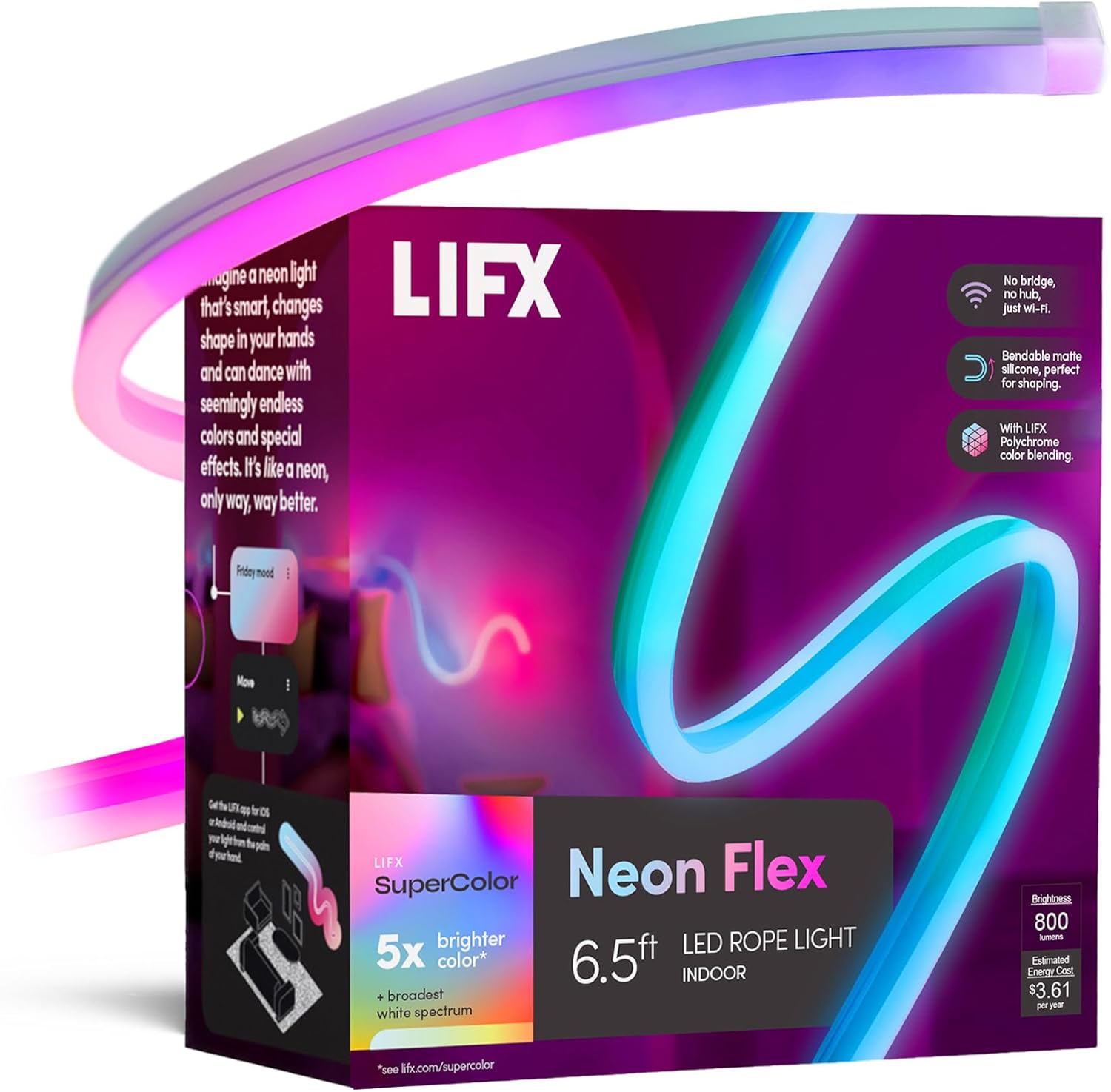
LIFX Neon Flex SuperColor LED Strip Light, 6.5ft Bendable...

LIFX Bedroom Bundle – with 2 Color 800 Lumen Smart Bulb a...

LIFX Supercolor Neon Flex Light Strip, 16ft Bendable RGBW...
As an Amazon Associate we earn from qualifying purchases.
Official Manufacturer Manual
LIFX provides official product documentation through their online manual rather than downloadable PDF. Access setup guides, troubleshooting steps, and product specifications for your LIFX Beam.
Source: support.lifx.com
Need More Help? LIFX Support
Note: The contact information below connects you directly to LIFX's official customer support team, not Trunetto. They can help with warranty claims, device replacements, and advanced technical issues.
Accessories owners commonly pair with LIFX Beam.

As an Amazon Associate we earn from qualifying purchases.

