

Why Does My Schlage Encode Lock Battery Drain So Fast
- Weak WiFi forcing the radio to work harder
- Lock constantly re-connecting to WiFi
- Using lithium or rechargeable AAs (misreported levels)
Problem Description
Your Schlage Encode smart lock is draining AA batteries in weeks instead of the expected 6 to 12 months. Unlike mechanical deadbolts, the Encode maintains a live WiFi connection 24 hours a day, and that constant radio activity is the primary drain — especially when the lock is fighting a weak signal or a door misalignment that makes the motor work harder on every lock cycle.
Why This Happens in Real Homes
Fast battery drain on an Encode is usually a symptom of WiFi struggle: when the door signal is weak, the lock's radio keeps boosting power and re-connecting, and that constant effort chews through AAs in weeks instead of months. A deadbolt that's misaligned adds to it by making the motor strain on every cycle.
The most effective fixes are improving 2.4GHz coverage at the door and making sure the deadbolt throws smoothly without the motor forcing it. Use fresh, matched alkaline AAs — Schlage recommends alkaline, since lithium and rechargeable cells report their levels in ways the lock misreads. Current firmware also carries power-management fixes worth applying.
Symptoms
- AA batteries drain in weeks
- Frequent low-battery warnings
- Batteries die fast after WiFi setup
- Short life vs expected months
- Lock offline as batteries fade
- Drain worse than before
- New batteries deplete quickly
- Cold-weather rapid drain
Recognize these? Here's what usually causes it.
Common Causes
- Weak WiFi forcing the radio to work harder
- Lock constantly re-connecting to WiFi
- Using lithium or rechargeable AAs (misreported levels)
- Very high daily lock activity
- Cold temperatures sapping capacity
- Firmware bug affecting power use
- Motor straining on a misaligned deadbolt
- Always-on features (auto-lock, frequent status)
Most fixes happen in the first 3 steps.
Do not use rechargeable AA batteries. Voltage is lower and causes erratic lock behavior.
Tools & Requirements
These tools will help you complete this fix.
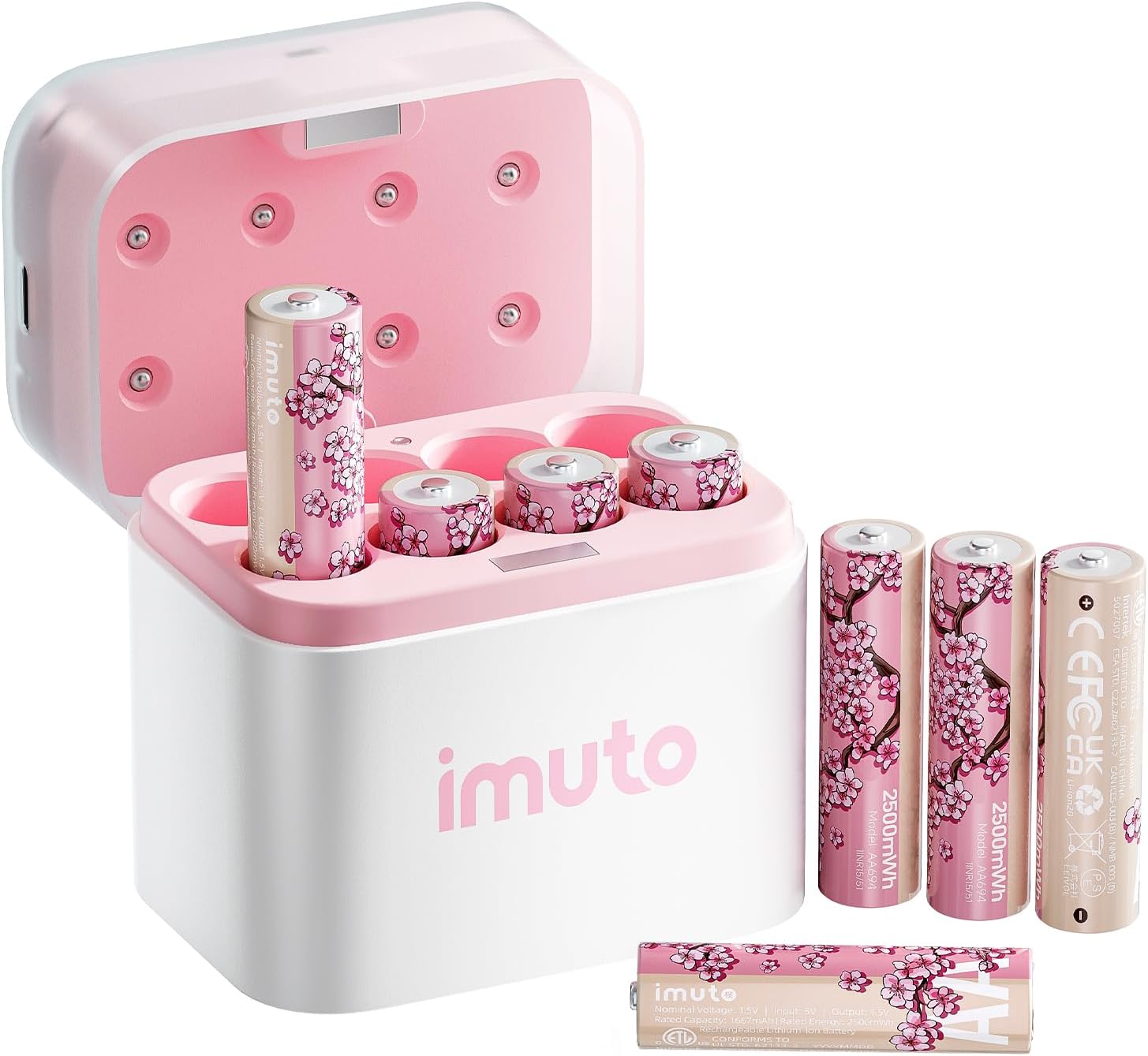
AA lithium batteries
imuto Cherry Blossom Style Rechargeable AA Batteries...

Screwdriver for strike plate adjustment
STREBITO 155 in 1 Electric Screwdriver Set, Small El...
As an Amazon Associate we earn from qualifying purchases.
Step-by-Step Solution
Replace batteries with high-quality fresh cells
Install a full matching set of recommended batteries and verify contact seating, because mixed age or low-quality cells can accelerate apparent drain patterns.
Needed for this step
imuto Cherry Blossom Style Rechargeable AA Batt...
This helps complete the fix you are currently reading.
$19.99Check lock alignment and bolt resistance
Run lock cycles with door open and closed to compare motor load, since misaligned strike plates force extra torque and dramatically reduce battery life.
Needed for this step
STREBITO 155 in 1 Electric Screwdriver Set, Sma...
This helps complete the fix you are currently reading.
$45.99Review WiFi signal quality at lock location
Measure signal and reduce retries by improving coverage near the door, because weak WiFi causes frequent reconnect attempts that consume power.
Disable nonessential polling and noisy automations
Trim aggressive status polling or repetitive automation routines, because high command frequency can increase wake cycles and battery consumption.
Monitor daily battery trend after adjustments
Track battery percentage over several days after mechanical and network fixes, so you can confirm whether drain returns to normal operating slope.
Quick Solutions
Still having issues? This is usually the deeper cause below.
If drain continues after replacing batteries, check the event history — a stuck-open sensor or rapid polling loop burns through batteries in days.
AA lithium batteries like Energizer Ultimate Lithium are best for smart locks. They work better in temperature extremes too.
App battery indicators run 15–20% behind actual charge levels — by the time the low warning appears, the device has been struggling for days.
- Weak WiFi forcing the radio to work harder
- Lock constantly re-connecting to WiFi
- Using lithium or rechargeable AAs (misreported levels)
- Very high daily lock activity
- Cold temperatures sapping capacity
Before you go — try one of these (they fix most cases).
Most popular upgrades chosen by Schlage Encode Lock owners.

SCHLAGE BE469ZP CAM 716 SCHLAGE Connect Smart Deadbolt wi...

Schlage Encode Wi-Fi Smart Lock with Camelot Handleset En...

Schlage Encode Plus Wi-Fi Smart Lock with Century Handles...
As an Amazon Associate we earn from qualifying purchases.
Official Manufacturer Manual
Schlage provides official product documentation through their online manual rather than downloadable PDF. Access setup guides, troubleshooting steps, and product specifications for your Schlage Encode Lock.
Source: schlage.com
Need More Help? Schlage Support
Note: The contact information below connects you directly to Schlage's official customer support team, not Trunetto. They can help with warranty claims, device replacements, and advanced technical issues.
How Does Schlage Compare?
Before replacing your Schlage device, see how it stacks up against alternatives in our full comparison guides.


