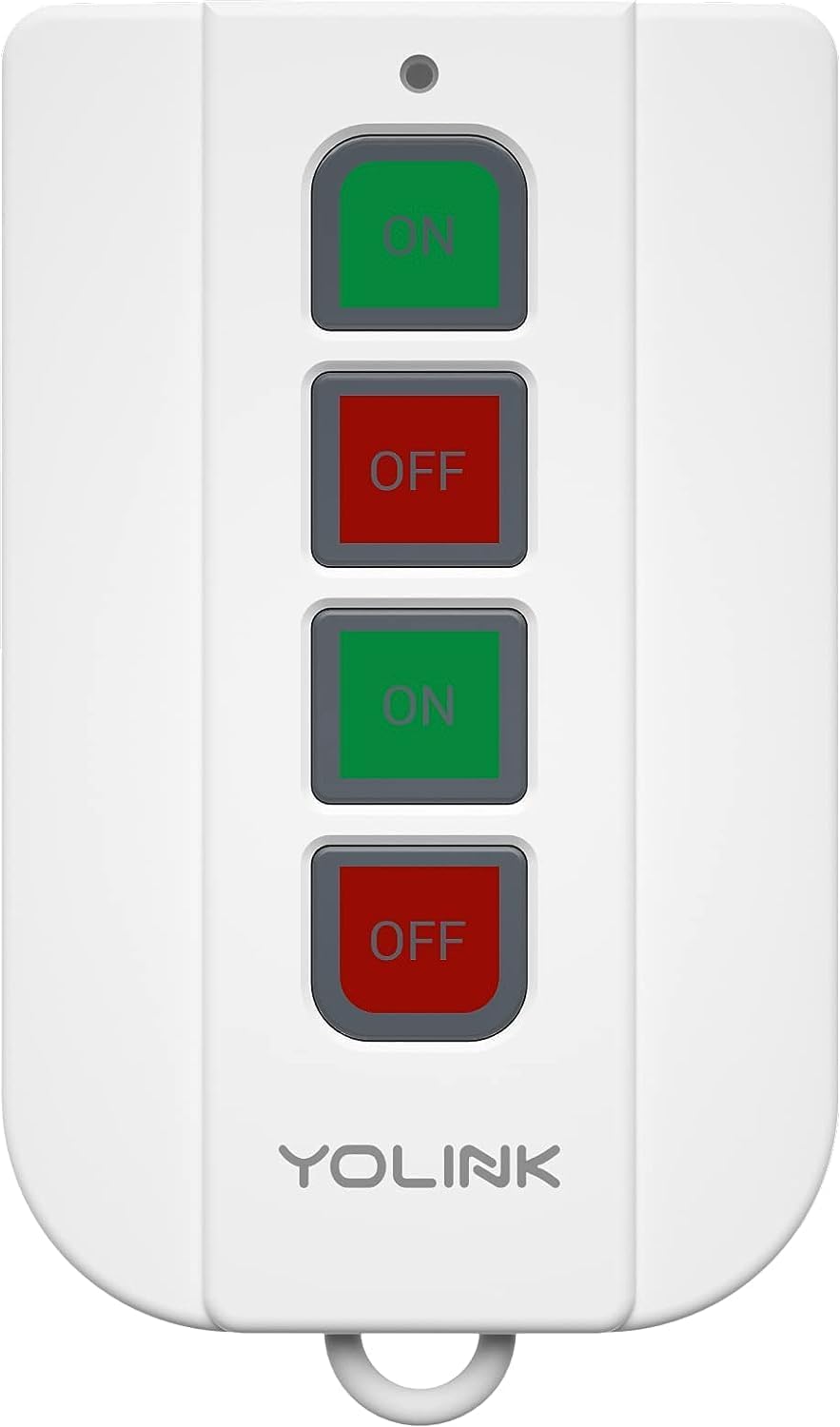
YoLink Outdoor Plug Not Working?
- Outdoor GFCI outlet tripped (no power)
- Plug beyond LoRa range past exterior walls
- Hub offline (all devices then offline)
Problem Description
Your YoLink outdoor plug will not switch or shows offline outside. It talks to the hub over LoRa, so problems come from the hub, the exterior distance and walls cutting range, the outdoor outlet (often GFCI) losing power, or a lost pairing.
Why This Happens in Real Homes
A YoLink outdoor plug that will not work is usually a power, range, or hub issue. Outdoor outlets are almost always GFCI-protected, so a tripped GFCI or breaker is the first and most common cause, leaving the plug dead until you reset it. The plug's own manual button is a quick diagnostic: if it switches the load but the app cannot, the plug is fine and it is a LoRa link problem, while if it does nothing the outlet or plug is at fault. Confirm the hub is online, since an offline hub takes every device with it. Range is the outdoor-specific challenge, because exterior walls and distance cut LoRa even though it is long-range, so moving the hub toward that side of the house, higher and more open, or adding a second hub for the yard keeps it connected. Keep the plug weather-rated with dry connections and within its wattage rating.
Symptoms
- Outdoor plug will not switch on/off
- Plug shows offline outdoors
- Works indoors but drops outside
- Outdoor lights on the plug do not switch
- Drops in cold or wet weather
- Schedule does not run it
- Manual button works, app does not
- Only the outdoor plug is offline
Recognize these? Here's what usually causes it.
Common Causes
- Outdoor GFCI outlet tripped (no power)
- Plug beyond LoRa range past exterior walls
- Hub offline (all devices then offline)
- Lost pairing to the hub
- Load exceeds the plug's rating
- Moisture ingress if not weather-rated install
- Plug still bound to a previous account
- Firmware out of date
Most fixes happen in the first 3 steps.
Use only a weather-rated outdoor plug and keep connections dry; moisture is both a failure and a shock hazard. Stay within the wattage rating.
Tools & Requirements
Step-by-Step Solution
Check the Outlet Power
Outdoor outlets are usually GFCI-protected, and a tripped GFCI (often on the outlet itself or the first indoor outlet on that circuit) or breaker leaves the plug dead. Press RESET and check the breaker, and test with a lamp.
Use the Manual Button
Press the plug's own button. If it switches the load but the app cannot, the plug works and the issue is the LoRa link; if it does nothing, the outlet has no power or the plug failed.
Confirm the Hub Is Online
An offline hub makes every device offline. Confirm the hub is online before troubleshooting the outdoor plug specifically.
Check LoRa Range Outdoors
Exterior walls and distance cut LoRa, so an outdoor plug can sit at the edge of range even though YoLink is long-range. Move the hub toward that side of the house, higher and more open, or add a second hub for the yard.
Still stuck? Ask Trunetto about this exact issue.
Keep It Weatherproofed
Confirm you are using a weather-rated outdoor plug and that its connections stay dry. Moisture in a non-rated setup causes drops and is a hazard.
Mind the Load
Keep the connected load within the plug's wattage rating; an overloaded plug can trip or shut off, especially with heaters or pumps.
Re-Pair if Needed
If it stays offline with power and good range, remove it in the app and re-add it near the hub, then return it outdoors.
Update and Test
Update the plug firmware, then switch it on and off from the app and run any schedule to confirm reliable outdoor operation.
Quick Solutions
Still having issues? This is usually the deeper cause below.
If this comes back after following these steps, check whether a recent app or firmware update reset a default setting — the fix works, but the setting gets reverted silently.
Decision point
If the fix does not hold, check the matching replacement before another reset cycle.
This is the most relevant replacement path for this YoLink Outdoor Plug guide. Use it only if the steps above failed, the issue returns, or the part cost is too close to replacing the device.

Prime · in stock · standard · 31 reviews
Check Replacement PriceOutdoor outlets are GFCI-protected, so a tripped GFCI is the number-one reason an outdoor plug goes dark. Reset it before assuming a range or plug fault.
Battery-related failures are almost always flagged too late — the device degrades silently for days before the app catches up to what's actually happening.
- Outdoor GFCI outlet tripped (no power)
- Plug beyond LoRa range past exterior walls
- Hub offline (all devices then offline)
- Lost pairing to the hub
- Load exceeds the plug's rating
Before you go — try one of these (they fix most cases).
Most popular upgrades chosen by YoLink Outdoor Plug owners.
Compare replacement options
YoLink Plug Mini, 2-Pack, Ultra-Compact Smart...
- Connection fit
- Wi-Fi · Zigbee · Z-Wave +1
- Product role
- Hub / base station
- Ecosystems
- Alexa · Google Home
- Connectivity
- Wi-Fi · Zigbee · Z-Wave +1
- Setup
- Hub required
- Features
- Unmatched Long-Range Connectivity: Experience the industry-leading 1/4 mile wireles... · Built for Safety & Durability: ETL-listed and FCC-compliant, engineered with fire-r... · Control Anytime, Anywhere: Manage your devices remotely via the YoLink app (iOS/And...
- Price
- $69.99
- Reviews
- 4.8 stars · 31 reviews
- Buying signal
- Prime · in stock · standard
- Delivery
- Prime · in stock · standard
YoLink Smart Home Starter Kit: Smart Plugs wi...
- Connection fit
- Wi-Fi
- Product role
- Hub / base station
- Ecosystems
- Alexa · Google Home
- Connectivity
- Wi-Fi
- Setup
- Not specified
- Features
- World's Longest Wireless Range: Powered by LoRa technology, the long-range yet low-... · Works With Alexa & Google Voice Assistants: Supercharge your YoLink system by addin... · Energy Monitoring: you can track energy consumption and real-time power of attached...
- Price
- $64.99 vs $79.99 list
- Reviews
- 4.5 stars · 182 reviews
- Buying signal
- Deal
- Delivery
- Prime · in stock · standard
YoLink Plug Mini, 2-Pack, Ultra-Compact Smart Outlet with...

YoLink Smart Home Starter Kit: Smart Plugs with Energy Mo...
As an Amazon Associate we earn from qualifying purchases.
Official Manufacturer Manual
YoLink provides official product documentation through their online manual rather than downloadable PDF. Access setup guides, troubleshooting steps, and product specifications for your YoLink Outdoor Plug.
Source: yosmart.com
Need More Help? YoLink Support
Note: The contact information below connects you directly to YoLink's official customer support team, not Trunetto. They can help with warranty claims, device replacements, and advanced technical issues.
Compatible accessories that support the setup in this guide, not random checkout recommendations.

YoLink Water Leak Starter Kit: Hub + 6 Leak Sensor 1 (Sil...
Useful add-on
YoLink Water Leak Starter Kit: Hub + 4 Leak Sensor 1 (Sil...
Useful add-on
YoLink Water Leak Starter Kit: Hub + 6 Leak Sensor 4 (105...
Useful add-onAs an Amazon Associate we earn from qualifying purchases.