

How to Replace the Battery Pack on a Kohler Sensate Touchless Faucet
- Old cells drained (6 AA pack, high-use kitchen)
- Old cells leaked inside the compartment
- Mixed old and new or mixed-brand cells used previously
Problem Description
Replace the below-deck battery pack on a Kohler Sensate faucet, restore reliable touchless response, and reset internal state so low-battery alerts clear after fresh cells are installed.
Why This Happens in Real Homes
The Kohler Sensate's touchless response is powered by a 6-AA battery pack in a control box mounted below the deck under the sink (an AC adapter is an option on some installs). Because the kitchen faucet gets heavy daily use, those cells drain faster than people expect, and the first sign is usually not a dead faucet but an unreliable one - delayed activation, a slow shutoff, or a low-battery flag in the Konnect app. Replacing the pack is straightforward: access the control box under the sink, swap in six fresh matched alkaline AA cells in the correct orientation, and reseat the connector until it clicks.
Two things make a replacement 'not take.' First, contact and moisture problems: an under-sink cabinet is damp, so corroded or wet terminals raise resistance and a fresh pack still reads low - wipe the contacts dry before installing. Second, a cached battery state: the control box can hold the old low-battery reading until it's fully power cycled, so after installing the new cells, cycle power and refresh the app diagnostic to clear the alert. Always use matched cells of the same brand and age, never mix old and new, and labeling the pack with the install date makes the next swap predictable.
Symptoms
- Touchless sensor has become unreliable or delayed
- App shows critical/low battery status
- Faucet clicks (solenoid) but water is weak or erratic
- Faucet drips or is slow to shut off
- Fresh premium AA cells on hand
- Under-sink control box accessible
- Flashlight available for cabinet work
- Low-battery alert needs clearing after replacement
Recognize these? Here's what usually causes it.
Common Causes
- Old cells drained (6 AA pack, high-use kitchen)
- Old cells leaked inside the compartment
- Mixed old and new or mixed-brand cells used previously
- Moisture in the cabinet corroded the contacts
- Battery pack connector loosened over time
- Wrong battery type used (not fresh alkaline)
- Stale battery state cached in the control box
- Pack reinstalled without a power cycle to refresh status
Most fixes happen in the first 3 steps.
Never mix old and new batteries. Uneven discharge damages controller circuitry and causes repeated false low-battery alerts over time.
Tools & Requirements
These tools will help you complete this fix.

Dry microfiber cloth
WHOOSH! Pro 16.9 fl oz Refillable TV Screen Cleaner ...
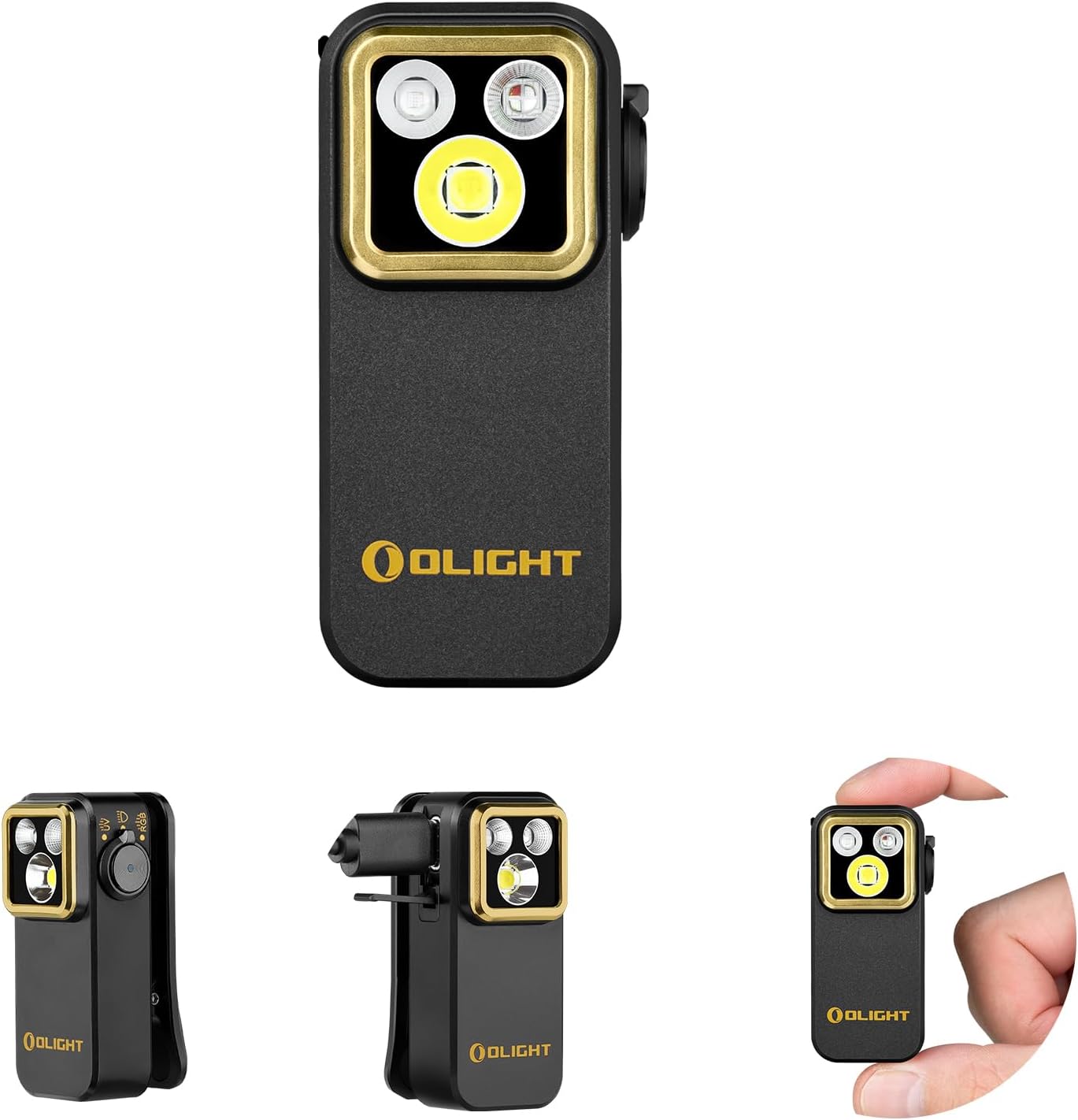
Flashlight
OLIGHT Oclip Pro S EDC Flashlight Clip-on Light, 600...

Phillips screwdriver
Klein Tools 85076 Screwdriver Set, Made in USA, Slot...
As an Amazon Associate we earn from qualifying purchases.
Step-by-Step Solution
Prepare Workspace
Clear the under-sink cabinet so you can access the Kohler control box without strain. Lay a towel to catch drips. Keep a flashlight nearby because the battery pack is often mounted behind supply lines where natural light does not reach.
Needed for this step
OLIGHT Oclip Pro S EDC Flashlight Clip-on Light...
This helps complete the fix you are currently reading.
$39.99Disconnect Battery Pack
Locate the cylindrical battery pack attached to the control box. Press the release tab and pull the connector straight out. Avoid twisting, which can stress the plug. Remove the pack fully so you can open it on a clean, flat surface.
Clean and Inspect Contacts
Open the pack, remove old batteries, and check for leakage or corrosion. Wipe contacts with a dry cloth. If you see heavy corrosion, replace the pack assembly rather than just the cells. Clean contacts improve conductivity and prevent false low-battery alerts.
Needed for this step
WHOOSH! Pro 16.9 fl oz Refillable TV Screen Cle...
This helps complete the fix you are currently reading.
$19.99Install Fresh Cells
Insert a full set of new premium batteries from the same brand and lot. Confirm polarity. Close the pack firmly. Reconnect the harness to the control box until it clicks. A secure connection is essential for stable sensor power during motion activation events.
Power Cycle and Verify
Unplug AC power briefly if your model has it, then reconnect to clear cached battery state. Refresh the Kohler app, confirm battery status reports healthy, and wave under the spout to test touchless response. Label the pack with today date for maintenance.
Quick Solutions
Still having issues? This is usually the deeper cause below.
If drain continues after replacing batteries, check the event history — a stuck-open sensor or rapid polling loop burns through batteries in days.
Write the install date directly on the battery pack. Tracking usage time helps predict future replacements before the faucet becomes unreliable mid-task.
App battery indicators run 15–20% behind actual charge levels — by the time the low warning appears, the device has been struggling for days.
- Old cells drained (6 AA pack, high-use kitchen)
- Old cells leaked inside the compartment
- Mixed old and new or mixed-brand cells used previously
- Moisture in the cabinet corroded the contacts
- Battery pack connector loosened over time
Before you go — try one of these (they fix most cases).
Most popular upgrades chosen by Kohler Sensate Touchless Faucet owners.

As an Amazon Associate we earn from qualifying purchases.
Official Manufacturer Manual
Kohler provides official product documentation through their online manual rather than downloadable PDF. Access setup guides, troubleshooting steps, and product specifications for your Kohler Sensate Touchless Faucet.
Source: kohler.com
Need More Help? Kohler Support
Note: The contact information below connects you directly to Kohler's official customer support team, not Trunetto. They can help with warranty claims, device replacements, and advanced technical issues.


