

Why Is My Kohler Konnect Faucet Constantly Dripping?
- Solenoid valve not fully closing (debris in valve seat)
- Mineral scale buildup in the valve
- Water pressure too high for the valve
Problem Description
Your Kohler Konnect smart faucet drips continuously from the spout even after being shut off through the app or the manual touchless sensor. The drip persists regardless of whether the water was closed remotely or physically. Constant dripping from a Kohler Konnect faucet after closure indicates a solenoid valve that is not fully closing — caused by mineral scale debris caught in the valve seat or a solenoid coil that is not receiving a full shutdown signal.
Why This Happens in Real Homes
A Kohler Konnect faucet that drips continuously after being shut off - whether you closed it in the app or with the touchless sensor - is telling you the solenoid valve isn't fully seating. Unlike a traditional faucet where the handle mechanically stops the water, a smart faucet's flow is gated by an electric solenoid valve, and if mineral scale or grit lodges on the valve seat, the plunger can't close completely and water weeps past it. That's why the manual handle doesn't stop this kind of drip - the leak is downstream at the valve, not at the handle cartridge.
The practical fixes target the valve. Power cycle by closing the under-sink supplies for 30 seconds to reset a control box or coil stuck mid-close, and flush the solenoid by turning the water off and on quickly a few times to dislodge debris. Very high household water pressure can also prevent a clean seal, so confirm you're within the faucet's operating range and add a pressure-reducing valve if you're above it. A weak 6-AA battery makes solenoid actuation sluggish, so fresh cells are worth trying. If the drip survives cleaning, a power cycle, and a debris flush, the valve seal is likely scaled or worn from hard water and needs service.
Symptoms
- Continuous drip from the spout after shutoff
- Water stains collecting in the sink
- Drip rate varies over time
- Drip happens after each use
- Manual handle doesn't stop the drip
- Solenoid makes clicking noises
- Drip persists whether closed by app or by sensor
- Slow weep even hours after last use
Recognize these? Here's what usually causes it.
Common Causes
- Solenoid valve not fully closing (debris in valve seat)
- Mineral scale buildup in the valve
- Water pressure too high for the valve
- Control box malfunction sending an incomplete close signal
- Debris caught on the valve seat
- Worn valve seal from hard water
- Low battery causing weak solenoid actuation
- Firmware glitch affecting valve control
Most fixes happen in the first 3 steps.
Do not overtighten plumbing connections, as this can damage threads and lead to leaks. Always use appropriate tools and apply gentle, firm pressure.
Tools & Requirements
These tools will help you complete this fix.
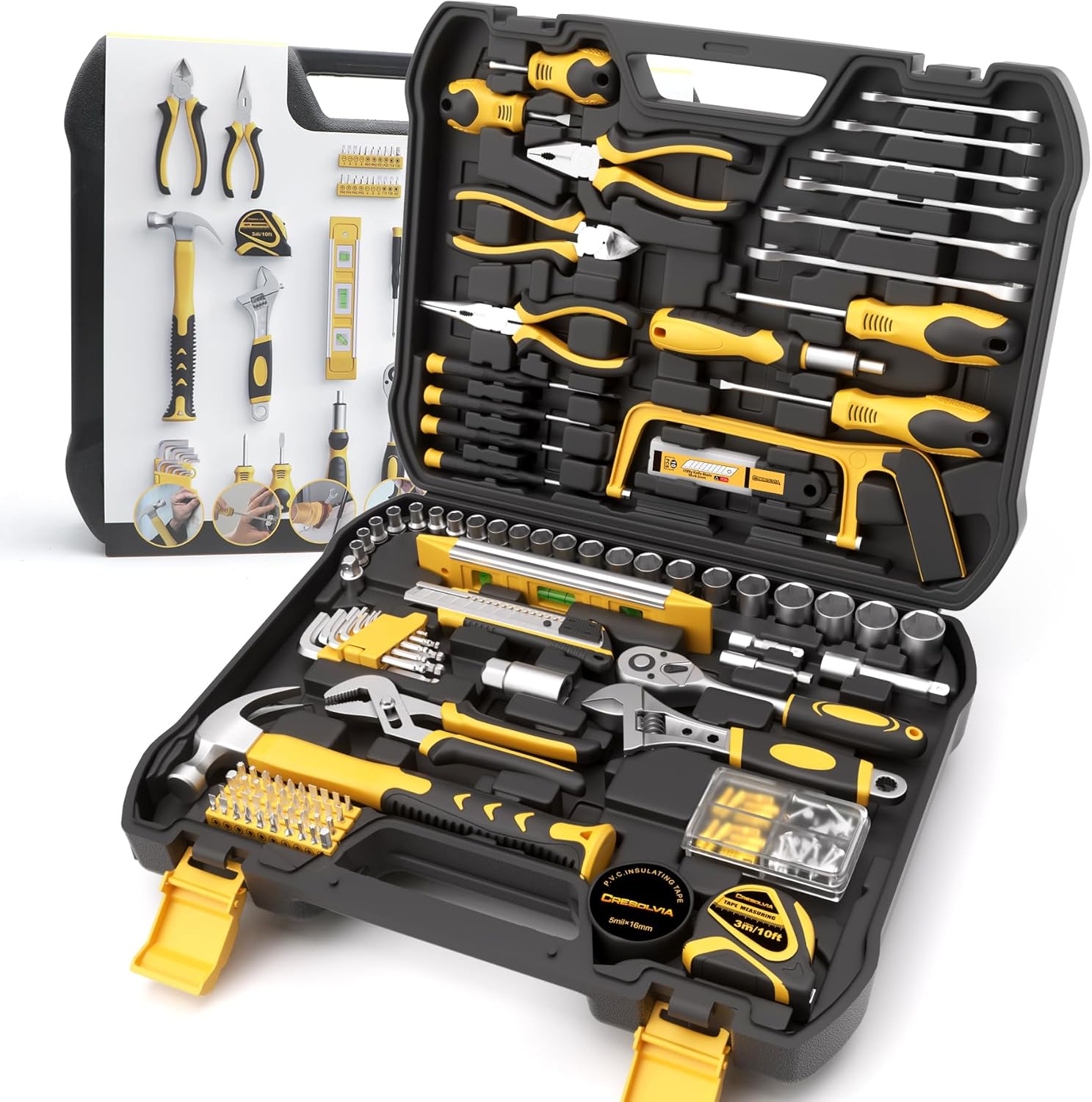
As an Amazon Associate we earn from qualifying purchases.
Step-by-Step Solution
Power Cycle the Faucet
Unplug the control box for your Kohler Konnect faucet (usually under the sink) from its power outlet for at least 30 seconds. Then, plug it back in. This can sometimes reset the solenoid valve and stop minor drips caused by temporary electronic glitches.
Check Water Pressure
Excessively high water pressure can sometimes cause faucets to drip. If you have a whole-house pressure regulator, make sure it"s set to an appropriate level (typically 40-60 psi). If your home"s water pressure is consistently high, consider installing a pressure reducing valve.
Inspect and Clean Solenoid Valve
Turn off the water supply to the faucet. Carefully remove the solenoid valve from the control box (refer to your manual for exact steps). Inspect it for any debris, mineral buildup, or damage. Gently clean any visible debris. Reinstall the solenoid, ensuring a tight seal.
Flush Water Lines
With the water supply off, disconnect the hot and cold water supply lines from the control box. Place the ends into a bucket and briefly turn on the water supply to flush out any sediment or debris that might be interfering with the valve"s seal. Reconnect the lines and test.
Contact Kohler Support
If the dripping persists after trying the above steps, there might be an internal component failure within the solenoid valve or the control box itself. Contact Kohler customer support, providing them with your faucet model and a description of the issue for further assistance or warranty service.
Quick Solutions
Still having issues? This is usually the deeper cause below.
If this comes back after following these steps, check whether a recent app or firmware update reset a default setting — the fix works, but the setting gets reverted silently.
Regularly clean the faucet spout and aerator to prevent mineral buildup, which can sometimes contribute to dripping issues.
This issue almost always looks more complex than it is — the majority of cases trace back to a single setting, a stale credential, or a default that shipped wrong.
- Solenoid valve not fully closing (debris in valve seat)
- Mineral scale buildup in the valve
- Water pressure too high for the valve
- Control box malfunction sending an incomplete close signal
- Debris caught on the valve seat
Before you go — try one of these (they fix most cases).
Most popular upgrades chosen by Kohler Konnect Faucet owners.
As an Amazon Associate we earn from qualifying purchases.
Official Manufacturer Manual
Kohler provides official product documentation through their online manual rather than downloadable PDF. Access setup guides, troubleshooting steps, and product specifications for your Kohler Konnect Faucet.
Source: kohler.com
Need More Help? Kohler Support
Note: The contact information below connects you directly to Kohler's official customer support team, not Trunetto. They can help with warranty claims, device replacements, and advanced technical issues.


