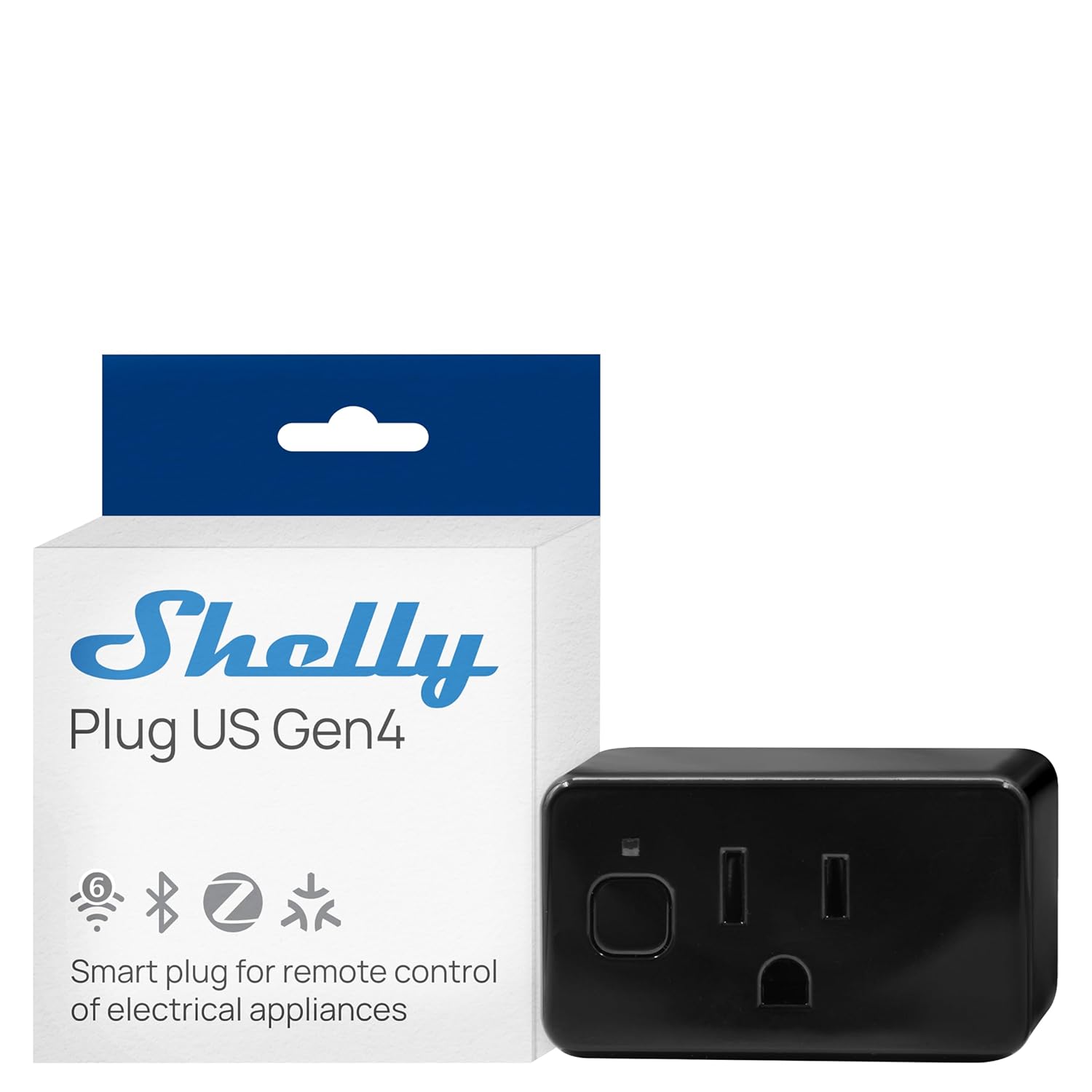
Why Is My Shelly Relay Overheating or Tripping the Circuit Breaker?
- Connected load exceeds Shelly rated amperage
- Loose wire connections creating heat from resistance
- Shelly installed in sealed box with no ventilation
Problem Description
Your Shelly relay is getting excessively hot or causing the circuit breaker to trip. The device may shut itself off due to thermal protection or the breaker may trip when the Shelly switches the connected load. Overheating relays are a safety concern and can indicate an overloaded circuit incorrect wiring or a failing device. This must be addressed immediately as continued overheating can damage wiring or create a fire hazard.
Symptoms
- Shelly device is hot to the touch
- Circuit breaker trips when Shelly activates load
- Shelly shows overtemperature warning in app
- Device shuts off automatically for thermal protection
- Connected lights flicker when Shelly controls them
- Burning smell near the switch box containing Shelly
Recognize these? Here's what usually causes it.
Common Causes
- Connected load exceeds Shelly rated amperage
- Loose wire connections creating heat from resistance
- Shelly installed in sealed box with no ventilation
- Inductive load like motor causing current spikes
- Wire gauge too small for the circuit load
- Defective Shelly unit with failing relay contacts
Most fixes happen in the first 3 steps.
If you smell burning or see discoloration on wires near the Shelly immediately turn off the circuit breaker and do not use the device until the wiring is inspected by a qualified electrician. Overheating electrical connections are a fire hazard.
Tools & Requirements
These tools will help you complete this fix.

Clamp meter or multimeter
Klein Tools CL120VP Electrical Voltage Test Kit with...

Screwdriver for terminal connections
STREBITO 155 in 1 Electric Screwdriver Set, Small El...
As an Amazon Associate we earn from qualifying purchases.
Step-by-Step Solution
Cut power and inspect wiring against Shelly diagram
De-energize the circuit and verify line/load/neutral wiring per the exact relay model, because miswiring is a frequent source of heat buildup and breaker trips.
Measure connected load against relay rating
Check actual appliance current draw and inrush profile, since exceeding relay limits or switching inappropriate loads can cause thermal stress and protective trips.
Check enclosure ventilation and ambient temperature
Evaluate whether the relay is installed in a cramped hot box with poor airflow, because thermal accumulation in sealed cavities can push devices beyond safe operating range.
Inspect terminals for loose contact or arcing signs
Look for discoloration, melted insulation, or loose conductors, because resistive heating at poor connections can trip breakers and damage relay outputs.
Needed for this step
STREBITO 155 in 1 Electric Screwdriver Set, Sma...
This helps complete the fix you are currently reading.
$45.99Retest under monitored load and escalate if heating remains
After correction, run controlled load tests while monitoring temperature trend; if overheating persists within spec load, replace hardware and review circuit design.
Quick Solutions
Still having issues? This is usually the deeper cause below.
If this comes back after following these steps, check whether a recent app or firmware update reset a default setting — the fix works, but the setting gets reverted silently.
Enable overtemperature protection in the Shelly settings. This automatically shuts off the relay if internal temperature exceeds a safe threshold preventing potential fire hazard from an overloaded circuit.
This issue almost always looks more complex than it is — the majority of cases trace back to a single setting, a stale credential, or a default that shipped wrong.
- Connected load exceeds Shelly rated amperage
- Loose wire connections creating heat from resistance
- Shelly installed in sealed box with no ventilation
- Inductive load like motor causing current spikes
- Wire gauge too small for the circuit load
Before you go — try one of these (they fix most cases).
Most popular upgrades chosen by Shelly Smart Relay owners.

As an Amazon Associate we earn from qualifying purchases.
Official Manufacturer Manual
Shelly provides official product documentation through their online manual rather than downloadable PDF. Access setup guides, troubleshooting steps, and product specifications for your Shelly Smart Relay.
Source: shelly.cloud
Need More Help? Shelly Support
Note: The contact information below connects you directly to Shelly's official customer support team, not Trunetto. They can help with warranty claims, device replacements, and advanced technical issues.
Accessories owners commonly pair with Shelly Smart Relay.

Amazon Smart Plug, Works with Alexa, Simple Setup, Endles...

Sengled Smart Light Bulbs, Color Changing Alexa/Bluetooth...

Sengled Alexa Light Bulb, S1 Auto Pairing with Alexa Devi...
As an Amazon Associate we earn from qualifying purchases.