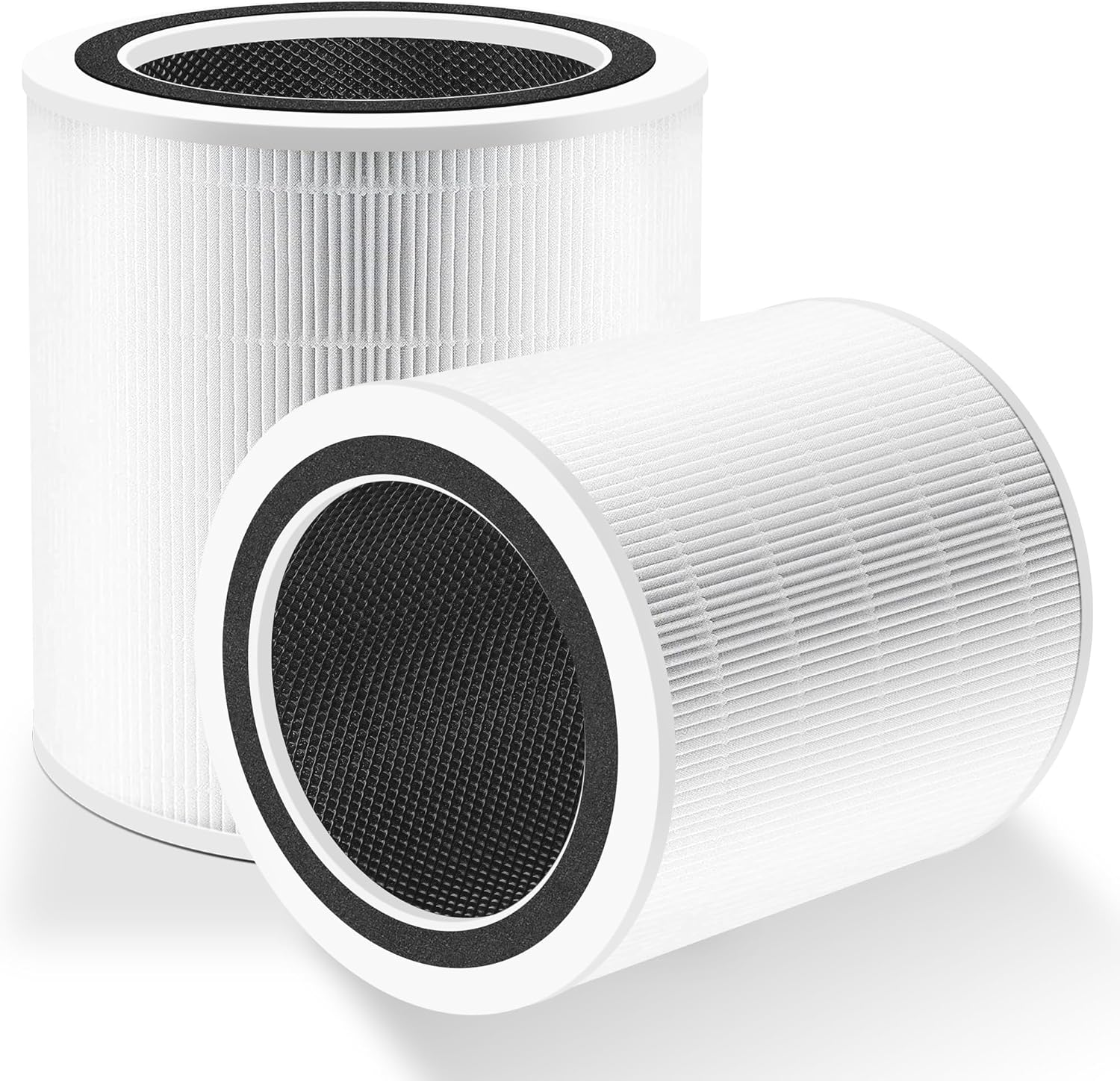
Why Does My Levoit Core 400S Keep Disconnecting from WiFi Every Night
- Router power-saving mode disconnecting idle devices
- DHCP lease expiring overnight without renewal
- 2.4GHz congestion during nighttime backup windows
Problem Description
Your Levoit Core 400S air purifier loses its WiFi connection overnight and shows as offline in the VeSync app every morning. You have to manually reconnect it or power cycle the unit to restore connectivity. The purifier works fine during the day but reliably disconnects sometime during the night hours.
Why This Happens in Real Homes
A Core 400S that's fine all day but offline every morning is almost always being dropped by the router rather than failing on its own. The classic causes are a DHCP lease that expires overnight without renewing, a router power-saving or 'idle client' mode that disconnects devices with little nighttime traffic, and AP isolation or nightly scheduled reboots. Because a purifier sits mostly idle overnight, it's exactly the kind of device these router behaviors target - which is why other, busier devices may stay connected while the Levoit drops. Reserving a static/DHCP IP for the purifier and disabling the router's power-saving and isolation settings fix the majority of overnight disconnects.
The rest are signal and interference. Overnight is when many networks run backups and when neighboring 2.4GHz networks can congest a shared channel, so a purifier on a marginal signal or a crowded channel drops when conditions tighten - moving it closer to the router (or adding coverage) and switching to a less congested 2.4GHz channel both help. Keep the VeSync app and purifier firmware updated, since fixes for connection stability ship there. If the disconnects started right after a router firmware update, the update likely changed a power-saving or band-steering default, so revisit those settings first.
Symptoms
- Purifier shows offline in VeSync every morning
- WiFi light off or blinking after overnight
- Schedules fail because the device disconnected
- Must power cycle to restore WiFi daily
- Started after a router firmware update
- Other smart devices stay connected but the Levoit drops
- Reconnects fine during the day
- Drops only during overnight hours
Recognize these? Here's what usually causes it.
Common Causes
- Router power-saving mode disconnecting idle devices
- DHCP lease expiring overnight without renewal
- 2.4GHz congestion during nighttime backup windows
- VeSync cloud maintenance timing
- Router isolating the device after inactivity
- WiFi channel interference peaking at night
- Weak 2.4GHz signal at the purifier
- Nightly router scheduled reboot
Most fixes happen in the first 3 steps.
Do not attempt to modify your router settings if you are not familiar with networking. Incorrect settings can affect all devices on your network. Take screenshots of original settings before making changes.
Tools & Requirements
Step-by-Step Solution
Disable Router Power Saving Features
Many routers have eco or power saving modes that disconnect idle devices. Log into your router admin panel and look for settings like Green Mode, Eco Mode, or Power Saving. Disable these features. Also look for Idle Timeout settings and either disable them or set to the maximum allowed time.
Create DHCP Reservation
Your router may be reassigning IP addresses overnight which causes the purifier to lose its connection. In your router settings, find DHCP Reservation or Static DHCP. Add an entry for your Levoit Core 400S using its MAC address (found in VeSync app device info) and assign it a fixed IP address outside the dynamic range.
Check Router AP Isolation
Some routers have Access Point Isolation or Client Isolation enabled which prevents devices from communicating. This can interfere with smart home devices. Log into your router and make sure AP Isolation is disabled on the 2.4GHz network that your Levoit connects to.
Optimize WiFi Channel Selection
Nighttime often has different interference patterns as neighbors devices change usage. Use a WiFi analyzer app to check channel congestion. In your router settings, manually set the 2.4GHz channel to 1, 6, or 11 (non-overlapping channels) whichever shows the least congestion in your area.
Update All Firmware
Open the VeSync app and check if your Core 400S has a firmware update available. Also check your router manufacturer website for router firmware updates. Outdated firmware on either device can cause connectivity stability issues. Apply updates and monitor for a few nights.
Quick Solutions
Still having issues? This is usually the deeper cause below.
This usually happens right after a router reboot or ISP change — the device rejoins the network but drops its cloud session silently.
Set up a schedule in the VeSync app that runs at a time you are typically awake. This keeps the purifier actively communicating with the cloud and can prevent idle disconnections.
Most WiFi drop-offs happen right after a router reboot or ISP swap — the device reconnects to the network but silently loses its cloud registration.
- Router power-saving mode disconnecting idle devices
- DHCP lease expiring overnight without renewal
- 2.4GHz congestion during nighttime backup windows
- VeSync cloud maintenance timing
- Router isolating the device after inactivity
Before you go — try one of these (they fix most cases).
Official Manufacturer Manual
Levoit provides official product documentation through their online manual rather than downloadable PDF. Access setup guides, troubleshooting steps, and product specifications for your Levoit Core 400S.
Source: levoit.com
Need More Help? Levoit Support
Note: The contact information below connects you directly to Levoit's official customer support team, not Trunetto. They can help with warranty claims, device replacements, and advanced technical issues.
Accessories owners commonly pair with Levoit Core 400S.

Ring Rechargeable Quick Release Battery Pack

Ring Chime Pro

SwitchBot Hub Mini Smart Remote - IR Universal Remote, Wi...
As an Amazon Associate we earn from qualifying purchases.