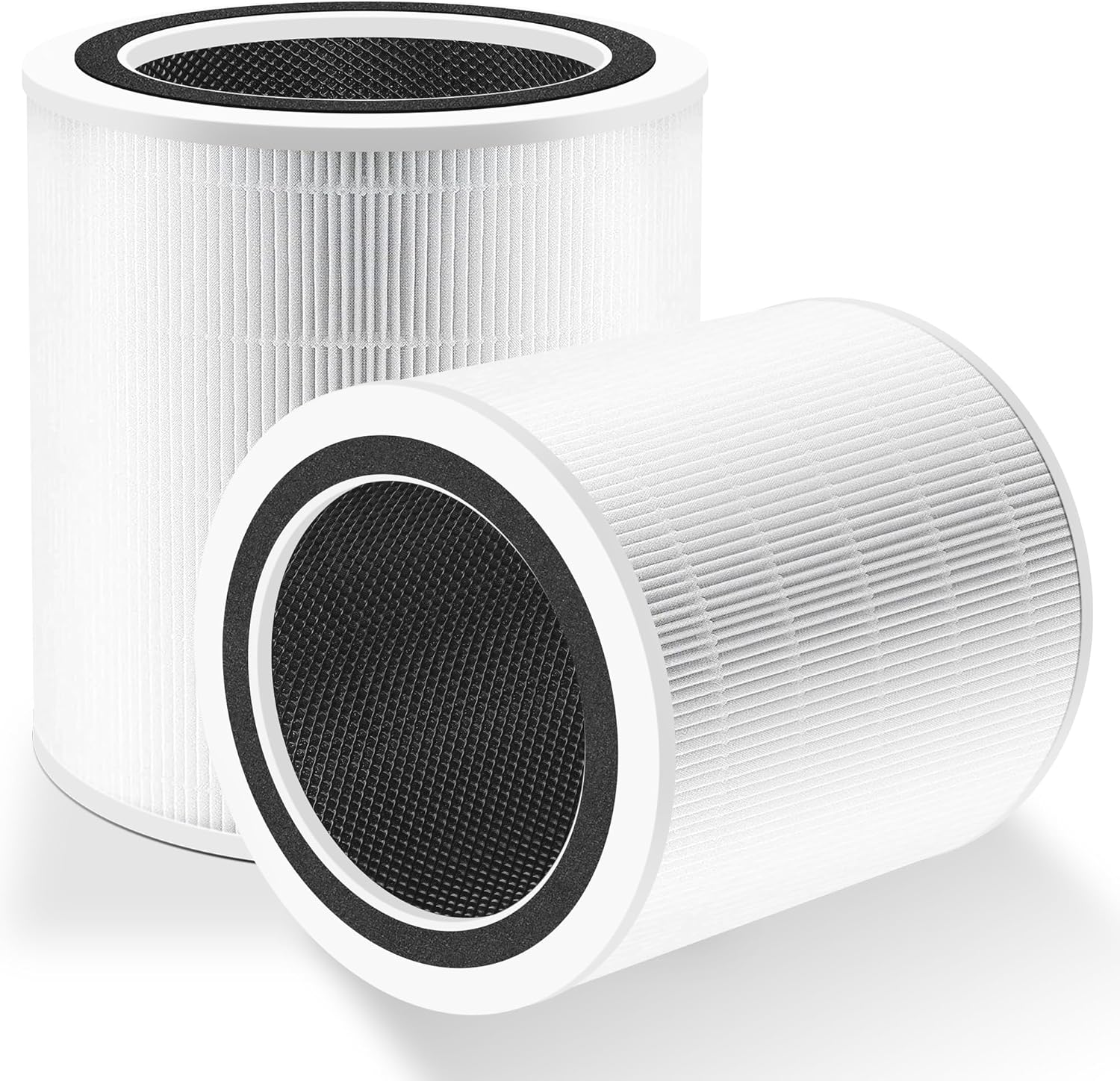
Why My Levoit Core 600S Is Making a Rattling Noise
- Filter not seated
- Debris in the fan
- Unit on an uneven surface
Problem Description
Rattling sounds usually come from a loose filter, fan debris, or an uneven surface. This guide silences the purifier and restores smooth airflow.
Why This Happens in Real Homes
Rattling sounds usually come from a loose filter, fan debris, or an uneven surface. This guide silences the purifier and restores smooth airflow. In day-to-day use, this usually looks like Rattling noise on high; Noise stops when tilted; Filter recently changed.
Most cases trace back to Filter not seated; Debris in fan; Unit on uneven surface. The fix works best when you go step by step instead of changing multiple settings at once.
A practical order for this issue is: Check Filter -> Clean Intake -> Level the Unit -> Tighten Cover. After each step, test the exact behavior that was failing so you can confirm what actually solved it.
Symptoms
- Rattling noise on high
- Noise stops when tilted
- Filter recently changed
- Unit on an uneven floor
- Vibration increases
- Airflow reduced
- Noise worse right after a filter change
- Buzzing on hard/resonant surfaces
Recognize these? Here's what usually causes it.
Common Causes
- Filter not seated
- Debris in the fan
- Unit on an uneven surface
- Filter cover loose
- Motor needs a reset
- Shipping foam left in the unit
- Plastic wrap left on the filter
- Fan blades dusty/unbalanced
Most fixes happen in the first 3 steps.
Avoid running the purifier with a loose filter cover.
Tools & Requirements
These tools will help you complete this fix.
Vacuum
Bagotte Robot Vacuum and Mop, Robot Vacuum Self Empt...

soft brush
Antistatic Brush, 2 PCS Mainboard Cleaning Tools ESD...
As an Amazon Associate we earn from qualifying purchases.
Step-by-Step Solution
Identify the Rattling Source
Turn the Levoit Core 600S on at different fan speeds to identify when the rattle occurs. A rattle only at high speed usually indicates a loose internal component vibrating. A rattle at all speeds is more likely a loose filter or foreign object inside the unit. Unplug the purifier and remove the bottom panel to access the filter. Shake the unit gently to check for loose debris inside.
Reseat the Filter
Remove the bottom panel of the Core 600S (twist or unclip depending on model variant). Take out the cylindrical HEPA filter. Check for any packaging material, tags, or plastic wrapping still attached to the filter. Reinstall the filter firmly — it should sit flush in its housing with no gaps. A loosely seated filter vibrates at high fan speeds causing a rattling noise.
Check for Foreign Objects
With the filter removed, look inside the fan housing for small objects that may have fallen in through the air intake — small toys, pet hair clumps, or debris can get caught in the fan blades. Shine a flashlight into the housing and inspect the fan blades for anything attached or wedged between blades. Remove any debris carefully.
Place on a Flat Stable Surface
The Core 600S is a large cylindrical unit and needs a flat, level surface. If placed on an uneven surface, carpet, or near the edge of a table, the unit can vibrate and rattle during operation. Place it on hard flooring or a sturdy shelf. Add adhesive felt pads to the bottom feet if the unit vibrates against a hard surface.
Contact Levoit Support
If the rattle persists after checking the filter, fan housing, and placement, the fan motor bearings or mounting may be loose internally. This is not user-serviceable. Contact Levoit support with your model and purchase date — the Core 600S has a 2-year warranty that covers motor and fan defects. Do not attempt to disassemble the fan motor.
Quick Solutions
Still having issues? This is usually the deeper cause below.
If this comes back after following these steps, check whether a recent app or firmware update reset a default setting — the fix works, but the setting gets reverted silently.
Keep the purifier on a flat surface to reduce vibration.
This issue almost always looks more complex than it is — the majority of cases trace back to a single setting, a stale credential, or a default that shipped wrong.
- Filter not seated
- Debris in the fan
- Unit on an uneven surface
- Filter cover loose
- Motor needs a reset
Before you go — try one of these (they fix most cases).
Most popular upgrades chosen by Levoit Core 600S owners.

LEVOIT 6000S Smart Whole House Humidifiers, 6 Gal, 72-Hou...

LEVOIT Smart Humidifier (Dual 200S) and Air Purifier (Cor...

Levoit Dual200S Smart Humidifier and Humidifier Filters
As an Amazon Associate we earn from qualifying purchases.
Official Manufacturer Manual
Levoit provides official product documentation through their online manual rather than downloadable PDF. Access setup guides, troubleshooting steps, and product specifications for your Levoit Core 600S.
Source: levoit.com
Need More Help? Levoit Support
Note: The contact information below connects you directly to Levoit's official customer support team, not Trunetto. They can help with warranty claims, device replacements, and advanced technical issues.
Accessories owners commonly pair with Levoit Core 600S.

Ring Rechargeable Quick Release Battery Pack

Ring Chime Pro

SwitchBot Hub Mini Smart Remote - IR Universal Remote, Wi...
As an Amazon Associate we earn from qualifying purchases.