

How Do I Remove a Ring Device From a Previous Owner's Account?
- Previous owner did not remove the device from their Ring account before selling or moving
- Device was factory reset but the server-side account association was not cleared
- Seller on marketplace like eBay or Facebook did not realize account removal was required
Problem Description
You purchased a home or bought a used Ring doorbell and the device is still linked to the previous owner Ring account. When you try to set it up in your Ring app it displays the message This device is associated with another Ring account. A factory reset does not remove this account lock because Ring ties devices to accounts server-side as an anti-theft measure. This is the single most annoying Ring issue reported by new homeowners on Reddit and community forums.
Why This Happens in Real Homes
This comes up every time someone buys a house with Ring devices already installed. The previous owner's Ring account is still linked to the doorbell or camera, and Ring devices can only be on one account at a time. You cannot set it up on your account until the old owner removes it from theirs. If the old owner is responsive, ask them to remove the device in their Ring app — takes 30 seconds. If they are not responsive, contact Ring support with proof of home ownership (closing documents or utility bill) and they will transfer the device to your account. This process usually takes 3 to 5 business days.
Symptoms
- Ring app displays This device is associated with another account during setup
- Factory reset completes but device still shows account locked in app
- Doorbell enters setup mode but the app rejects it at the account verification step
- Previous owner left the area and is unreachable to transfer ownership
- Ring device appears in your WiFi network but cannot be added to your Ring account
- Device was purchased secondhand from marketplace and seller did not remove from their account
Recognize these? Here's what usually causes it.
Common Causes
- Previous owner did not remove the device from their Ring account before selling or moving
- Device was factory reset but the server-side account association was not cleared
- Seller on marketplace like eBay or Facebook did not realize account removal was required
- Previous owner account uses a different email and they forgot to transfer
- Ring Protect plan is still active on previous owner account holding the device
- Ring anti-theft feature intentionally prevents unauthorized account transfers
Most fixes happen in the first 3 steps.
Never purchase a used Ring device from an unknown seller without confirming they have removed it from their account first. There is no way to bypass the Ring account lock without Ring support cooperation. Devices reported as stolen to Ring will never be released to a new owner.
Step-by-Step Solution
Confirm device ownership state in current Ring app
Check whether the device shows previous-owner linkage or transfer required status, because transfer workflow differs from normal remove/add behavior.
Request owner release from original account
Have the previous owner remove the device from their Ring account and app location, since ownership lock remains until backend release completes.
Factory reset device after ownership release
Perform hardware reset to clear local credentials before adding to new account, because retained pairing data can block successful transfer completion.
Add device to new account on stable network
Run onboarding with strong WiFi and correct location profile, because transfer errors are more frequent when setup retries happen on weak network paths.
Validate alerts and live view under new ownership
Test notifications and stream access after transfer to confirm backend ownership and app permissions are fully synchronized.
Quick Solutions
Still having issues? This is usually the deeper cause below.
If this comes back after following these steps, check whether a recent app or firmware update reset a default setting — the fix works, but the setting gets reverted silently.
If you are buying a home ask the seller or realtor to include Ring device account transfer as part of the closing checklist. This is increasingly common in real estate transactions and saves weeks of back-and-forth with Ring support after move-in.
This issue almost always looks more complex than it is — the majority of cases trace back to a single setting, a stale credential, or a default that shipped wrong.
- Previous owner did not remove the device from their
- Device was factory reset but the server-side account association
- Seller on marketplace like eBay or Facebook did not
- Previous owner account uses a different email and they
- Ring Protect plan is still active on previous owner
Before you go — try one of these (they fix most cases).
Most popular upgrades chosen by Ring Doorbell and Camera owners.

4 Channel 360° Dash Cam Front Rear Inside & Left Right,4K...

Ring Alarm 5-Piece Kit with Ring Indoor Cam 2nd Gen
As an Amazon Associate we earn from qualifying purchases.
Official Manufacturer Manual
Ring provides official product documentation through their online manual rather than downloadable PDF. Access setup guides, troubleshooting steps, and product specifications for your Ring Doorbell and Camera.
Source: support.ring.com
Need More Help? Ring Support
Note: The contact information below connects you directly to Ring's official customer support team, not Trunetto. They can help with warranty claims, device replacements, and advanced technical issues.
How Does Ring Compare?
Before replacing your Ring device, see how it stacks up against alternatives in our full comparison guides.
Accessories owners commonly pair with Ring Doorbell and Camera.
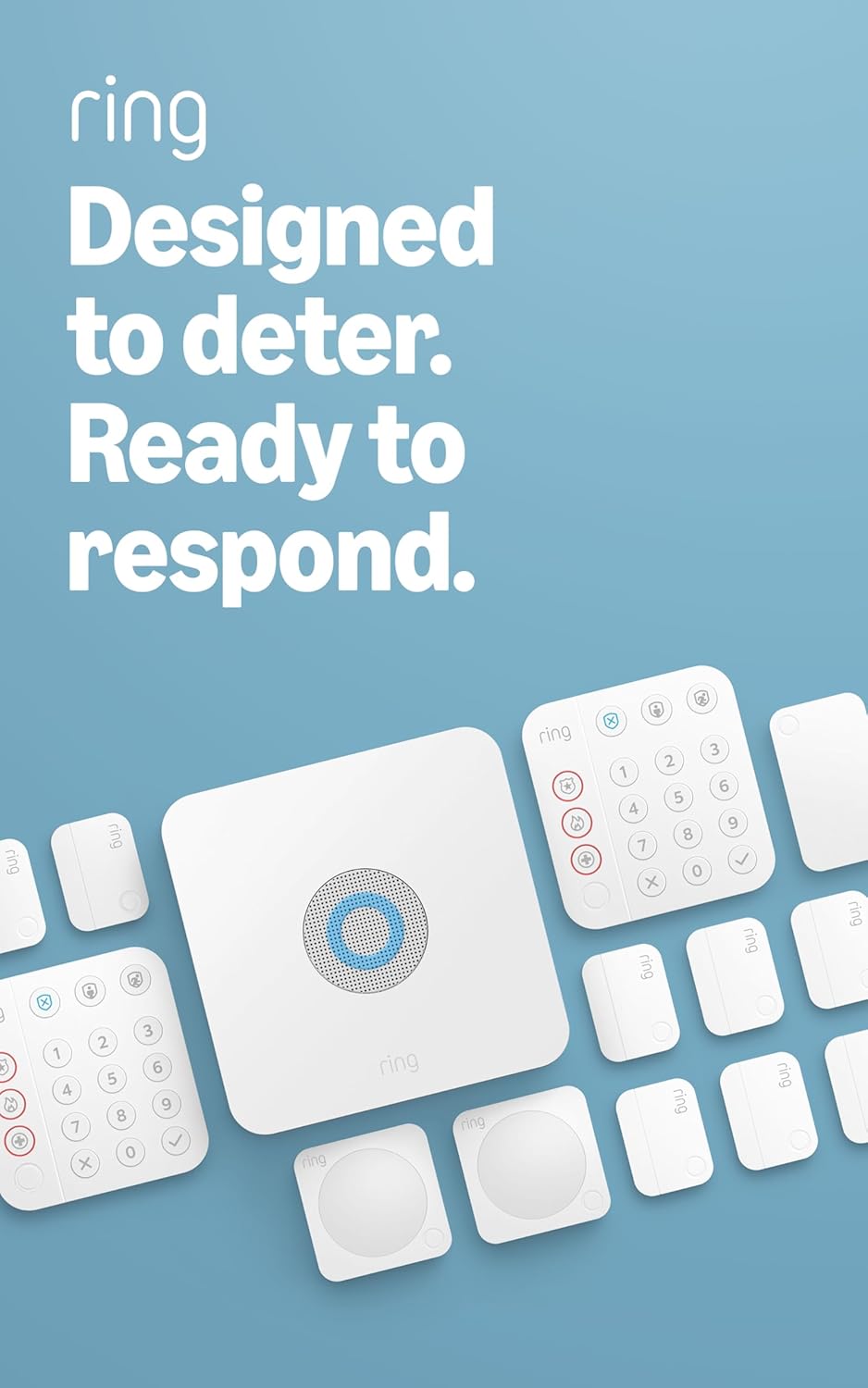
Ring Alarm 14-Piece Kit – Wireless Smart Home Security Sy...

Ring Alarm 5-Piece Kit – Wireless Smart Home Security Sys...

Ring Alarm 10-Piece Kit – Wireless Smart Home Security Sy...
As an Amazon Associate we earn from qualifying purchases.



