Ring Error Code P1-78: Why Is My Camera Offline and How Do I Fix It?
- Power outage or surge
- WiFi changed
- Camera too far from router
Problem Description
Ring error P1-78 indicates your Ring camera has gone offline after power outages, WiFi changes, or losing network connection.
Why This Happens in Real Homes
Error p1-78 means the camera has gone offline, and the causes are the usual offline trio: a power interruption or surge, a WiFi change, or the camera being too far from the router. The camera can't check in, so Ring flags it.
Start by confirming power (adapter, cable, and that a battery isn't dead), then the WiFi — reconnect it in the app if the network changed and check the signal at the mounting spot. A power cycle brings most back; recurring p1-78 points to weak WiFi or a failing power source.
Symptoms
- P1-78 error code
- Camera offline in list
- No live view
- Motion alerts stopped
- Cannot access recordings
- Camera LED off
Recognize these? Here's what usually causes it.
Common Causes
- Power outage or surge
- WiFi changed
- Camera too far from router
- Power adapter disconnected
- Firmware update failed
- Hardware malfunction
Most fixes happen in the first 3 steps.
Factory reset erases all settings. Only reset after other troubleshooting fails.
Tools & Requirements
These tools will help you complete this fix.

As an Amazon Associate we earn from qualifying purchases.
Step-by-Step Solution
Check Power Connection
For plug-in cameras, make sure adapter firmly connected. Try different outlet. For battery, check level or remove and reinsert. For wired, check breaker.
Power Cycle Camera
Unplug camera or remove battery. Wait 30 seconds. Reconnect and wait 2-3 minutes for boot. Watch status LED.
Check Your WiFi
Verify WiFi working with another device. If you changed password or router, camera needs reconnection.
Reconnect to WiFi
In Ring app, select offline camera. Tap Device Health then Reconnect to WiFi. Hold setup button, follow app instructions.
Factory Reset
Hold setup button 20 seconds until LED flashes rapidly. Set up as new device in Ring app.
Quick Solutions
Still having issues? This is usually the deeper cause below.
This usually happens right after a router reboot or ISP change — the device rejoins the network but drops its cloud session silently.
Ring cameras need RSSI above -60 for reliable connection. Consider WiFi extender or Chime Pro if far from router.
Most WiFi drop-offs happen right after a router reboot or ISP swap — the device reconnects to the network but silently loses its cloud registration.
- Power outage or surge
- WiFi changed
- Camera too far from router
- Power adapter disconnected
- Firmware update failed
Before you go — try one of these (they fix most cases).
Most popular upgrades chosen by Ring Security Camera owners.
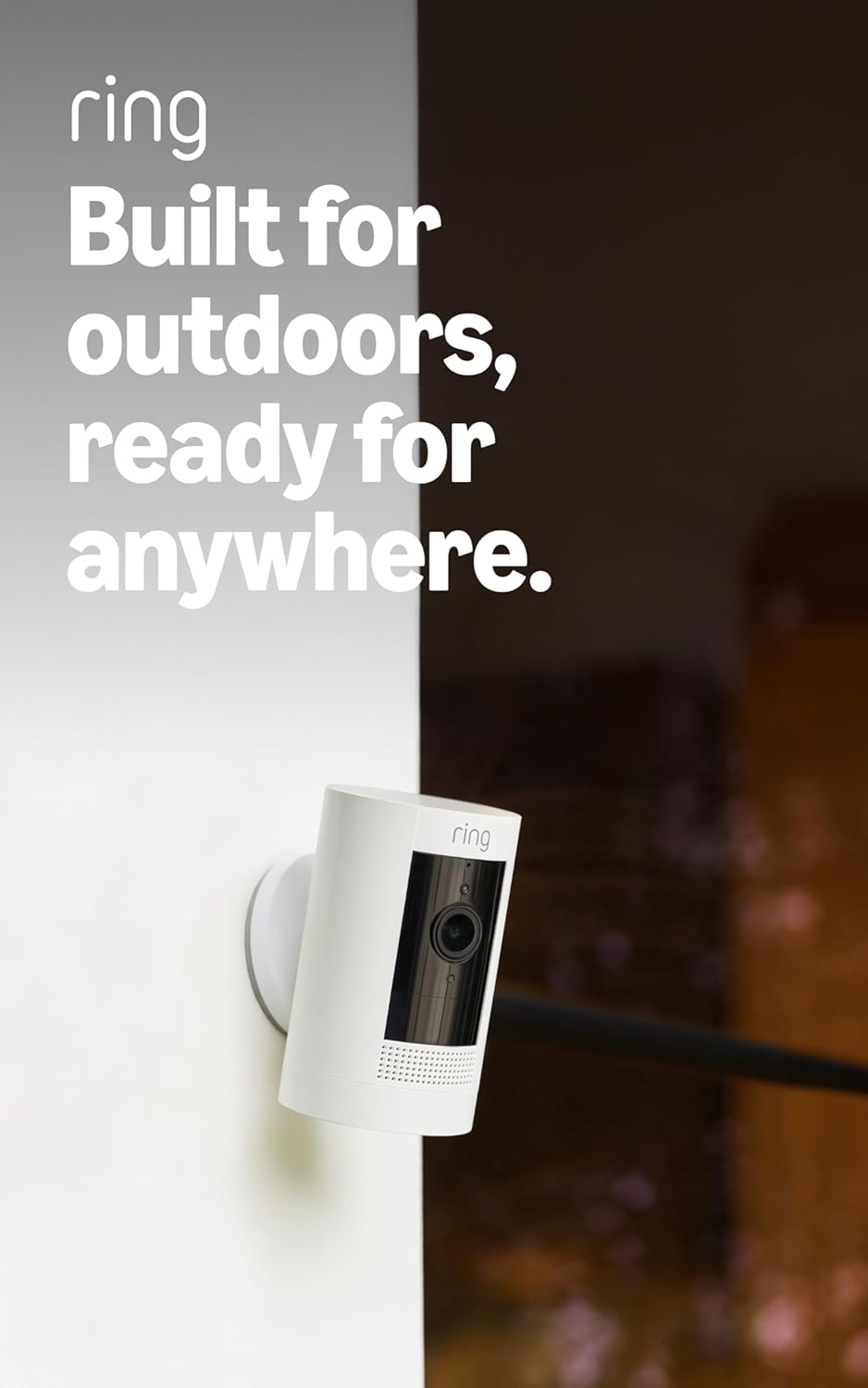
Ring Outdoor Cam (Stick Up Cam), Weather-resistant home o...

Ring Stick Up Cam Elite, Power over Ethernet HD Security ...
As an Amazon Associate we earn from qualifying purchases.
Official Manufacturer Manual
Ring provides official product documentation through their online manual rather than downloadable PDF. Access setup guides, troubleshooting steps, and product specifications for your Ring Security Camera.
Source: support.ring.com
Need More Help? Ring Support
Note: The contact information below connects you directly to Ring's official customer support team, not Trunetto. They can help with warranty claims, device replacements, and advanced technical issues.
How Does Ring Compare?
Before replacing your Ring device, see how it stacks up against alternatives in our full comparison guides.
Accessories owners commonly pair with Ring Security Camera.

SANDISK 64GB Extreme microSDXC UHS-I Memory Card with Ada...

SANDISK 128GB Ultra microSDXC UHS-I Memory Card with Adap...

SANDISK 64GB Ultra microSDXC UHS-I Memory Card with Adapt...
As an Amazon Associate we earn from qualifying purchases.