

What Do SimpliSafe Base Station Error Codes and Beep Patterns Mean?
- Sensor battery low triggering low battery warning beep
- Sensor out of range or malfunctioning showing sensor error
- WiFi disconnected preventing cloud monitoring communication
Problem Description
Your SimpliSafe base station is making beeping sounds, showing error messages on its screen, or displaying warning indicators that you do not understand. The SimpliSafe base station uses a combination of screen messages, LED colors, and beep patterns to communicate system status and problems. Understanding these codes is critical because SimpliSafe is a security system protecting your home. A miscommunicated error could mean sensors are not working, monitoring is disconnected, or the system cannot call for help during an emergency.
Why This Happens in Real Homes
Your SimpliSafe base station is making beeping sounds, showing error messages on its screen, or displaying warning indicators that you do not understand. The SimpliSafe base station uses a combination of screen messages, LED colors, and beep patterns to commun.. In real usage this appears as Base station beeping every few seconds with no screen message, Base station screen showing an error message or warning icon, and Base station LED ring showing unusual color
The pattern in this case points to Sensor battery low triggering low battery warning beep, Sensor out of range or malfunctioning showing sensor error, and WiFi disconnected preventing cloud monitoring communication. The repair usually holds when done in order: Single Beep Every 30 Seconds — Low Sensor Battery, then Three Beeps — Sensor Communication Lost, then Not Ready Message — Open Zone. After applying the fix, validate behavior with repeated command tests and at least one full automation cycle to confirm stability.
Symptoms
- Base station beeping every few seconds with no screen message
- Base station screen showing an error message or warning icon
- Base station LED ring showing unusual color
- System status shows Not Ready when trying to arm
- Base station making a continuous tone instead of normal beeps
- Keypad showing error messages when entering PIN
Recognize these? Here's what usually causes it.
Common Causes
- Sensor battery low triggering low battery warning beep
- Sensor out of range or malfunctioning showing sensor error
- WiFi disconnected preventing cloud monitoring communication
- Entry sensor door or window left open blocking arm attempt
- Base station battery backup low or disconnected
- Cellular backup signal lost in areas with poor cell coverage
Most fixes happen in the first 3 steps.
Never remove the base station backup battery to stop beeping. The backup battery ensures your security system continues to function during a power outage. If the backup battery is showing low charge leave the base station plugged in and it will recharge over several hours. The backup battery lasts approximately 24 hours during a power outage.
Tools & Requirements
These tools will help you complete this fix.
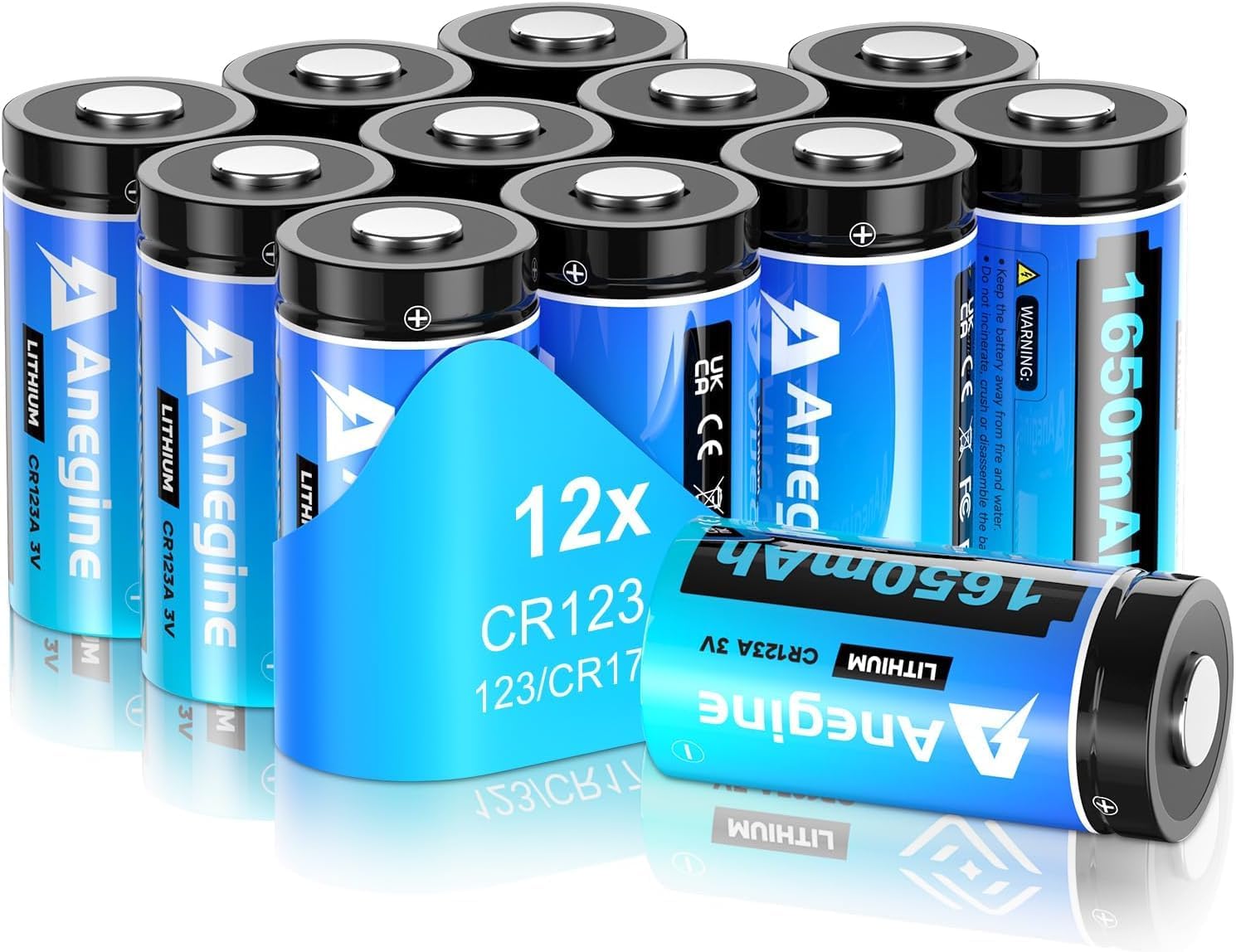
CR123A batteries for motion sensors and cameras
anegine CR123A 3V Lithium Battery 1650mAh, 123A Lith...

CR2032 batteries for entry sensors
Energizer CR2032 Batteries, 3V Lithium Coin Cell 203...
As an Amazon Associate we earn from qualifying purchases.
Step-by-Step Solution
Single Beep Every 30 Seconds — Low Sensor Battery
A single beep approximately every 30 seconds means one of your sensors has a low battery. Open the SimpliSafe app and go to My System then Sensors. Look for any sensor showing a low battery warning. Replace the battery in that sensor. Most SimpliSafe sensors use CR2032 or CR123A batteries. After replacing the battery the beeping should stop within 5 minutes as the system detects the new battery level.
Needed for this step
anegine CR123A 3V Lithium Battery 1650mAh, 123A...
This helps complete the fix you are currently reading.
$18.99Three Beeps — Sensor Communication Lost
Three beeps in a row means the base station lost communication with one of your sensors. This can mean the sensor is out of range, the sensor battery died completely, or the sensor malfunctioned. Check the app for which sensor is offline. Try removing and reinserting the sensor battery. If the sensor still does not communicate move it closer to the base station or move the base station to a more central location in your home.
Needed for this step
Energizer CR2032 Batteries, 3V Lithium Coin Cel...
This helps complete the fix you are currently reading.
$18.60Not Ready Message — Open Zone
When you try to arm the system and the base station says Not Ready it means a sensor is in an open or triggered state. Usually this means a door or window with an entry sensor is open. Close all doors and windows and try arming again. If all doors and windows are closed but the system still shows Not Ready a sensor may be misaligned. Check each entry sensor and make sure the two halves are within half an inch of each other and aligned properly.
WiFi Disconnected Warning
If the base station screen shows a WiFi icon with an X or says WiFi Disconnected the base station lost its WiFi connection. This does not disable the alarm but it prevents app control and may affect monitoring communication. Go to the base station, press the menu button, go to Settings then WiFi, and reconnect to your network. If your WiFi password changed you need to enter the new password. If WiFi is working but the base station will not connect try rebooting the base station by unplugging it for 30 seconds.
Continuous Tone — Alarm Event
A loud continuous siren tone means an alarm has been triggered. An entry sensor detected an opening while the system was armed, a motion sensor detected movement, a glass break sensor heard a break, or the panic button was pressed. If this is a false alarm enter your PIN on the keypad to disarm and silence the alarm. If you have professional monitoring SimpliSafe will call your emergency contacts. After disabling check which sensor triggered the alarm in the app under Recent Activity to prevent future false alarms.
Quick Solutions
Still having issues? This is usually the deeper cause below.
If the keypad rejects valid codes, a lockout timer may be running — five failed entries locks most keypads silently for 5–10 minutes.
Keep a supply of CR2032 and CR123A batteries in your home since SimpliSafe sensor batteries last 3 to 5 years and tend to die at inconvenient times. The beeping for low battery will continue until the battery is replaced and cannot be silenced any other way. **Product Intelligence:** - Supports 50 sensors - Cellular backup auto-activates - Red flash: 1=sensor, 3=connectivity
Battery-related failures are almost always flagged too late — the device degrades silently for days before the app catches up to what's actually happening.
- Sensor battery low triggering low battery warning beep
- Sensor out of range or malfunctioning showing sensor error
- WiFi disconnected preventing cloud monitoring communication
- Entry sensor door or window left open
- Base station battery backup low or disconnected
Before you go — try one of these (they fix most cases).
Most popular upgrades chosen by SimpliSafe Base Station owners.

SimpliSafe Wireless Keypad - Touch-to-Wake Technology - C...

SimpliSafe Wireless Outdoor Security Camera (Renewed)

SimpliSafe Entry Sensor - Window and Door Protection - Co...
As an Amazon Associate we earn from qualifying purchases.
Official Manufacturer Manual
If you need the complete manufacturer documentation for advanced setup, wiring diagrams, or detailed specifications, you can download the official manual below. The manual includes full technical instructions directly from the manufacturer and may help if your issue requires deeper troubleshooting.
Download the Official SimpliSafe Base Station ManualSource: simplisafe.com
Need More Help? SimpliSafe Support
Note: The contact information below connects you directly to SimpliSafe's official customer support team, not Trunetto. They can help with warranty claims, device replacements, and advanced technical issues.
How Does SimpliSafe Compare?
Before replacing your SimpliSafe device, see how it stacks up against alternatives in our full comparison guides.
Accessories owners commonly pair with SimpliSafe Base Station.

SimpliSafe 12 Piece Wireless Home Security System w/HD Ca...

SimpliSafe 11 Piece Wireless Home Security System Gen 3 w...

SimpliSafe Smart Alarm Wireless Indoor Security Camera
As an Amazon Associate we earn from qualifying purchases.




