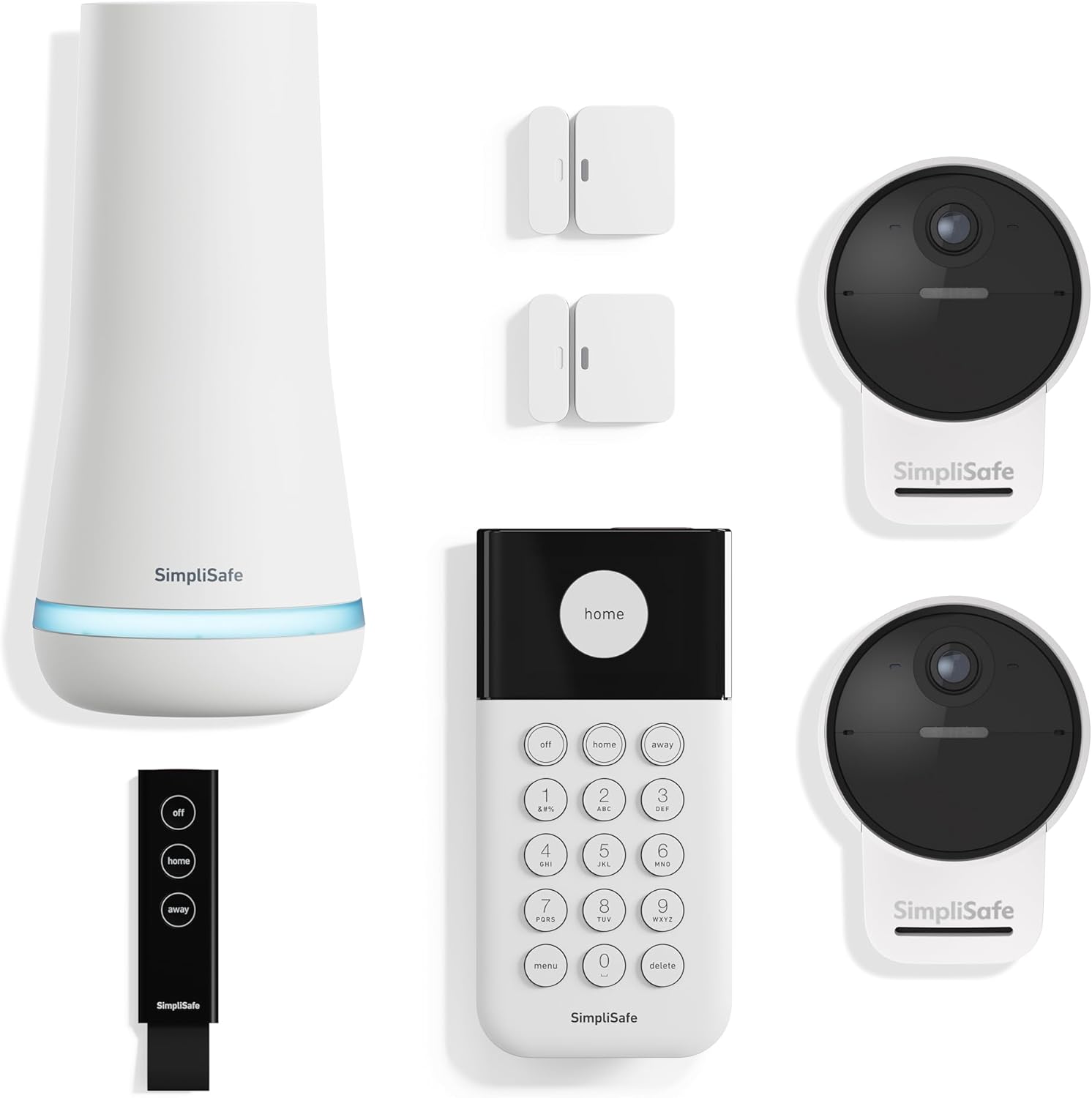
How Do I Fix SimpliSafe Keypad Not Working or Showing Blank?
- Keypad batteries are dead
- Batteries inserted incorrectly
- Keypad too far from base station
Problem Description
Your SimpliSafe keypad screen is blank, not responding to button presses, or showing Keypad Out of Range. The keypad is essential for arming and disarming the system locally and provides status information about sensors and trouble conditions. When the keypad fails you cannot control the system without using the app which requires internet connectivity. Keypad issues are typically caused by dead batteries, loss of communication with the base station, or a hardware malfunction requiring replacement.
Why This Happens in Real Homes
A blank keypad screen is almost always dead batteries or batteries inserted wrong — the screen only wakes on a press, so a truly blank, unresponsive keypad has no power to run the display.
Start by opening the battery compartment and installing fresh AA batteries with correct polarity (a common mistake), then press a key to wake it. If a fresh, correctly-installed set still shows nothing, the keypad may have failed — but batteries fix the vast majority of blank screens.
Symptoms
- Keypad screen is completely blank
- Keypad does not respond to any button presses
- Keypad shows Out of Range error
- Keypad display flickers or shows garbled text
- Keypad beeps but screen stays blank
- Cannot arm or disarm using keypad but app works
Recognize these? Here's what usually causes it.
Common Causes
- Keypad batteries are dead
- Batteries inserted incorrectly
- Keypad too far from base station
- Keypad not paired to base station after reset
- Keypad hardware malfunction
- Base station firmware incompatible with older keypad
- RF interference blocking keypad communication
Most fixes happen in the first 3 steps.
A blank or non-functional keypad does not affect the alarm system operation. Sensors will still trigger alarms and the base station will still contact monitoring. But you lose the ability to arm, disarm, or view status locally. Use the SimpliSafe app as a backup until the keypad is repaired or replaced.
Tools & Requirements
These tools will help you complete this fix.
As an Amazon Associate we earn from qualifying purchases.
Step-by-Step Solution
Replace Keypad Batteries
The keypad uses 4 AA batteries. Remove the keypad from the wall mount by sliding it up. Remove the battery cover on the back. Replace all 4 batteries with fresh alkaline batteries ensuring correct polarity matching the diagram inside the battery compartment. Replace the cover and remount the keypad. Wait 5 minutes for the keypad to fully boot up. The screen should display the SimpliSafe logo then show the main status screen.

Needed for this step
Laser Level with 50” Tripod, 360° Self Leveling...
This helps complete the fix you are currently reading.
$29.99Wait for Full Reboot After Battery Change
A common mistake is not waiting long enough after replacing batteries. The keypad may appear dead for several minutes after battery insertion while it boots and reconnects to the base station. Wait at least 5 full minutes before concluding the keypad is defective. The keypad LED may blink during boot even if the screen is blank.
Check Keypad Range to Base Station
If the keypad shows Out of Range it has lost RF communication with the base station. Move the keypad closer to the base station. Avoid placing the keypad behind thick walls, metal doors, or inside closets. The keypad and base station should ideally be within 100 feet with minimal obstructions. Once within range the keypad should reconnect automatically.
Re-pair the Keypad
If the keypad has power but shows disconnected or will not communicate re-pair it to the base station. In the app go to My System then Device Settings then select the keypad and tap Remove Device. Then go to Add Device and select Keypad. Follow the prompts which will have you press a button on the keypad to initiate pairing. The base station will announce Keypad when pairing succeeds.
Contact Support for Replacement
If the keypad screen remains blank after fresh batteries and 10 minutes of waiting the screen or hardware may have failed. SimpliSafe keypads can fail especially after power surges or after several years of use. Contact SimpliSafe support to troubleshoot and request a replacement. They may have you try additional steps before sending a new unit.
Quick Solutions
Still having issues? This is usually the deeper cause below.
If the keypad rejects valid codes, a lockout timer may be running — five failed entries locks most keypads silently for 5–10 minutes.
Always keep spare AA batteries on hand for the keypad. Unlike the base station which has a power adapter the keypad relies entirely on batteries. Low keypad battery warnings should be addressed immediately. A dead keypad during a real alarm event prevents local control of the system. **Product Intelligence:** - 4x AA batteries - Within 100ft of Base Station
Most smart lock failures people label as hardware issues turn out to be a code wiped during a sync, or a setting reset nobody remembers triggering.
- Keypad batteries are dead
- Batteries inserted incorrectly
- Keypad too far from base station
- Keypad not paired to base station after reset
- Keypad hardware malfunction
Before you go — try one of these (they fix most cases).
Most popular upgrades chosen by SimpliSafe Keypad owners.

As an Amazon Associate we earn from qualifying purchases.
Official Manufacturer Manual
SimpliSafe provides official product documentation through their online manual rather than downloadable PDF. Access setup guides, troubleshooting steps, and product specifications for your SimpliSafe Keypad.
Source: support.simplisafe.com
Need More Help? SimpliSafe Support
Note: The contact information below connects you directly to SimpliSafe's official customer support team, not Trunetto. They can help with warranty claims, device replacements, and advanced technical issues.
How Does SimpliSafe Compare?
Before replacing your SimpliSafe device, see how it stacks up against alternatives in our full comparison guides.
Accessories owners commonly pair with SimpliSafe Keypad.

Blink Mini - Compact indoor plug-in smart security camera...
Blink Mini - Compact indoor plug-in smart security camera...
Blink Mini - Compact indoor plug-in smart security camera...
As an Amazon Associate we earn from qualifying purchases.