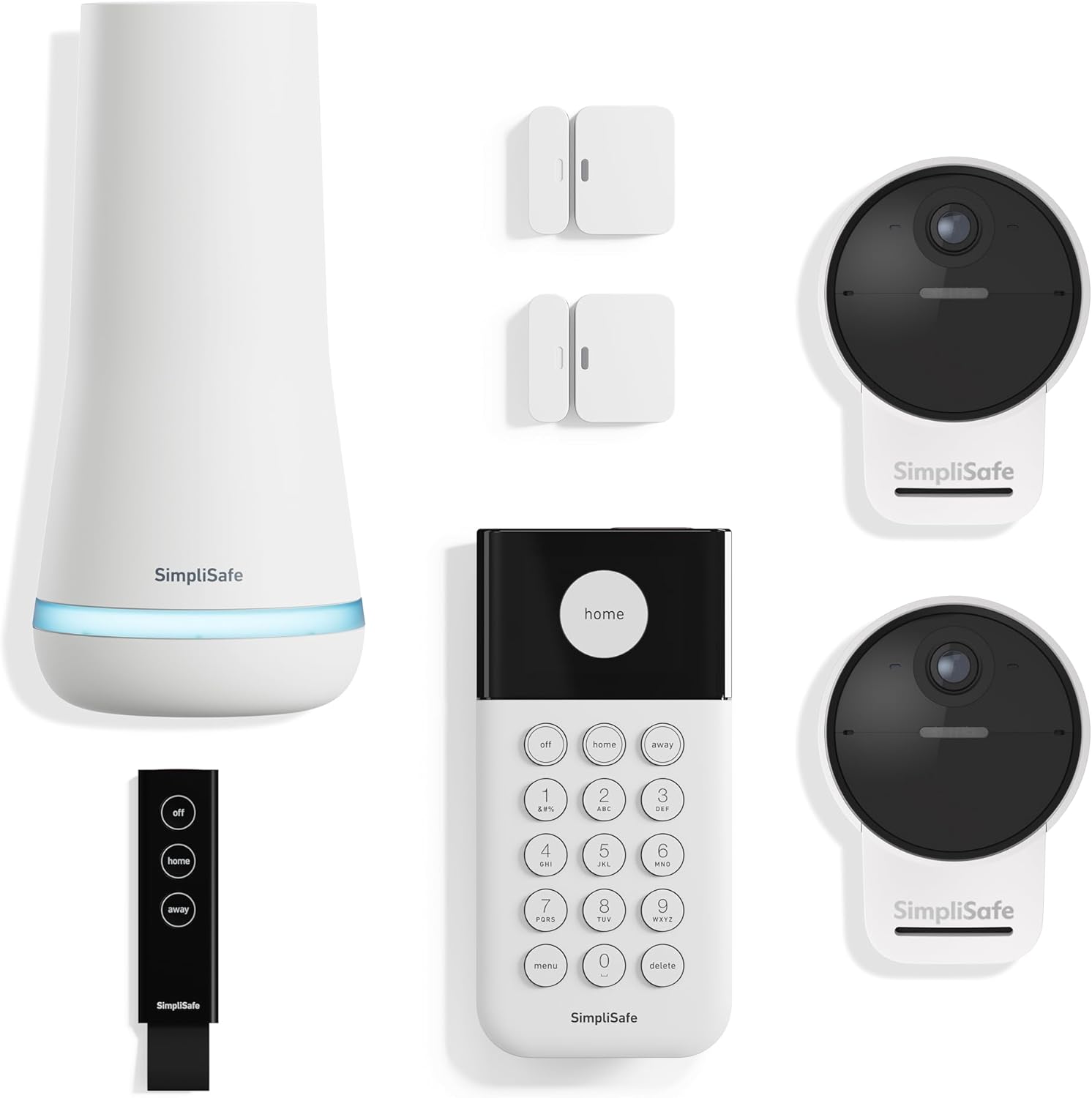
How Do I Connect SimpliSafe to Samsung SmartThings?
- No official SimpliSafe integration with Samsung SmartThings exists
- SimpliSafe sensors use proprietary 433MHz protocol not Zigbee or Z-Wave
- SmartThings dropped support for custom device handlers limiting workarounds
Problem Description
You want to use SimpliSafe sensors in SmartThings automations or control your SimpliSafe system from SmartThings but there is no official SimpliSafe integration in the SmartThings app. SimpliSafe uses a proprietary wireless protocol that does not communicate with SmartThings directly.
Why This Happens in Real Homes
SimpliSafe has no official SmartThings integration, so using its sensors in SmartThings automations means a third-party/community route that authenticates with your SimpliSafe account and can break when SimpliSafe changes things.
Start by understanding it's unofficial — community integrations (often a custom edge driver or a bridge) expose SimpliSafe state to SmartThings using your login. Set it up on that basis, and expect occasional breakage after SimpliSafe updates; there's no supported native link to rely on.
Symptoms
- SimpliSafe not appearing in SmartThings app integrations
- Cannot add SimpliSafe devices to SmartThings hub
- Want to use SimpliSafe sensors in SmartThings routines
- Looking for SimpliSafe SmartThings official integration
- Need to arm SimpliSafe automatically when SmartThings mode changes
Recognize these? Here's what usually causes it.
Common Causes
- No official SimpliSafe integration with Samsung SmartThings exists
- SimpliSafe sensors use proprietary 433MHz protocol not Zigbee or Z-Wave
- SmartThings dropped support for custom device handlers limiting workarounds
- SimpliSafe sensors only communicate with SimpliSafe Base Station
- SimpliSafe business model keeps ecosystem closed to third parties
Most fixes happen in the first 3 steps.
SimpliSafe sensors cannot directly trigger SmartThings because they use proprietary wireless. No configuration will make SimpliSafe sensors appear as native SmartThings devices.
Tools & Requirements
Step-by-Step Solution
Understand the Integration Limitation
SimpliSafe does not officially integrate with SmartThings. SimpliSafe sensors use a proprietary 433MHz radio frequency. This protocol is incompatible with SmartThings Zigbee or Z-Wave. SimpliSafe sensors cannot appear as native SmartThings devices ever. Any integration requires a third-party cloud bridge service. This is a hardware limitation not a configuration issue.
Option 1: Use IFTTT as Bridge
Both SimpliSafe and SmartThings have IFTTT integrations. Install IFTTT app and create an account. Search for SimpliSafe and connect your account. Search for SmartThings and connect your account. Create applets that link SimpliSafe triggers to SmartThings actions. Example: If SimpliSafe armed away Then turn off SmartThings lights.
Create SmartThings Virtual Switches
In SmartThings app create virtual switches that IFTTT can control. Go to Devices then Add Device then Virtual Device. Create a switch called SimpliSafe Armed Away. In IFTTT create applet: If SimpliSafe armed away Then turn on this switch. Use the virtual switch in SmartThings routines. This bridges SimpliSafe state into SmartThings automations.
Option 2: Use Alexa as Bridge
Both SimpliSafe and SmartThings integrate with Amazon Alexa. Enable SimpliSafe skill in Alexa app. Enable SmartThings skill in Alexa app. Create Alexa Routines that trigger across both platforms. Example: When SimpliSafe Alarm goes off Alexa turns on all SmartThings lights. This avoids IFTTT subscription costs for basic bridging.
Quick Solutions
Still having issues? This is usually the deeper cause below.
If this comes back after following these steps, check whether a recent app or firmware update reset a default setting — the fix works, but the setting gets reverted silently.
IFTTT free tier limits you to 2 applets. For full SimpliSafe SmartThings integration with multiple triggers you need IFTTT Pro at $3.99 per month.
Range tests in open air are useless for predicting real-world Z-Wave performance — a single concrete wall or appliance can cut effective range by more than half.
- No official SimpliSafe integration with Samsung SmartThings exists
- SimpliSafe sensors use proprietary 433MHz protocol not Zigbee or
- SmartThings dropped support for custom device handlers limiting workarounds
- SimpliSafe sensors only communicate with SimpliSafe Base Station
- SimpliSafe business model keeps ecosystem closed to third parties
Before you go — try one of these (they fix most cases).
Most popular upgrades chosen by SimpliSafe Security System owners.

SimpliSafe Wireless Keypad - Touch-to-Wake Technology - C...
SimpliSafe Entry Sensor - Window and Door Protection - Co...

SimpliSafe 8 Piece Wireless Home Security System
As an Amazon Associate we earn from qualifying purchases.
Official Manufacturer Manual
If you need the complete manufacturer documentation for advanced setup, wiring diagrams, or detailed specifications, you can download the official manual below. The manual includes full technical instructions directly from the manufacturer and may help if your issue requires deeper troubleshooting.
Download the Official SimpliSafe Security System ManualSource: simplisafe.com
Need More Help? SimpliSafe Support
Note: The contact information below connects you directly to SimpliSafe's official customer support team, not Trunetto. They can help with warranty claims, device replacements, and advanced technical issues.
How Does SimpliSafe Compare?
Before replacing your SimpliSafe device, see how it stacks up against alternatives in our full comparison guides.
Accessories owners commonly pair with SimpliSafe Security System.

Blink Mini - Compact indoor plug-in smart security camera...
Blink Mini - Compact indoor plug-in smart security camera...
Blink Mini - Compact indoor plug-in smart security camera...
As an Amazon Associate we earn from qualifying purchases.