Why Won't My iRobot Roomba Combo j7+ Mop Lower or Start Mopping?
- Mop pad not attached or not detected
- Water tank empty or not seated
- No hard-floor area in the map to mop
Problem Description
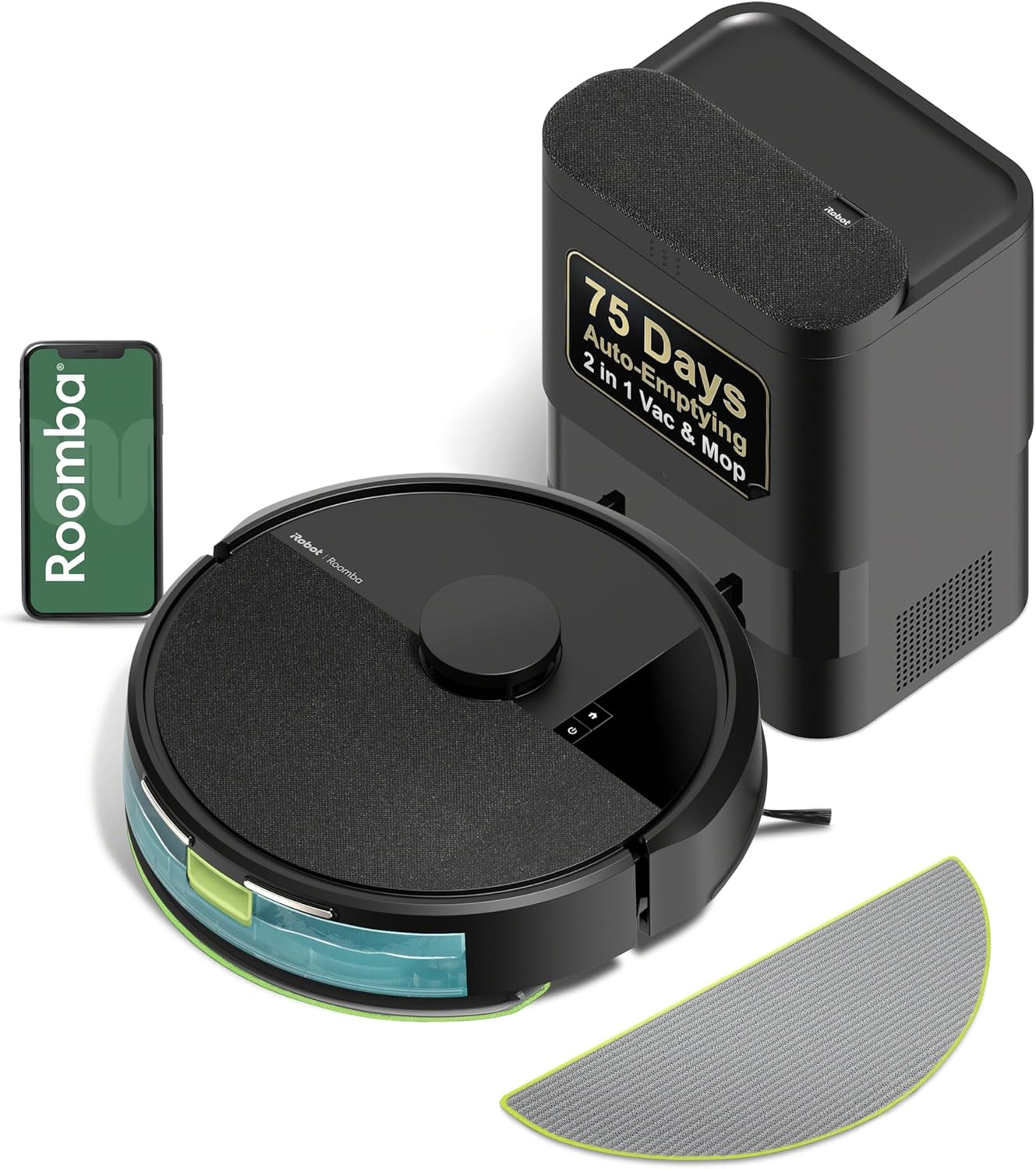
Your Roomba Combo j7+ has a retractable mop but it will not lower to mop your hard floors. The robot vacuums fine but skips mopping entirely or the mop pad stays raised. The whole point of the Combo is vacuum and mop together but you only get vacuuming.
Why This Happens in Real Homes
The Combo j7+ has a mop arm that lifts completely over the robot for carpet and lowers only over hard floors it's told to mop — so a mop that "won't lower" is often working exactly as configured: it needs a pad attached, water in the tank, and the room set as a hard-floor mopping zone in the app.
Confirm the mop pad is attached and seated, the water tank is filled and clicked in, and the room is mapped as hard floor with mopping enabled for the job or zone. Then check the retractable arm isn't physically obstructed. A reboot and firmware update clears a glitch where the arm won't deploy despite everything being set correctly.
Symptoms
- Combo j7+ mop won't lower
- Floors not being mopped
- Mop pad stays retracted
- Dry pad after a run
- No wet-mopping
- Mop arm not moving
- Skips hard floors for mopping
- Pad attached but not used
Recognize these? Here's what usually causes it.
Common Causes
- Mop pad not attached or not detected
- Water tank empty or not seated
- No hard-floor area in the map to mop
- Mopping not enabled for the job or zone
- Retractable mop arm obstructed
- Robot only mops where mapped as hard floor
- Pad holder not clicked in
- Software or firmware glitch
Most fixes happen in the first 3 steps.
Do not use third party cleaning solutions in the water tank. Use only water or iRobot-approved solutions to avoid damage.
Step-by-Step Solution
Enable Mopping in Job Settings
Mopping is not always enabled by default. In the iRobot app when you start a job or set a schedule make sure mopping is selected along with vacuuming. You can choose vacuum only or vacuum plus mop. Make sure mop is included.
Check Room Floor Types
The robot only mops rooms marked as hard floor in your map. Open the app and view your floor map. Tap on rooms and check their floor type. If a hard floor room is marked as carpet the robot will not mop there. Correct any mislabeled rooms.
Reinstall Mop Pad
Remove the mop pad from the bottom of the robot. Check that it is not damaged or bunched up. Reinstall it ensuring it clicks firmly into place. If the pad is not seated correctly the robot may not detect it and skip mopping.
Check Water Tank
Remove the water tank and make sure it has water. Refill if empty. Reseat the tank pushing firmly until it clicks. The robot will not mop if it cannot detect a full tank. Make sure the tank seal is clean and undamaged.
Remap Problem Rooms
If the robot consistently refuses to mop certain rooms it may be confused about the floor type. In the app select the room and manually set it to hard floor. If issues persist delete the room from your map and let the robot remap it on the next run.
Quick Solutions
Still having issues? This is usually the deeper cause below.
If the robot returns to the dock mid-clean, moved furniture may have invalidated its map — a fresh floor scan resolves the majority of navigation failures.
The mop automatically lifts when transitioning from hard floor to carpet. This is normal and expected behavior to protect carpets.
Over-saturation complaints spike in humid conditions — ambient humidity causes the mop pad to hold more water, compounding the pump output on the same flow setting.
- Mop pad not attached or not detected
- Water tank empty or not seated
- No hard-floor area in the map to mop
- Mopping not enabled for the job or zone
- Retractable mop arm obstructed
Before you go — try one of these (they fix most cases).
Most popular upgrades chosen by iRobot Roomba Combo j7+ owners.

iRobot® Authentic Replacement Parts- Braava Jet® m Series...

iRobot® Roomba® Authentic Replacement Parts - DualClean™ ...

iRobot® Authentic Replacement Parts - Washable Mop Pads R...
As an Amazon Associate we earn from qualifying purchases.
Official Manufacturer Manual
iRobot provides official product documentation through their online manual rather than downloadable PDF. Access setup guides, troubleshooting steps, and product specifications for your iRobot Roomba Combo j7+.
Source: irobot.com
Need More Help? iRobot Support
Note: The contact information below connects you directly to iRobot's official customer support team, not Trunetto. They can help with warranty claims, device replacements, and advanced technical issues.
How Does iRobot Compare?
Before replacing your iRobot device, see how it stacks up against alternatives in our full comparison guides.