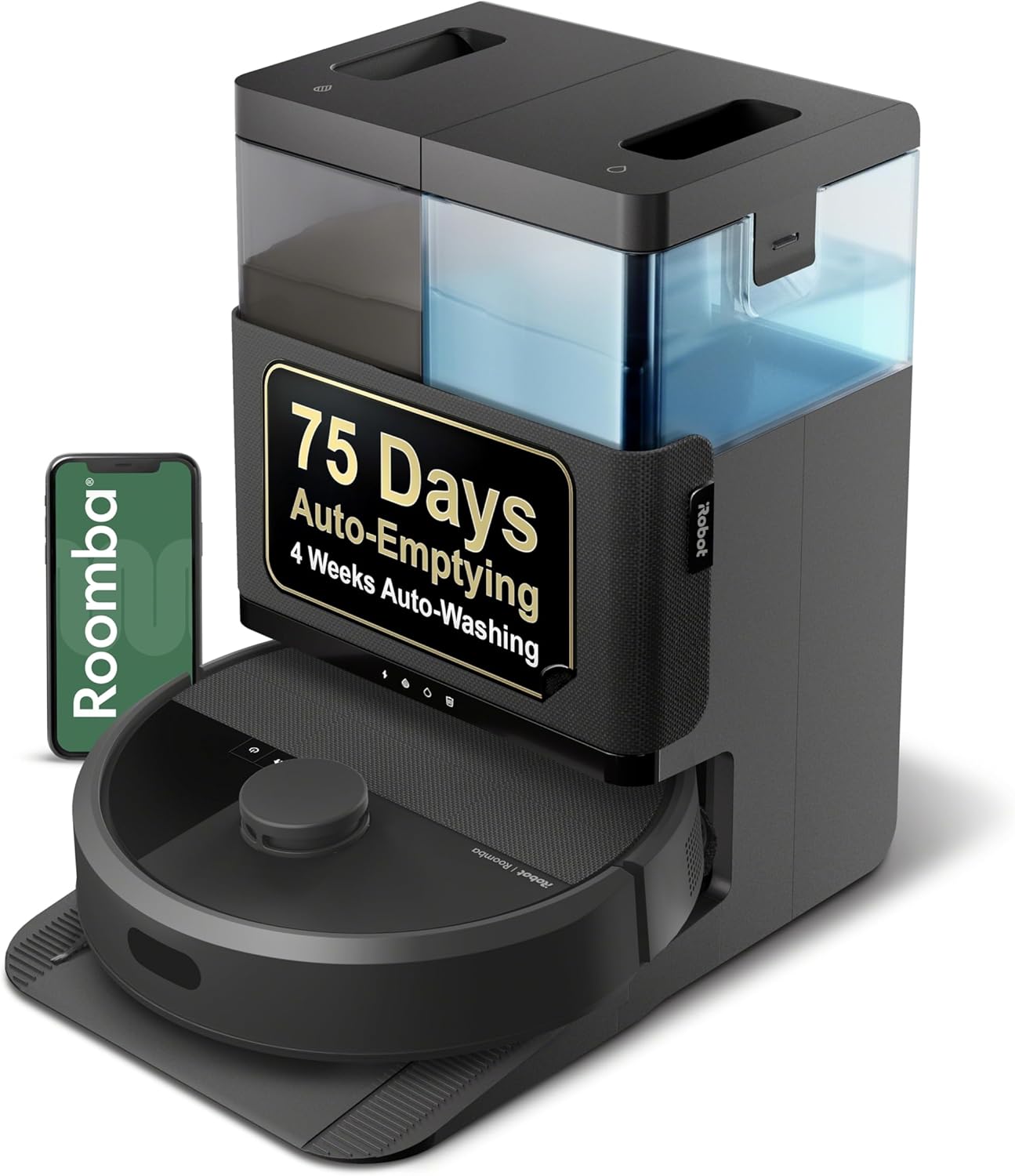
Why Is My Roomba Side Wheel Stuck or Driving in Circles?
- Hair wrapped around a drive-wheel axle
- Debris jammed in a wheel module
- One wheel's suspension stuck
Problem Description
Your Roomba drives in circles favors one direction or displays an error about a stuck wheel. One of the side wheels may be jammed with debris hair or a small object preventing it from spinning freely. When one wheel cannot rotate the robot turns in circles instead of driving straight. This error will prevent the Roomba from completing any cleaning run and it will eventually stop and display an error message.
Why This Happens in Real Homes
A Roomba driving in circles has one drive wheel doing all the work while the other is stuck — usually hair wound around that wheel's axle, debris jamming the module, or the spring suspension stuck so the wheel doesn't grip. The robot pivots around the dead wheel.
Flip it over and clear hair and debris from both drive wheels, then push each wheel firmly up and down to confirm the suspension moves and spin each to check it turns freely. Test on a hard floor. If one wheel still won't turn or drive after cleaning, that wheel module is worn out and needs replacing — it's a common, replaceable part.
Symptoms
- Robot drives in circles
- Favors one direction
- One drive wheel not turning
- Grinding from a wheel
- Can't drive straight
- Error about a wheel
- Lurches to one side
- Stops after spinning
Recognize these? Here's what usually causes it.
Common Causes
- Hair wrapped around a drive-wheel axle
- Debris jammed in a wheel module
- One wheel's suspension stuck
- Object wedged against a wheel
- Worn or failing wheel module
- Wheel encoder fault
- Thick carpet binding one wheel
- Wheel not making floor contact
Most fixes happen in the first 3 steps.
Do not use pliers to pull on the Roomba wheels as this can break the internal spring clip. Always push the wheel inward first then pull gently outward. Use scissors for hair removal not pulling force.
Tools & Requirements
These tools will help you complete this fix.

Clean microfiber cloth
MR.SIGA Microfiber Cleaning Cloth,Pack of 12,Size:12...

Tweezers
Pefei Tweezers Set - Professional Stainless Steel Tw...

Isopropyl alcohol
ForPro Professional Collection 99% Isopropyl Alcohol...
As an Amazon Associate we earn from qualifying purchases.
Step-by-Step Solution
Inspect Both Side Wheels
Flip the Roomba over and examine both side wheels. Push each wheel up into the robot body and release. They should spring back down freely with a bounce. If one wheel feels stiff does not spring back or makes a grinding sound that wheel has a problem. Also spin each wheel by hand to check for free rotation.
Remove Hair and Debris
Pull each wheel down gently and look into the gap between the wheel and robot body. Hair string and small debris accumulate around the wheel axle and in the housing. Use scissors to cut any hair wrapped around the axle. Use tweezers to remove debris from the wheel housing. Even a single strand of hair wound tightly enough can stall a wheel motor.
Needed for this step
Pefei Tweezers Set - Professional Stainless Ste...
This helps complete the fix you are currently reading.
$9.99Clean Wheel Treads
The rubber tread on each wheel can pick up sticky residue from floors reducing traction and causing the wheel to slip instead of grip. Wipe the wheel treads with a damp cloth and rubbing alcohol to remove any sticky film. Check that the rubber tread is not worn smooth. Worn treads cause the robot to slip on smooth floors and lose navigation accuracy.
Needed for this step
MR.SIGA Microfiber Cleaning Cloth,Pack of 12,Si...
This helps complete the fix you are currently reading.
$13.99Free the Wheel Spring
Each Roomba wheel has an internal spring that provides suspension allowing the wheel to adjust to floor height changes. If this spring gets stuck the wheel cannot make proper floor contact. Push the wheel firmly up into the body and release it several times rapidly. This usually frees a stuck spring. If the wheel still does not bounce freely the spring or internal mechanism may need replacement.
Test Drive After Cleaning
Place the Roomba right side up on a flat floor and start a short cleaning run. Watch the robot drive for 30 seconds. It should drive in relatively straight lines and make smooth turns. If it still drives in circles or one wheel is not engaging the wheel motor module inside the robot has failed and needs replacement. Wheel modules are user-replaceable on most Roomba models.
Quick Solutions
Still having issues? This is usually the deeper cause below.
If this comes back after following these steps, check whether a recent app or firmware update reset a default setting — the fix works, but the setting gets reverted silently.
Check Roomba side wheels for hair buildup every time you clean the brush rollers. Wheel maintenance takes 30 seconds and prevents the stuck wheel error that stops all cleaning runs.
This issue almost always looks more complex than it is — the majority of cases trace back to a single setting, a stale credential, or a default that shipped wrong.
- Hair wrapped around a drive-wheel axle
- Debris jammed in a wheel module
- One wheel's suspension stuck
- Object wedged against a wheel
- Worn or failing wheel module
Before you go — try one of these (they fix most cases).
Most popular upgrades chosen by iRobot Roomba owners.

iRobot® Roomba® Authentic Replacement Parts - DualClean™ ...

iRobot® Authentic Replacement Parts - Washable Mop Pads R...
As an Amazon Associate we earn from qualifying purchases.
Official Manufacturer Manual
iRobot provides official product documentation through their online manual rather than downloadable PDF. Access setup guides, troubleshooting steps, and product specifications for your iRobot Roomba.
Source: irobot.com
Need More Help? iRobot Support
Note: The contact information below connects you directly to iRobot's official customer support team, not Trunetto. They can help with warranty claims, device replacements, and advanced technical issues.
How Does iRobot Compare?
Before replacing your iRobot device, see how it stacks up against alternatives in our full comparison guides.