

How to Install Ring Floodlight Cam Pro
- Electrical Circuit Planning
- Turn Off Circuit Power
- Mount Floodlight Cam Pro
- Connect Electrical Wires
- Ring App Configuration
- Test Security Features
Most users complete this in under 90 minutes
Overview
Ring Ring Floodlight Cam Pro setup takes under 15 minutes for most users — if you're stuck, the steps below target the specific points where installs stall.
This guide covers the wired installation of the Ring Floodlight Cam Pro, including junction box wiring for 120V AC power, bracket mounting, and Ring app setup for 3D motion detection, HDR color night vision, and two 3000-lumen floodlight control. The Floodlight Cam Pro requires hardwired power from an existing outdoor electrical junction box.
Why This Happens in Real Homes
The Floodlight Cam Pro is a hardwired fixture, so this is electrical work: power off at the breaker first, a weatherproof junction box, and hot-to-hot / neutral-to-neutral / ground-to-ground. Most installs replace an existing outdoor light where wiring already exists.
Mount it around 9 feet high for the best motion coverage, then pair to 2.4GHz WiFi in the app. Because it's high and outdoors, confirm the signal actually reaches the spot before you finish, and aim the floodlights and camera at the area you want covered.
What's Included
- Unsure about junction box wiring
- No power at the fixture
- Which wires connect where
- Setup will not connect to WiFi
- Floodlights or camera aim
- Mounting height question
- App will not find the camera
- No existing fixture to wire to
Got your materials ready? Here's what to check first.
Before You Start
- Power not off at the breaker during wiring
- No weatherproof junction box at the location
- Hot/neutral/ground not matched correctly
- Weak WiFi at the outdoor mounting spot
- Mounted too high or low for motion coverage
- Phone on 5GHz during pairing
- Wires loose in the box
- No existing wiring to tap
Don't skip this step — it breaks everything if you do
Requires hardwired electrical connection. Professional electrician recommended for new circuit installation. Follow local electrical codes.
Tools & Requirements
These tools will help you complete this fix.

Drill optional
DEWALT 20V MAX Cordless Drill and Impact Driver, Pow...

Level
9 Inch Torpedo Level Magnetic, Shock-Proof Small Lev...

Screwdriver
STREBITO 155 in 1 Electric Screwdriver Set, Small El...
As an Amazon Associate we earn from qualifying purchases.
Installation Steps
Electrical Circuit Planning
Plan installation at existing outdoor light fixture or install new electrical circuit. Floodlight Cam Pro requires hardwired 120V AC power connection.
Turn Off Circuit Power
Turn off power at circuit breaker before beginning installation. Use non-contact voltage tester to verify power is off before touching any wires.
Mount Floodlight Cam Pro
Install mounting bracket using included hardware. Make sure bracket can support camera weight and is positioned for best coverage area. Height should be 8-10 feet.
Connect Electrical Wires
Connect house wiring to Floodlight Cam Pro following included wiring diagram. Typically black to black (hot), white to white (neutral), green to ground wire.
Ring App Configuration
Power on and add Floodlight Cam Pro to Ring app. Configure Wi-Fi connection, motion detection zones, and floodlight activation settings.
Test Security Features
Test camera recording, live view, motion detection, floodlight activation, siren, and mobile notifications. Adjust motion sensitivity and light duration settings.
Installation Tips
Still stuck? This is usually the deeper cause below.
Floodlight Cam Pro combines 1080p camera with dual LED floodlights and siren. Provides comprehensive outdoor security with motion-activated lighting.
Before you go — these Ring guides fix most remaining issues.
Most popular upgrades chosen by Ring Floodlight Cam Pro owners.

4 Channel 360° Dash Cam Front Rear Inside & Left Right,4K...
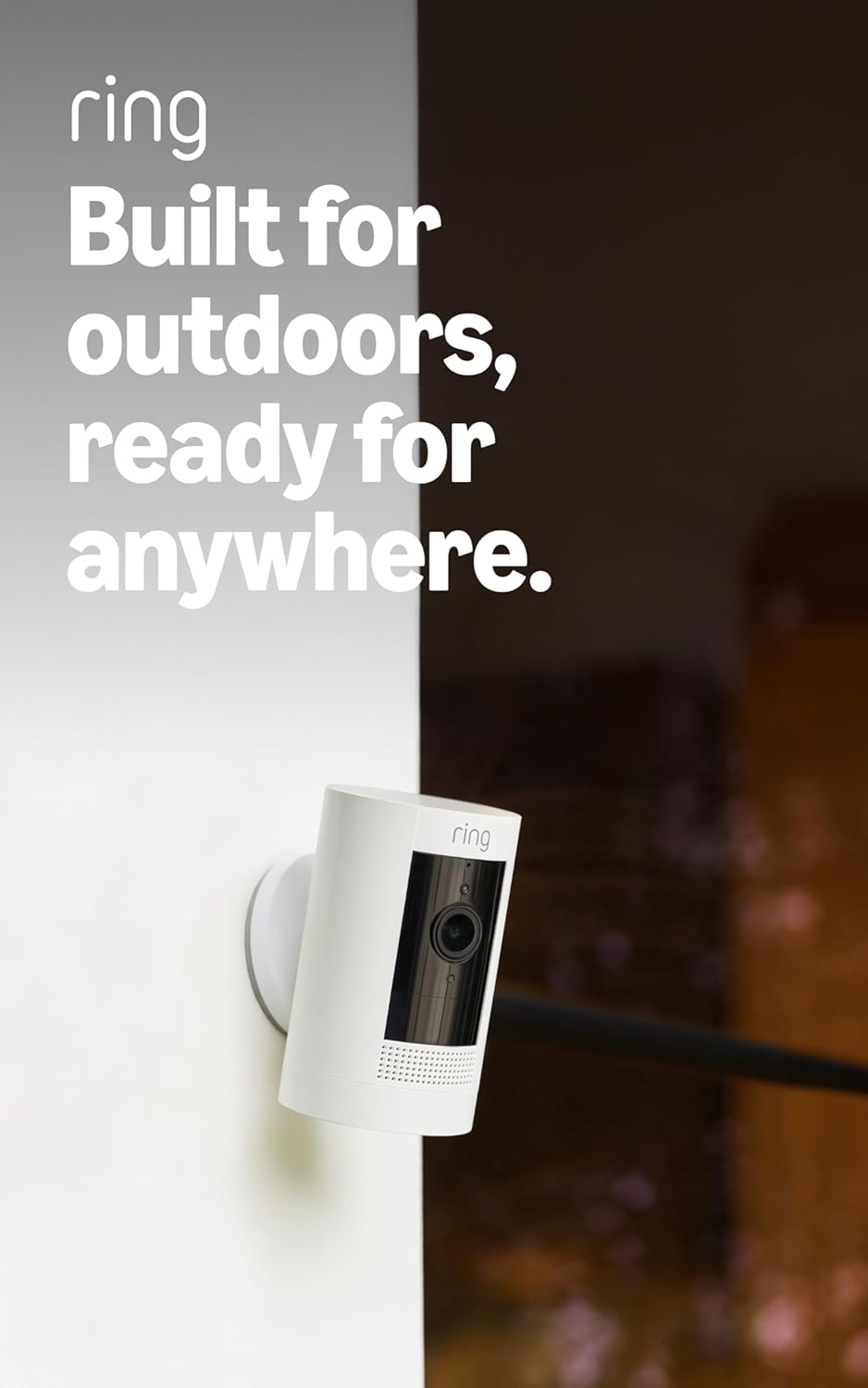
Ring Outdoor Cam (Stick Up Cam), Weather-resistant home o...
Ring Outdoor Cam (Stick Up Cam) | Weather-Resistant Outdo...
As an Amazon Associate we earn from qualifying purchases.
Official Manufacturer Manual
Ring provides official product documentation through their online manual rather than downloadable PDF. Access setup guides, troubleshooting steps, and product specifications for your Ring Floodlight Cam Pro.
Source: support.ring.com
Need More Help? Ring Support
Note: The contact information below connects you directly to Ring's official customer support team, not Trunetto. They can help with warranty claims, device replacements, and advanced technical issues.
How Does Ring Compare?
Before replacing your Ring device, see how it stacks up against alternatives in our full comparison guides.


