

Why Won't My Ring Floodlight Cam Lights Turn On with Motion?
- Light motion detection toggled off in device settings
- Light schedule set to off during nighttime hours
- Motion zones for lights configured differently than camera
Problem Description
Your Ring Floodlight Cam detects motion and records video but the floodlights do not turn on. The camera portion works correctly sending notifications and recording clips but the lights remain off even when someone walks directly in front of the camera at night. This defeats the purpose of a floodlight camera and is typically caused by light settings scheduling or a wiring issue.
Why This Happens in Real Homes
When the floodlights won't come on with motion, it's usually a settings issue: light motion detection toggled off, a light schedule set to keep them off during those hours, or the motion zones/sensitivity not covering the area. The lights have their own motion controls separate from video.
Start in the app under the device's light settings: enable motion-activated lights, check the light schedule isn't overriding them, and confirm the light motion zones cover the area with enough sensitivity. Dusk-to-dawn or "only in the dark" settings can also hold them off in daylight.
Symptoms
- Camera records motion but floodlights stay off at night
- Lights turn on manually in app but not with motion
- Floodlights worked before but stopped turning on
- Only one of two floodlight panels illuminates
- Lights turn on randomly during daytime with no motion
- Light schedule overriding motion-activated lighting
Recognize these? Here's what usually causes it.
Common Causes
- Light motion detection toggled off in device settings
- Light schedule set to off during nighttime hours
- Motion zones for lights configured differently than camera
- Light sensitivity set too low to trigger from distance
- Wiring issue at junction box affecting light circuit
- Firmware update changed light activation settings
Most fixes happen in the first 3 steps.
Always turn off power at the circuit breaker before inspecting wiring behind the Floodlight Cam. Working with live household wiring is extremely dangerous and can cause electrocution.
Tools & Requirements
These tools will help you complete this fix.

Level
9 Inch Torpedo Level Magnetic, Shock-Proof Small Lev...
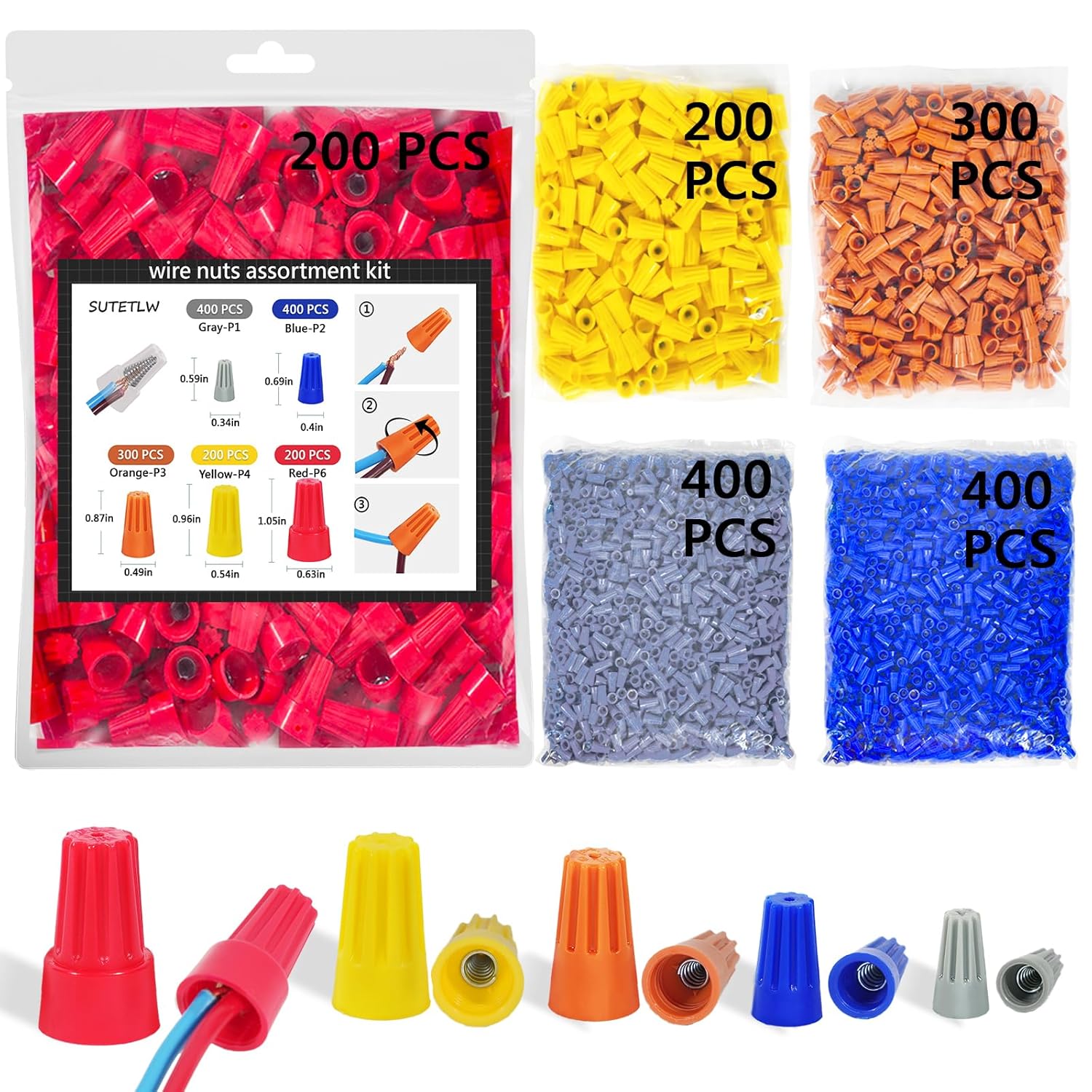
Wire nuts
Wire Nuts Assortment Kit 1500 PCS Insulating Insert ...
As an Amazon Associate we earn from qualifying purchases.
Step-by-Step Solution
Check Light Settings in Ring App
Open the Ring app and select the Floodlight Cam. Go to Device Settings then Light Settings. Verify that the toggle for motion-activated lights is turned on. This is separate from camera motion detection. The camera can detect and record motion while the lights remain off if this toggle is disabled. Also check that the light brightness slider is not set to zero.
Review Light Schedule
In Light Settings check the Light Schedule section. If a schedule is set it may override motion-activated lighting during certain hours. Set the schedule to Auto which allows the lights to turn on with motion when it is dark outside. If you have a custom schedule make sure the nighttime hours are set to On or Motion-Activated rather than Off.
Adjust Light Motion Zones and Sensitivity
The Floodlight Cam has separate motion zones for the camera and for the lights. In the Ring app go to Motion Settings then Light Motion Zones. Make sure the zones cover the areas where you want lights to activate. Also set the light sensitivity to the maximum level. Unlike camera sensitivity which may cause false alerts higher light sensitivity rarely causes problems.
Needed for this step
9 Inch Torpedo Level Magnetic, Shock-Proof Smal...
This helps complete the fix you are currently reading.
$6.99Test Lights Manually
In the Ring app tap the light bulb icon to manually turn the floodlights on. If they turn on the bulbs and wiring are working and the issue is purely a settings or sensitivity problem. If they do not turn on manually there may be a wiring issue at the junction box or the LED modules may have failed. Check your circuit breaker to make sure the circuit has not tripped.
Inspect Wiring at Junction Box
Turn off power at the breaker first. Remove the Floodlight Cam mounting plate to access the junction box behind it. Verify that the wire connections are secure and no wires have come loose. The hot neutral and ground wires must all be properly connected with wire nuts. A loose neutral wire is a common cause of the camera working while the lights do not because the camera can run on less power than the floodlights require.
Needed for this step
Wire Nuts Assortment Kit 1500 PCS Insulating In...
This helps complete the fix you are currently reading.
$29.99Quick Solutions
Still having issues? This is usually the deeper cause below.
If the sensor still misses events after repositioning, check whether a scheduled 'home' or 'away' mode is overriding the sensitivity setting silently.
The Floodlight Cam has independent controls for camera motion and light motion. Always check both sets of settings when troubleshooting. They can be configured completely independently of each other.
This issue almost always looks more complex than it is — the majority of cases trace back to a single setting, a stale credential, or a default that shipped wrong.
- Light motion detection toggled off in device settings
- Light schedule set to off during nighttime hours
- Motion zones for lights configured differently than camera
- Light sensitivity set too low to trigger from distance
- Wiring issue at junction box affecting light circuit
Before you go — try one of these (they fix most cases).
Official Manufacturer Manual
Ring provides official product documentation through their online manual rather than downloadable PDF. Access setup guides, troubleshooting steps, and product specifications for your Ring Floodlight Cam.
Source: ring.com
Need More Help? Ring Support
Note: The contact information below connects you directly to Ring's official customer support team, not Trunetto. They can help with warranty claims, device replacements, and advanced technical issues.
How Does Ring Compare?
Before replacing your Ring device, see how it stacks up against alternatives in our full comparison guides.
Accessories owners commonly pair with Ring Floodlight Cam.

SANDISK 64GB Extreme microSDXC UHS-I Memory Card with Ada...

SANDISK 128GB Ultra microSDXC UHS-I Memory Card with Adap...

SANDISK 64GB Ultra microSDXC UHS-I Memory Card with Adapt...
As an Amazon Associate we earn from qualifying purchases.


