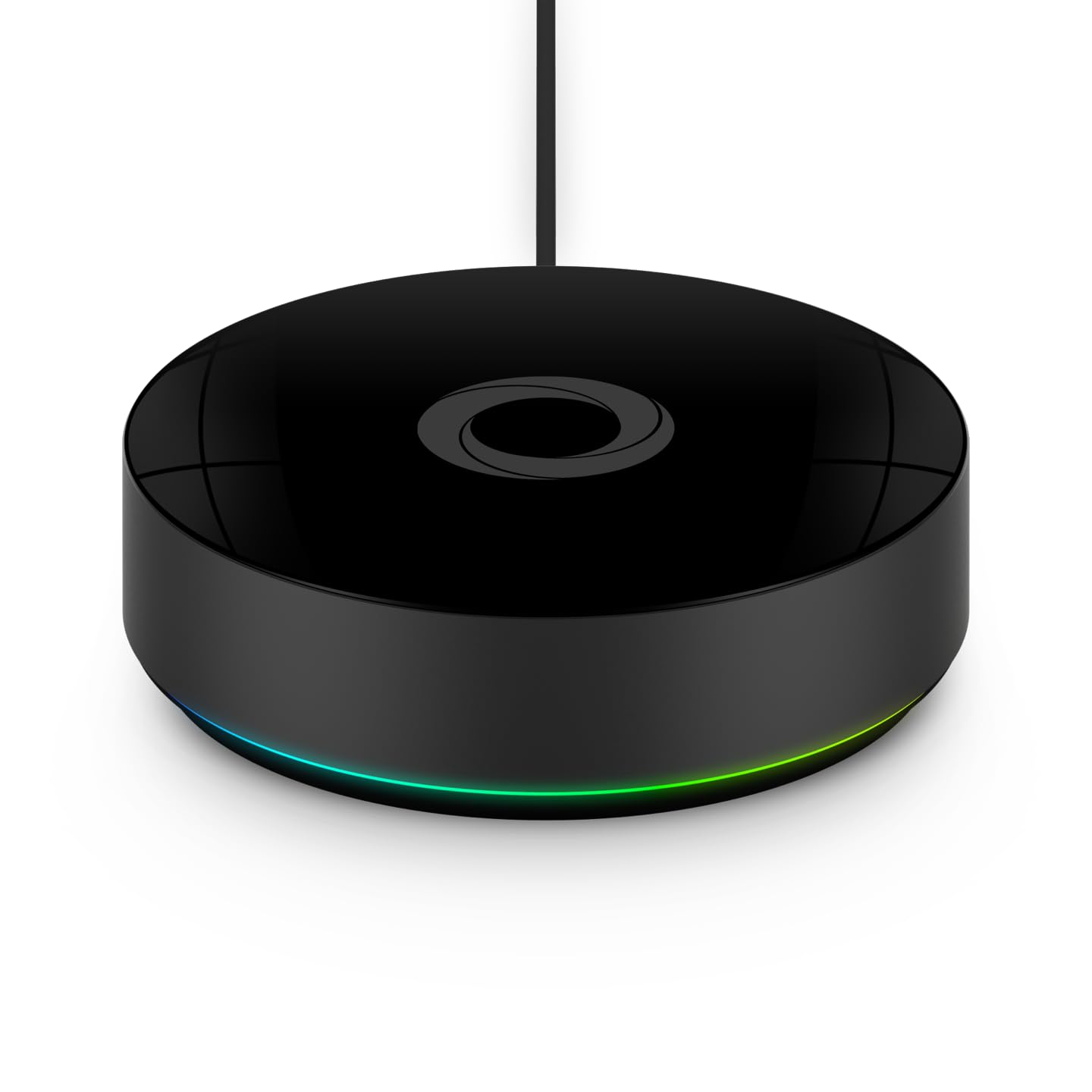
Why Won't My IKEA DIRIGERA Hub Control My Smart Blinds?
- Blind still associated with old TRÅDFRI hub and not re-paired to DIRIGERA
- DIRIGERA hub placed too far from blind reducing Zigbee signal
- Blind firmware not updated to version compatible with DIRIGERA stack
Problem Description
Your IKEA DIRIGERA hub cannot control your IKEA smart blinds such as FYRTUR, KADRILJ, or TREDANSEN. The blinds appear in the IKEA Home smart app but commands from the hub are ignored. Blinds may have previously worked with the older IKEA TRÅDFRI hub but are not responding after migration to DIRIGERA. DIRIGERA uses a newer Zigbee firmware stack and IKEA blinds must be re-paired directly to DIRIGERA for full compatibility.
Symptoms
- DIRIGERA hub shows IKEA blind in app but commands are ignored
- Blinds worked with old IKEA TRÅDFRI hub but not with DIRIGERA
- Home Smart app shows blind as reachable but open and close fail
- Blind moves with physical remote but not via DIRIGERA commands
- Automations using blinds through DIRIGERA complete with no movement
- Blind occasionally responds then stops for no apparent reason
Recognize these? Here's what usually causes it.
Common Causes
- Blind still associated with old TRÅDFRI hub and not re-paired to DIRIGERA
- DIRIGERA hub placed too far from blind reducing Zigbee signal
- Blind firmware not updated to version compatible with DIRIGERA stack
- IKEA Home smart app not updated to version supporting DIRIGERA control
- Blind Zigbee channel mismatch after DIRIGERA replaced old hub
- Migration from TRÅDFRI to DIRIGERA did not correctly transfer blind pairing
Most fixes happen in the first 3 steps.
Do not pair IKEA blinds to both DIRIGERA and a third-party Zigbee hub simultaneously. IKEA blinds only maintain a single Zigbee network association and dual pairing attempts cause unpredictable behavior.
Tools & Requirements
These tools will help you complete this fix.
As an Amazon Associate we earn from qualifying purchases.
Step-by-Step Solution
Remove Blind from TRÅDFRI and Re-Pair to DIRIGERA
The IKEA DIRIGERA hub cannot share device control with the older TRÅDFRI hub. If the blind is still registered to a TRÅDFRI hub open the old IKEA TRÅDFRI app and remove the blind from that hub. After removal reset the blind motor by pressing its reset button for 5 seconds until it blinks. Then open the IKEA Home smart app connected to your DIRIGERA hub and tap Add Device to pair the blind fresh with the new hub.
Update App Before Controlling Blinds
Open the App Store or Google Play and update the IKEA Home smart app to the latest version. DIRIGERA compatibility improvements for IKEA blinds including FYRTUR and KADRILJ models were added in specific app updates. Older versions of the app show the blinds as available but cannot correctly translate commands from the DIRIGERA hub to the blind Zigbee protocol. After updating force close the app and reopen before testing blind control.
Update Blind Firmware First
IKEA blind firmware updates are delivered through the hub the blind is currently paired to. Before migrating from TRÅDFRI to DIRIGERA make sure the blind firmware is updated to the latest version while still paired to the TRÅDFRI hub. Open the old IKEA app, go to the blind device settings and check for updates. After updating to the latest firmware the blind will have improved DIRIGERA compatibility when re-paired.
Place DIRIGERA Near Blinds for Pairing
During the initial DIRIGERA pairing session bring the hub within 2 metres of the blind being paired. IKEA blinds use Zigbee 3.0 for communication with the DIRIGERA hub and the initial pairing handshake requires a stronger signal than normal operation. After the blind is successfully paired it can be used from across the room as the Zigbee mesh fills in signal gaps through nearby paired devices.
Use Ethernet Connection for DIRIGERA
Connect the DIRIGERA hub to your router via Ethernet cable rather than relying on its WiFi connection during blind pairing and control. A wired DIRIGERA hub has lower latency for command delivery and more reliable cloud connectivity for firmware distribution. Unstable WiFi on the hub can cause blind command timeouts that appear as non-response even when the Zigbee connection between hub and blind is working correctly.
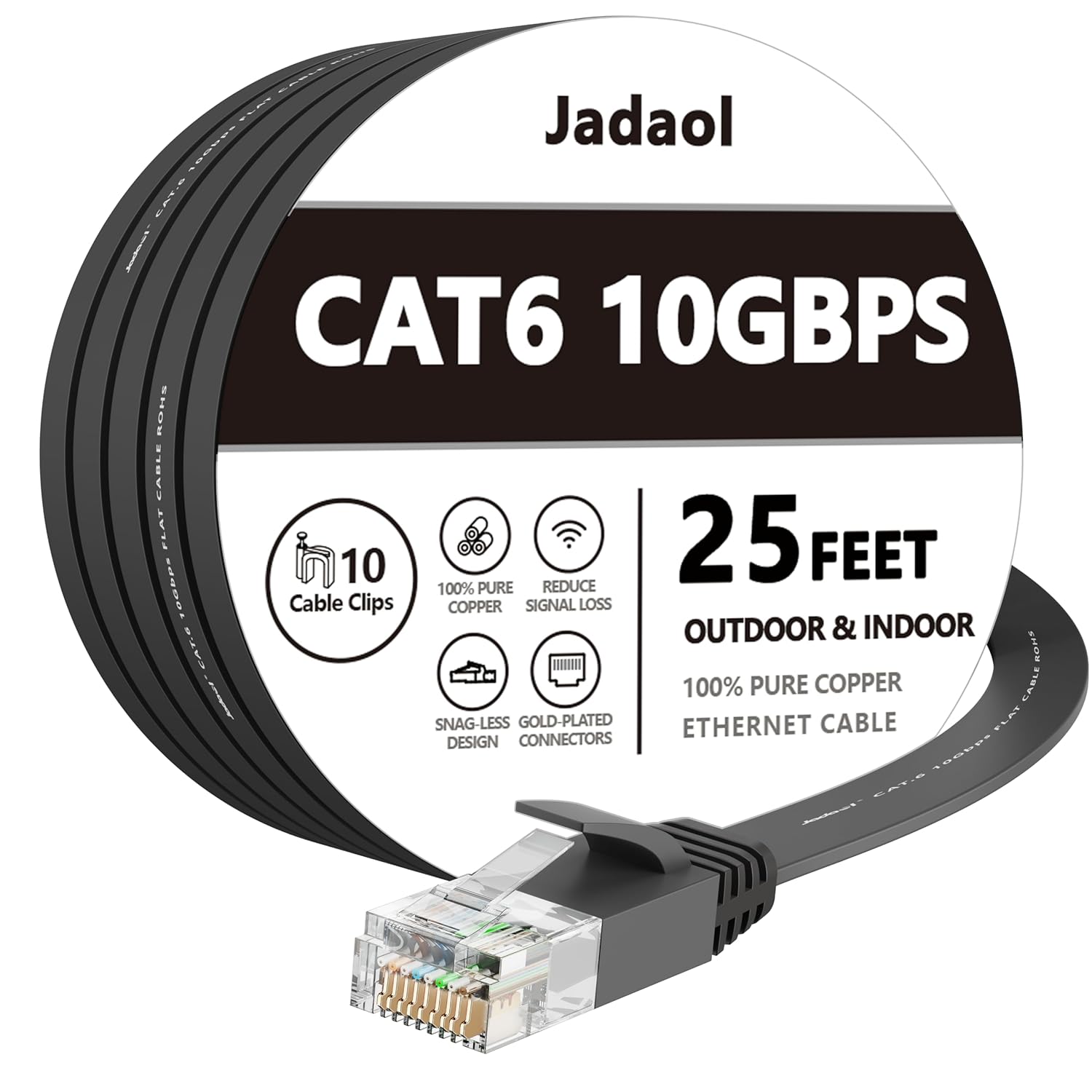
Needed for this step
Jadaol Cat 6 Ethernet Cable 25 ft, 10Gbps Suppo...
This helps complete the fix you are currently reading.
$9.99Quick Solutions
Still having issues? This is usually the deeper cause below.
If the hub reconnects then drops every few minutes, check for an IP conflict — two devices sharing the same DHCP address fight each other continuously.
After pairing IKEA blinds to DIRIGERA create room automations in the IKEA Home smart app to schedule open and close times. DIRIGERA automations run locally without internet and are more reliable than cloud-dependent schedules.
Hub disconnections that cycle repeatedly are almost always IP conflicts — two devices fighting over the same DHCP lease after a router restart.
- Blind still associated with old TRÅDFRI hub and not
- DIRIGERA hub placed too far from blind reducing Zigbee
- Blind firmware not updated to version compatible with DIRIGERA
- IKEA Home smart app not updated to version supporting
- Blind Zigbee channel mismatch after DIRIGERA replaced old hub
Before you go — try one of these (they fix most cases).
Official Manufacturer Manual
IKEA Smart Home provides official product documentation through their online manual rather than downloadable PDF. Access setup guides, troubleshooting steps, and product specifications for your IKEA DIRIGERA Hub.
Source: ikea.com
Need More Help? IKEA Smart Home Support
Note: The contact information below connects you directly to IKEA Smart Home's official customer support team, not Trunetto. They can help with warranty claims, device replacements, and advanced technical issues.
Accessories owners commonly pair with IKEA DIRIGERA Hub.

Amazon Smart Plug, Works with Alexa, Simple Setup, Endles...

TP-Link WiFi Extender with Ethernet Port, Dual Band 5GHz/...

Kasa Smart Plug, Matter Compatible, Energy Monitoring, Co...
As an Amazon Associate we earn from qualifying purchases.