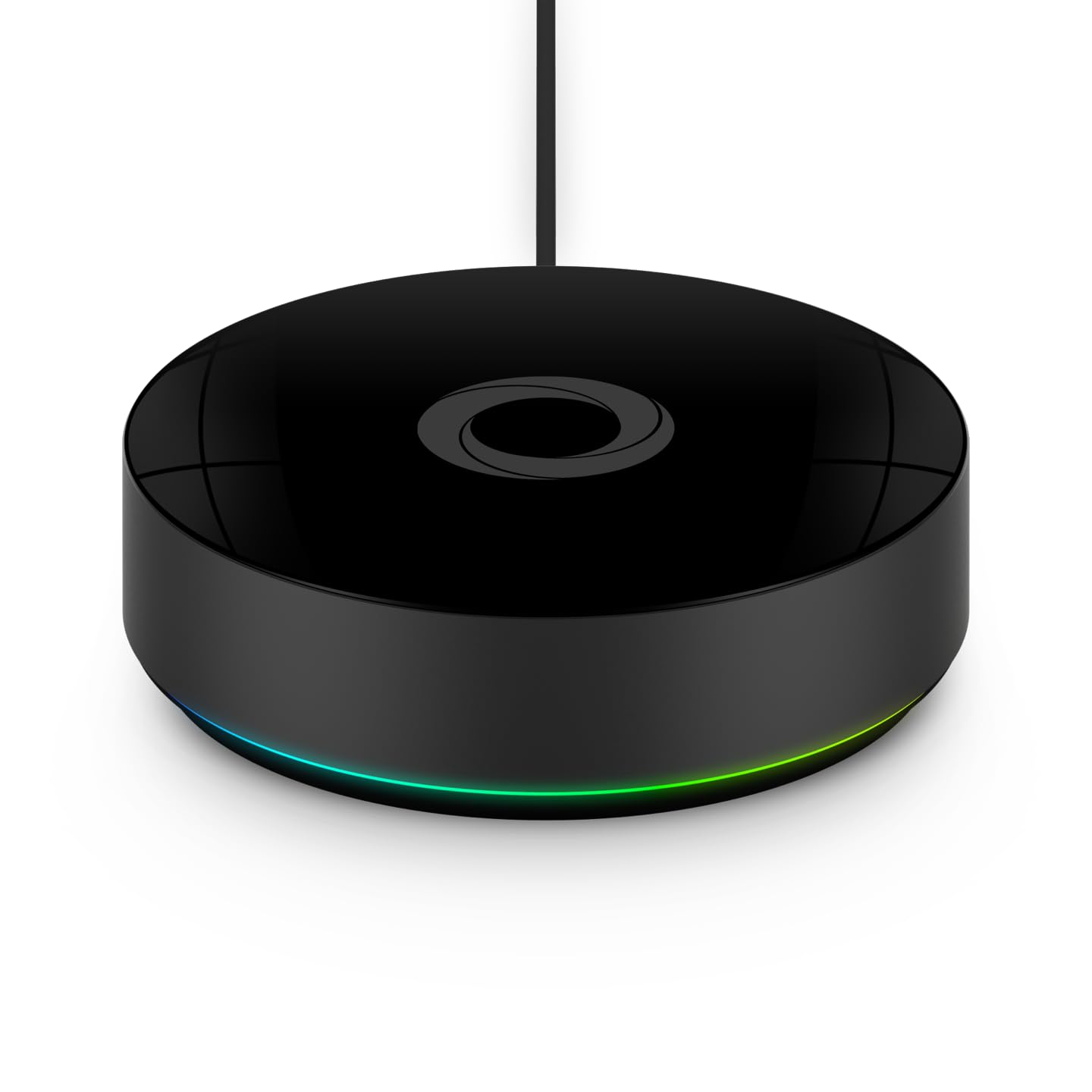
Why Won't My IKEA DIRIGERA Hub Connect to Matter Devices After Setup
- DIRIGERA hub firmware not updated to latest version with Matter fixes
- Home Smart app version outdated and missing Matter commissioning updates
- IPv6 disabled on router which Matter requires for Thread communication
Problem Description
Your IKEA DIRIGERA hub fails to add or connect Matter-compatible devices. New IKEA Matter devices like the VALLHORN motion sensor or PARASOLL door sensor refuse to pair, or third-party Matter devices cannot be commissioned through the hub. The Home Smart app shows pairing failures or timeouts during Matter device setup.
Why This Happens in Real Homes
This usually appears on networks with IPv6 disabled, multicast discovery filtered, or aggressive client isolation. The hub and device both look healthy, but commissioning cannot finish because discovery and handshake traffic never completes.
Start by putting phone, hub, and target device on the same local segment and rebooting the DIRIGERA hub after network changes. In most homes, that restores Matter joins without replacing the hub.
Symptoms
- Matter device pairing fails with timeout error in Home Smart app
- QR code scan succeeds but device never completes commissioning
- New IKEA Matter sensors and plugs cannot be found during search
- Third-party Matter devices pair to other hubs but not DIRIGERA
- Device pairs but shows as offline immediately after setup
- Home Smart app crashes during Matter device pairing process
Recognize these? Here's what usually causes it.
Common Causes
- DIRIGERA hub firmware not updated to latest version with Matter fixes
- Home Smart app version outdated and missing Matter commissioning updates
- IPv6 disabled on router which Matter requires for Thread communication
- Router blocking mDNS discovery packets between hub and devices
- Hub Thread border router function not activated or functioning
- Third-party device uses Matter features not yet supported by DIRIGERA
Most fixes happen in the first 3 steps.
Matter is still a maturing protocol. Not all Matter-certified devices work with all Matter controllers. Check IKEA's compatibility list before purchasing third-party Matter devices for use with DIRIGERA.
Tools & Requirements
These tools will help you complete this fix.
As an Amazon Associate we earn from qualifying purchases.
Step-by-Step Solution
Confirm hub firmware and app version
Update DIRIGERA firmware and the IKEA Home smart app before pairing new Matter devices. Older builds can fail at commissioning or device handoff.

Needed for this step
Home Assistant Connect ZBT-2 | Connect Zigbee, ...
This helps complete the fix you are currently reading.
$65.00Use same 2.4GHz network during setup
Make sure phone, hub, and target device are on the same local network segment. Mixed SSIDs, guest networks, or VLAN isolation frequently block Matter onboarding.
Reset Matter device commissioning state
Factory reset the accessory so it advertises a fresh setup payload, then rescan the Matter QR code. Previously paired devices often reject new fabric joins until reset.
Reduce Thread and Bluetooth interference
Pair close to the hub with Bluetooth enabled on your phone and limit nearby RF congestion. Weak commissioning radio links cause timeout errors despite valid credentials.
Power-cycle hub and retry one device at a time
Restart DIRIGERA, wait for full cloud sync, then add devices individually instead of bulk pairing. Sequential onboarding makes failure points easier to isolate and fix.
Quick Solutions
Device already paired
- Factory reset the Matter device.
- Remove it from any other app before adding.
Bluetooth or Location off
- Enable Bluetooth and Location permissions.
- Retry pairing.
Wrong Wi-Fi network
- Make sure your phone is on the same network as the hub.
- Avoid guest networks.
Hub firmware outdated
- Update the DIRIGERA hub in the IKEA app.
Device not in pairing mode
- Reset the device and enter pairing mode again.
App stuck
- Force close the app and reopen.
- Reboot the phone if needed.
Still having issues? This is usually the deeper cause below.
If the hub reconnects then drops every few minutes, check for an IP conflict — two devices sharing the same DHCP address fight each other continuously.
Add one Matter device at a time and keep the hub near your router during setup.
Hub disconnections that cycle repeatedly are almost always IP conflicts — two devices fighting over the same DHCP lease after a router restart.
- DIRIGERA hub firmware not updated to latest version with
- Home Smart app version outdated and missing Matter commissioning
- IPv6 disabled on router
- Router blocking mDNS discovery packets between hub and devices
- Hub Thread border router function not activated or functioning
Before you go — try one of these (they fix most cases).
Official Manufacturer Manual
IKEA Smart Home provides official product documentation through their online manual rather than downloadable PDF. Access setup guides, troubleshooting steps, and product specifications for your IKEA DIRIGERA Hub.
Source: ikea.com
Need More Help? IKEA Smart Home Support
Note: The contact information below connects you directly to IKEA Smart Home's official customer support team, not Trunetto. They can help with warranty claims, device replacements, and advanced technical issues.
Accessories owners commonly pair with IKEA DIRIGERA Hub.

Amazon Smart Plug, Works with Alexa, Simple Setup, Endles...

TP-Link WiFi Extender with Ethernet Port, Dual Band 5GHz/...

Kasa Smart Plug, Matter Compatible, Energy Monitoring, Co...
As an Amazon Associate we earn from qualifying purchases.