

Why Does My Echo Show Keep Disconnecting From WiFi Overnight
- Router scheduled reboot dropping device
- WiFi power saving mode on router
- Echo Show entering deep sleep losing connection
Problem Description
Your Echo Show disconnects from WiFi every night and is offline in the morning, requiring manual reconnection before Alexa responds. The pattern of nightly disconnects that reconnect by morning is caused by router behavior during low-traffic overnight periods — scheduled reboots, WiFi power-saving modes, or DHCP lease expiration — rather than a fault in the Echo Show hardware.
Why This Happens in Real Homes
An Echo Show dropping WiFi every night is the classic scheduled-event signature: a router's overnight auto-reboot, a DHCP lease renewal, or ISP maintenance knocks it off, and it reconnects by morning.
Start by checking the router for a scheduled reboot to disable or move, and reserve a fixed IP for the Echo (or lengthen the DHCP lease). A consistent overnight disconnect is the network's timing rather than the device; pinning its IP stops the lease-renewal cause.
Symptoms
- Shows not connected to WiFi each morning
- Alarms do not sound because device offline
- Morning routines fail to trigger
- Must reconnect WiFi manually daily
- Other Echo devices stay connected
- Problem started after router or firmware update
Recognize these? Here's what usually causes it.
Common Causes
- Router scheduled reboot dropping device
- WiFi power saving mode on router
- Echo Show entering deep sleep losing connection
- Router firmware bug with Echo devices
- 5GHz connection dropping at low traffic
- DHCP lease expiring overnight
Most fixes happen in the first 3 steps.
Do not factory reset the Echo Show for WiFi drops. It erases all settings preferences and smart home configurations. Fix the router side first.
Tools & Requirements
Step-by-Step Solution
Disable Router Reboot
Check router settings for scheduled auto-reboot. Many routers reboot at 2-3 AM. Echo Show sometimes fails to reconnect after. Disable or move to daytime hours.
Switch to 2.4GHz
5GHz drops more often at night when traffic is low and some routers reduce 5GHz power. Forget the current network on Echo Show and connect to 2.4GHz SSID for more stable overnight connection.
Assign Static IP
In router find Echo Show MAC address and assign static IP. DHCP lease expiration at night causes IP loss. Static reservation prevents this.
Disable WiFi Power Saving
In router settings disable WiFi Sleep Eco Mode or Green Mode. These reduce WiFi power when low traffic detected which drops weak connected devices.
Check Echo Do Not Disturb
If Do Not Disturb is enabled the Echo may disconnect WiFi to save power. Go to Settings then Do Not Disturb and disable. Or set scheduled DND but verify WiFi stays active.
Quick Solutions
Still having issues? This is usually the deeper cause below.
This usually happens right after a router reboot or ISP change — the device rejoins the network but drops its cloud session silently.
Place Echo Show within 20 feet of router with clear line of sight. WiFi signal drops significantly through walls especially at the lower power levels routers use at night.
Most WiFi drop-offs happen right after a router reboot or ISP swap — the device reconnects to the network but silently loses its cloud registration.
- Router scheduled reboot dropping device
- WiFi power saving mode on router
- Echo Show entering deep sleep losing connection
- Router firmware bug with Echo devices
- 5GHz connection dropping at low traffic
Before you go — try one of these (they fix most cases).
Most popular upgrades chosen by Amazon Echo Show owners.

Amazon Echo Show 10 (newest model)
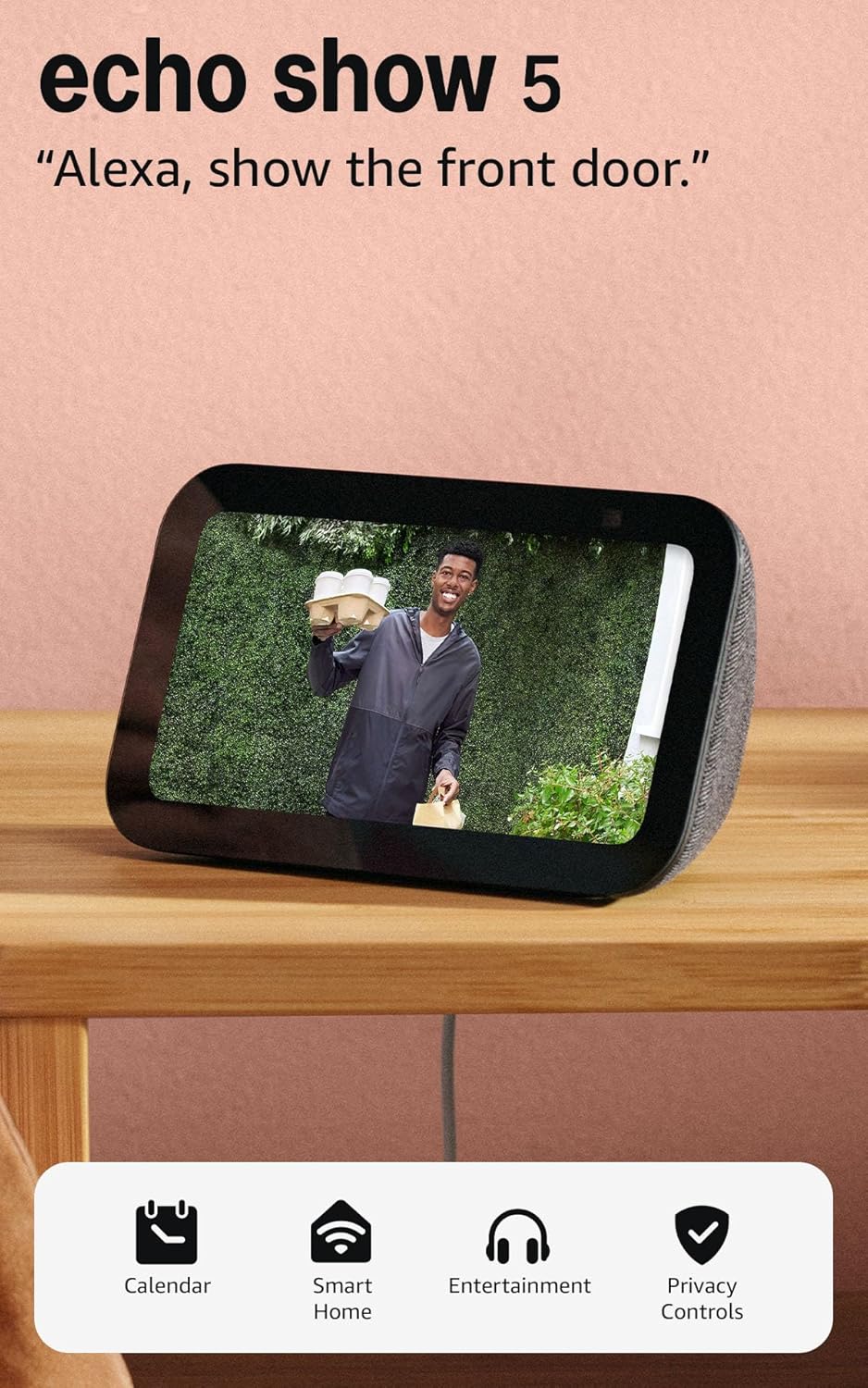
Like-New Amazon Echo Show 5 (newest model), Smart display...

Amazon Echo Show 8 (newest model)
As an Amazon Associate we earn from qualifying purchases.
Official Manufacturer Manual
Amazon provides official product documentation through their online manual rather than downloadable PDF. Access setup guides, troubleshooting steps, and product specifications for your Amazon Echo Show.
Source: amazon.com
Need More Help? Amazon Support
Note: The contact information below connects you directly to Amazon's official customer support team, not Trunetto. They can help with warranty claims, device replacements, and advanced technical issues.
How Does Amazon Compare?
Before replacing your Amazon device, see how it stacks up against alternatives in our full comparison guides.
Accessories owners commonly pair with Amazon Echo Show.

Amazon Echo Show 5 (newest model), Smart display, Designe...

Amazon Echo Show 5 (newest model), Smart display, Designe...

Amazon Echo Show 5 Kids (newest model), Designed for kids...
As an Amazon Associate we earn from qualifying purchases.



