

Why Is My Aeotec Z-Stick Gen5+ Not Recognized by Home Assistant After an Update
- Linux kernel update changed USB serial driver
- USB device path changed after update
- Z-Wave JS configuration pointing to old path
Problem Description
Your Aeotec Z-Stick Gen5+ USB controller stopped being recognized by Home Assistant after a system update. The Z-Wave integration shows no controller found, devices are unavailable, and automations depending on Z-Wave fail. The stick worked perfectly before the update but now appears completely invisible to the system.
Symptoms
- Z-Wave integration shows no controller detected
- All Z-Wave devices unavailable after HA update
- USB device not showing in system logs
- Stick LED not blinking when expected
- dmesg shows no ttyACM or ttyUSB device
- Z-Wave JS add-on cannot find the controller
Recognize these? Here's what usually causes it.
Common Causes
- Linux kernel update changed USB serial driver
- USB device path changed after update
- Z-Wave JS configuration pointing to old path
- USB permissions changed requiring new udev rules
- Stick firmware incompatible with new Z-Wave JS version
- Physical USB connection loosened
Most fixes happen in the first 3 steps.
Do not unplug the Z-Stick while Z-Wave JS is actively communicating with devices. This can corrupt the controller memory. Always stop the Z-Wave JS add-on before unplugging.
Step-by-Step Solution
Verify USB Physical Connection
Unplug the Z-Stick and plug it back in firmly. Try a different USB port, preferably directly on the host computer rather than through a hub. After plugging in, wait 10 seconds for the system to recognize it. The LED on the stick should briefly flash indicating power.
Check Device Path in Linux
SSH into your Home Assistant instance. Run ls /dev/tty* to list serial devices. Look for ttyACM0 or ttyUSB0. If you see a different number like ttyACM1, the path changed. Also run dmesg | tail -20 right after plugging in to see if the kernel recognizes the USB device.
Update Z-Wave JS Device Path
In Home Assistant, go to Settings, Add-ons, Z-Wave JS. Click Configuration. Check the device path field. Update it to match what you found in /dev/tty*. Common paths are /dev/ttyACM0 or /dev/serial/by-id/usb-0658_0200-if00. The by-id path is more reliable across reboots.
Create udev Rule for Consistent Path
If the path keeps changing, create a udev rule. SSH in and create a file: sudo nano /etc/udev/rules.d/99-usb-serial.rules. Add: SUBSYSTEM=="tty", ATTRS{idVendor}=="0658", ATTRS{idProduct}=="0200", SYMLINK+="zwave". Reload with sudo udevadm control --reload-rules. Now use /dev/zwave as the hub path.
Roll Back Z-Wave JS If Needed
If the issue started with a specific Z-Wave JS update, you can roll back. Go to the add-on page, click the three dots, select Versions, and install a previous version. Check the Z-Wave JS release notes for known compatibility issues with Aeotec sticks.
Quick Solutions
Still having issues? This is usually the deeper cause below.
If the device became unresponsive after a firmware update, a factory reset usually clears the corrupted state — the update itself is rarely the root cause.
Use the /dev/serial/by-id/ path rather than /dev/ttyACM0 whenever possible. The by-id path is based on device identifiers and does not change when USB port assignments shift.
Home Assistant issues that only appear after restart are a well-known quirk — triggers that require prior state history simply can't fire until that history rebuilds.
- Linux kernel update changed USB serial driver
- USB device path changed after update
- Z-Wave JS configuration pointing to old path
- USB permissions changed requiring new udev rules
- Stick firmware incompatible with new Z-Wave JS version
Before you go — try one of these (they fix most cases).
Most popular upgrades chosen by Aeotec Z-Stick Gen5+ owners.

Aeotec SmartThings Motion Sensor, Zigbee, Magnetic Mounti...

Aeotec Z-Stick 7 Plus, Zwave Plus USB to Create Z-Wave hu...

Aeotec SmartThings Button, Zigbee Remote Control, Works w...
As an Amazon Associate we earn from qualifying purchases.
Official Manufacturer Manual
Aeotec provides official product documentation through their online manual rather than downloadable PDF. Access setup guides, troubleshooting steps, and product specifications for your Aeotec Z-Stick Gen5+.
Source: aeotec.com
Need More Help? Aeotec Support
Note: The contact information below connects you directly to Aeotec's official customer support team, not Trunetto. They can help with warranty claims, device replacements, and advanced technical issues.
Accessories owners commonly pair with Aeotec Z-Stick Gen5+.

Aeotec ZWA012 Z-Wave Plus v2 Door / Window Sensor 7 Pro, ...
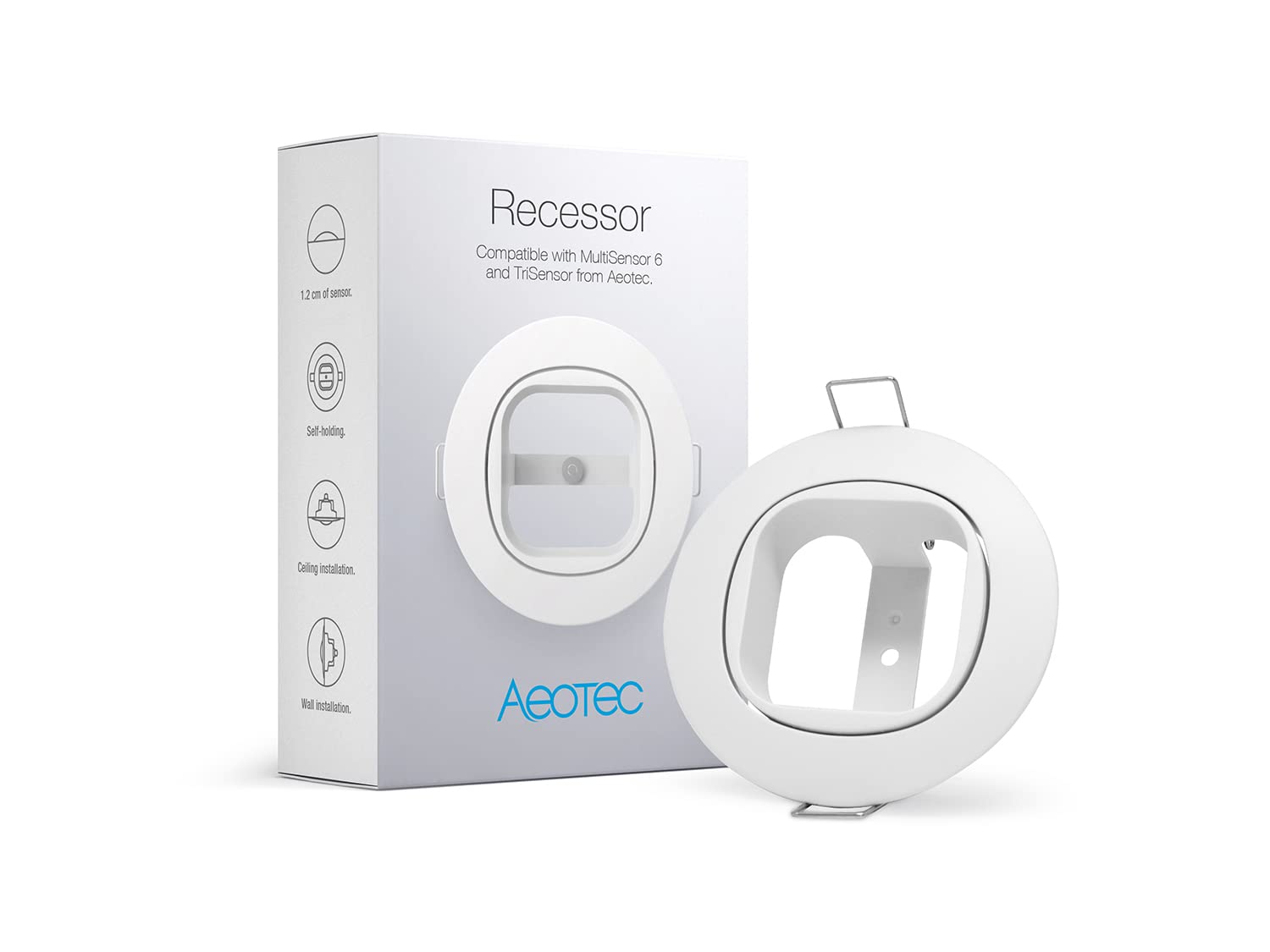
Aeotec Recessor for MultiSensor and TriSensor – Discreet ...
As an Amazon Associate we earn from qualifying purchases.
