

How Do I Connect Google Nest to Alexa?
- Wrong Google account linked
- Nest devices not in Google Home correctly
- Old Works with Nest data conflicts
Problem Description
You want to control Google Nest devices with Alexa routines and voice commands but account linking, permissions, or device discovery is failing. This guide walks through the correct linking order and common integration blockers.
Why This Happens in Real Homes
This works through the Google Home skill in the Alexa app, but set expectations low. Alexa can see Nest thermostats and adjust temperature, and it can pull up Nest camera feeds on Echo Show devices — but the camera feed lags 15 to 20 seconds behind real time, which makes it nearly useless for checking who is at the door right now. The account linking between Google and Amazon also breaks silently whenever you change your Google password or enable new two-factor settings. You will not get an error, automations just stop working and you have to relink in the Alexa app under Smart Home skills.
Symptoms
- Google Nest skill links but no devices appear
- Alexa says device is unresponsive
- Nest devices fail during discovery
- Routines cannot target Nest device
- Account linking loops back to login
- Alexa sees old or duplicate Nest devices
Recognize these? Here's what usually causes it.
Common Causes
- Wrong Google account linked
- Nest devices not in Google Home correctly
- Old Works with Nest data conflicts
- 2FA interrupting link flow
- Alexa app cache stale
- Regional account mismatch
Most fixes happen in the first 3 steps.
Some Nest features are app-specific and cannot be controlled by Alexa depending on device type and policy changes.
Step-by-Step Solution
Confirm Nest Devices Work in Google Home First
Open Google Home and verify each Nest device is online, named clearly, and assigned to rooms. Alexa import depends on correct Google Home state.
Remove Old Linking and Start Clean
In Alexa app, disable any existing Google/Nest integration, then re-enable and sign in with the same Google account that owns the Nest devices.
Run Full Device Discovery in Alexa
After linking, run Discover Devices and wait for completion. If some devices are missing, run discovery again after 2-3 minutes.
Delete Duplicate or Stale Device Entries
Remove old duplicate device cards in Alexa to avoid unresponsive errors and routine conflicts.
Test Direct Voice Commands Then Routines
First test simple on/off or temperature commands by device name. Then add devices into routines once direct commands succeed.
Quick Solutions
Still having issues? This is usually the deeper cause below.
If voice commands stopped working after relinking the account, check that the skill or action is still enabled — relinking sometimes disables it silently.
Use short, unique room/device names to reduce Alexa voice matching errors with Nest devices.
This issue almost always looks more complex than it is — the majority of cases trace back to a single setting, a stale credential, or a default that shipped wrong.
- Wrong Google account linked
- Nest devices not in Google Home correctly
- Old Works with Nest data conflicts
- 2FA interrupting link flow
- Alexa app cache stale
Before you go — try one of these (they fix most cases).
Most popular upgrades chosen by Google Nest Devices owners.

Google Nest Wifi - AC2200 - Mesh WiFi System - Wifi Route...

Google Nest Wifi - AC2200 (2nd Generation) Router and Add...
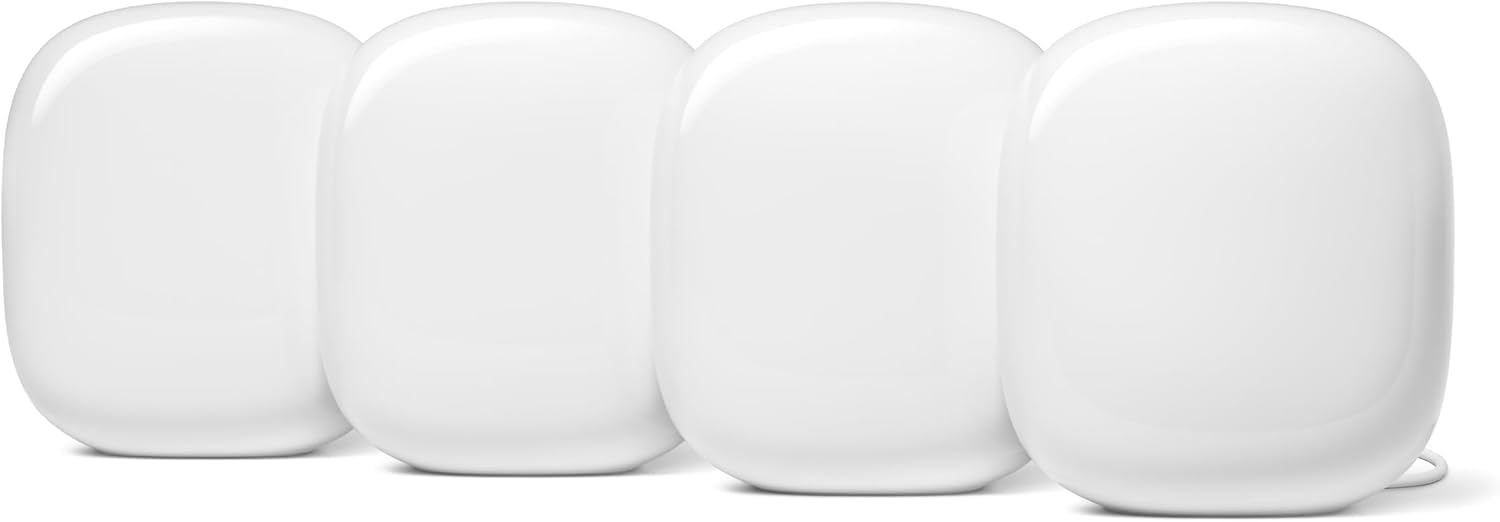
Google Nest WiFi Pro - Wi-Fi 6E - Reliable Home Wi-Fi Sys...
As an Amazon Associate we earn from qualifying purchases.
Official Manufacturer Manual
Google Nest provides official product documentation through their online manual rather than downloadable PDF. Access setup guides, troubleshooting steps, and product specifications for your Google Nest Devices.
Source: support.google.com
Need More Help? Google Nest Support
Note: The contact information below connects you directly to Google Nest's official customer support team, not Trunetto. They can help with warranty claims, device replacements, and advanced technical issues.
How Does Google Nest Compare?
Before replacing your Google Nest device, see how it stacks up against alternatives in our full comparison guides.


