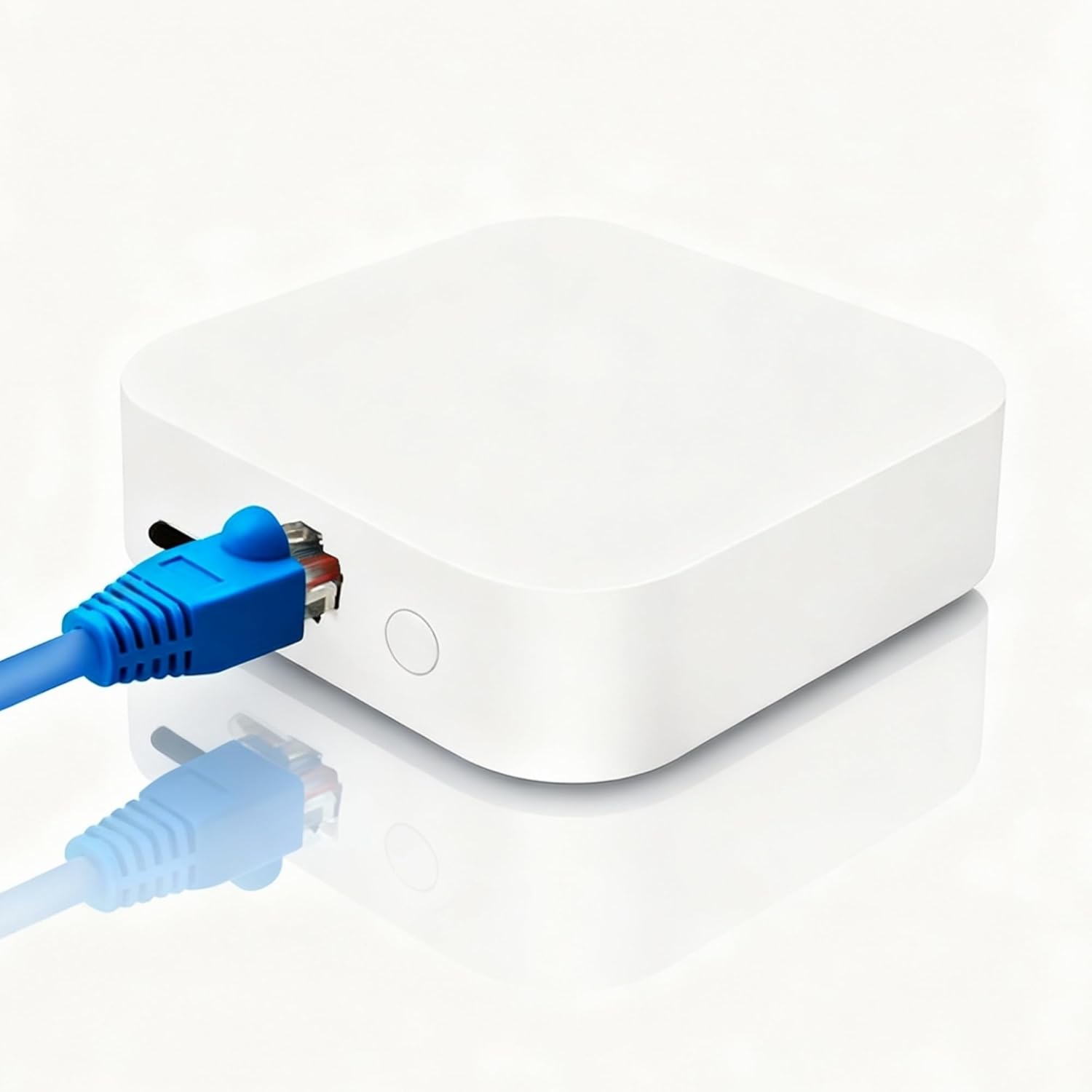
Why Are My Tuya Zigbee Devices Not Responding After a Gateway Firmware Update
- Firmware update changed Zigbee network parameters
- Zigbee channel shifted during update
- Device pairing data corrupted during update
Problem Description
Your Tuya Zigbee devices stopped responding after the gateway installed a firmware update. Devices show as offline or unavailable in the Smart Life app. The gateway itself appears online but cannot communicate with paired Zigbee sensors and switches. Commands sent to devices have no effect.
Symptoms
- Zigbee devices unresponsive after gateway update
- Gateway online but devices show offline
- Commands sent but no device response
- Some devices work while others do not
- Automations involving Zigbee devices failing
- Device LEDs not responding to app commands
Recognize these? Here's what usually causes it.
Common Causes
- Firmware update changed Zigbee network parameters
- Zigbee channel shifted during update
- Device pairing data corrupted during update
- Gateway rebooted before update fully applied
- Incompatible firmware version for certain devices
- Zigbee coordinator reset to defaults
Most fixes happen in the first 3 steps.
Do not attempt to downgrade firmware yourself on Tuya gateways. Unofficial firmware modifications can brick the device. If you need a rollback, contact Tuya support.
Step-by-Step Solution
Power Cycle the Gateway
Unplug the Tuya Zigbee gateway from power completely. Wait 60 seconds. Plug it back in and wait 3-5 minutes for it to fully boot and establish the Zigbee network. Many post-update issues resolve with a clean reboot cycle that allows firmware to initialize properly.
Wait for Automatic Rejoin
Zigbee devices will attempt to rejoin their network after detecting the coordinator is back online. This can take 15-30 minutes for battery devices that check in infrequently. Keep the gateway powered and check device status after 30 minutes. Many devices will recover without intervention.
Re-Pair Unresponsive Devices
If specific devices remain offline after waiting, you may need to re-pair them. Put the gateway in pairing mode through the Smart Life app. Then put each device in pairing mode (usually holding a button for 5-10 seconds until LED flashes). Re-pair one device at a time.
Check for Follow-Up Updates
Sometimes firmware updates come in stages. Open the Smart Life app, go to the gateway settings, and check for additional updates. A follow-up update may fix issues introduced by the first update. Apply any available updates.
Factory Reset as Last Resort
If many devices are affected and re-pairing individually is impractical, you may need to reset the gateway and rebuild the network. This loses all device pairings. Remove the gateway from the app, factory reset it (usually holding reset for 10+ seconds), and set it up as new. Then re-pair all devices.
Quick Solutions
Still having issues? This is usually the deeper cause below.
If the hub reconnects then drops every few minutes, check for an IP conflict — two devices sharing the same DHCP address fight each other continuously.
Battery-powered Zigbee devices like sensors may take longer to rejoin because they only wake periodically to check the network. Be patient with these devices.
Firmware updates that wipe settings are more common than brands admit — many devices silently reset to factory defaults on an OTA push with no warning.
- Firmware update changed Zigbee network parameters
- Zigbee channel shifted during update
- Device pairing data corrupted during update
- Gateway rebooted before update fully applied
- Incompatible firmware version for certain devices
Before you go — try one of these (they fix most cases).
Official Manufacturer Manual
Tuya Smart Life provides official product documentation through their online manual rather than downloadable PDF. Access setup guides, troubleshooting steps, and product specifications for your Tuya Zigbee Gateway.
Source: support.tuya.com
Need More Help? Tuya Smart Life Support
Note: The contact information below connects you directly to Tuya Smart Life's official customer support team, not Trunetto. They can help with warranty claims, device replacements, and advanced technical issues.