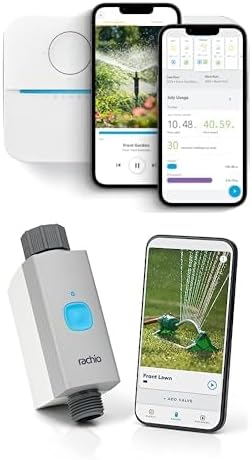
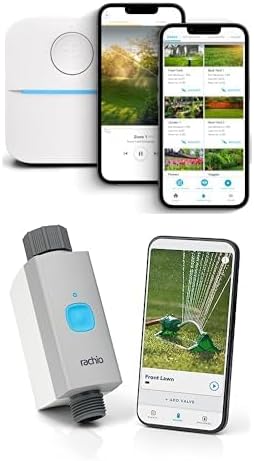
Why Does My Rachio 3 Master Valve Activate Without a Zone Running
- Master valve wiring on active zone terminal
- Leaking solenoid cycling intermittently
- Program overlap triggers master valve only
Problem Description
Rachio 3 owners sometimes see the master valve activating even when no zone is programmed to run. This guide diagnoses wiring mistakes, faulty solenoids, program conflicts, and controller state issues causing unwanted master valve operation.
Why This Happens in Real Homes
A master valve firing with no zone running is almost always a wiring or solenoid issue, not a controller bug. In real installs the master valve wire is on a regular zone terminal, or a solenoid leaks and cycles on its own. Confirm the master valve is on the M terminal, check for a weeping solenoid, and look for a program overlap that keeps the master energized.
Symptoms
- Master valve hums or clicks randomly
- No active zone shown in app
- Pressure spikes reported at fixtures
- Event log lists unexpected MV activation
- Issue started after a program edit
- Multiple programs overlap in schedule
Recognize these? Here's what usually causes it.
Common Causes
- Master valve wiring on active zone terminal
- Leaking solenoid cycling intermittently
- Program overlap triggers master valve only
- Rain delay partial with MV stuck open
- Smart Cycle soak phase holds MV state
- Firmware bug after interrupted update
Most fixes happen in the first 3 steps.
Do not bypass the master valve to hide this issue. Bypassing removes leak protection and can lead to undetected overnight water loss.
Tools & Requirements
These tools will help you complete this fix.
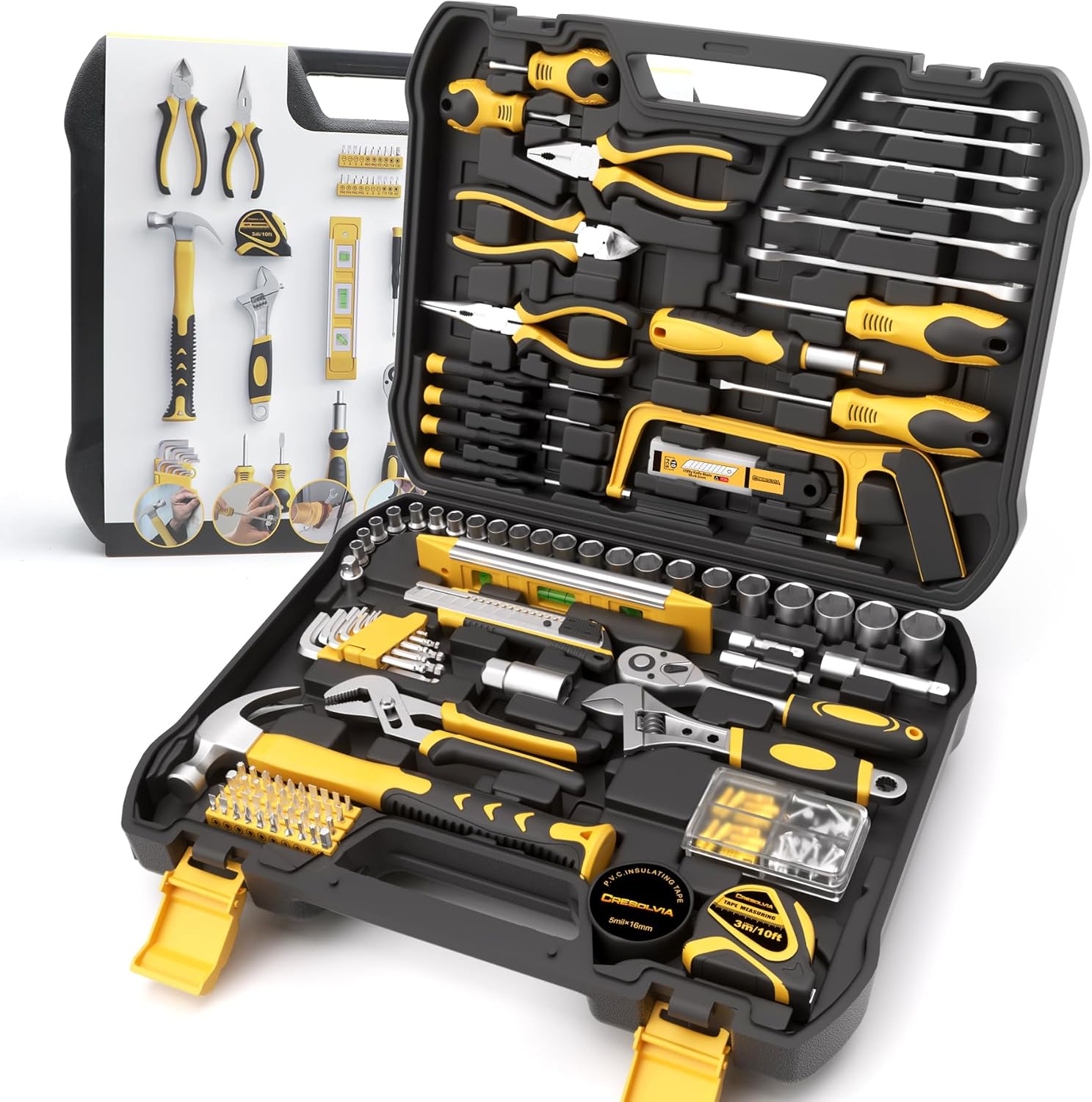
Adjustable wrench
199 Piece Tool Kit for Home,General Household/Auto R...

Flashlight
OLIGHT Oclip Pro S EDC Flashlight Clip-on Light, 600...

Multimeter
Klein Tools 80196 Digital Multimeter Kit with Case, ...
As an Amazon Associate we earn from qualifying purchases.
Step-by-Step Solution
Check Wiring
Open the Rachio 3 and confirm the master valve wire is on the M terminal, not on a zone. If a zone terminal is miswired, any zone program activates the master valve. Relocate the wire to M and tighten the terminal before restoring power.
Inspect Solenoid
Walk out to the master valve and inspect the solenoid body. Cracks, debris in the plunger, or a weak spring allow the valve to cycle even when not commanded. Replace the solenoid if contamination is visible. Clean the valve body before reassembly.
Audit Programs
In the Rachio app, review every schedule. Overlapping programs can trigger the master valve when Smart Cycle coordinates watering across zones. Separate conflicting schedules so only one program drives the system at a time during high-demand windows.
Clear Rain Delay State
If a rain delay was recently toggled, clear it entirely and reapply cleanly. Stuck rain delay state can leave the master valve partially energized. A clean cycle of remove and reapply resets internal state that may be holding MV output partially active.
Review Event Log
Use the app event log to identify exact timestamps when MV activated. Correlate with programs, weather skips, or manual runs. If activation appears with no matching event, update firmware and reboot the controller. Persistent issues warrant a Rachio support case with logs.
Quick Solutions
Still having issues? This is usually the deeper cause below.
If this comes back after following these steps, check whether a recent app or firmware update reset a default setting — the fix works, but the setting gets reverted silently.
Keep a spare master valve solenoid on hand. Replacing a failing solenoid is quick once you know the root cause, and it saves repeated diagnostic trips.
This issue almost always looks more complex than it is — the majority of cases trace back to a single setting, a stale credential, or a default that shipped wrong.
- Master valve wiring on active zone terminal
- Leaking solenoid cycling intermittently
- Program overlap triggers master valve only
- Rain delay partial with MV stuck open
- Smart Cycle soak phase holds MV state
Before you go — try one of these (they fix most cases).
Official Manufacturer Manual
Rachio provides official product documentation through their online manual rather than downloadable PDF. Access setup guides, troubleshooting steps, and product specifications for your Rachio 3 Smart Sprinkler Controller.
Source: support.rachio.com
Need More Help? Rachio Support
Note: The contact information below connects you directly to Rachio's official customer support team, not Trunetto. They can help with warranty claims, device replacements, and advanced technical issues.
How Does Rachio Compare?
Before replacing your Rachio device, see how it stacks up against alternatives in our full comparison guides.