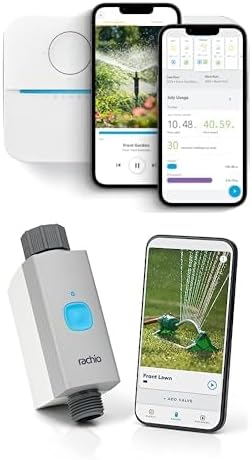
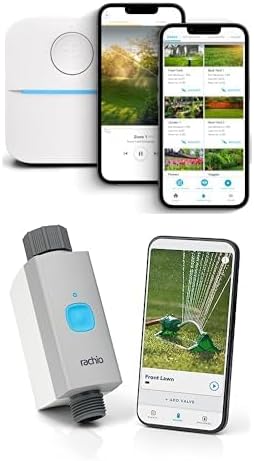
Rachio Zone Not Watering or Low Water Pressure from Specific Zones
- Loose or corroded wire connection at the controller or valve
- Valve solenoid failed on the specific zone
- Zone wire cut or damaged by landscaping or rodents
Problem Description
One or more Rachio sprinkler zones fail to activate when triggered from the app, produce significantly lower water pressure than normal, or only some heads in the zone pop up. When a single zone fails while others work, the issue is almost always specific to that zone's valve, wiring connection, or a partial blockage at the zone valve solenoid — not the Rachio controller itself.
Why This Happens in Real Homes
A zone that will not activate or runs at low pressure points to that zone's wiring or valve, not the controller. In real yards a corroded terminal, a failed solenoid, or a wire cut by landscaping is the cause; low pressure on some heads suggests a partly open valve or a leak. Reseat the wiring, test the solenoid, and check the valve and line.
Symptoms
- Zone activates in the app but no water comes out of the sprinkler heads
- Water pressure is noticeably lower on specific zones
- Only some sprinkler heads pop up in a zone while others stay down
- Zone runs for a few seconds then stops
- Rachio app shows zone is running but nothing happens in the yard
- Master valve or pump start relay does not engage
Recognize these? Here's what usually causes it.
Common Causes
- Loose or corroded wire connection at the controller or valve
- Valve solenoid failed on the specific zone
- Zone wire cut or damaged by landscaping or rodents
- Master valve not wired or configured in Rachio settings
- Valve diaphragm stuck closed from debris
- Municipal water pressure too low to run all heads in the zone
Most fixes happen in the first 3 steps.
{"Always turn off the water supply before disassembling any valve to prevent flooding the valve box","Wire connections in valve boxes must use waterproof connectors rated for direct burial — standard wire nuts will corrode"}
Tools & Requirements
These tools will help you complete this fix.

Multimeter to test 24V AC at solenoid
Klein Tools 80196 Digital Multimeter Kit with Case, ...
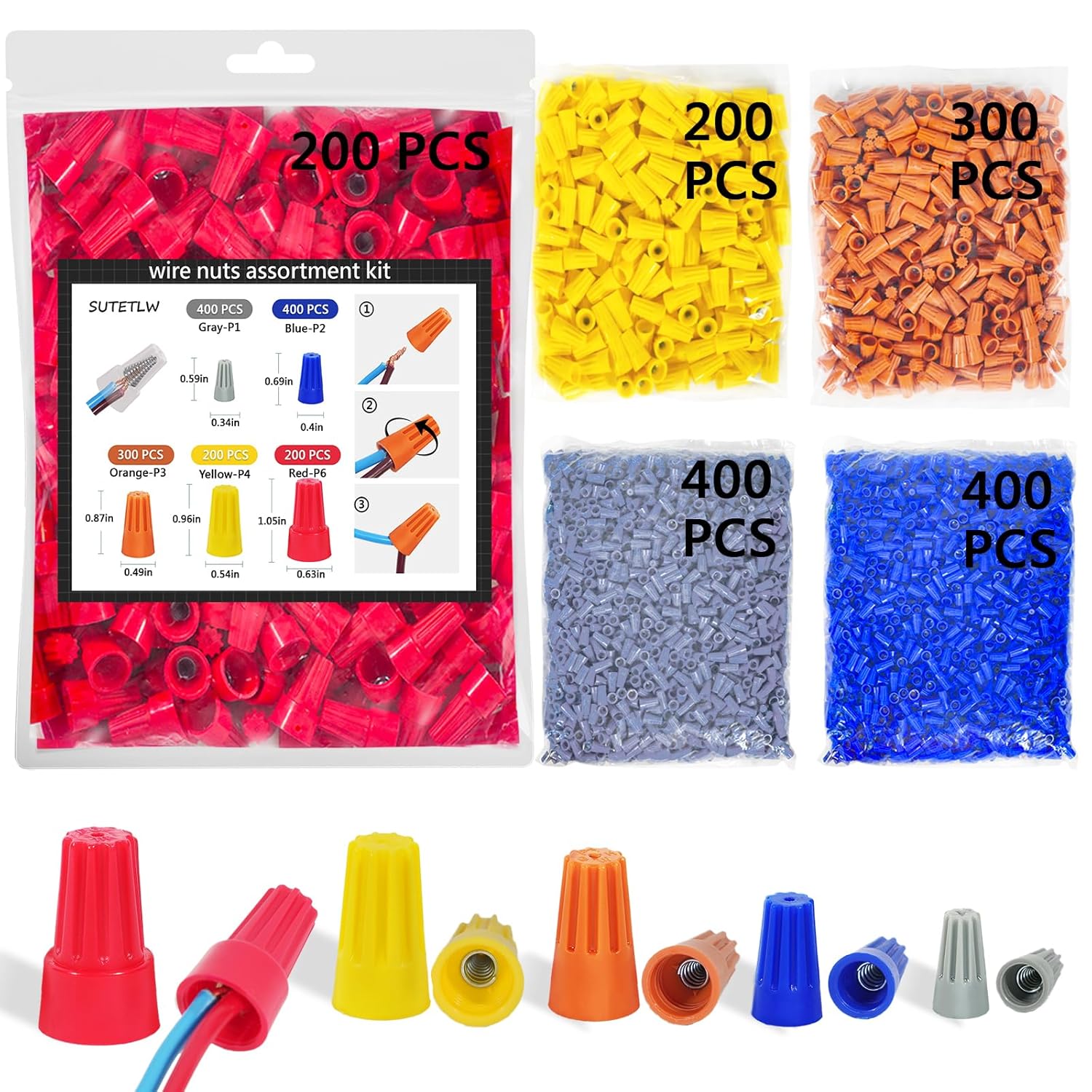
Waterproof wire nuts
Wire Nuts Assortment Kit 1500 PCS Insulating Insert ...

Screwdriver for controller terminals
STREBITO 155 in 1 Electric Screwdriver Set, Small El...
As an Amazon Associate we earn from qualifying purchases.
Step-by-Step Solution
Inspect and Test the Zone Valve Solenoid
Each irrigation zone has a solenoid valve that receives a 24VAC signal from the Rachio controller. When activated, the solenoid opens the valve to allow water flow. If a single zone fails, go to that valve box and manually open the bleed screw on the solenoid by turning it counterclockwise one half turn. If water flows, the valve is functional and the solenoid is the likely fault. If no water flows, the zone valve itself is stuck or the supply to that section is cut off.
Needed for this step
Klein Tools 80196 Digital Multimeter Kit with C...
This helps complete the fix you are currently reading.
$46.15Check Zone Wiring at the Rachio Controller
Open the Rachio controller and inspect the wire connections for the failing zone. Each zone terminal should have one wire firmly seated with no corrosion on the copper. Pull gently on the wire to confirm it is clamped, not just resting in the terminal. Green corrosion or white mineral deposits on terminals indicate moisture infiltration. Clean terminals with a wire brush, trim 1 inch of wire to expose fresh copper, and reinsert firmly.
Needed for this step
Wire Nuts Assortment Kit 1500 PCS Insulating In...
This helps complete the fix you are currently reading.
$29.99Run a Manual Zone Test from the Rachio App
In the Rachio app go to the failing zone and tap Quick Run. Set the duration to 3 minutes. Walk to the zone area and observe whether any heads pop up. If some heads pop up but others do not, the problem is a clogged or stuck head within the zone rather than the valve. If no heads activate at all, the issue is at the valve level. This test isolates whether it is a valve problem or a sprinkler head problem.
Clear Clogged Sprinkler Heads
Partially clogged sprinkler heads produce low water pressure and incomplete coverage within a zone. Turn off the zone, unscrew the head from the body, and rinse the filter screen under running water. Clear any debris from the nozzle opening with a pin. Reinstall and test. If multiple heads in the same zone are clogged, the zone valve filter or the pipe feeding the zone may have debris that needs flushing. Run the zone at full pressure for 30 seconds with a nozzle removed to flush the line.
Check the Zone Common Wire Connection
All Rachio zones share a single common wire (typically white) that completes the 24VAC circuit. If the common wire is loose or corroded at the controller, multiple zones may fail or show intermittent behavior. At the Rachio controller, locate the COM terminal and confirm the common wire is firmly seated. If you have a multimeter, test 24VAC between the COM terminal and the failing zone terminal when that zone is activated. No voltage indicates a wiring fault.
Needed for this step
STREBITO 155 in 1 Electric Screwdriver Set, Sma...
This helps complete the fix you are currently reading.
$45.99Quick Solutions
Still having issues? This is usually the deeper cause below.
If this comes back after following these steps, check whether a recent app or firmware update reset a default setting — the fix works, but the setting gets reverted silently.
{"Use the Rachio app Quick Run feature to test individual zones one at a time for diagnosis","Carry a multimeter to test for 24V AC at the valve solenoid when the zone is active — this confirms the controller is sending power","Keep spare solenoids and waterproof wire nuts in the garage for quick valve repairs","Map your valve boxes and label which zone number each valve controls"}
This issue almost always looks more complex than it is — the majority of cases trace back to a single setting, a stale credential, or a default that shipped wrong.
- Loose or corroded wire connection at the controller or
- Valve solenoid failed on the specific zone
- Zone wire cut or damaged by landscaping or rodents
- Master valve not wired or configured in Rachio settings
- Valve diaphragm stuck closed from debris
Before you go — try one of these (they fix most cases).
Official Manufacturer Manual
Rachio provides official product documentation through their online manual rather than downloadable PDF. Access setup guides, troubleshooting steps, and product specifications for your Rachio 3 / 3e Smart Sprinkler Controller.
Source: support.rachio.com
Need More Help? Rachio Support
Note: The contact information below connects you directly to Rachio's official customer support team, not Trunetto. They can help with warranty claims, device replacements, and advanced technical issues.
How Does Rachio Compare?
Before replacing your Rachio device, see how it stacks up against alternatives in our full comparison guides.