

Why Won't My LIFX Beam Corner Kit Connect?
- Corner piece connected directly to the controller as the first segment
- More than 2 corner pieces on a single controller
- Magnetic pin connectors not fully seated or dirty
Problem Description
Your LIFX Beam corner piece won't light up or isn't recognized when you add it to the chain. The most common reason is that a corner can't be the first segment attached to the controller, or you've exceeded the controller's limit of 2 corners. Corner pieces use the same magnetic pin connectors as straight beams, so a dark corner usually means a bad connection, a layout that breaks the rules, or a firmware re-count is needed.
Why This Happens in Real Homes
The LIFX Beam corner kit trips people up because of two hard rules baked into the controller. First, a corner piece can never be the segment that plugs directly into the controller - it must sit after at least one straight beam, or it (and everything downstream) stays dark. Second, each controller supports a maximum of 2 corners and 8 straight segments; a third corner simply isn't recognized no matter how well it's seated. Most 'corner won't light' cases are actually one of these layout rules being broken rather than a hardware fault.
When the layout is legal and the corner is still dark, it's down to the physical connection. Corners join with the same magnetic pin connectors as straight beams, so seat them until they click, keep the pins free of dust, and remember there's only one correct orientation - rotate 180 degrees if it won't align. Adding new pieces to an existing run often needs a power-cycle and a firmware update so the controller re-counts segments. If a corner still won't light after all that, move it to a known-good position in the chain: if it works elsewhere the previous joint is the problem, and if it stays dark anywhere the corner piece itself is faulty.
Symptoms
- Corner piece stays dark while straight beams work
- Corner not recognized after connecting
- Chain animation skips the corner
- Adding a corner as the first segment does nothing
- Third corner won't light on one controller
- Corner connection feels loose or wobbly
- Whole chain past the corner goes dark
- New corner needs a power-cycle to appear
Recognize these? Here's what usually causes it.
Common Causes
- Corner piece connected directly to the controller as the first segment
- More than 2 corner pieces on a single controller
- Magnetic pin connectors not fully seated or dirty
- Corner attached in the wrong orientation (only one way fits)
- Debris on the connector pins breaking contact
- Layout exceeds 8 straight segments plus 2 corners
- New corner added without a firmware re-count
- Faulty corner piece (fails even in a known-good position)
Most fixes happen in the first 3 steps.
Use corner kits to create shapes - each corner counts as one segment.
Tools & Requirements
Step-by-Step Solution
Never connect a corner piece directly to the controller
This is the most common corner kit mistake. The corner piece cannot be the first segment connected to the beam controller — it will not work and will not light up. You must attach at least one straight beam segment to the controller first, then add the corner piece after it.
Check the maximum corner limit
Each beam controller supports a maximum of 2 corner pieces and 8 straight beam segments. If you already have 2 corners connected and try to add a third, it will not be recognized. Plan your layout within these limits. For complex layouts, you may need a second beam controller kit.
Align the magnetic connectors properly
Corner pieces connect via magnetic pins, just like straight segments. If the corner does not snap into place easily, try rotating it 180 degrees — there is only one correct orientation. Do not force it. The magnets should pull the pieces together with a satisfying click. If the connection feels weak or wobbly, check for debris on the connector pins.
Check that the corner piece lights up after connecting
After connecting, power on the beams. The corner piece should light up as part of the chase animation. If the corner is dark but the straight beams on either side work, the corner has a bad connection. Disconnect and reconnect it. If it still does not light, try it in a different position in the chain to determine if the corner piece itself is faulty.
Update firmware after adding new segments
When you add corner pieces or new beam segments to an existing setup, power cycle the entire assembly and check for firmware updates in the LIFX app. New hardware sometimes needs a firmware update to be recognized properly by the controller. The update applies to the controller and propagates to all connected segments.
Quick Solutions
Still having issues? This is usually the deeper cause below.
If this comes back after following these steps, check whether a recent app or firmware update reset a default setting — the fix works, but the setting gets reverted silently.
Group your smart lights by room in the app and assign clear names like Kitchen Ceiling and Bedroom Lamp. This makes voice commands more reliable and lets you create scenes that control multiple lights at once with a single command.
This issue almost always looks more complex than it is — the majority of cases trace back to a single setting, a stale credential, or a default that shipped wrong.
- Corner piece connected directly to the controller as the
- More than 2 corner pieces on a single controller
- Magnetic pin connectors not fully seated or dirty
- Corner attached in the wrong orientation (only one way
- Debris on the connector pins breaking contact
Before you go — try one of these (they fix most cases).
Most popular upgrades chosen by LIFX Beam owners.
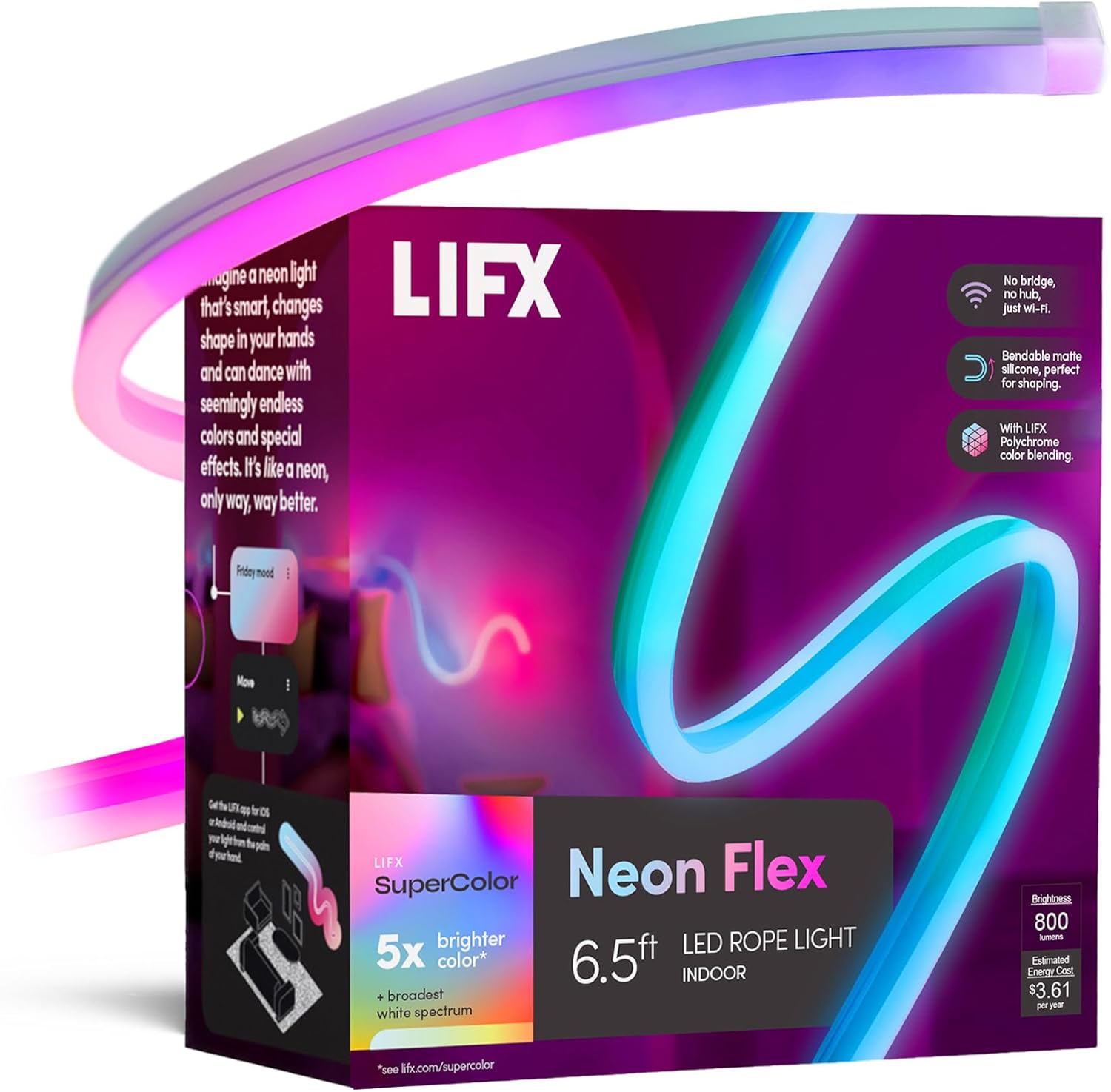
LIFX Neon Flex SuperColor LED Strip Light, 6.5ft Bendable...

LIFX Bedroom Bundle – with 2 Color 800 Lumen Smart Bulb a...

LIFX Supercolor Neon Flex Light Strip, 16ft Bendable RGBW...
As an Amazon Associate we earn from qualifying purchases.
Official Manufacturer Manual
LIFX provides official product documentation through their online manual rather than downloadable PDF. Access setup guides, troubleshooting steps, and product specifications for your LIFX Beam.
Source: support.lifx.com
Need More Help? LIFX Support
Note: The contact information below connects you directly to LIFX's official customer support team, not Trunetto. They can help with warranty claims, device replacements, and advanced technical issues.
Accessories owners commonly pair with LIFX Beam.

Amazon Smart Plug, Works with Alexa, Simple Setup, Endles...

Ring Rechargeable Quick Release Battery Pack

Kasa Smart Plug HS103P2, Smart Home Wi-Fi Outlet Works wi...
As an Amazon Associate we earn from qualifying purchases.

