Why Does My LIFX Bulb Flicker in Music Sync Mode
- WiFi congestion during sync
- Phone microphone pinned to wrong source
- Too many bulbs in a single sync group
Problem Description
LIFX music sync chases audio in real time, so flicker often points to WiFi performance, microphone settings, or bulb placement. This guide isolates the source of music sync flicker and tunes settings for smooth color and brightness chasing.
Why This Happens in Real Homes
LIFX music sync chases audio in real time, so flicker often points to WiFi performance, microphone settings, or bulb placement. This guide isolates the source of music sync flicker and tunes settings for smooth color and brightness chasing. In day-to-day use, this usually looks like Flicker only during music sync; Normal scenes work without issue; Phone microphone used for detection.
Most cases trace back to WiFi congestion during sync; Phone microphone pinned to wrong source; Too many bulbs in a single sync group. The fix works best when you go step by step instead of changing multiple settings at once.
A practical order for this issue is: Check WiFi Strength -> Verify Microphone Source -> Trim Sync Group -> Update Firmware. After each step, test the exact behavior that was failing so you can confirm what actually solved it.
Symptoms
- Flicker only during music sync
- Normal scenes work without issue
- Phone microphone used for detection
- WiFi mesh in use across home
- Multiple bulbs included in sync
- Recent phone or app update
- Flicker worsens on fast, bass-heavy tracks
- Bulbs farther from the router flicker more
Recognize these? Here's what usually causes it.
Common Causes
- WiFi congestion during sync
- Phone microphone pinned to wrong source
- Too many bulbs in a single sync group
- Mesh backhaul congested with other traffic
- Older bulbs firmware on one fixture
- Music sync intensity set too high
- Bulb at the edge of 2.4GHz range dropping control frames
- 2.4GHz channel congested by neighboring networks
Most fixes happen in the first 3 steps.
Do not rely on phone Bluetooth audio routing while syncing. Bluetooth latency further desynchronizes lights from audio and multiplies flicker.
Tools & Requirements
Step-by-Step Solution
Check WiFi Strength
Open a WiFi analyzer on your phone at each bulb location. Weak WiFi is the most common cause of music sync flicker because frames cannot arrive in time. Add a mesh node or relocate existing nodes to improve coverage for the rooms you sync often.
Verify Microphone Source
Open LIFX app and review the music sync source. Phones sometimes route microphone to Bluetooth headsets or remote mics, which gives poor chase cues. Lock the source to the phone built-in mic for consistent cues during sync sessions.
Trim Sync Group
Split a single large sync group into smaller room-based groups. Fewer bulbs per group reduces per-bulb flicker because control frames do not queue behind each other. Test flicker drops off as groups shrink.
Update Firmware
Open LIFX app, go to each bulb page, and apply any firmware updates. Mixed firmware versions across bulbs can cause visible flicker when some chase faster than others. A consistent firmware version across all bulbs in the group dramatically improves sync.
Tune Sync Settings
Lower sync intensity and smoothing in the LIFX app. High settings chase fast transitions in a way that magnifies any missed frame as a visible flicker. Mid settings look more polished in most music genres while tolerating typical WiFi jitter gracefully.
Quick Solutions
Still having issues? This is usually the deeper cause below.
If flickering only happens on dimming, the issue is almost always the dimmer's minimum-load setting, not the bulb — it's drawing less current than the dimmer expects.
Plug a mesh node in the same room as your sync group. Keeping bulbs on a strong local radio fixes most flicker issues instantly.
LED flicker with smart dimmers is the #1 unfixed complaint — most people swap the bulb when the dimmer's low-end trim is the actual problem.
- WiFi congestion during sync
- Phone microphone pinned to wrong source
- Too many bulbs in a single sync group
- Mesh backhaul congested with other traffic
- Older bulbs firmware on one fixture
Before you go — try one of these (they fix most cases).
Most popular upgrades chosen by LIFX Color owners.
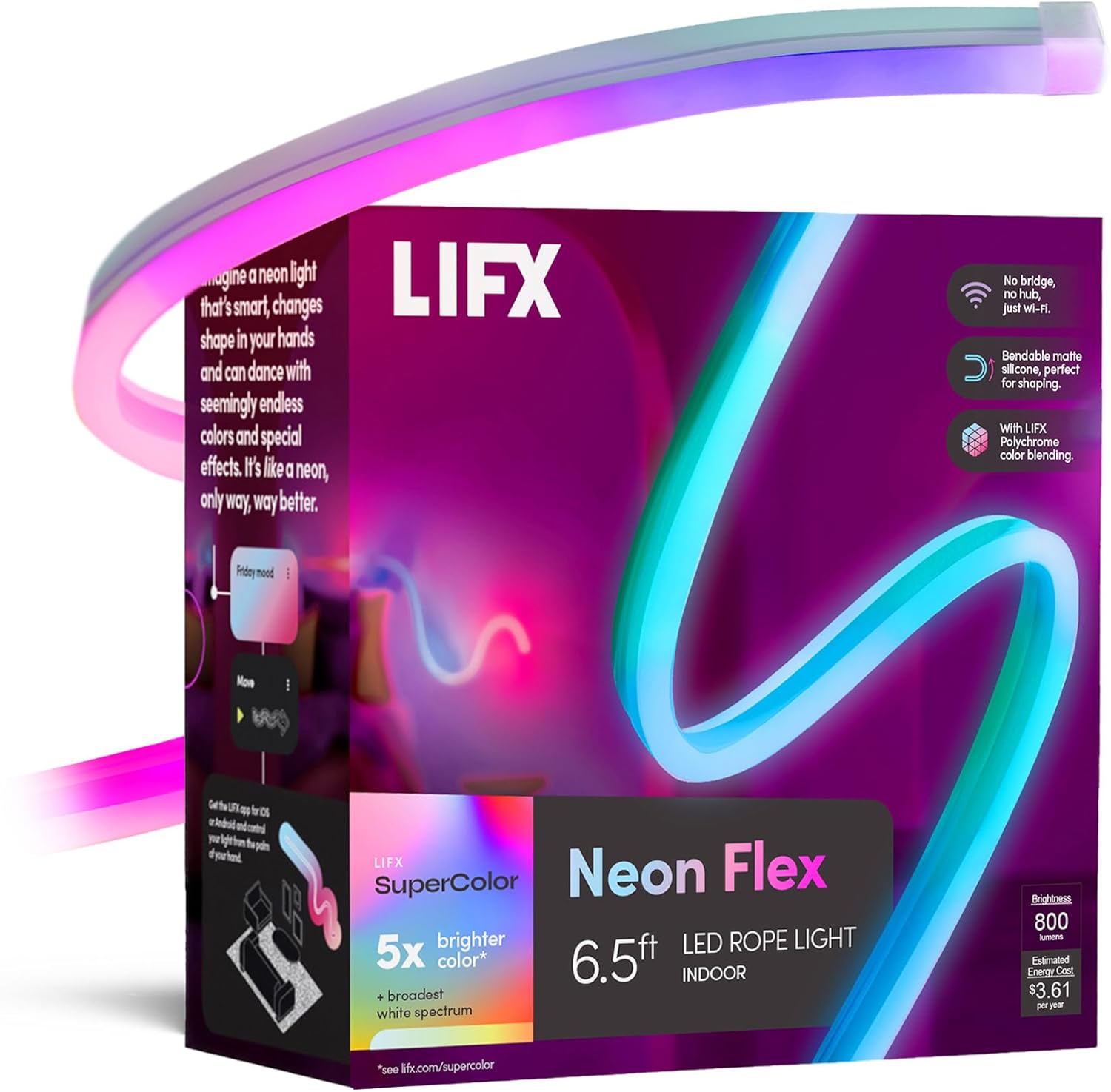
LIFX Neon Flex SuperColor LED Strip Light, 6.5ft Bendable...

LIFX Bedroom Bundle – with 2 Color 800 Lumen Smart Bulb a...

LIFX Supercolor Neon Flex Light Strip, 16ft Bendable RGBW...
As an Amazon Associate we earn from qualifying purchases.
Official Manufacturer Manual
LIFX provides official product documentation through their online manual rather than downloadable PDF. Access setup guides, troubleshooting steps, and product specifications for your LIFX Color.
Source: support.lifx.com
Need More Help? LIFX Support
Note: The contact information below connects you directly to LIFX's official customer support team, not Trunetto. They can help with warranty claims, device replacements, and advanced technical issues.
Accessories owners commonly pair with LIFX Color.

As an Amazon Associate we earn from qualifying purchases.