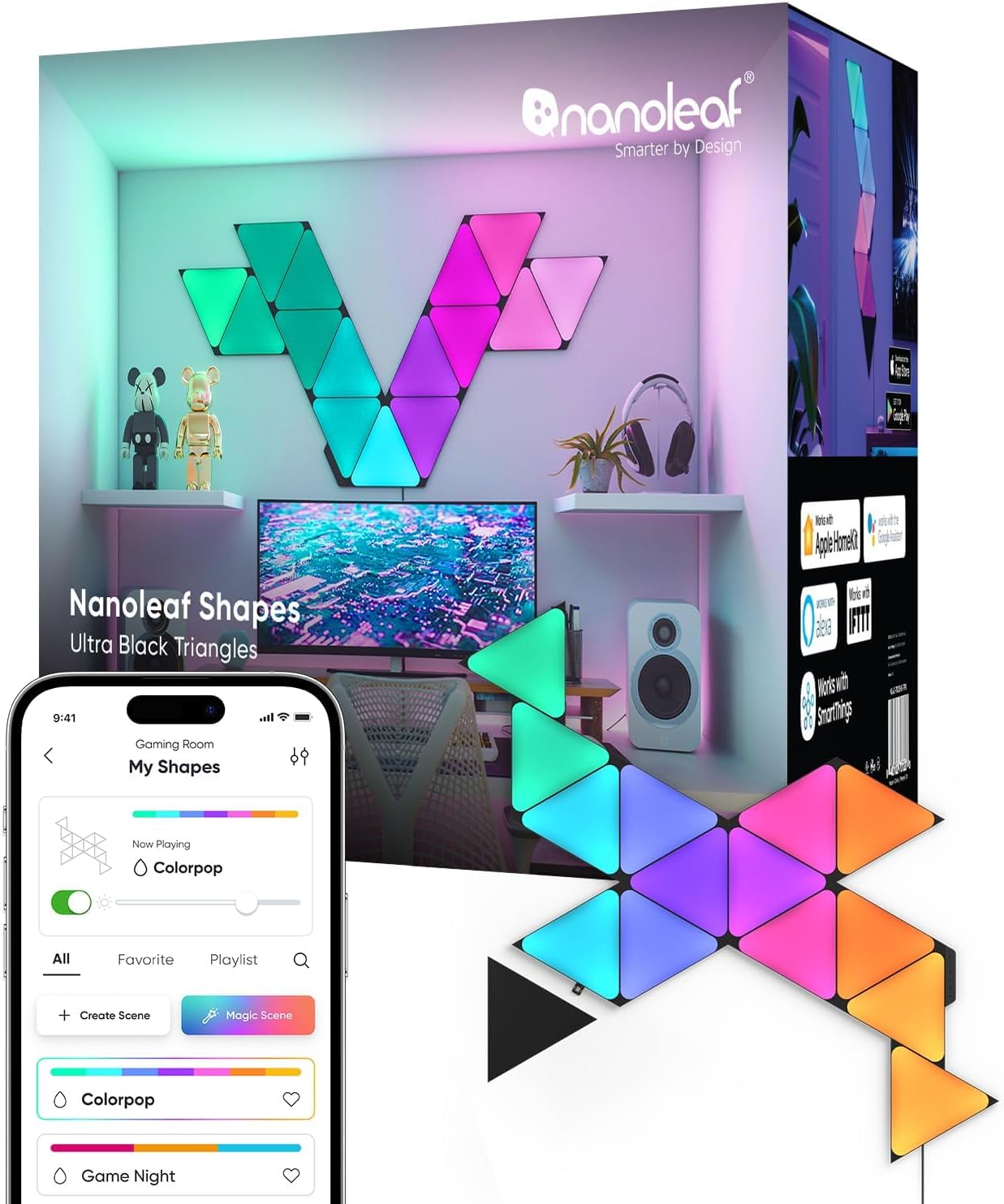
Why Do My Nanoleaf Panels Keep Flickering or Disconnecting?
- PSU overloaded (too many panels)
- Loose linker/connector
- Underpowered or failing power supply
Problem Description
Your Nanoleaf panels are flickering, showing inconsistent colors, or disconnecting from the app. The most common cause is loose linker connections between panels. Each panel connects to the next via a plastic linker clip — if the linker isn't fully seated, that panel and all panels after it lose connection. Check each linker connection by pressing them firmly in.
Why This Happens in Real Homes
Nanoleaf panel flickering is usually a power or connection problem rather than a network one — an overloaded power supply, a loose linker, or a long chain dropping voltage at the far end all make panels flicker as the power fluctuates. A failing PSU does the same across the whole layout.
Check you're within the number of panels one power supply can drive and add a second PSU if not, then reseat the linkers and the controller connection, cleaning any oxidized contacts. Splitting a long chain into branches evens out the power draw. Update firmware, and if flicker persists on a properly powered, well-connected layout, an underpowered/failing PSU or a bad panel is the likely cause.
Symptoms
- Panels flicker
- Inconsistent connection
- Flicker across the layout
- Some panels flicker
- Flicker then recover
- Connection drops and flickers
- Flicker under certain scenes
- Random flickering
Recognize these? Here's what usually causes it.
Common Causes
- PSU overloaded (too many panels)
- Loose linker/connector
- Underpowered or failing power supply
- Controller connection issue
- Long chain voltage drop
- Dirty connector contacts
- Firmware bug
- Bad panel
Most fixes happen in the first 3 steps.
Maximum panels per controller varies by model. Check specs before expanding.
Tools & Requirements
Step-by-Step Solution
Check the linker connections between panels
Nanoleaf panels connect to each other through plastic linker pieces that carry both power and data. If a linker is not fully seated, the panel downstream from it can flicker, show wrong colors, or go completely dark. Press each linker firmly on both sides until you hear or feel a click. A partially inserted linker creates an intermittent connection that causes flickering as the panel rapidly loses and regains its data signal.
Check the power supply
If all panels flicker simultaneously or the entire setup dims and brightens rhythmically, the power supply may be failing. Nanoleaf power supplies have a maximum panel count — exceeding it causes voltage drops that look like flickering. Check your product documentation for the maximum panel count per power supply (typically 22-28 panels depending on the product line). If you are near the limit, reduce the panel count or buy a second power supply for additional panels.
Update firmware
Nanoleaf has fixed flickering bugs in multiple firmware updates. Open the Nanoleaf app, select your panels, and check for available firmware updates in device settings. Apply the update and wait for it to complete — the panels may go through a reboot cycle during the update. Flickering that started after a firmware update usually gets fixed in the next update.
Check WiFi interference
Nanoleaf panels communicate with your phone and cloud over 2.4GHz WiFi. Heavy WiFi congestion from neighboring networks can cause the controller to struggle with commands, which manifests as flickering when the panel repeatedly receives conflicting instructions. Move the controller away from your router and other 2.4GHz devices. Check if the flickering happens at specific times (when neighbors are home and using WiFi heavily).
Replace suspected bad panels or linkers
If one specific panel consistently flickers while others are stable, swap it with a panel in a different position. If the flicker follows the panel, that panel has a hardware issue — contact Nanoleaf support for a replacement. If the flicker stays in the same position, the linker at that junction is faulty. Replacement linkers are inexpensive and solve the problem immediately.
Quick Solutions
Still having issues? This is usually the deeper cause below.
If flickering only happens on dimming, the issue is almost always the dimmer's minimum-load setting, not the bulb — it's drawing less current than the dimmer expects.
Nanoleaf panels form a chain. One dead panel can affect panels after it in the chain.
LED flicker with smart dimmers is the #1 unfixed complaint — most people swap the bulb when the dimmer's low-end trim is the actual problem.
- PSU overloaded (too many panels)
- Loose linker/connector
- Underpowered or failing power supply
- Controller connection issue
- Long chain voltage drop
Before you go — try one of these (they fix most cases).
Most popular upgrades chosen by Nanoleaf Light Panels owners.

As an Amazon Associate we earn from qualifying purchases.
Official Manufacturer Manual
Nanoleaf provides official product documentation through their online manual rather than downloadable PDF. Access setup guides, troubleshooting steps, and product specifications for your Nanoleaf Light Panels.
Source: nanoleaf.me
Need More Help? Nanoleaf Support
Note: The contact information below connects you directly to Nanoleaf's official customer support team, not Trunetto. They can help with warranty claims, device replacements, and advanced technical issues.
How Does Nanoleaf Compare?
Before replacing your Nanoleaf device, see how it stacks up against alternatives in our full comparison guides.