

Why Won't My SwitchBot Lock Pro Deadbolt Fully Extend When Locking
- Deadbolt binding against a misaligned strike
- Calibration of the locked position off
- Adapter slipping on the thumbturn
Problem Description
Your SwitchBot Lock Pro motor turns when you lock the door but the deadbolt does not fully extend into the door frame. The lock may show as locked in the app but the door is not actually secure. You may hear the motor straining or stopping before the bolt is fully out.
Why This Happens in Real Homes
When the Lock Pro's bolt won't fully extend, the motor is turning the thumbturn but the deadbolt is hitting resistance before it seats — usually a strike that isn't aligned so the bolt catches on its edge, or a locked-position calibration set short. The Lock Pro is strong, but a genuinely binding bolt still stops it.
Test the deadbolt by hand: it should throw fully and smoothly into an aligned strike with the door closed. Fix any misalignment or stiffness (a little lubrication on a sticky deadbolt helps), then recalibrate the fully-locked position so the motor drives the bolt all the way home. Make sure the adapter isn't slipping on the thumbturn and the battery is charged for full torque.
Symptoms
- Lock Pro deadbolt doesn't fully throw
- Motor turns but the bolt stops short
- Door not fully locked
- Bolt extends partway
- Strains near the end
- Inconsistent full lock
- Unlocks fine but won't fully lock
- Bolt catches before seating
Recognize these? Here's what usually causes it.
Common Causes
- Deadbolt binding against a misaligned strike
- Calibration of the locked position off
- Adapter slipping on the thumbturn
- Rechargeable battery low on charge
- Door not fully closed (bolt hits the strike edge)
- Stiff deadbolt mechanism
- Thumbturn resistance too high
- Firmware out of date
Most fixes happen in the first 3 steps.
Do not attempt to force the deadbolt by repeatedly running the lock command. This can damage the motor or gears. Fix the underlying alignment issue first.
Tools & Requirements
These tools will help you complete this fix.

Screwdriver
STREBITO 155 in 1 Electric Screwdriver Set, Small El...

File for strike plate if needed
ATM Manual Reset Fuse Kit Low-Profile Mini Fuses 5A,...
As an Amazon Associate we earn from qualifying purchases.
Step-by-Step Solution
Test Manual Deadbolt Operation
Close the door and manually extend the deadbolt using the thumbturn inside. It should extend smoothly with minimal resistance. If manual operation is difficult, the issue is door alignment or strike plate, not the SwitchBot Lock Pro. The lock motor cannot overcome mechanical resistance the deadbolt itself creates.
Needed for this step
ATM Manual Reset Fuse Kit Low-Profile Mini Fuse...
This helps complete the fix you are currently reading.
$24.41Check Door Alignment
Look at the gap between the door and frame while the door is closed. It should be even all around. If the gap varies, the door has shifted in the frame and the bolt may not align with the strike plate hole. Adjusting hinges or the strike plate position can restore alignment.
Enlarge Strike Plate Opening
If the deadbolt rubs against the strike plate hole edges, it creates friction the motor cannot overcome. Remove the strike plate and use a file or chisel to slightly enlarge the hole in the direction the bolt is contacting. Even 1-2mm can make a significant difference.
Recalibrate the Lock
In the SwitchBot app, go to your Lock Pro settings and find the calibration option. Follow the prompts to recalibrate locked and unlocked positions. The lock needs to learn exactly how far to turn to fully extend the bolt. Calibration may have been set incorrectly during installation.
Replace Batteries
Low batteries reduce motor torque, especially under load. Even if battery indicator shows charge, try fresh premium batteries. The lock draws peak power when overcoming deadbolt resistance, and weak batteries cannot deliver the burst current needed for that last bit of bolt extension.
Quick Solutions
Still having issues? This is usually the deeper cause below.
If the keypad rejects valid codes, a lockout timer may be running — five failed entries locks most keypads silently for 5–10 minutes.
After any door work like weatherstripping, new carpet, or settling, re-test the deadbolt alignment. Seasonal changes can also cause wood doors to swell or shrink affecting bolt alignment.
App battery indicators run 15–20% behind actual charge levels — by the time the low warning appears, the device has been struggling for days.
- Deadbolt binding against a misaligned strike
- Calibration of the locked position off
- Adapter slipping on the thumbturn
- Rechargeable battery low on charge
- Door not fully closed (bolt hits the strike edge)
Before you go — try one of these (they fix most cases).
Most popular upgrades chosen by SwitchBot Lock Pro owners.
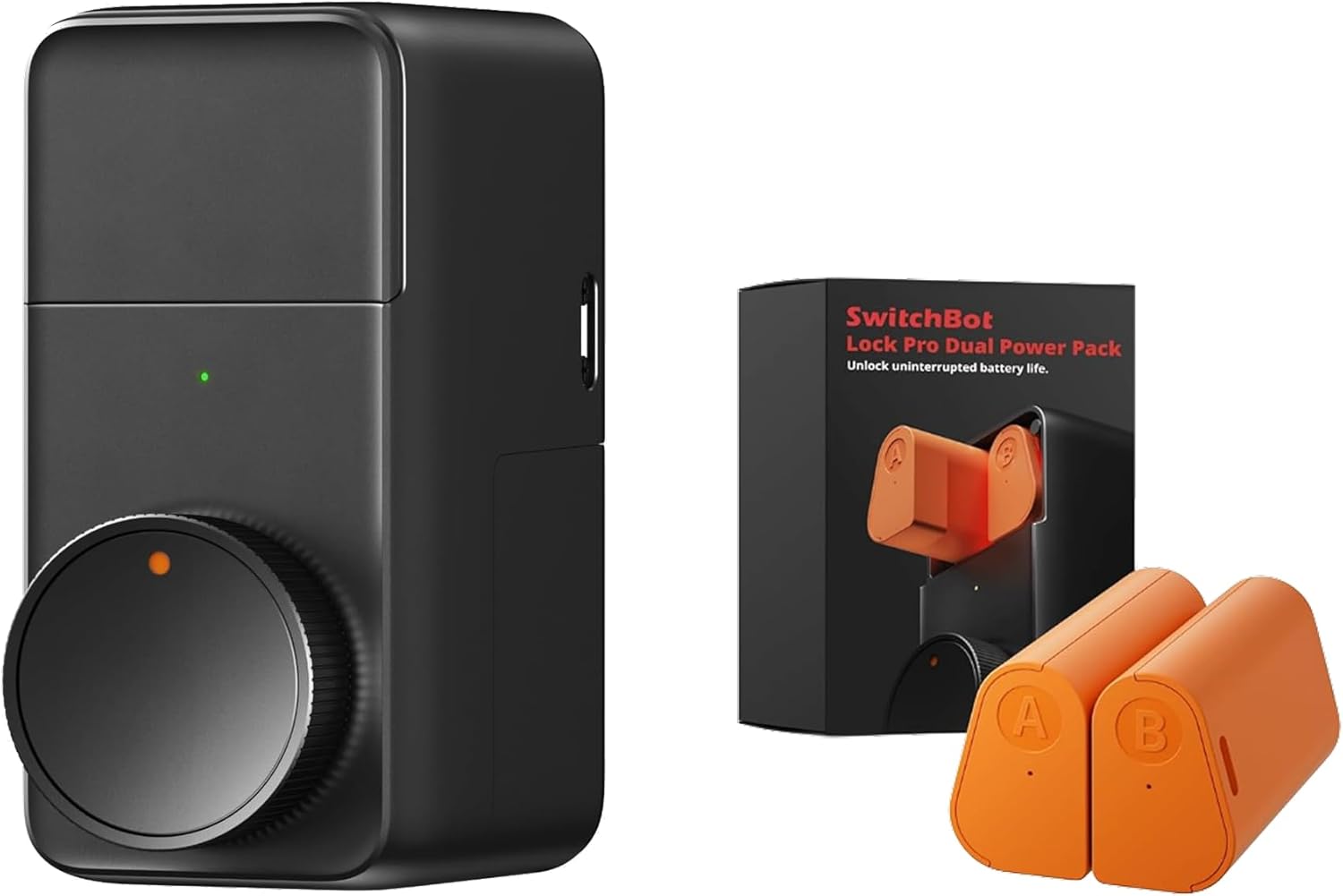
SwitchBot Smart Lock Pro, Keyless Entry Door Lock, Smart ...

SwitchBot Smart Lock Pro with Remote, Keyless Entry Door ...

SwitchBot Smart Lock Pro Keyless Entry Door Lock, Smart D...
As an Amazon Associate we earn from qualifying purchases.
Official Manufacturer Manual
SwitchBot provides official product documentation through their online manual rather than downloadable PDF. Access setup guides, troubleshooting steps, and product specifications for your SwitchBot Lock Pro.
Source: switch-bot.com
Need More Help? SwitchBot Support
Note: The contact information below connects you directly to SwitchBot's official customer support team, not Trunetto. They can help with warranty claims, device replacements, and advanced technical issues.
Accessories owners commonly pair with SwitchBot Lock Pro.

Amazon Basics 20-Pack AA Alkaline High-Performance Batter...

Amazon Basics CR2032 3V Lithium Coin Cell Batteries for K...

Duracell Coppertop Double AA Batteries with Power Boost I...
As an Amazon Associate we earn from qualifying purchases.


