

Why Is My Aqara Door and Window Sensor P2 Not Updating in HomeKit
- Sensor out of Thread/hub range
- Controller not a Thread-capable hub / no Thread border router
- Low battery weakening the Thread radio
Problem Description
HomeKit updates can stall if the sensor is too far from the hub or the Matter pairing is incomplete. This guide checks hub signal, resets the sensor, and re-pairs if needed.
Why This Happens in Real Homes
HomeKit updates can stall if the sensor is too far from the hub or the Matter pairing is incomplete. This guide checks hub signal, resets the sensor, and re-pairs if needed. In day-to-day use, this usually looks like HomeKit shows last updated hours ago; Sensor status stuck open or closed; Aqara Home shows offline.
Most cases trace back to Sensor out of hub range; Matter hub not Thread capable; Low battery. The fix works best when you go step by step instead of changing multiple settings at once.
A practical order for this issue is: Check Hub Coverage -> Verify Thread Router -> Replace Battery -> Reset the Sensor. After each step, test the exact behavior that was failing so you can confirm what actually solved it.
Symptoms
- HomeKit shows last updated hours ago
- Sensor status stuck open or closed
- Aqara Home shows the sensor offline
- Status lagged after a Matter hub update
- Bluetooth setup failed during pairing
- Sensor LED flashes red
- Sensor updates in Aqara but not Home
- Works close to the hub, stalls at its spot
Recognize these? Here's what usually causes it.
Common Causes
- Sensor out of Thread/hub range
- Controller not a Thread-capable hub / no Thread border router
- Low battery weakening the Thread radio
- Pairing code expired mid-setup
- Hub firmware outdated
- Sensor needs a factory reset
- Thread mesh weak with no nearby router node
- Phone dropped off WiFi during Matter commissioning
Most fixes happen in the first 3 steps.
Do not pair the P2 to a Bluetooth-only hub. It requires Thread for stable updates.
Tools & Requirements
Step-by-Step Solution
Check Hub Coverage
Move the sensor within 10-15 feet of the hub and test status changes. Weak signal prevents updates.
Verify Thread Router
Confirm your hub supports Thread for Matter devices. Without Thread, the P2 will not stay online.
Replace Battery
Install a fresh battery and confirm the LED blinks on open and close.
Reset the Sensor
Hold the reset button until the LED flashes three times, then release to enter pairing mode.
Re-Pair in HomeKit
Add the sensor again in the Home app using the Matter code and confirm it updates instantly.
Quick Solutions
Still having issues? This is usually the deeper cause below.
If this comes back after following these steps, check whether a recent app or firmware update reset a default setting — the fix works, but the setting gets reverted silently.
Label the sensor location in HomeKit so you can confirm the correct device updates after re-pairing.
Battery-related failures are almost always flagged too late — the device degrades silently for days before the app catches up to what's actually happening.
- Sensor out of Thread/hub range
- Controller not a Thread-capable hub / no Thread border
- Low battery weakening the Thread radio
- Pairing code expired mid-setup
- Hub firmware outdated
Before you go — try one of these (they fix most cases).
Official Manufacturer Manual
Aqara provides official product documentation through their online manual rather than downloadable PDF. Access setup guides, troubleshooting steps, and product specifications for your Aqara Door and Window Sensor P2.
Source: aqara.com
Need More Help? Aqara Support
Note: The contact information below connects you directly to Aqara's official customer support team, not Trunetto. They can help with warranty claims, device replacements, and advanced technical issues.
Accessories owners commonly pair with Aqara Door and Window Sensor P2.

Aqara Zigbee Door and Window Sensor, Wireless Contact Sen...

Aqara Zigbee Door and Window Sensor 3 Pack, Wireless Mini...
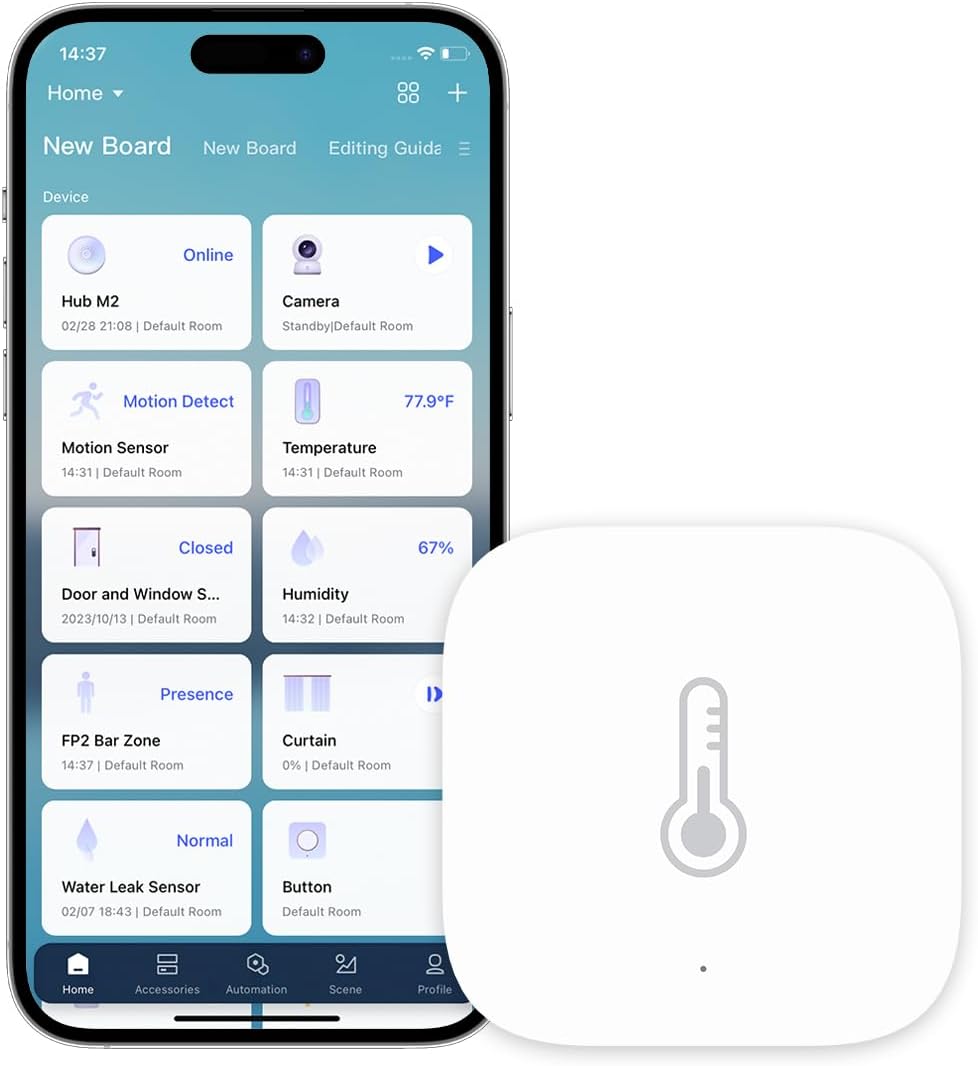
Aqara Zigbee Temperature and Humidity Sensor, Wireless Th...
As an Amazon Associate we earn from qualifying purchases.


