

Why Did My Nest Learning Thermostat Lose WiFi and Smart Features?
- Google discontinued cloud support Oct 25 2025
- Server-side authentication tokens expired
- WiFi module firmware no longer receives patches
Problem Description
Your first or second generation Nest Learning Thermostat lost its WiFi connection, remote control, and all cloud features on or around October 25, 2025. The thermostat still controls your heating and cooling on its programmed schedule, but the Nest app shows it offline, Home/Away Assist no longer works, and you cannot change the temperature remotely. Google ended software support for these models, and a class action lawsuit was filed in April 2026 over the decision.
Why This Happens in Real Homes
This one hit millions of people overnight. Google sent a single email months in advance saying they were pulling the plug on Gen 1 and Gen 2 Nest thermostats, but most homeowners either missed it or did not understand what "end of support" actually meant. Then one morning the app just said offline. The thermostat itself still heats and cools fine on its stored schedule, so nobody is freezing, but the entire reason people paid $250 for a Nest instead of a $30 Honeywell was the smart features. A class action was filed in April 2026 and it is getting a lot of attention. If you are a technician doing service calls, expect to see these units on the wall for years — plenty of people will just keep using them as dumb thermostats rather than spend money replacing hardware that still technically works.
Symptoms
- Nest app says thermostat is offline and cannot connect
- Home/Away Assist stopped working entirely
- Cannot change temperature remotely from phone
- Energy History no longer updates or loads
- Seasonal Savings and learning algorithms disabled
- WiFi settings greyed out or connection drops permanently
Recognize these? Here's what usually causes it.
Common Causes
- Google discontinued cloud support Oct 25 2025
- Server-side authentication tokens expired
- WiFi module firmware no longer receives patches
- Nest cloud API endpoints decommissioned
- Hardware is functional but software locked out
- No OTA updates available for Gen 1 or Gen 2
Most fixes happen in the first 3 steps.
Do not attempt custom firmware flashing on your only heating source during winter. If the flash fails you could lose heat entirely until you install a replacement.
These tools will help you complete this fix.
As an Amazon Associate we earn from qualifying purchases.
Step-by-Step Solution
Confirm your model generation
Flip your thermostat off the base and look at the back plate. First gen has a rounded square shape with the model number T100577. Second gen is T200577 and is slightly thinner. If you see T3007ES or T3008US you have a 3rd gen and this guide does not apply to you — your thermostat should still have full cloud support.
Check the on-device schedule
Even without WiFi your Nest still runs its locally stored schedule. Go to Settings > Schedule on the thermostat display and verify your heating and cooling setpoints are correct. If the schedule is blank the thermostat lost its programming during the transition. Manually set your wake, away, home, and sleep temperatures — four time blocks per day is enough for most households.

Needed for this step
Amazon eero 6+ mesh wifi system with 1 month fr...
This helps complete the fix you are currently reading.
$239.99Decide whether to keep or replace
Your thermostat still works as a programmable thermostat without smart features. If all you need is basic scheduling that is fine. If you rely on remote control, geofencing, or energy reports you will need to upgrade. The Nest Thermostat (4th gen) is a direct replacement that uses the same base plate wiring — pull off the old display and snap on the new one. Budget around $130 for the base model or $250 for the Learning model.
Try community custom firmware
An experimental custom firmware called No Longer Evil has been developed to restore WiFi connectivity on Gen 1 and Gen 2 units. This is strictly a hobbyist project and is not endorsed by Google. You need a USB cable and a computer to flash it. Do not use this on a thermostat that controls your only heating source in winter — if the flash fails you will have no heat until you sort it out. Check the project documentation for your exact hardware revision before attempting.
Preserve your data and monitor the lawsuit
If you still have access to the Nest app or home.nest.com, export your energy history and account data now before Google removes it entirely. Screenshot your monthly reports if export is not available. The class action lawsuit (Tsourdinis v. Alphabet Inc.) was filed April 2, 2026 in California federal court. No settlement exists yet. You can monitor its status through classaction.org or sign up for updates through the law firm handling the case.
Quick Solutions
Still having issues? This is usually the deeper cause below.
This usually happens right after a router reboot or ISP change — the device rejoins the network but drops its cloud session silently.
Your thermostat still controls heating and cooling locally even without WiFi — do not rip it off the wall thinking it is completely dead.
Most WiFi drop-offs happen right after a router reboot or ISP swap — the device reconnects to the network but silently loses its cloud registration.
- Google discontinued cloud support Oct 25 2025
- Server-side authentication tokens expired
- WiFi module firmware no longer receives patches
- Nest cloud API endpoints decommissioned
- Hardware is functional but software locked out
Before you go — try one of these (they fix most cases).
Most popular upgrades chosen by Google Nest Learning Thermostat owners.

Google Nest Learning Thermostat (4th Gen, 2024) with 2 Te...

Google Nest Temperature Sensor 3 Count Pack - Nest Thermo...
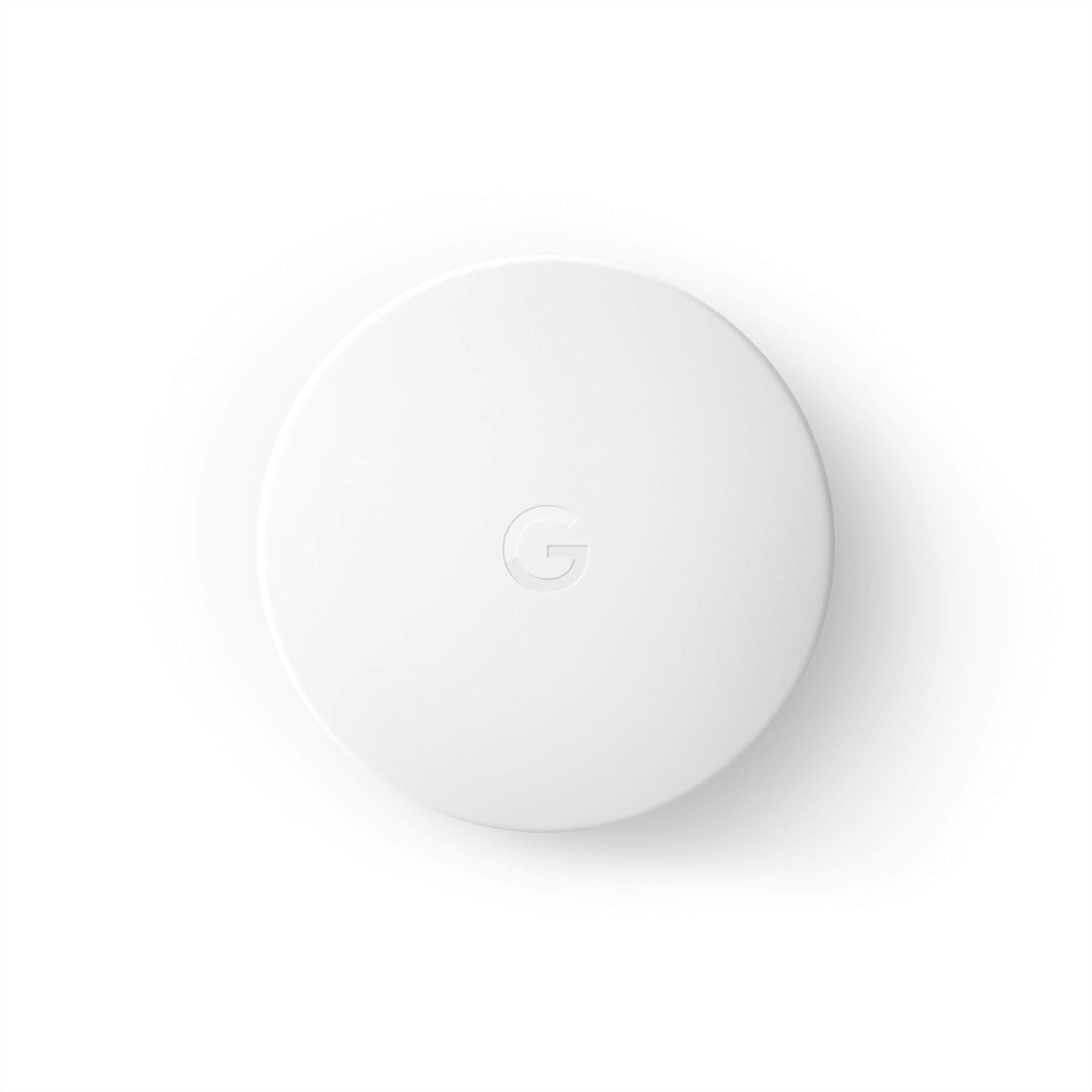
Google Nest Temperature Sensor- That Works with Nest Lear...
As an Amazon Associate we earn from qualifying purchases.
Official Manufacturer Manual
Google Nest provides official product documentation through their online manual rather than downloadable PDF. Access setup guides, troubleshooting steps, and product specifications for your Google Nest Learning Thermostat.
Source: support.google.com
Need More Help? Google Nest Support
Note: The contact information below connects you directly to Google Nest's official customer support team, not Trunetto. They can help with warranty claims, device replacements, and advanced technical issues.
How Does Google Nest Compare?
Before replacing your Google Nest device, see how it stacks up against alternatives in our full comparison guides.
Accessories owners commonly pair with Google Nest Learning Thermostat.

Ring Rechargeable Quick Release Battery Pack

Ring Chime Pro

SwitchBot Hub Mini Smart Remote - IR Universal Remote, Wi...
As an Amazon Associate we earn from qualifying purchases.


