Ring Error Code 406: Why Am I Blocked and How Do I Fix VPN Issues?
- VPN masking your IP address
- Too many login attempts
- IP address temporarily blocked
Problem Description
Ring error code 406 or 406 Not Acceptable Error occurs when Ring blocks your connection, typically because you are using a VPN or your IP address has been flagged for too many requests.
Why This Happens in Real Homes
Ring actively blocks VPN connections. Error 406 means Ring detected that your traffic is coming through a VPN endpoint and refused to serve the request. Ring does this because VPNs make it impossible to verify your geographic location, and Ring has region-specific content and surveillance laws to comply with. The fix is disconnecting your VPN before opening the Ring app. If you are using a system-wide VPN for privacy, configure split tunneling to exclude the Ring app. On iOS you can use a Shortcuts automation to disable the VPN when the Ring app opens. On Android, most VPN apps have per-app exclusion lists.
Symptoms
- Ring app shows 406 error
- 406 Not Acceptable message
- Cannot log into Ring app
- VPN causing Ring to fail
- Blocked from Ring servers
- Error after multiple login attempts
Recognize these? Here's what usually causes it.
Common Causes
- VPN masking your IP address
- Too many login attempts
- IP address temporarily blocked
- Suspicious activity detected
- Shared VPN IP flagged
- Rate limiting triggered
Most fixes happen in the first 3 steps.
Some workplace or school networks use VPN-like routing that can trigger 406. Try accessing Ring from your home network instead.
Step-by-Step Solution
Disconnect Your VPN
Turn off any VPN service on your phone, tablet, or computer. VPNs route traffic through servers that Ring may block. Try logging into Ring app again without VPN.
Switch to Different Network
If you are not using VPN but still get 406, your IP may be blocked. Switch from WiFi to mobile data or try a different WiFi network. This gives you a fresh IP address.
Wait 24 Hours
Ring automatically unblocks IPs after a timeout period, usually 24 hours. If you cannot switch networks, wait a day and try again without making additional login attempts.
Clear App Data
On Android, go to Settings > Apps > Ring > Clear Data. On iPhone, delete and reinstall Ring app. Sometimes cached credentials trigger 406 repeatedly.
Contact Ring Support
If 406 persists after 24 hours without VPN, your account may be flagged. Contact Ring support at 1-800-656-1918 to verify account status and remove any blocks.
Quick Solutions
Still having issues? This is usually the deeper cause below.
If the keypad rejects valid codes, a lockout timer may be running — five failed entries locks most keypads silently for 5–10 minutes.
Error 406 is specifically related to how you connect to Ring, not your Ring devices. Your cameras and doorbells continue working even when you get 406.
Most smart lock failures people label as hardware issues turn out to be a code wiped during a sync, or a setting reset nobody remembers triggering.
- VPN masking your IP address
- Too many login attempts
- IP address temporarily blocked
- Suspicious activity detected
- Shared VPN IP flagged
Before you go — try one of these (they fix most cases).
Official Manufacturer Manual
Ring provides official product documentation through their online manual rather than downloadable PDF. Access setup guides, troubleshooting steps, and product specifications for your Ring App.
Source: support.ring.com
Need More Help? Ring Support
Note: The contact information below connects you directly to Ring's official customer support team, not Trunetto. They can help with warranty claims, device replacements, and advanced technical issues.
How Does Ring Compare?
Before replacing your Ring device, see how it stacks up against alternatives in our full comparison guides.
Accessories owners commonly pair with Ring App.
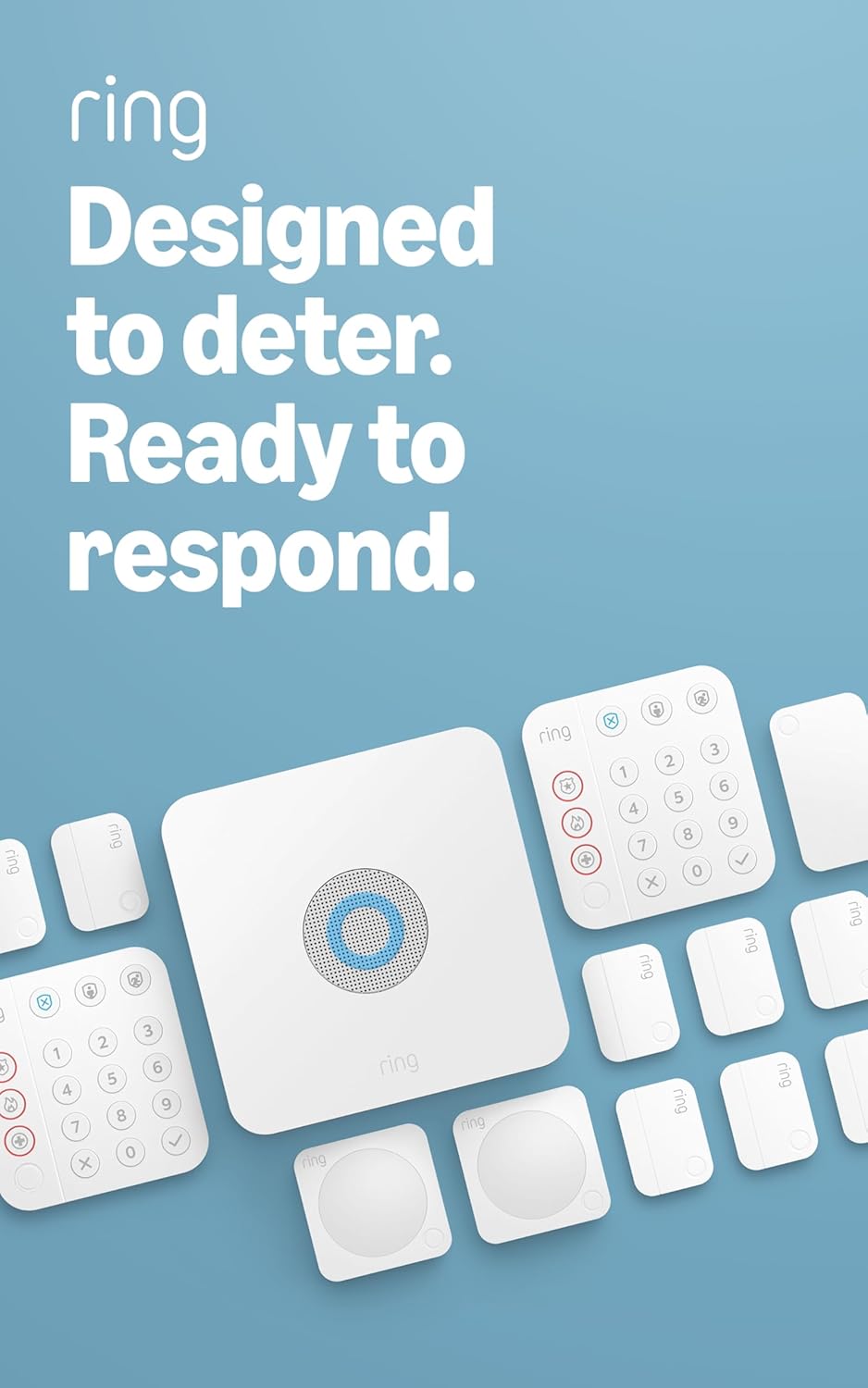
Ring Alarm 14-Piece Kit – Wireless Smart Home Security Sy...

Ring Alarm 5-Piece Kit – Wireless Smart Home Security Sys...

Ring Alarm 10-Piece Kit – Wireless Smart Home Security Sy...
As an Amazon Associate we earn from qualifying purchases.