

Why Won't My Wyze Video Doorbell Pro Ring My Existing Chime?
- Chime controller not installed correctly
- Chime controller installed at wrong location
- Existing transformer too weak for doorbell plus chime
Problem Description
Your Wyze Video Doorbell Pro connects to WiFi and sends notifications but your indoor chime does not ring when someone presses the button. The chime controller that came with the doorbell is installed but your mechanical chime stays silent. This defeats the purpose of having a doorbell if you cannot hear it inside.
Why This Happens in Real Homes
The chime controller is what lets the wired Doorbell Pro keep your existing indoor chime ringing; if it's wired wrong or in the wrong spot, the button press won't sound inside and the doorbell may misbehave. It has to go inside the chime box, connected per Wyze's diagram.
Start by opening the chime box and confirming the controller is installed there and wired correctly — front/trans/rear terminals per the guide, not just spliced anywhere. Confirm your chime is a supported type and that the transformer meets the doorbell's power needs, since an underpowered supply makes the chime unreliable.
Symptoms
- Doorbell button pressed but indoor chime silent
- App shows doorbell press but no chime sound
- Chime worked with old doorbell but not Wyze
- Chime rings once during setup then never again
- Digital chime does not work with Wyze doorbell
- Mechanical chime makes weak or partial ding
Recognize these? Here's what usually causes it.
Common Causes
- Chime controller not installed correctly
- Chime controller installed at wrong location
- Existing transformer too weak for doorbell plus chime
- Digital chime incompatible with Wyze system
- Wiring connected to wrong terminals
- Chime striker mechanism stuck or broken
Most fixes happen in the first 3 steps.
Turn off the breaker to your doorbell circuit before touching any wires. Even low voltage can shock you.
Tools & Requirements
These tools will help you complete this fix.

Multimeter
Klein Tools 80196 Digital Multimeter Kit with Case, ...

Screwdriver
STREBITO 155 in 1 Electric Screwdriver Set, Small El...
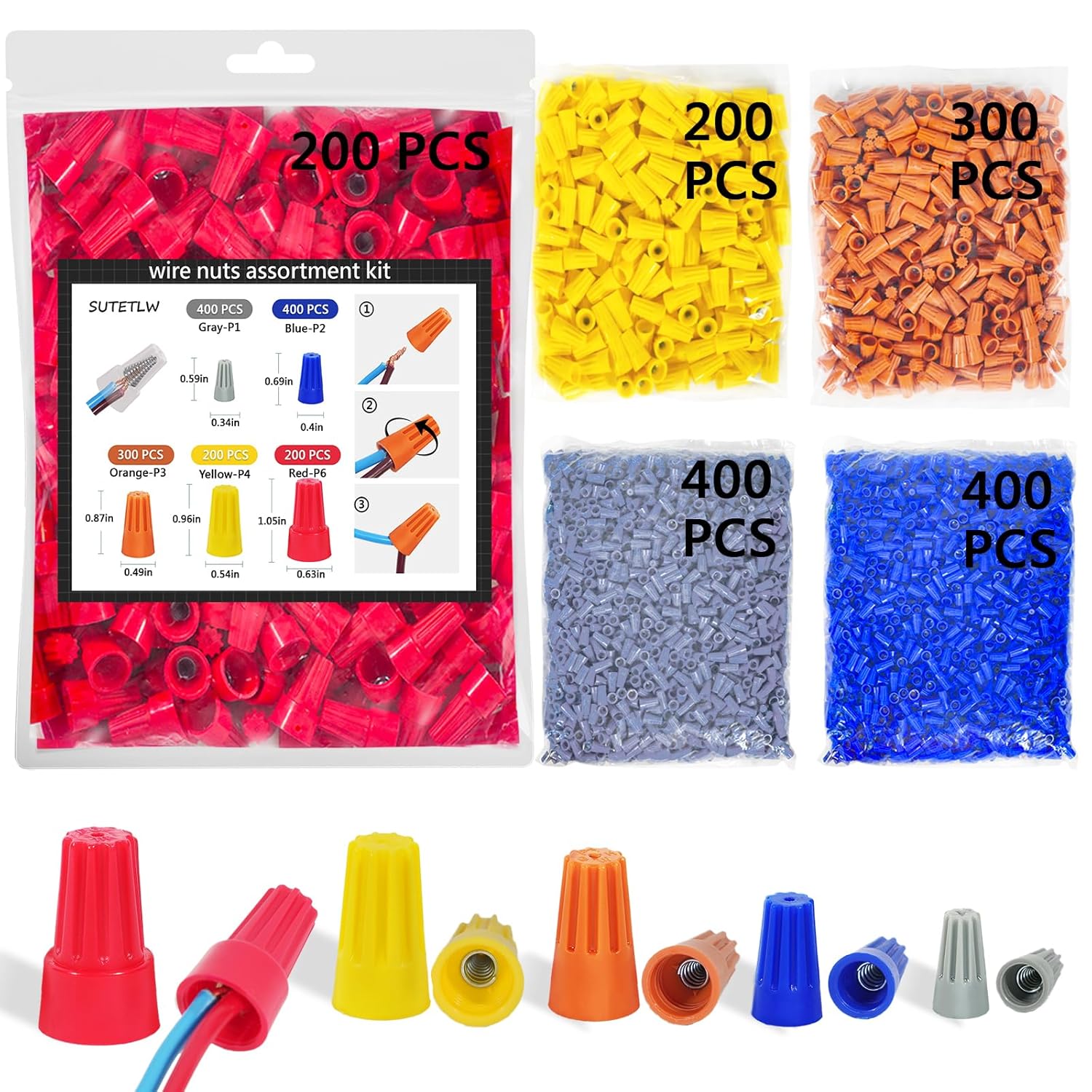
Wire nuts if needed
Wire Nuts Assortment Kit 1500 PCS Insulating Insert ...
As an Amazon Associate we earn from qualifying purchases.
Step-by-Step Solution
Verify Chime Controller Location
The Wyze chime controller must be installed at your indoor chime not at the transformer or doorbell. Open your indoor chime cover. The controller connects to the two wires inside. If you installed it elsewhere remove it and reinstall at the chime location.
Check Controller Wiring
The chime controller has two wires that connect to the terminals inside your chime. Disconnect your existing chime wires and connect them to the controller instead. The controller wires then connect to where the original wires were. If wiring is reversed or loose the chime will not ring.
Test Transformer Output
Wyze Video Doorbell Pro needs 16-24VAC from your transformer. Use a multimeter to test voltage at the transformer. If below 16V your transformer is too weak for both doorbell and chime. Upgrade to a 24VAC 30VA or 40VA transformer for reliable operation.
Needed for this step
Klein Tools 80196 Digital Multimeter Kit with C...
This helps complete the fix you are currently reading.
$46.15Confirm Chime Compatibility
Wyze works with mechanical chimes that have metal bars struck by a plunger. Digital chimes that play electronic tones may not work. If you have a digital chime replace it with a mechanical chime. Basic mechanical chimes cost about 20 to 30 dollars and install in minutes.
Test Mechanical Chime Function
Open your chime cover and look at the striker mechanism. Push the plunger manually to see if it moves freely and strikes the tone bars. If stuck or broken the chime needs repair or replacement. Dust and age can jam the mechanism preventing it from ringing.
Quick Solutions
Still having issues? This is usually the deeper cause below.
Camera issues that start suddenly almost always trace back to an upload bandwidth drop — run a speed test before assuming hardware failure.
Take a photo of your existing chime wiring before disconnecting anything. This helps you restore original setup if needed.
This issue almost always looks more complex than it is — the majority of cases trace back to a single setting, a stale credential, or a default that shipped wrong.
- Chime controller not installed correctly
- Chime controller installed at wrong location
- Existing transformer too weak for doorbell plus chime
- Digital chime incompatible with Wyze system
- Wiring connected to wrong terminals
Before you go — try one of these (they fix most cases).
Most popular upgrades chosen by Wyze Video Doorbell Pro owners.

As an Amazon Associate we earn from qualifying purchases.
Official Manufacturer Manual
Wyze provides official product documentation through their online manual rather than downloadable PDF. Access setup guides, troubleshooting steps, and product specifications for your Wyze Video Doorbell Pro.
Source: wyze.com
Need More Help? Wyze Support
Note: The contact information below connects you directly to Wyze's official customer support team, not Trunetto. They can help with warranty claims, device replacements, and advanced technical issues.
How Does Wyze Compare?
Before replacing your Wyze device, see how it stacks up against alternatives in our full comparison guides.
Accessories owners commonly pair with Wyze Video Doorbell Pro.

As an Amazon Associate we earn from qualifying purchases.


