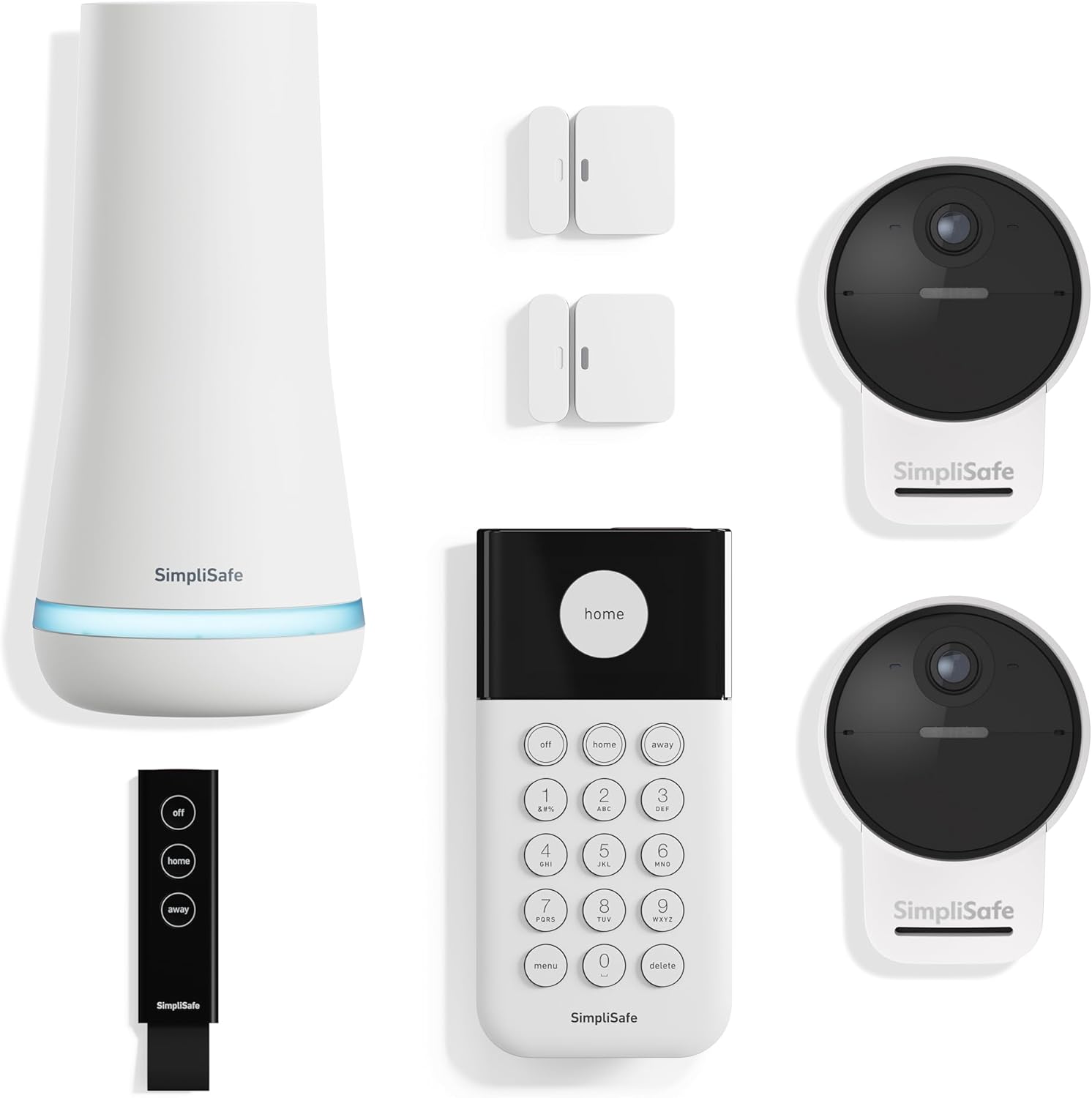
How to Install SimpliSafe Base Station Gen 3
- Central Location Planning
- Power and Internet Setup
- SimpliSafe App Configuration
- Sensor Registration
- Monitoring Service Setup
- System Testing
Most users complete this in under 45 minutes
Overview
SimpliSafe SimpliSafe Base Station Gen 3 setup takes under 15 minutes for most users — if you're stuck, the steps below target the specific points where installs stall.
This guide covers the installation and activation of the SimpliSafe 3rd generation base station, including best placement for central coverage, backup battery installation, cell tower connection verification, and SimpliSafe app setup. The base station is the brain of the SimpliSafe system and must be installed before adding any sensors or keypads.
Why This Happens in Real Homes
The Gen 3 base station is the brain of the system — every sensor talks to it over RF and it connects out via WiFi (with cellular backup) — so placement is the single biggest decision. Central and elevated gives sensors their 400+ foot range; a basement corner starves distant sensors and the cellular signal.
Start by placing the base centrally, away from large metal and other electronics, plugged into a non-switched outlet, then connect it to a stable 2.4GHz WiFi and activate it in the app. Confirm cellular signal too (near a window helps), since that's your monitoring backup if WiFi drops.
What's Included
- Unsure where to place the base
- Sensors out of range
- Base will not connect to WiFi
- No cellular signal
- Base will not activate
- Poor RF to distant sensors
- Base offline after setup
- Setup will not complete
Got your materials ready? Here's what to check first.
Before You Start
- Base placed in a corner/basement, hurting range
- Base too far from the router for WiFi
- Cellular dead zone at the base location
- On 5GHz or band-steered
- Not activated with a plan
- Interference near the base
- Power adapter in a switched outlet
- Sensors added out of range
Don't skip this step — it breaks everything if you do
Place in central location for sensor range. Cellular backup requires adequate signal strength. Professional monitoring optional.
Tools & Requirements
These tools will help you complete this fix.

Drill optional
DEWALT 20V MAX Cordless Drill and Impact Driver, Pow...

Level
9 Inch Torpedo Level Magnetic, Shock-Proof Small Lev...

Screwdriver
STREBITO 155 in 1 Electric Screwdriver Set, Small El...
As an Amazon Associate we earn from qualifying purchases.
Installation Steps
Central Location Planning
Place Base Station in central location of home for best sensor range (typically 400+ feet). Avoid basements or areas with poor cellular reception for backup connectivity.
Power and Internet Setup
Connect Base Station to power outlet and ethernet cable for primary internet connection. Wi-Fi available as backup but ethernet preferred for reliability.
SimpliSafe App Configuration
Download SimpliSafe app and create account. Follow setup wizard to add Base Station and configure system preferences including entry/exit delays.
Sensor Registration
Add all sensors to system through app by pressing test button on each sensor. Base Station will detect and register sensors automatically during setup.
Monitoring Service Setup
Configure professional monitoring service or self-monitoring preferences. Set up emergency contacts and notification preferences through app.
System Testing
Test entire system including sensors, siren, cellular backup, and monitoring notifications. Verify all components communicating properly with Base Station.
Installation Tips
Still stuck? This is usually the deeper cause below.
Base Station Gen 3 includes built-in cellular and Wi-Fi for redundant connectivity. 24-hour battery backup ensures operation during power outages. **Product Intelligence:** - Supports 50 sensors - Cellular backup auto-activates - Red flash: 1=sensor, 3=connectivity
Before you go — these SimpliSafe guides fix most remaining issues.
Most popular upgrades chosen by SimpliSafe Base Station Gen 3 owners.

SimpliSafe Wireless Keypad - Touch-to-Wake Technology - C...

SimpliSafe Wireless Outdoor Security Camera (Renewed)
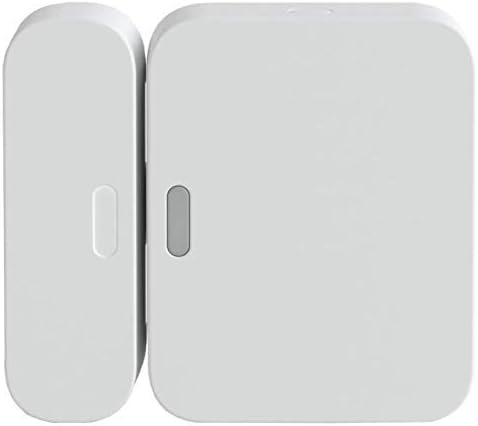
SimpliSafe Entry Sensor - Window and Door Protection - Co...
As an Amazon Associate we earn from qualifying purchases.
Official Manufacturer Manual
If you need the complete manufacturer documentation for advanced setup, wiring diagrams, or detailed specifications, you can download the official manual below. The manual includes full technical instructions directly from the manufacturer and may help if your issue requires deeper troubleshooting.
Download the Official SimpliSafe Base Station Gen 3 ManualSource: simplisafe.com
Need More Help? SimpliSafe Support
Note: The contact information below connects you directly to SimpliSafe's official customer support team, not Trunetto. They can help with warranty claims, device replacements, and advanced technical issues.
How Does SimpliSafe Compare?
Before replacing your SimpliSafe device, see how it stacks up against alternatives in our full comparison guides.
Accessories owners commonly pair with SimpliSafe Base Station Gen 3.

Blink Mini - Compact indoor plug-in smart security camera...
Blink Mini - Compact indoor plug-in smart security camera...
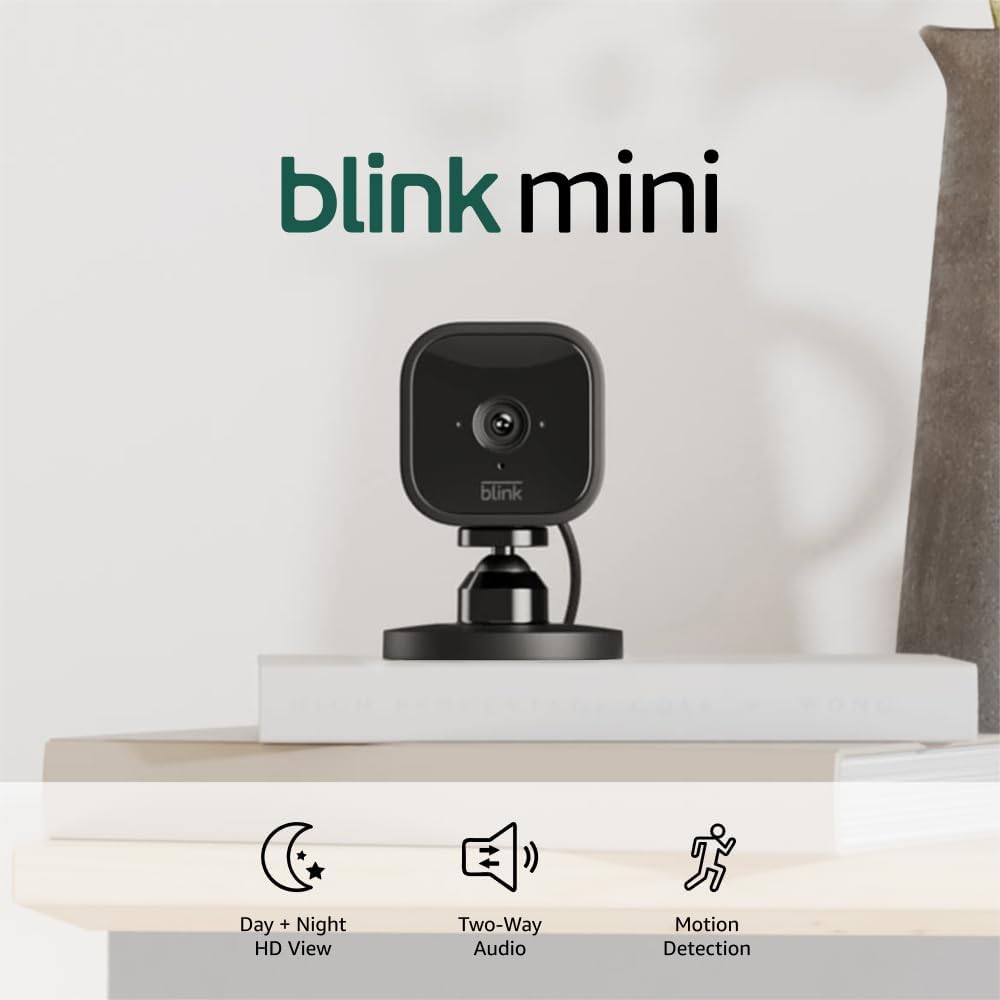
Blink Mini - Compact indoor plug-in smart security camera...
As an Amazon Associate we earn from qualifying purchases.