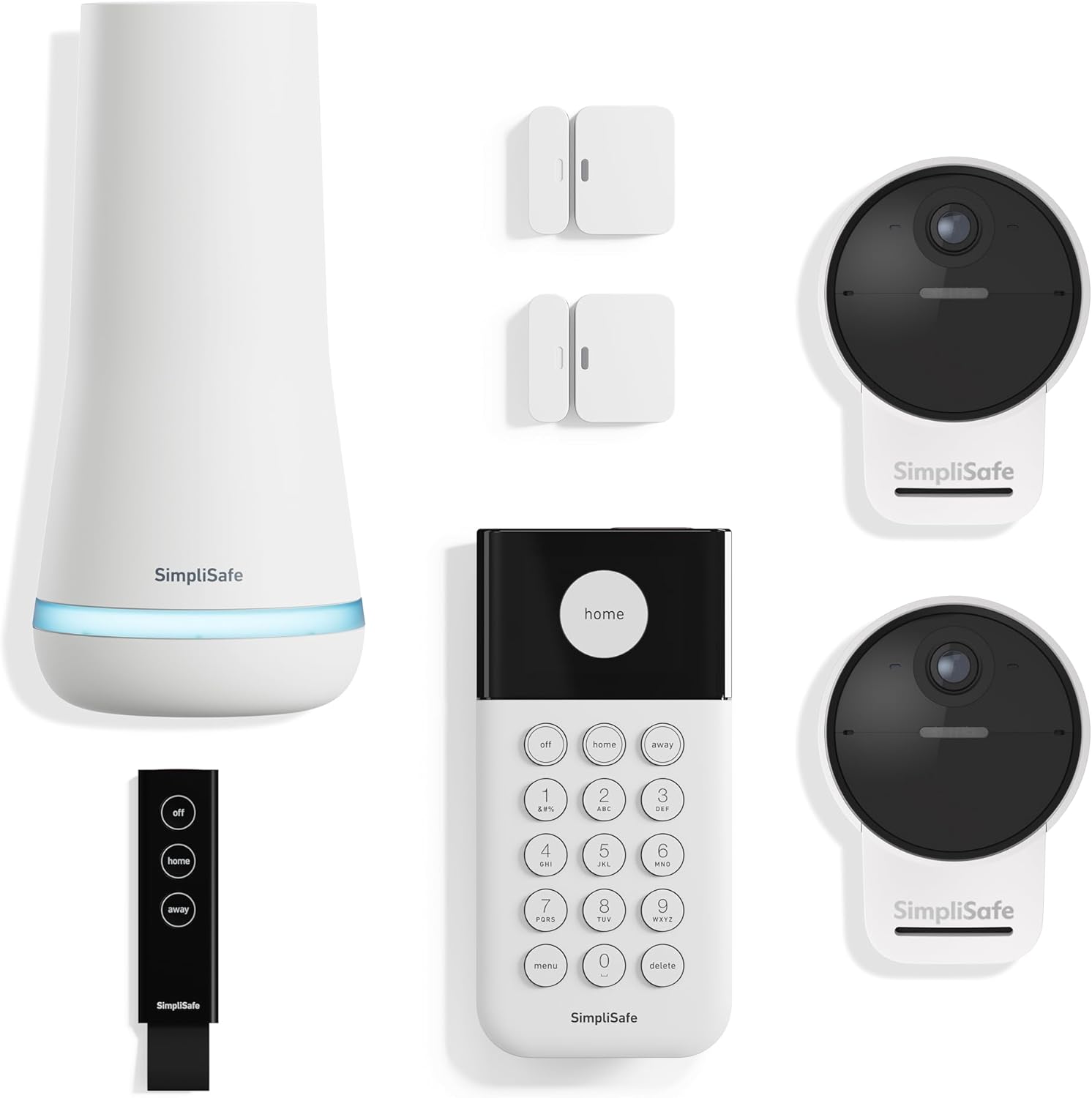
How to Install SimpliSafe Keypad
- Strategic Keypad Placement
- Mounting Installation
- System Registration
- User Code Programming
- Emergency Button Setup
- Operation Testing
Most users complete this in under 25 minutes
Overview
SimpliSafe SimpliSafe Keypad setup takes under 15 minutes for most users — if you're stuck, the steps below target the specific points where installs stall.
This guide covers the installation of the SimpliSafe wireless keypad on a SimpliSafe security system, including wall mounting, base station pairing, PIN code setup, and alarm mode testing. The SimpliSafe keypad requires no wiring and communicates wirelessly to the base station, making installation a simple adhesive or screw-mount process.
Why This Happens in Real Homes
The keypad is how you arm and disarm on the way in and out, so mount it by your main entry at a comfortable height (48-54 inches) and within range of the base station. It's wireless and battery-powered, so there's no wiring — just a bracket and good placement.
Secure the bracket firmly (use anchors on drywall so it doesn't wobble), pull the battery tab to activate it, and confirm it's paired and responsive from that spot. A keypad mounted too far from the base, or by a side door you rarely use, is the usual placement mistake.
What's Included
- Where to mount the keypad
- Keypad out of range
- Will not pair
- Mount height question
- Keypad wobbles
- Will not respond after mounting
- Battery activation
- Setup will not complete
Got your materials ready? Here's what to check first.
Before You Start
- Mounted too far from the base (out of range)
- Height not comfortable/standard
- Bracket not secured to the wall
- Battery pull tab still in
- Placed by the wrong entry
- Wall material will not hold the bracket
- Not paired to the base
- Interference at the location
Don't skip this step — it breaks everything if you do
Mount within comfortable reach near main entry. Ensure wireless range to Base Station. Test emergency functions carefully.
Tools & Requirements
These tools will help you complete this fix.

Drill optional
DEWALT 20V MAX Cordless Drill and Impact Driver, Pow...

Level
9 Inch Torpedo Level Magnetic, Shock-Proof Small Lev...

Screwdriver
STREBITO 155 in 1 Electric Screwdriver Set, Small El...
As an Amazon Associate we earn from qualifying purchases.
Installation Steps
Strategic Keypad Placement
Mount Keypad near main entry point within comfortable reach (48-54 inches high). Make sure wireless range to Base Station (typically 400+ feet).
Mounting Installation
Mount Keypad using included wall bracket and screws or use tabletop stand. Make sure stable mounting for reliable button operation.
System Registration
Register Keypad with Base Station through SimpliSafe app or by pressing buttons on both devices during setup mode.
User Code Programming
Program master PIN and additional user codes through Keypad menu system. Create unique codes for family members and temporary access.
Emergency Button Setup
Configure emergency buttons for police, fire, and medical alerts. Test emergency functions with monitoring service if enrolled.
Operation Testing
Test all Keypad functions including arm/disarm, user codes, emergency buttons, and wireless communication with Base Station.
Installation Tips
Still stuck? This is usually the deeper cause below.
Keypad provides wireless control of SimpliSafe system with backlit display and emergency buttons. Battery powered with long life.
Before you go — these SimpliSafe guides fix most remaining issues.
Most popular upgrades chosen by SimpliSafe Keypad owners.

As an Amazon Associate we earn from qualifying purchases.
Official Manufacturer Manual
SimpliSafe provides official product documentation through their online manual rather than downloadable PDF. Access setup guides, troubleshooting steps, and product specifications for your SimpliSafe Keypad.
Source: support.simplisafe.com
Need More Help? SimpliSafe Support
Note: The contact information below connects you directly to SimpliSafe's official customer support team, not Trunetto. They can help with warranty claims, device replacements, and advanced technical issues.
How Does SimpliSafe Compare?
Before replacing your SimpliSafe device, see how it stacks up against alternatives in our full comparison guides.
Accessories owners commonly pair with SimpliSafe Keypad.

SimpliSafe 12 Piece Wireless Home Security System w/HD Ca...

SimpliSafe 11 Piece Wireless Home Security System Gen 3 w...

SimpliSafe Smart Alarm Wireless Indoor Security Camera
As an Amazon Associate we earn from qualifying purchases.