

How to Install SimpliSafe Motion Sensor
- Best Mounting Height
- Coverage Area Planning
- Sensor Installation
- Pet Immunity Configuration
- Motion Testing
- System Integration
Most users complete this in under 20 minutes
Overview
SimpliSafe SimpliSafe Motion Sensor setup takes under 15 minutes for most users — if you're stuck, the steps below target the specific points where installs stall.
This guide covers the installation of the SimpliSafe Motion Sensor, including placement selection for best room coverage, adhesive or screw mounting, and base station pairing. SimpliSafe motion sensors use passive infrared technology and communicate wirelessly to the SimpliSafe base station without requiring WiFi or additional hubs.
Why This Happens in Real Homes
SimpliSafe motion sensors are PIR and cover a room best from a corner at 7-8 feet, angled so people crossing the room pass through the detection fan. Mount too low and pets enter the field; aim at a vent or sunny window and you get false alarms from moving heat.
Start by corner-mounting at the right height, angled across the main walk path and slightly up so floor-level pet movement stays under the beam, away from vents and windows. Pull the battery tab, confirm it's in base range, and add a second sensor for a large open space one can't fully cover.
What's Included
- Where to mount for coverage
- Misses motion
- False alarms
- Pet triggers
- Mount height question
- Out of base range
- Will not pair
- Poor room coverage
Got your materials ready? Here's what to check first.
Before You Start
- Mounted too low (pets in the field) or too high
- Not in a corner for wide coverage
- Aimed at a vent, window, or heat source
- Out of base-station range
- Pointed straight down at the floor
- Battery tab still in
- Reflective surfaces in view
- Room too large for one sensor
Don't skip this step — it breaks everything if you do
Avoid heat sources and direct sunlight that can cause false alarms. Pet immunity works up to 50 lbs when properly configured.
Tools & Requirements
These tools will help you complete this fix.

Drill optional
DEWALT 20V MAX Cordless Drill and Impact Driver, Pow...

Level
9 Inch Torpedo Level Magnetic, Shock-Proof Small Lev...

Screwdriver
STREBITO 155 in 1 Electric Screwdriver Set, Small El...
As an Amazon Associate we earn from qualifying purchases.
Installation Steps
Best Mounting Height
Mount Motion Sensor 7-8 feet high in corner of room for maximum coverage. Avoid pointing directly at windows, heating vents, or pet areas.
Coverage Area Planning
Position sensor to cover main traffic areas with 30-foot detection range. Avoid mounting near heat sources that could cause false alarms.
Sensor Installation
Mount using included brackets and screws or adhesive strips. Make sure sensor can pivot to optimize detection angle for room coverage.
Pet Immunity Configuration
Configure pet immunity settings through SimpliSafe app for pets up to 50 lbs. Test with pets present to verify proper immunity function.
Motion Testing
Press test button and walk through detection area to verify coverage. LED indicator shows detection events during testing mode.
System Integration
Register sensor with Base Station and configure motion alerts through app. Set up instant alerts or entry delay based on room location.
Installation Tips
Still stuck? This is usually the deeper cause below.
Motion Sensor provides 30-foot PIR detection with pet immunity up to 50 lbs. 7-8 foot mounting height optimal for coverage.
Before you go — these SimpliSafe guides fix most remaining issues.
Most popular upgrades chosen by SimpliSafe Motion Sensor owners.

SimpliSafe Wireless Keypad - Touch-to-Wake Technology - C...

SimpliSafe Wireless Outdoor Security Camera (Renewed)
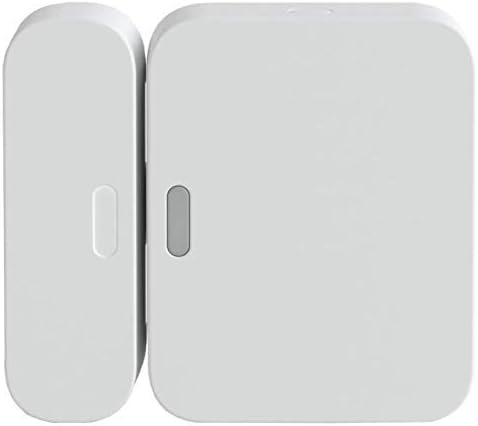
SimpliSafe Entry Sensor - Window and Door Protection - Co...
As an Amazon Associate we earn from qualifying purchases.
Official Manufacturer Manual
SimpliSafe provides official product documentation through their online manual rather than downloadable PDF. Access setup guides, troubleshooting steps, and product specifications for your SimpliSafe Motion Sensor.
Source: support.simplisafe.com
Need More Help? SimpliSafe Support
Note: The contact information below connects you directly to SimpliSafe's official customer support team, not Trunetto. They can help with warranty claims, device replacements, and advanced technical issues.
How Does SimpliSafe Compare?
Before replacing your SimpliSafe device, see how it stacks up against alternatives in our full comparison guides.
Accessories owners commonly pair with SimpliSafe Motion Sensor.

Blink Mini - Compact indoor plug-in smart security camera...
Blink Mini - Compact indoor plug-in smart security camera...
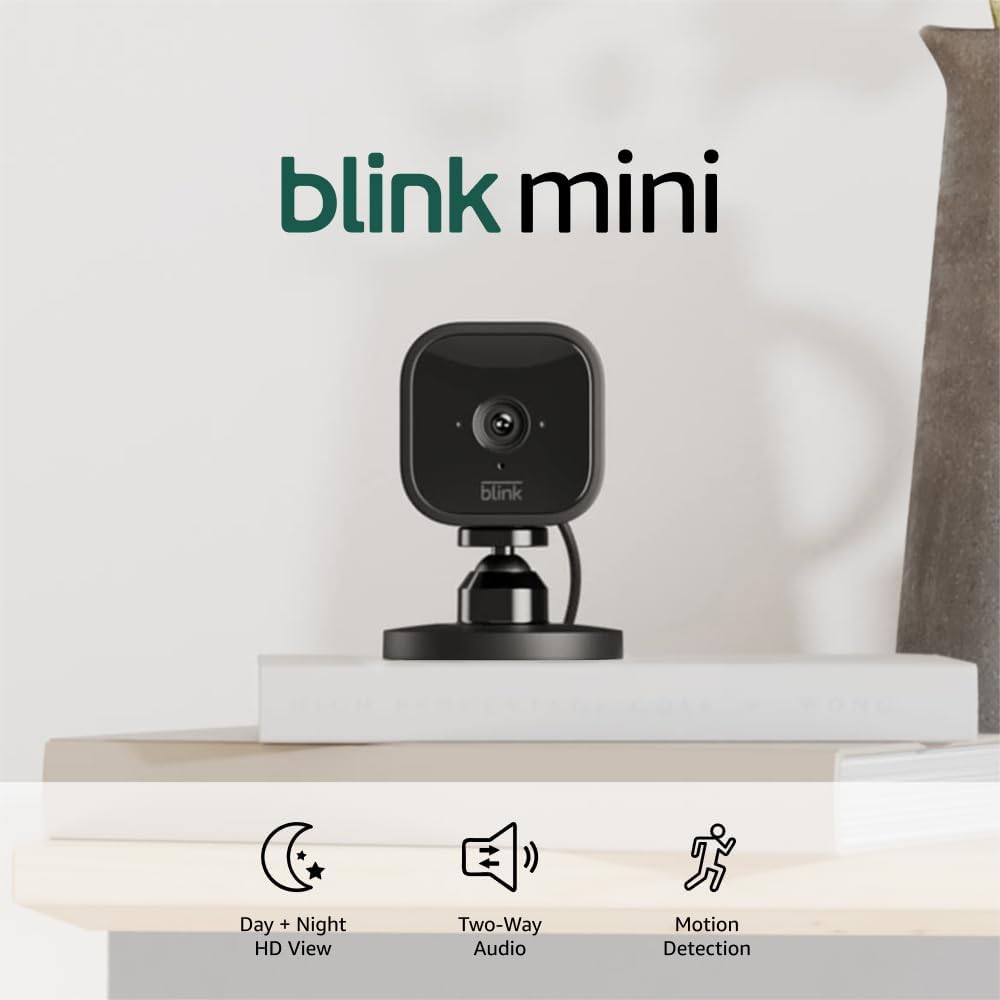
Blink Mini - Compact indoor plug-in smart security camera...
As an Amazon Associate we earn from qualifying purchases.

