

Why Is My Arlo Essential Spotlight Missing Events?
- Wake-from-sleep delay on battery cameras
- Motion sensitivity set too low
- Activity zone missing the area
Problem Description
Your Arlo Essential Spotlight camera is missing motion events that should be recorded. Wire-free Arlo cameras have a wake time delay — the camera sleeps between events to save battery and takes about 1-2 seconds to wake and start recording. Fast-moving objects may pass before recording begins. This guide covers understanding wake time and optimizing placement.
Why This Happens in Real Homes
Wire-free Arlo cameras sleep to save battery and take a fraction of a second to wake when the PIR trips — so on a fast mover or a subject crossing the frame sideways, the camera can miss the start or the whole event. Low sensitivity and a zone that misses the approach make it worse.
Start by raising sensitivity and widening the activity zone toward where people approach (angling the camera so subjects walk toward it, not across it, gives it more time to wake and record). A stronger signal starts recording sooner, and remember cloud clips need an active Arlo Secure plan.
Symptoms
- Missing motion events
- Late-starting clips
- Only catches part of an event
- Fast movers not recorded
- Events missed near the edge
- Recording starts after the action
- Intermittent captures
- Nothing recorded despite motion
Recognize these? Here's what usually causes it.
Common Causes
- Wake-from-sleep delay on battery cameras
- Motion sensitivity set too low
- Activity zone missing the area
- Weak signal delaying upload
- Camera not armed in the current mode
- Fast subject through the frame quickly
- PIR angle/height not ideal
- Subscription lapsed (no cloud clips)
Most fixes happen in the first 3 steps.
Security cameras should be installed at least 8 feet high to prevent tampering. Check local laws regarding recording audio and video. Never aim cameras at neighboring private property. Outdoor cameras should be rated IP65 or higher for weather resistance.
Tools & Requirements
These tools will help you complete this fix.

Clean microfiber cloth
MR.SIGA Microfiber Cleaning Cloth,Pack of 12,Size:12...

Ethernet cable
Jadaol Cat 6 Ethernet Cable 25 ft, 10Gbps Support Ca...

Level
9 Inch Torpedo Level Magnetic, Shock-Proof Small Lev...

Power adapter
JcBlaon Outlet Extender Surge Protector - 6 Outlet S...

Replacement batteries
Duracell Coppertop Double AA Batteries with Power Bo...
As an Amazon Associate we earn from qualifying purchases.
Step-by-Step Solution
Understand camera wake time
The Arlo Essential Spotlight is battery-powered and sleeps between events to conserve power. When motion is detected, the camera takes 2-3 seconds to wake up, connect to WiFi, and start recording. Fast-moving objects (running person, speeding car) may pass through the frame during this wake time, resulting in a clip that shows an empty scene or only catches the end of the event.
Needed for this step
JcBlaon Outlet Extender Surge Protector - 6 Out...
This helps complete the fix you are currently reading.
$9.99Check activity zone placement
If events are happening but not being recorded, verify your activity zones cover the correct areas. Open camera settings, Activity Zones, and look at where the zones are drawn relative to where the missed events occurred. A common mistake is a zone that is too small or offset from the actual path people take. Widen the zone or reposition it.
Increase motion sensitivity
If the camera is not detecting motion at all, the sensitivity may be set too low. Increase it incrementally — go up one or two levels and test for a day. Too low means missed events; too high means false triggers and faster battery drain. Find the balance that catches real events without triggering on wind, shadows, or passing cars.
Check the cooldown period between events
After recording a clip, the Arlo Essential has a cooldown period before it will trigger again. With an Arlo Secure subscription, this can be as short as a few seconds. Without a subscription, the cooldown may be several minutes. Events that happen during the cooldown period are missed entirely. An active subscription dramatically improves event capture rate.
Verify the camera is armed
Arlo cameras only record when the system mode is set to Armed or a custom mode that includes recording rules. If the mode is Disarmed, the camera detects nothing. Check the mode selector in the Arlo app. If you use a schedule, confirm the current time falls within an armed window. Also check if geofencing is active — the system may disarm when your phone is detected at home.
Quick Solutions
Still having issues? This is usually the deeper cause below.
If flickering only happens on dimming, the issue is almost always the dimmer's minimum-load setting, not the bulb — it's drawing less current than the dimmer expects.
Set up activity zones to monitor only the areas that matter like your front porch and driveway and exclude the street. This dramatically reduces false alerts while ensuring you never miss an actual event at your property.
Battery-related failures are almost always flagged too late — the device degrades silently for days before the app catches up to what's actually happening.
- Wake-from-sleep delay on battery cameras
- Motion sensitivity set too low
- Activity zone missing the area
- Weak signal delaying upload
- Camera not armed in the current mode
Before you go — try one of these (they fix most cases).
Most popular upgrades chosen by Arlo Essential owners.

Arlo Essential Security Camera 2K (2025 Release) - Contin...

Arlo Essential Security Camera 2K (2025 Release) - Contin...
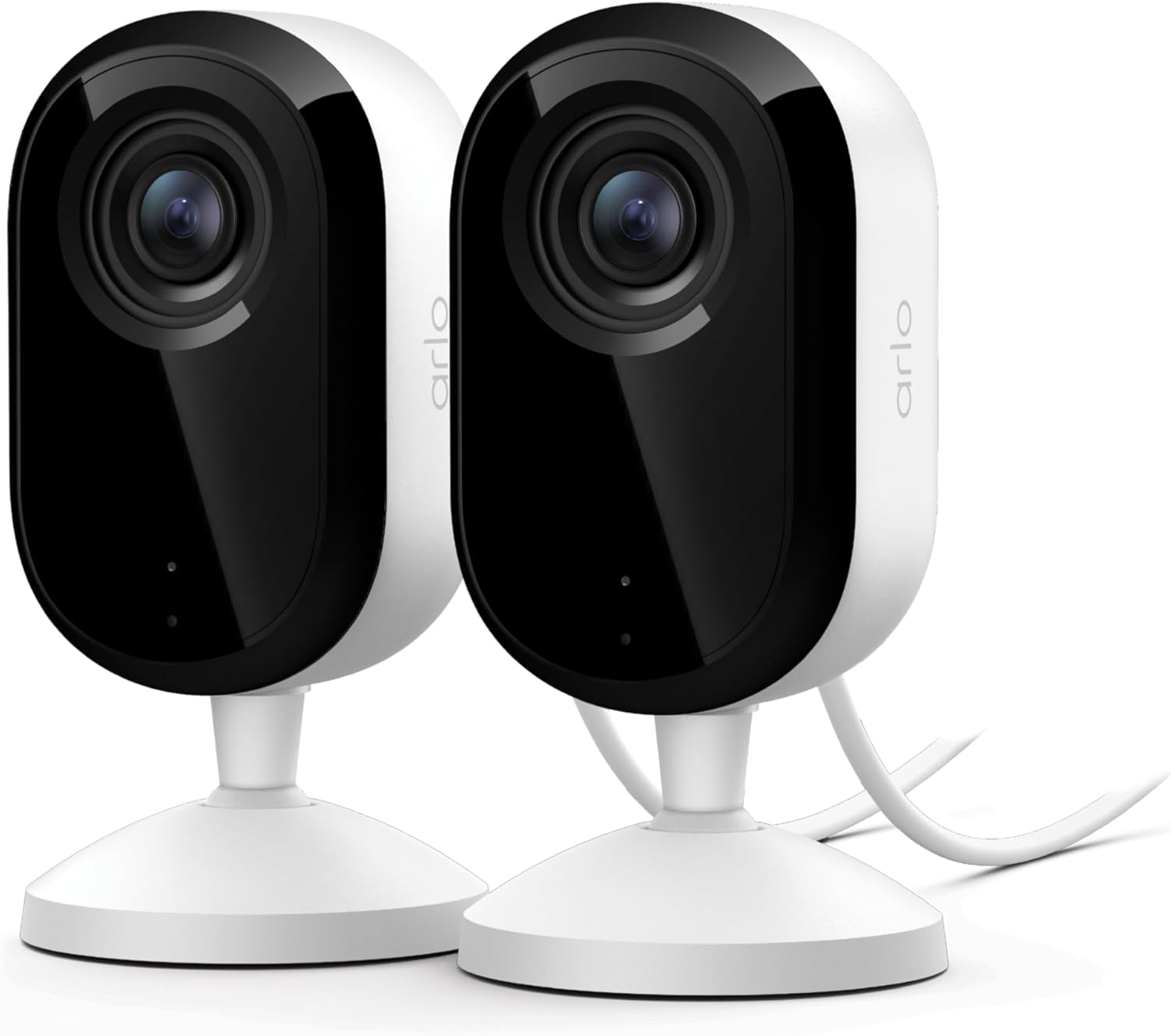
Arlo Essential Indoor Security Camera 2K (3rd Gen, 2025 R...
As an Amazon Associate we earn from qualifying purchases.
Official Manufacturer Manual
If you need the complete manufacturer documentation for advanced setup, wiring diagrams, or detailed specifications, you can download the official manual below. The manual includes full technical instructions directly from the manufacturer and may help if your issue requires deeper troubleshooting.
Download the Official Arlo Essential ManualSource: arlo.com
Need More Help? Arlo Support
Note: The contact information below connects you directly to Arlo's official customer support team, not Trunetto. They can help with warranty claims, device replacements, and advanced technical issues.
How Does Arlo Compare?
Before replacing your Arlo device, see how it stacks up against alternatives in our full comparison guides.
Accessories owners commonly pair with Arlo Essential.

As an Amazon Associate we earn from qualifying purchases.



