

How Do I Set Up the Nest Cam Outdoor Battery?
- Battery not fully charged before setup
- Bluetooth off during pairing
- Weak WiFi at the mount location
Problem Description
Your Google Nest Nest Cam Battery is experiencing battery drain, power supply issues, or charging problems. Unreliable power affects the Nest Cam Battery performance and can cause it to go offline, miss events, or fail to respond when you need it most. Specifically, the issue involves nest cam outdoor battery. The steps below walk you through diagnosing the root cause and applying proven fixes so your Nest Cam Battery works reliably again.
Why This Happens in Real Homes
Setting up the Nest Cam Outdoor Battery is charging it, pairing in Google Home over Bluetooth, and mounting within WiFi range. In real homes an undercharged battery or weak WiFi at the mount is the snag, and cold plus heavy events drains it fast later. Charge fully, pair with Bluetooth on, and mount within solid WiFi range.
Symptoms
- Camera shows offline in the app
- Live view fails to load or times out
- Motion detection not triggering alerts
- Night vision appears too dark or washed out
- Recorded clips are missing or corrupted
- Two-way audio not working
- Camera keeps disconnecting from WiFi
Recognize these? Here's what usually causes it.
Common Causes
- Battery not fully charged before setup
- Bluetooth off during pairing
- Weak WiFi at the mount location
- Cold weather reducing battery capacity
- High event volume draining the battery fast
- Not on the required 2.4GHz band
- App out of date
- Camera not in pairing mode
Most fixes happen in the first 3 steps.
Security cameras should be installed at least 8 feet high to prevent tampering. Check local laws regarding recording audio and video. Never aim cameras at neighboring private property. Outdoor cameras should be rated IP65 or higher for weather resistance.
Tools & Requirements
These tools will help you complete this fix.

Clean cloth
WHOOSH! Pro 16.9 fl oz Refillable TV Screen Cleaner ...

Replacement batteries
Duracell Coppertop Double AA Batteries with Power Bo...

Screwdriver
STREBITO 155 in 1 Electric Screwdriver Set, Small El...
As an Amazon Associate we earn from qualifying purchases.
Step-by-Step Solution
Charge the camera fully before mounting
The Nest Cam Outdoor Battery has a built-in rechargeable battery. Charge it completely using the included USB-C cable before installation — a full charge takes about 5 hours. The battery lasts 1.5-7 months depending on usage and settings. Starting with a full charge prevents you from needing to remove the camera for charging within the first few days.
Choose a mounting location
Mount the camera at 6-8 feet high for best detection range and viewing angle. The camera is weather-resistant (IP54) and designed for year-round outdoor use. Choose a location with WiFi signal — check by standing at the mount point with your phone and verifying you have a strong WiFi connection. South-facing locations get more sun if you plan to add the Nest solar panel later.
Mount using the magnetic plate
The Nest Cam Outdoor Battery uses a magnetic mount. Screw the mounting plate to the wall, then snap the camera onto the magnet. The magnetic connection allows easy removal for charging. For security in accessible locations, use the included anti-theft screw adapter. The camera also has a 1/4-inch tripod mount for third-party mounts.
Set up in the Google Home app
Open the Google Home app, add a new device, and select Nest Cam Battery. Scan the QR code and connect to 2.4GHz WiFi. After setup, configure activity zones — this is critical for battery life. Narrow zones and reduced sensitivity dramatically extend how long the battery lasts between charges.
Optimize settings for battery life
In camera settings, select Battery Usage and choose More Battery Life. Set video quality to default rather than high. Enable person-only alerts with Nest Aware to reduce unnecessary recordings. Avoid frequent live view sessions. With optimized settings in a moderate-traffic area, expect 3-5 months between charges. High-traffic areas or high-quality settings reduce this to 1-2 months.
Quick Solutions
Still having issues? This is usually the deeper cause below.
If drain continues after replacing batteries, check the event history — a stuck-open sensor or rapid polling loop burns through batteries in days.
Set up activity zones to monitor only the areas that matter like your front porch and driveway and exclude the street. This dramatically reduces false alerts while ensuring you never miss an actual event at your property.
App battery indicators run 15–20% behind actual charge levels — by the time the low warning appears, the device has been struggling for days.
- Battery not fully charged before setup
- Bluetooth off during pairing
- Weak WiFi at the mount location
- Cold weather reducing battery capacity
- High event volume draining the battery fast
Before you go — try one of these (they fix most cases).
Most popular upgrades chosen by Nest Cam Battery owners.

Google Nest Cam Indoor (Wired, 3rd Gen) - Security Camera...

Google Nest Cam Indoor (Wired, 3rd Gen) - Security Camera...
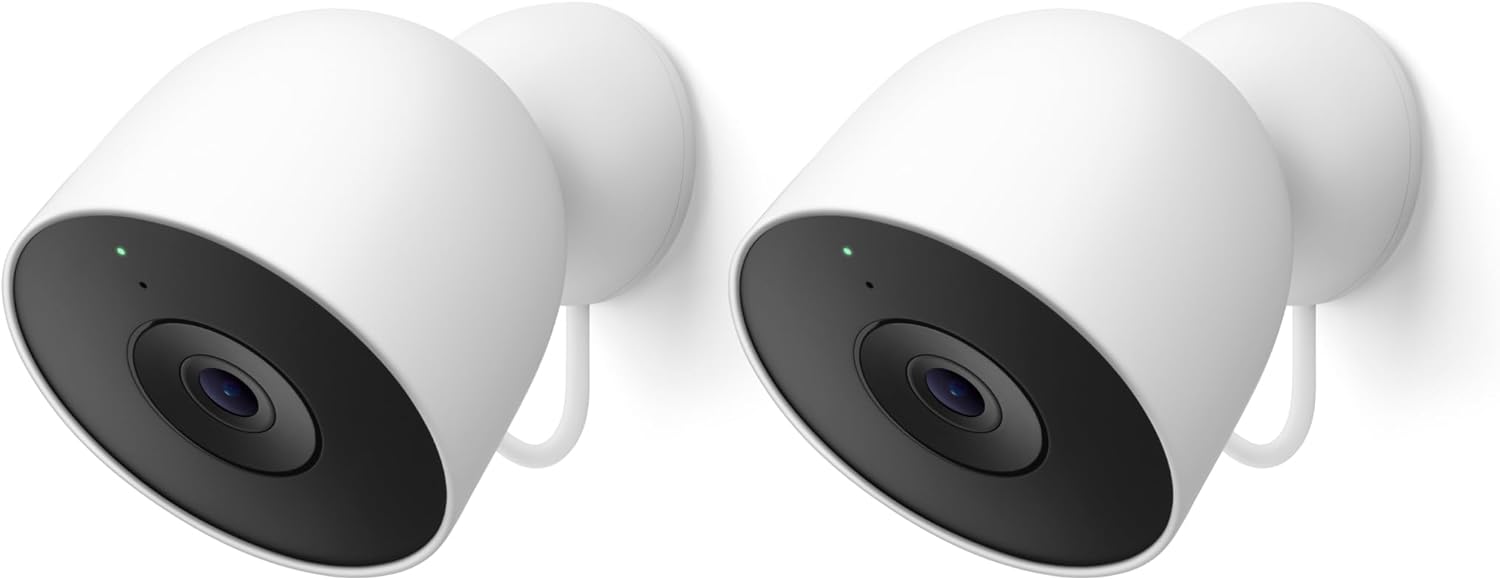
Google Nest Cam Outdoor (Wired, 2nd Gen) - 2 Pack - Secur...
As an Amazon Associate we earn from qualifying purchases.
Official Manufacturer Manual
If you need the complete manufacturer documentation for advanced setup, wiring diagrams, or detailed specifications, you can download the official manual below. The manual includes full technical instructions directly from the manufacturer and may help if your issue requires deeper troubleshooting.
Download the Official Nest Cam Battery ManualSource: support.google.com
Need More Help? Google Nest Support
Note: The contact information below connects you directly to Google Nest's official customer support team, not Trunetto. They can help with warranty claims, device replacements, and advanced technical issues.
How Does Google Nest Compare?
Before replacing your Google Nest device, see how it stacks up against alternatives in our full comparison guides.
Accessories owners commonly pair with Nest Cam Battery.

Google Nest Cam Outdoor or Indoor, Battery - 2nd Generati...

Google Nest Cam Outdoor or Indoor/Battery - 2nd Generatio...
As an Amazon Associate we earn from qualifying purchases.


