

How Do I Mount the Nest Cam Outdoor Wired?
- Cable route not planned before mounting
- Weatherproof seal or drip loop missing
- Anchors wrong for the surface
Problem Description
Your Google Nest Nest Cam Outdoor is experiencing issues related to wired mounting. This affects your ability to control the Nest Cam Outdoor through the Google Nest app, scheduled automations, and voice assistants. Specifically, the issue involves wired mounting. The steps below walk you through diagnosing the root cause and applying proven fixes so your Nest Cam Outdoor works reliably again.
Why This Happens in Real Homes
Mounting the Nest Cam Outdoor Wired is about the cable route, a weatherproof seal, and the right anchors, with WiFi reaching the spot. In real homes a missing drip loop or a pinched cable causes trouble later. Plan the cable path, leave a drip loop, seal the mount, keep the adapter dry indoors, and confirm WiFi at the location.
Symptoms
- Camera shows offline in the app
- Live view fails to load or times out
- Motion detection not triggering alerts
- Night vision appears too dark or washed out
- Recorded clips are missing or corrupted
- Two-way audio not working
- Camera keeps disconnecting from WiFi
Recognize these? Here's what usually causes it.
Common Causes
- Cable route not planned before mounting
- Weatherproof seal or drip loop missing
- Anchors wrong for the surface
- WiFi weak at the mount
- Cable pinched at the mounting plate
- Power adapter must stay indoors and dry
- Mount aimed into an obstruction
- Firmware setup skipped
Most fixes happen in the first 3 steps.
Security cameras should be installed at least 8 feet high to prevent tampering. Check local laws regarding recording audio and video. Never aim cameras at neighboring private property. Outdoor cameras should be rated IP65 or higher for weather resistance.
Tools & Requirements
These tools will help you complete this fix.

Drill
DEWALT 20V MAX Cordless Drill and Impact Driver, Pow...

Screwdriver
STREBITO 155 in 1 Electric Screwdriver Set, Small El...
As an Amazon Associate we earn from qualifying purchases.
Step-by-Step Solution
Plan the cable route before mounting
The Nest Cam Outdoor Wired requires a continuous power connection. Before drilling mount holes, plan how the USB cable will reach a power outlet. Options: route through the wall to an indoor outlet (drill a hole, thread the cable, seal with silicone), route along the exterior wall under the eave to an outdoor outlet, or use a weatherproof outdoor outlet box. The included cable is about 25 feet long.
Needed for this step
DEWALT 20V MAX Cordless Drill and Impact Driver...
This helps complete the fix you are currently reading.
$139.00Mount the camera and plate
Attach the mounting plate to the wall at 6-8 feet height using the appropriate hardware for your wall type (wood screws, masonry anchors, or drywall anchors). Level the plate before tightening. Attach the camera to the mounting plate — the wired model uses a secure screw mount rather than a magnetic mount, providing better theft resistance than the battery version.
Weatherproof the cable connections
The camera itself is IP54 rated, but the USB cable connections are vulnerable to water ingress. Where the cable connects to the camera, make sure the weatherproof boot or cover is properly seated. Where the cable enters the wall, apply silicone sealant around the hole. If using an outdoor outlet, use a weatherproof in-use outlet cover that allows the plug to remain connected while the cover is closed.
Set up and configure in the Google Home app
Power on the camera and add it in the Google Home app. Since this is the wired model, you can enable all features without battery concerns: maximum video quality, high motion sensitivity, wide activity zones, and 24/7 continuous recording (with Nest Aware Plus). The wired connection means instant response to live view requests with no wake-up delay.
Advantage of wired over battery for outdoor use
The wired model eliminates battery maintenance, provides faster live view response, supports 24/7 continuous recording, and maintains full performance in cold weather (cold drains batteries). The tradeoff is the installation effort of running a cable. For permanent camera locations where you want maximum performance, wired is the better choice. Battery is better for flexible placement or rental situations.
Quick Solutions
Still having issues? This is usually the deeper cause below.
If this comes back after following these steps, check whether a recent app or firmware update reset a default setting — the fix works, but the setting gets reverted silently.
Set up activity zones to monitor only the areas that matter like your front porch and driveway and exclude the street. This dramatically reduces false alerts while ensuring you never miss an actual event at your property.
This issue almost always looks more complex than it is — the majority of cases trace back to a single setting, a stale credential, or a default that shipped wrong.
- Cable route not planned before mounting
- Weatherproof seal or drip loop missing
- Anchors wrong for the surface
- WiFi weak at the mount
- Cable pinched at the mounting plate
Before you go — try one of these (they fix most cases).
Most popular upgrades chosen by Nest Cam Outdoor owners.
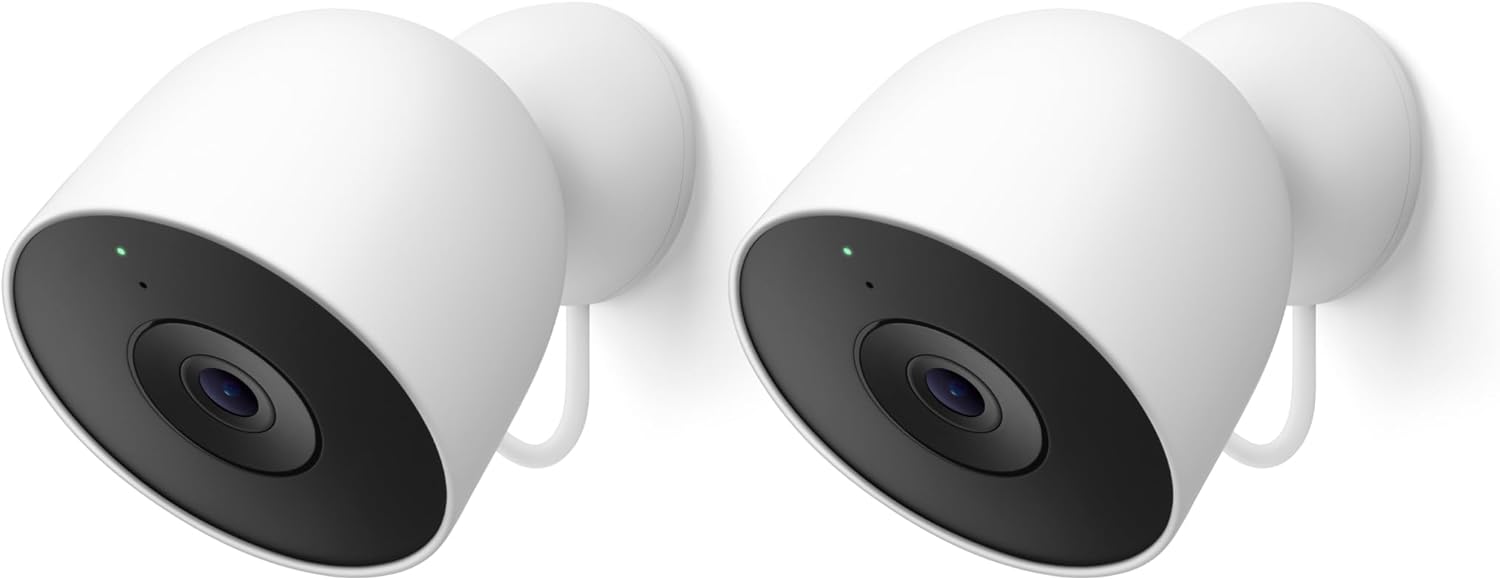
Google Nest Cam Outdoor (Wired, 2nd Gen) - 2 Pack - Secur...
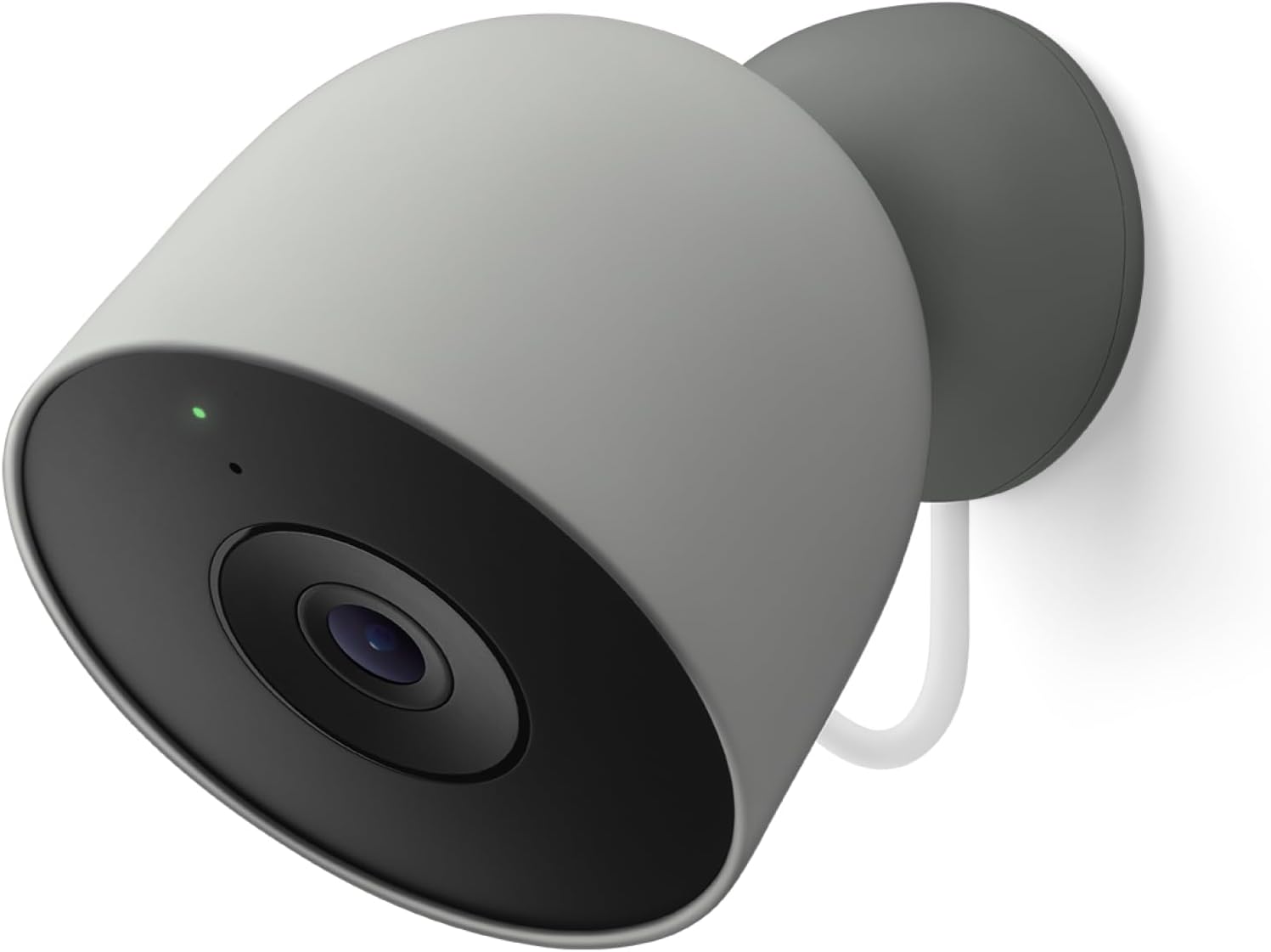
Google Nest Cam Outdoor (Wired, 2nd Gen) - Security Camer...
As an Amazon Associate we earn from qualifying purchases.
Official Manufacturer Manual
Google Nest provides official product documentation through their online manual rather than downloadable PDF. Access setup guides, troubleshooting steps, and product specifications for your Nest Cam Outdoor.
Source: support.google.com
Need More Help? Google Nest Support
Note: The contact information below connects you directly to Google Nest's official customer support team, not Trunetto. They can help with warranty claims, device replacements, and advanced technical issues.
How Does Google Nest Compare?
Before replacing your Google Nest device, see how it stacks up against alternatives in our full comparison guides.
Accessories owners commonly pair with Nest Cam Outdoor.

SANDISK 64GB Extreme microSDXC UHS-I Memory Card with Ada...

SANDISK 128GB Ultra microSDXC UHS-I Memory Card with Adap...

SANDISK 64GB Ultra microSDXC UHS-I Memory Card with Adapt...
As an Amazon Associate we earn from qualifying purchases.


