

Why Do My Feit Electric Smart Bulb Colors Look Wrong Compared to What I Select in the App
- Bulb LED calibration differs from app model
- White channel mixing with color output
- Brightness affecting color saturation
Problem Description
Your Feit Electric smart bulb displays colors that do not match what you select in the app. You pick a blue and get purple, or select orange and see pink. The color wheel in the app shows one color but the bulb produces something noticeably different. Scenes and automations using specific colors also appear wrong.
Symptoms
- Selected blue displays as purple on bulb
- App color wheel does not match actual output
- Warm white looks pink or green tinted
- Color scenes look different than designed
- Same color setting looks different on multiple bulbs
- Colors correct at some brightness levels but not others
Recognize these? Here's what usually causes it.
Common Causes
- Bulb LED calibration differs from app model
- White channel mixing with color output
- Brightness affecting color saturation
- Multiple bulb generations have different LEDs
- App firmware not matched to bulb hardware
- Human perception varies from digital color
Most fixes happen in the first 3 steps.
Color accuracy varies by manufacturer and even batch. No consumer smart bulb perfectly matches digital color selection. Adjust expectations and calibrate visually.
Step-by-Step Solution
Adjust Colors Visually Not Digitally
Instead of selecting the color you want in the app, select colors based on what actually looks right on the bulb. If you want blue but it shows purple, move toward cyan on the color wheel until the bulb output looks like the blue you want. Save this adjusted color as a favorite.
Test at Full Brightness
Colors are most accurate at full brightness. Dimmed bulbs mix colors differently and white balance shifts. Set brightness to 100%, select your color, then reduce brightness if needed. Some color inaccuracy at low brightness is normal for RGBW bulbs.
Create Custom Scenes for Accuracy
Once you find the app color settings that produce the desired visual output, save them as custom scenes. Name them by the color you actually see, not what the app says. Use these saved scenes for automations to make sure consistent color reproduction.
Update Bulb Firmware
Open the Feit Electric app and check each bulb for firmware updates. Color calibration improvements may be included in updates. Update all bulbs, especially if some colors look correct on some bulbs but not others of the same model.
Group Matching Bulb Batches
Bulbs from different production batches may have slight LED variations. If you have multiple bulbs that should match, try swapping their locations to group bulbs that look similar together. Different generations of the same model often have different color accuracy.
Quick Solutions
Still having issues? This is usually the deeper cause below.
If flickering only happens on dimming, the issue is almost always the dimmer's minimum-load setting, not the bulb — it's drawing less current than the dimmer expects.
RGBW bulbs have separate white LEDs for better white tones. For saturated colors like pure red, the white LEDs should not mix in. Check if there is a setting to use RGB only for saturated colors.
This issue almost always looks more complex than it is — the majority of cases trace back to a single setting, a stale credential, or a default that shipped wrong.
- Bulb LED calibration differs from app model
- White channel mixing with color output
- Brightness affecting color saturation
- Multiple bulb generations have different LEDs
- App firmware not matched to bulb hardware
Before you go — try one of these (they fix most cases).
Most popular upgrades chosen by Feit Electric Smart Bulb owners.

Feit Electric 60W LED Multicolor WiFi Smart Bulb (2 Pack)

Feit Electric Smart Bulb, 100W Equivalent Color Changing ...
As an Amazon Associate we earn from qualifying purchases.
Official Manufacturer Manual
Feit Electric provides official product documentation through their online manual rather than downloadable PDF. Access setup guides, troubleshooting steps, and product specifications for your Feit Electric Smart Bulb.
Source: feit.com
Need More Help? Feit Electric Support
Note: The contact information below connects you directly to Feit Electric's official customer support team, not Trunetto. They can help with warranty claims, device replacements, and advanced technical issues.
Accessories owners commonly pair with Feit Electric Smart Bulb.
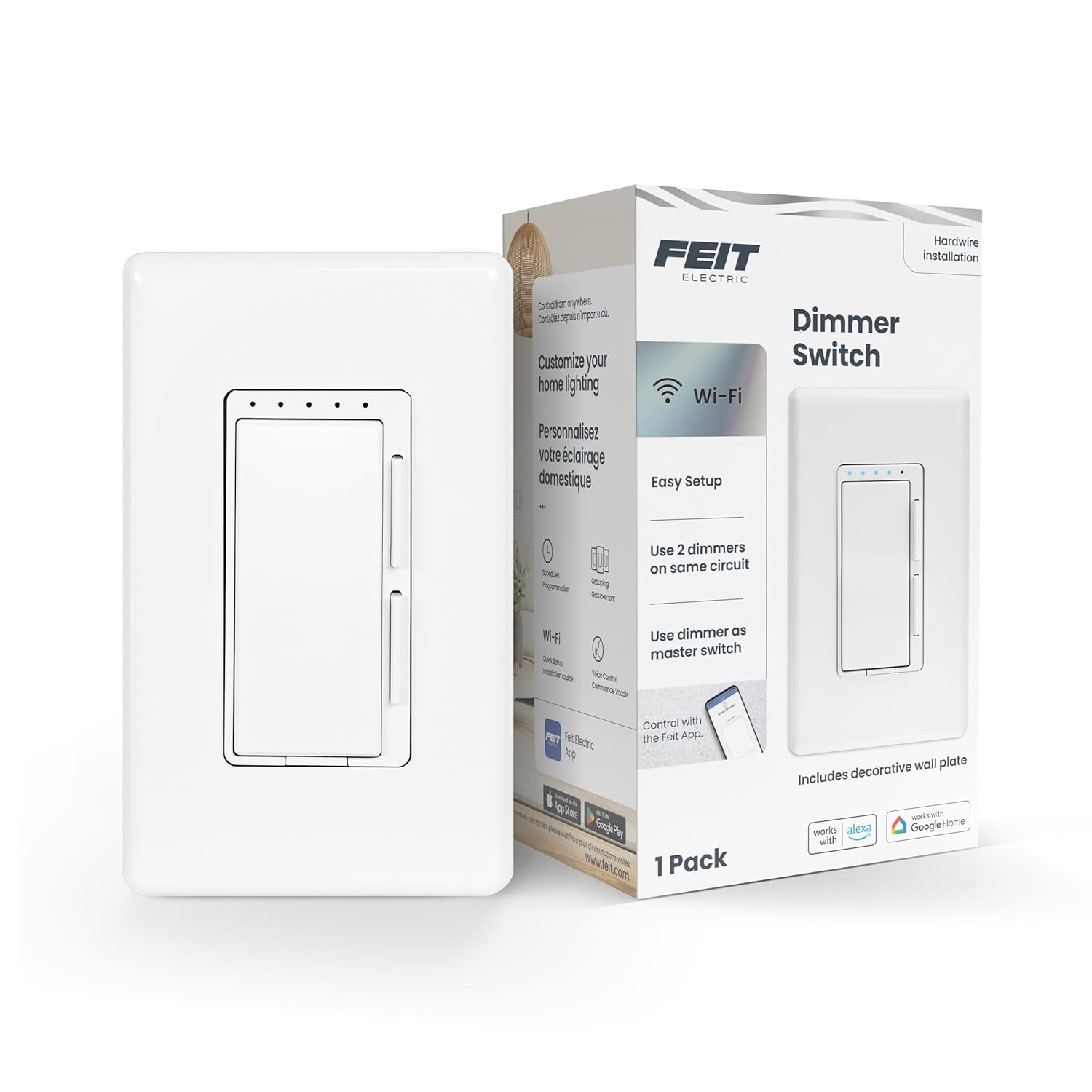
Feit Electric Smart Dimmer Switch, Neutral Wire Required ...

Feit Electric Smart WiFi Dimmer Switch with Remote, Singl...

Feit Electric Smart WiFi Rotary Dimmer Switch, Neutral Wi...
As an Amazon Associate we earn from qualifying purchases.

