Why Did My Govee LED Strip Lose All Bluetooth and WiFi After the 1.04.12 Firmware Update?
- Firmware update corrupted the Bluetooth and WiFi radio stack on the controller chip
- Firmware version shipped for wrong hardware revision of the Govee controller board
- WiFi credentials erased during firmware flash and controller cannot reconnect automatically
Problem Description
Your Govee LED strip has completely lost both Bluetooth and WiFi connectivity after the Govee Home app pushed firmware version 1.04.12 to the controller. The lights may be stuck on one colour, cycling rainbow, or completely off. The Govee Home app shows the device as offline and cannot rediscover it via Bluetooth scan. Third-party integrations like Homebridge, Home Assistant, and SignalRGB also lost all control. This is a known firmware regression reported on GitHub and Reddit where the update breaks the wireless stack on certain Govee controller hardware revisions. The lights still power on from the physical controller button but all wireless control is dead.
Why This Happens in Real Homes
Losing both Bluetooth and WiFi after a firmware update suggests the update disrupted the radio configuration — a risk if an update is interrupted or buggy, leaving the strip's connectivity broken.
Start by power-cycling the strip and controller, then re-add it in the Govee app (Bluetooth first, near the device). If it won't reconnect, a factory reset of the controller and fresh setup usually restores the radios; check for a newer firmware that fixes a buggy build, and contact Govee if it stays dark on both.
Symptoms
- Govee Home app shows LED strip as offline and cannot find it on Bluetooth scan
- Lights stuck on single colour or rainbow mode and do not respond to any app command
- Third-party integrations like Homebridge and Home Assistant lost all control simultaneously
- Physical button on controller still turns lights on and off but wireless is completely dead
- Controller LED blinks rapidly indicating it cannot establish any wireless connection
- Music sync via Govee app microphone stopped working because controller is disconnected
Recognize these? Here's what usually causes it.
Common Causes
- Firmware update corrupted the Bluetooth and WiFi radio stack on the controller chip
- Firmware version shipped for wrong hardware revision of the Govee controller board
- WiFi credentials erased during firmware flash and controller cannot reconnect automatically
- Bluetooth pairing table cleared by firmware update breaking existing phone connection
- Controller bootloader reverted to factory wireless config that conflicts with user network
- Power supply voltage drop during firmware write partially corrupted the wireless firmware
Most fixes happen in the first 3 steps.
Do not unplug the Govee controller while a firmware update progress bar is visible in the app. Cutting power during an active firmware write can permanently destroy the wireless radio firmware requiring a hardware replacement.
Step-by-Step Solution
Power Cycle Controller for 60 Seconds
Unplug the Govee LED strip controller completely from its power adapter. Wait a full 60 seconds not just 10. The wireless radio chip on Govee controllers needs a longer discharge to fully reset its firmware state. After 60 seconds plug back in. Watch the controller LED indicator. If it shows a slow blue blink the Bluetooth radio has reinitialized and is broadcasting. Open the Govee Home app and check if the device reconnects automatically. If the device appears online test colour change and brightness to confirm WiFi control is also restored.
Factory Reset the Controller
If power cycling did not restore wireless connectivity perform a factory reset. Locate the button on the Govee controller box. Press and hold for 10 full seconds. The LED will flash rapidly then blink 3 times slowly confirming factory reset. This clears all stored WiFi credentials, Bluetooth pairings, and firmware configuration. The controller reverts to setup mode broadcasting on Bluetooth for the Govee Home app to discover. The reset also rolls back any corrupted wireless firmware parameters to their default values which should restore radio features.
Remove and Re-Add Device in Govee Home
After factory reset open the Govee Home app. Go to your LED strip device if it still shows in the light list. Tap the gear icon then scroll down and tap Delete Device. Confirm removal. Now tap the plus icon on the main screen and tap Add Device. Select your LED strip model from the list. The app scans via Bluetooth. Stand within 30 centimetres of the controller. Once found follow the setup prompts to connect the controller to your WiFi. The app will check for the latest firmware and if a patched version is available it will install during setup.
Check for Patched Firmware Version
After re-adding the device check if Govee has released a newer firmware that fixes the wireless regression. Go to device settings in the Govee Home app and look for firmware update notification. If a newer version is available this is likely the patch. Before installing check the Govee subreddit r/Govee for reports on that specific version and your model number. If users confirm the patch fixes wireless stability install it. If the same version that broke your strip is the only one available do not update and contact Govee support instead.
Contact Govee Support for Replacement
If the controller cannot be rediscovered via Bluetooth after factory reset the wireless radio hardware may be permanently damaged by the firmware update. Contact Govee support at govee.com/support or through the Govee Home app help section. Provide your model number like H6167 or H61A0 and the firmware version if you noted it before the update. Govee has been providing replacement controllers for units bricked by firmware updates. Keep your order confirmation and serial number available for the warranty claim process.
Quick Solutions
Still having issues? This is usually the deeper cause below.
This usually happens right after a router reboot or ISP change — the device rejoins the network but drops its cloud session silently.
Before allowing any Govee firmware update check r/Govee on Reddit for your specific model number and the offered firmware version. Govee has shipped firmware updates that broke wireless on specific hardware revisions multiple times. Waiting a few days lets other users discover issues.
Firmware updates that wipe settings are more common than brands admit — many devices silently reset to factory defaults on an OTA push with no warning.
- Firmware update corrupted the Bluetooth and WiFi radio stack
- Firmware version shipped for wrong hardware revision of the
- WiFi credentials erased during firmware flash and controller cannot
- Bluetooth pairing table cleared by firmware update breaking existing
- Controller bootloader reverted to factory wireless config
Before you go — try one of these (they fix most cases).
Most popular upgrades chosen by Govee LED Strip Light owners.

Govee 32.8ft LED Strip Lights RGBIC App Control, Smart LE...
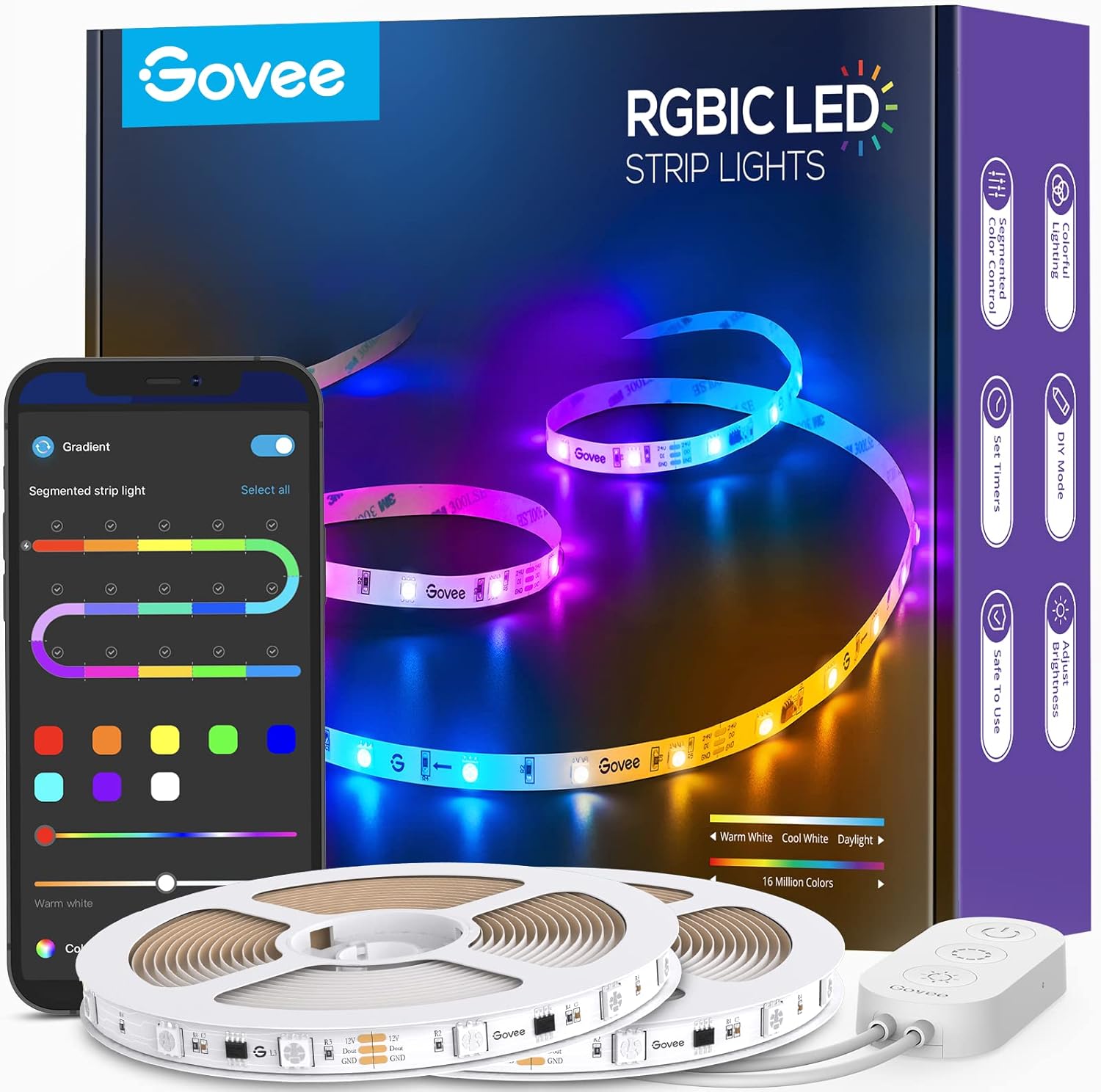
Govee 65.6ft RGBIC LED Strip Lights, Color Changing LED S...

Govee Smart Wi-Fi RGBIC LED Strip Lights & Light Bars, Dr...
As an Amazon Associate we earn from qualifying purchases.
Official Manufacturer Manual
Govee provides official product documentation through their online manual rather than downloadable PDF. Access setup guides, troubleshooting steps, and product specifications for your Govee LED Strip Light.
Source: govee.com
Need More Help? Govee Support
Note: The contact information below connects you directly to Govee's official customer support team, not Trunetto. They can help with warranty claims, device replacements, and advanced technical issues.
How Does Govee Compare?
Before replacing your Govee device, see how it stacks up against alternatives in our full comparison guides.
Accessories owners commonly pair with Govee LED Strip Light.
As an Amazon Associate we earn from qualifying purchases.